
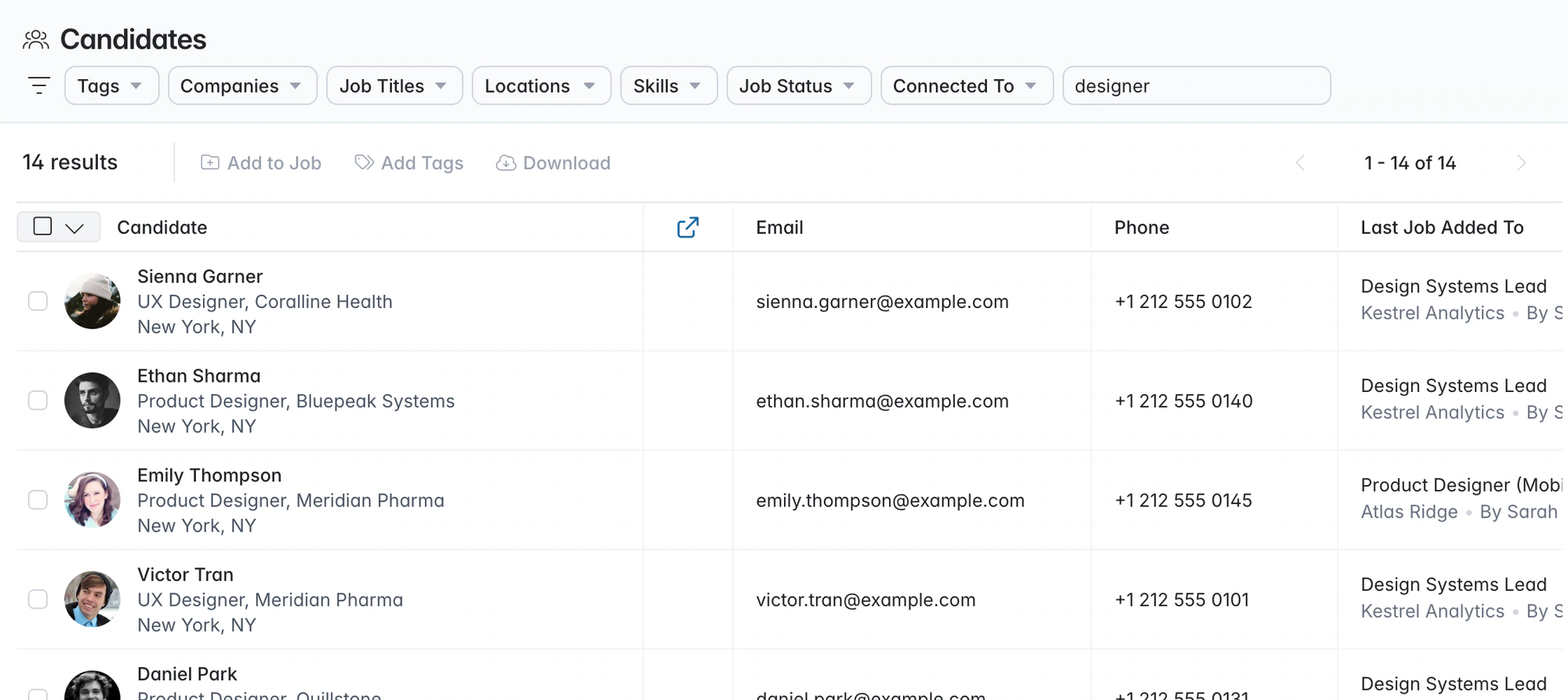
Candidate sourcing software. Shortlists from people you already know.
Longlist searches your agency’s candidate history, saves new profiles from the browser and collects applicants, so a new brief starts with names you can call today.
Free data migration 14-day free trial
Good company. Great recruiting teams.





Begin with people you’ve screened, interviewed or placed.
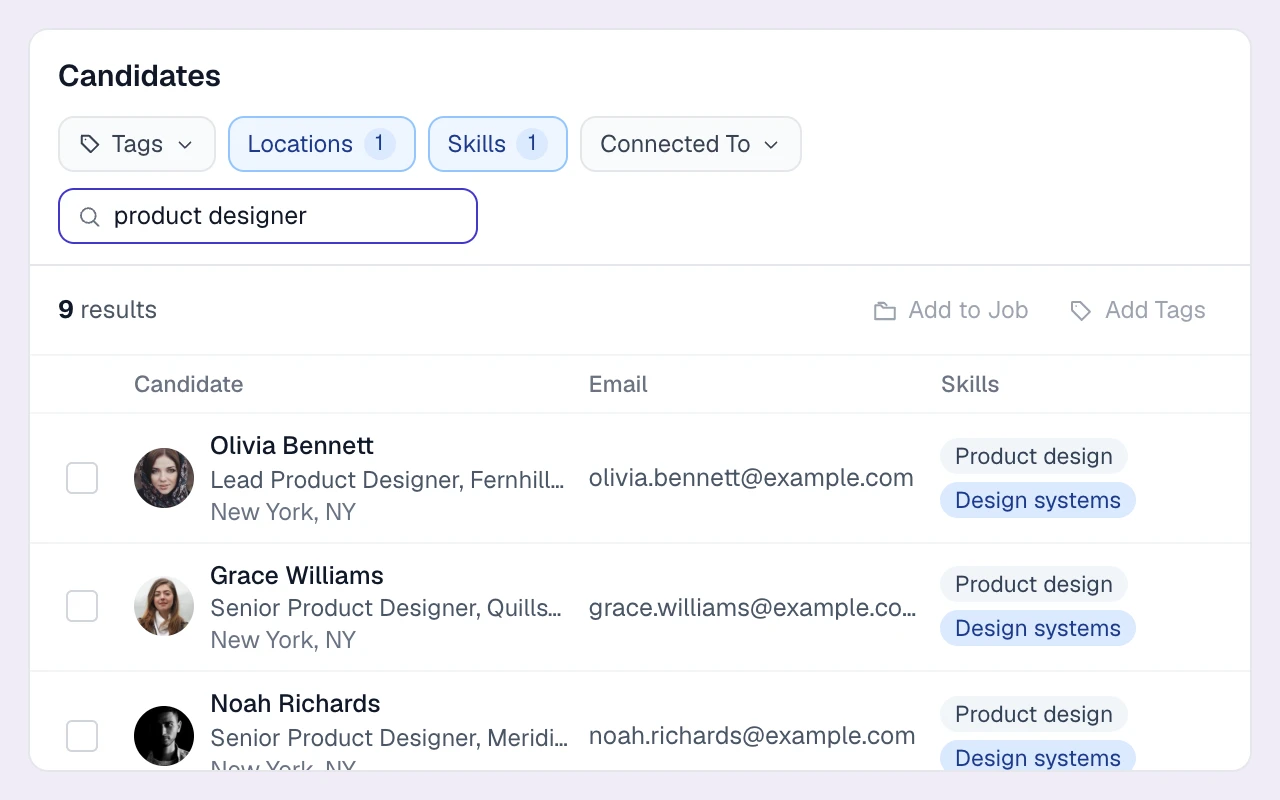
Search your own records first, use the browser extension to add new prospects, and bring applicants into the same database.
A sourcing example: finance manager
| Step | Recruiter’s action | What to inspect |
|---|---|---|
Start with the brief | Search relevant titles, manufacturing experience and location | Essential requirements versus useful preferences. |
Rediscover people | Narrow by skills, tags and past pipeline activity | Previous conversations and why an earlier role did not fit. |
Add research | Capture relevant profiles with the browser extension | The profile, available contact details and existing-record match. |
Qualify the shortlist | Confirm interest, expectations and availability | A reasoned recommendation against the client brief. |
Start a conversation | Personalize the first approach and schedule follow-ups | Replies and the next action on the candidate record. |
PUT IT INTO PRACTICE
From a new brief to a promising shortlist.
Find the right people and turn the shortlist into conversations.
- 01
Search the database you already own
Search by title, company, skills or keywords to rediscover people already in your database.
- 02
Narrow it with filters
Narrow the list by location radius, tags, skills, stage or teammate connections.
- 03
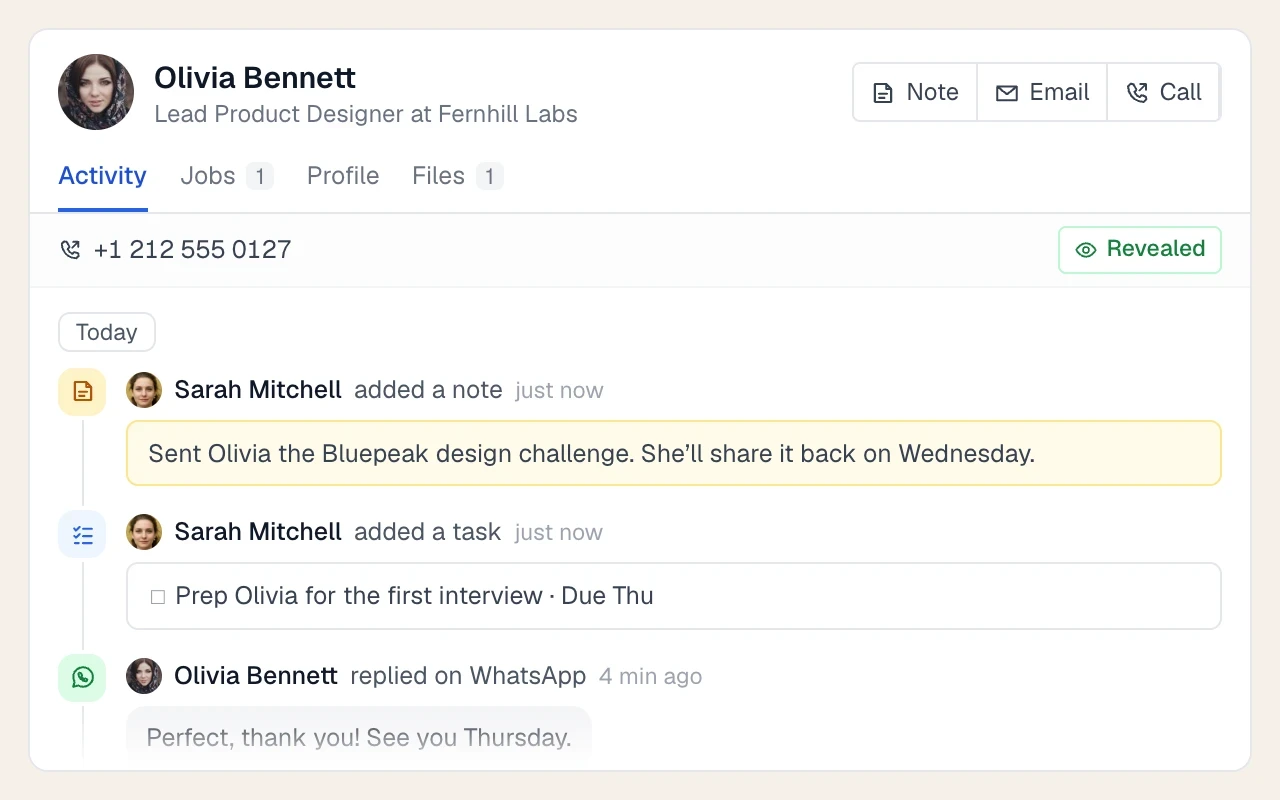
Read the history before you reach out
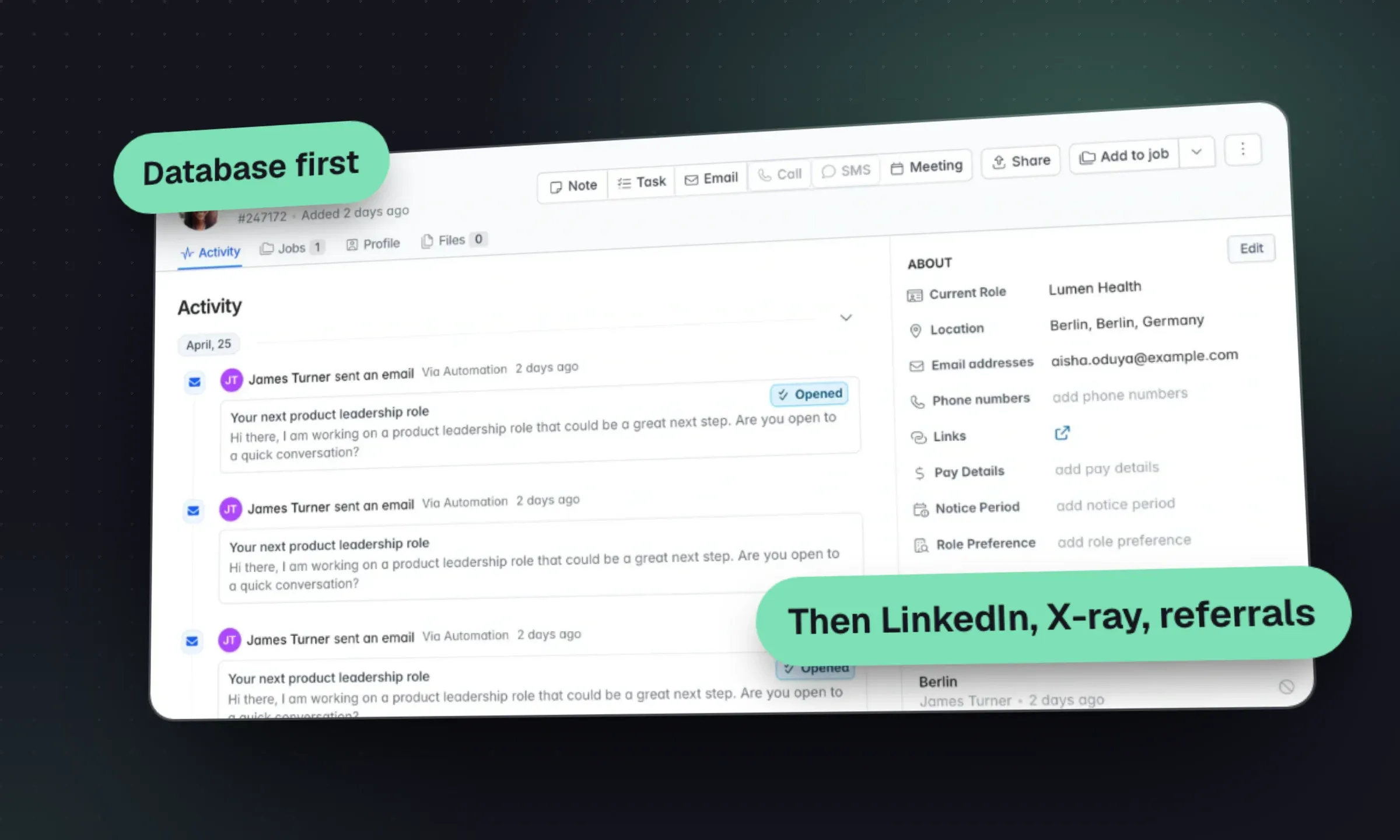
Review previous conversations and jobs before making your approach.
- 04
Bring new people into the search
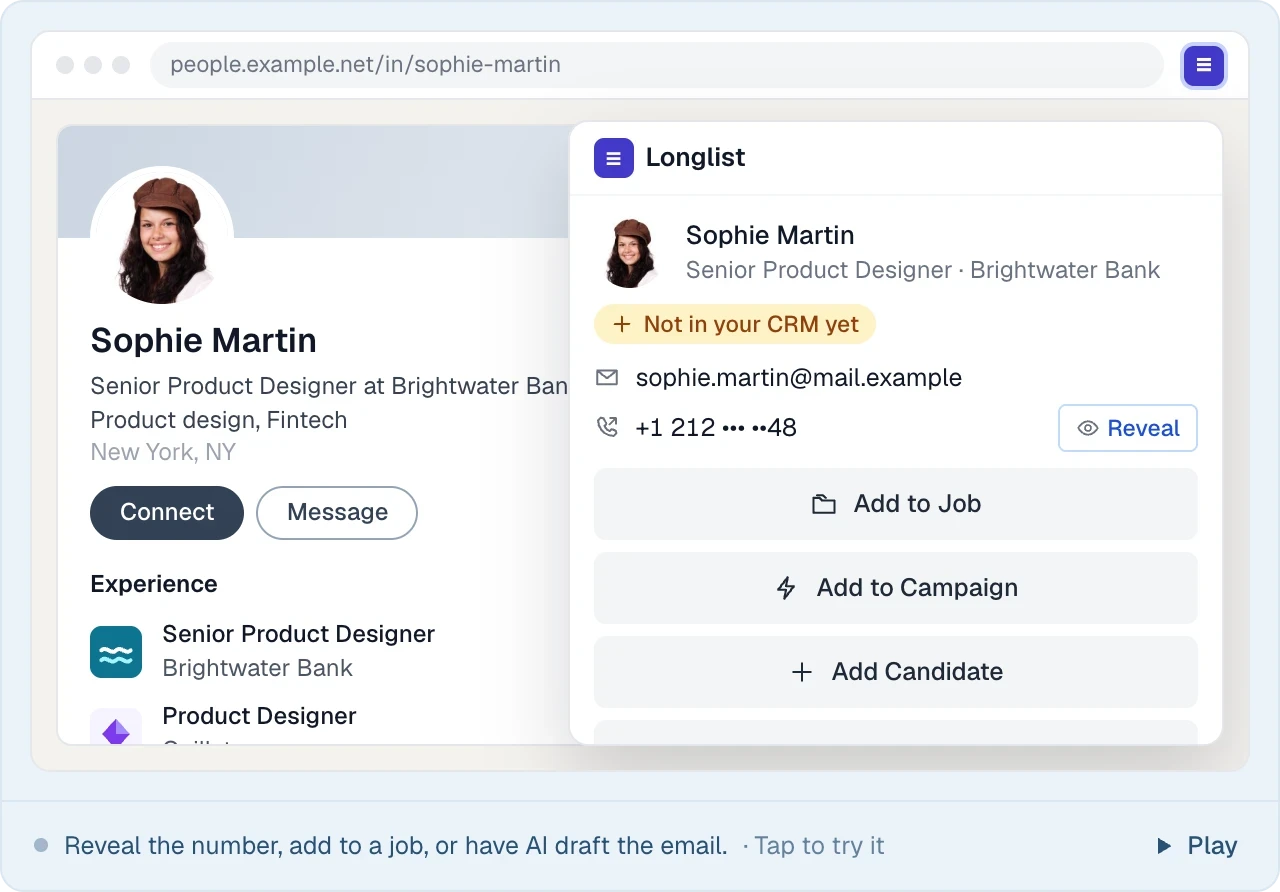
Use the browser extension to check supported profiles, find contact details and save new candidates.
- 05
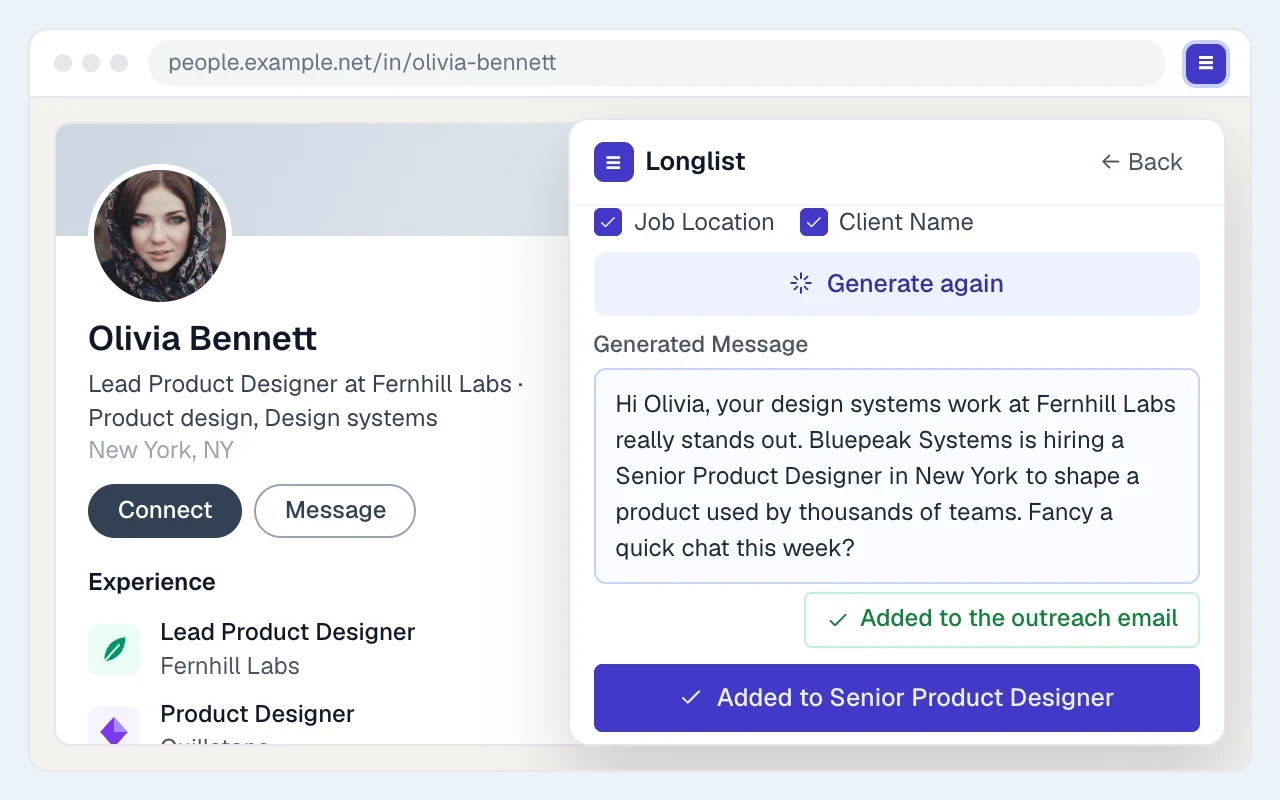
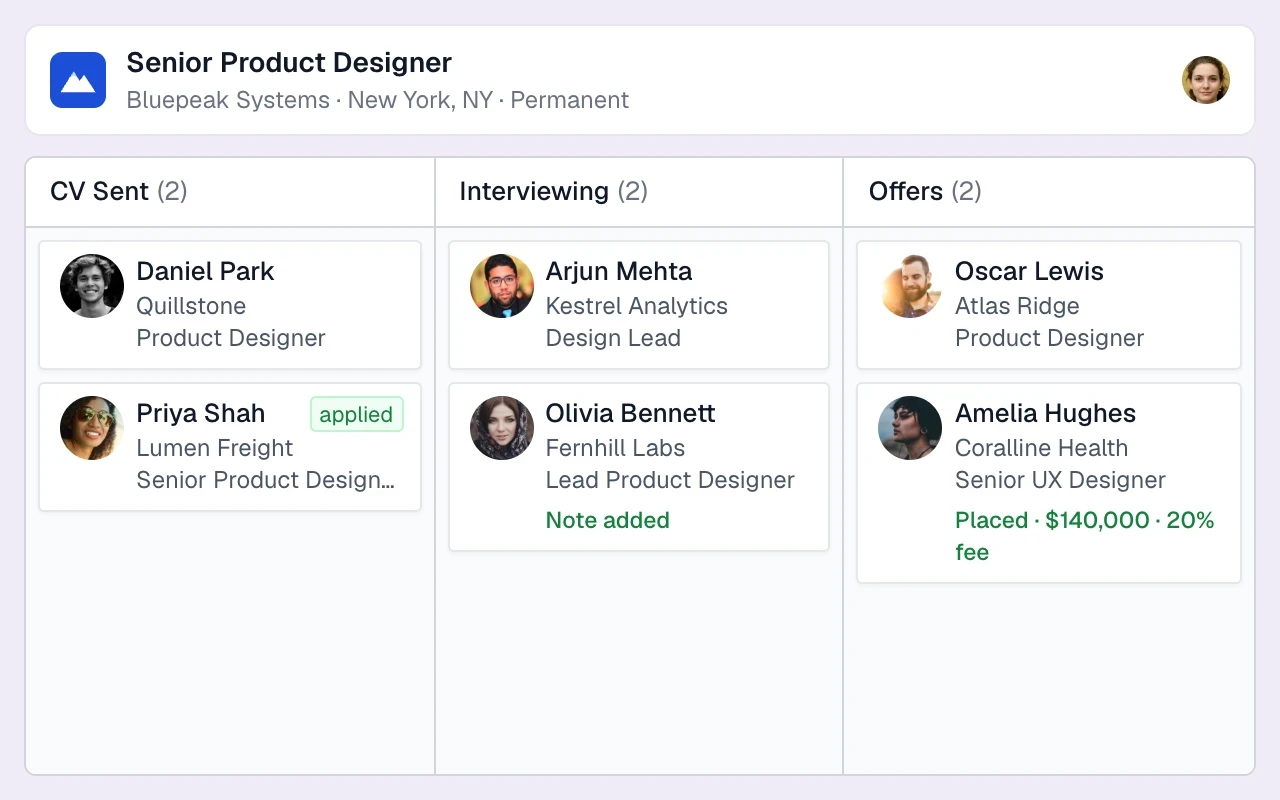
Shortlist them on the job
Add promising people to the job and move them through the pipeline as conversations progress.
- 06
Start the outreach sequence
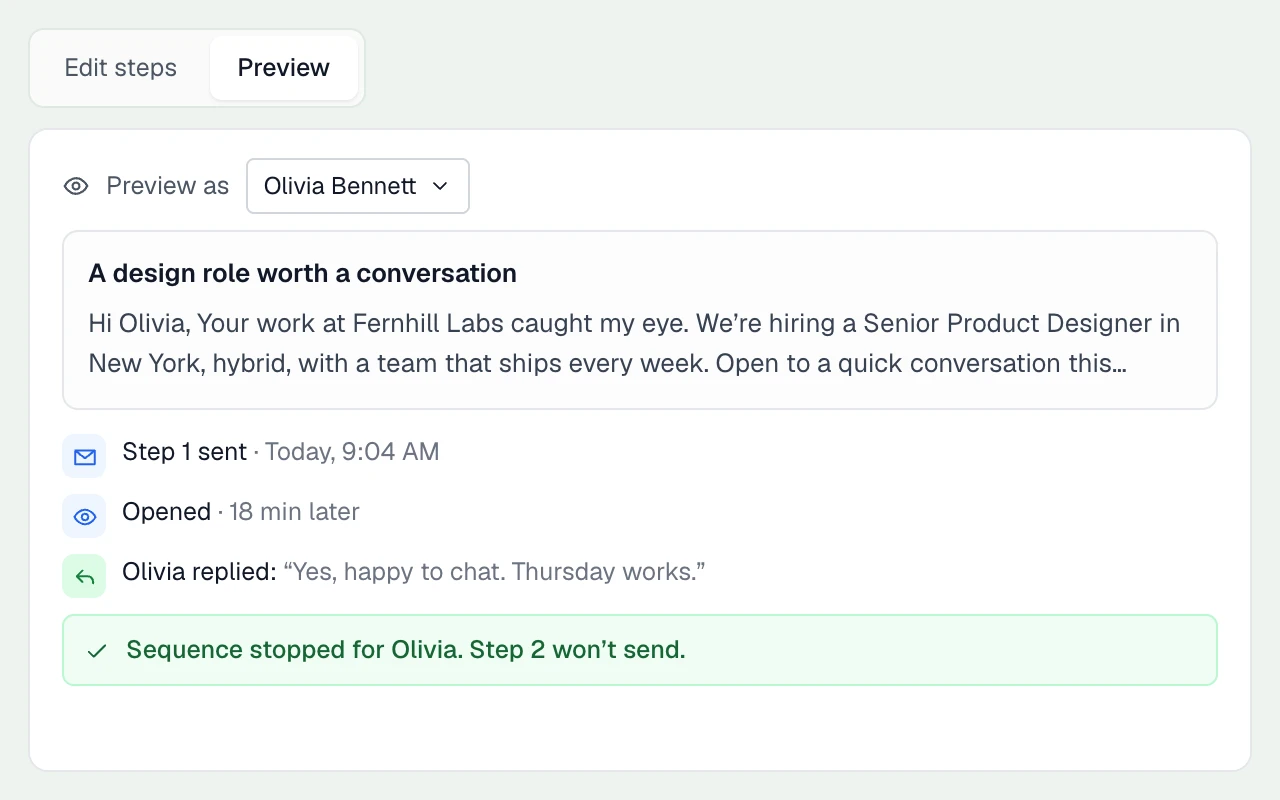
Start a personalised email sequence from your mailbox, with follow-ups that stop on reply.
From an online profile to your CRM
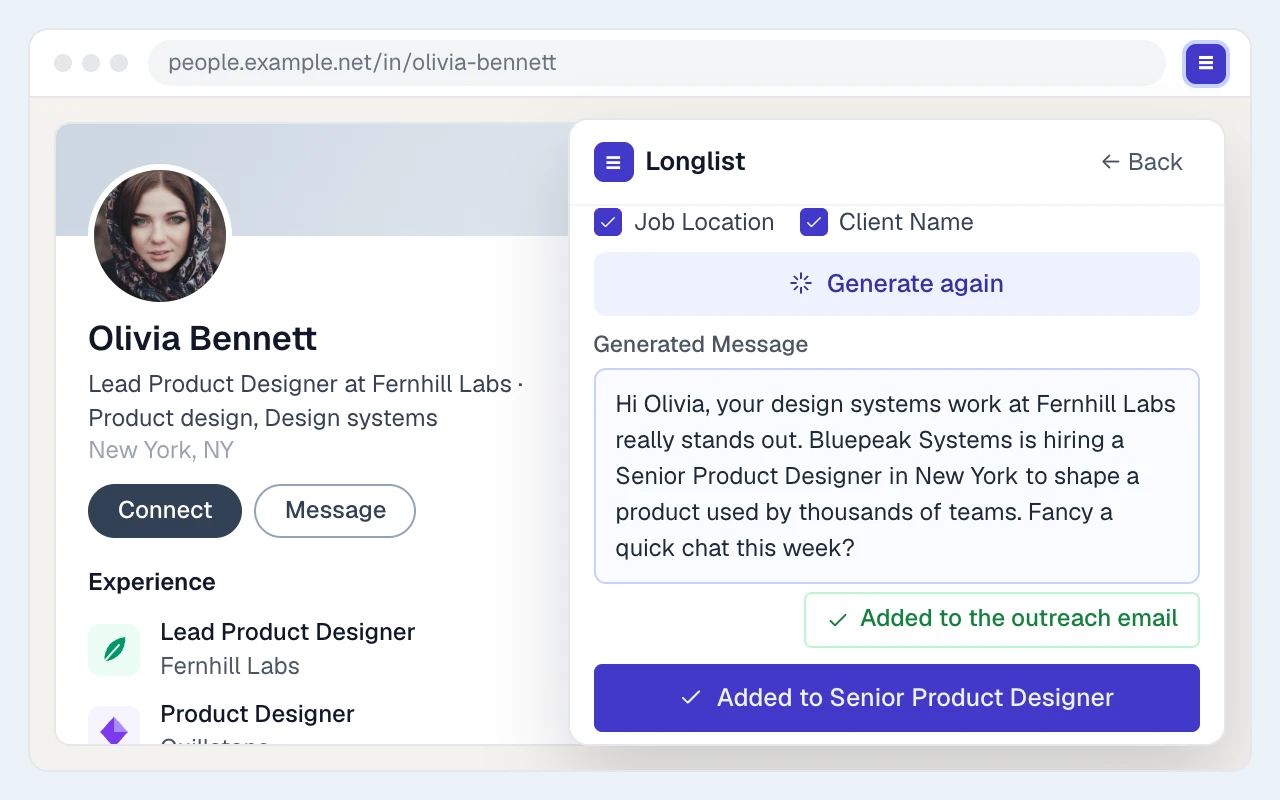
On supported profile pages, the extension checks for an existing record, finds available contact details and lets you add the person to a job or campaign. Available actions vary by site.
Let active candidates come to you
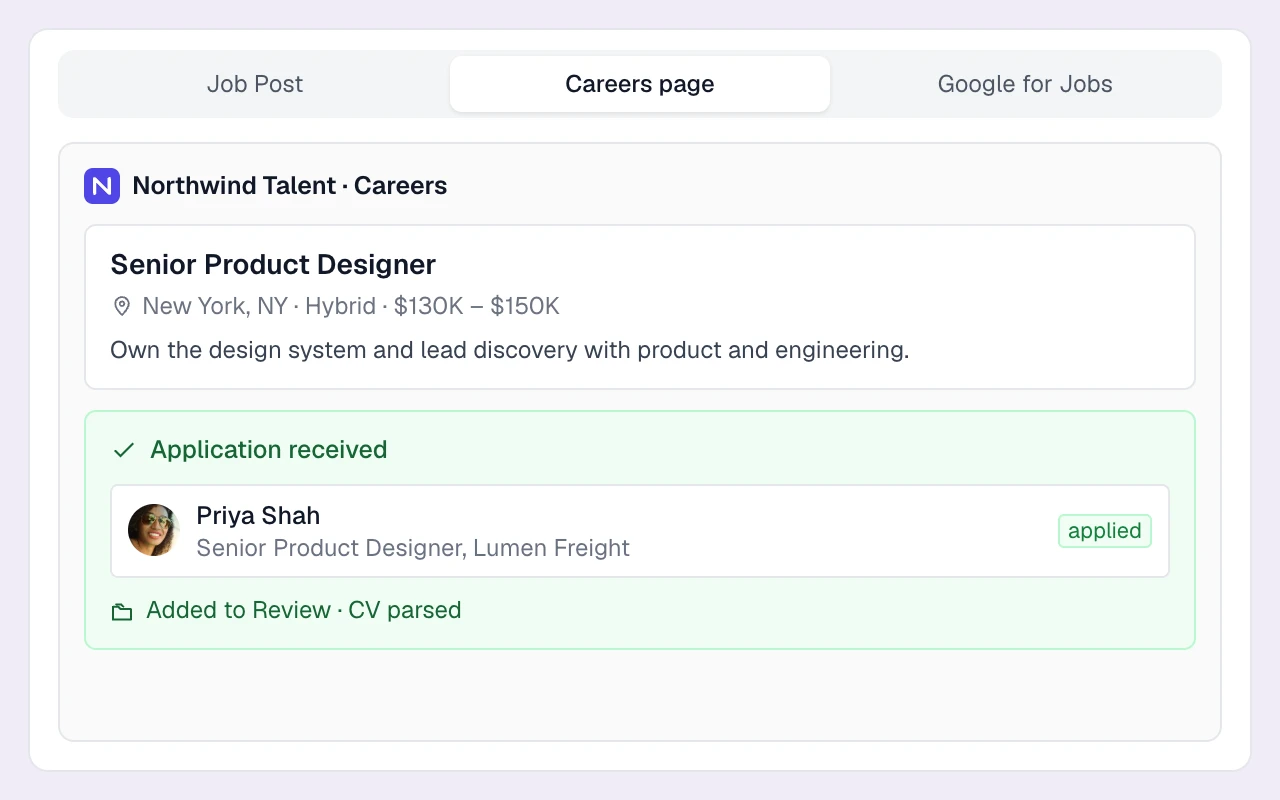
Your branded careers page collects applications while you source. CVs are parsed automatically, applicants enter Review and the recruiter gets an email alert. Use your job’s apply-by-email address to collect Indeed applications too.
Email sequences from your own mailbox
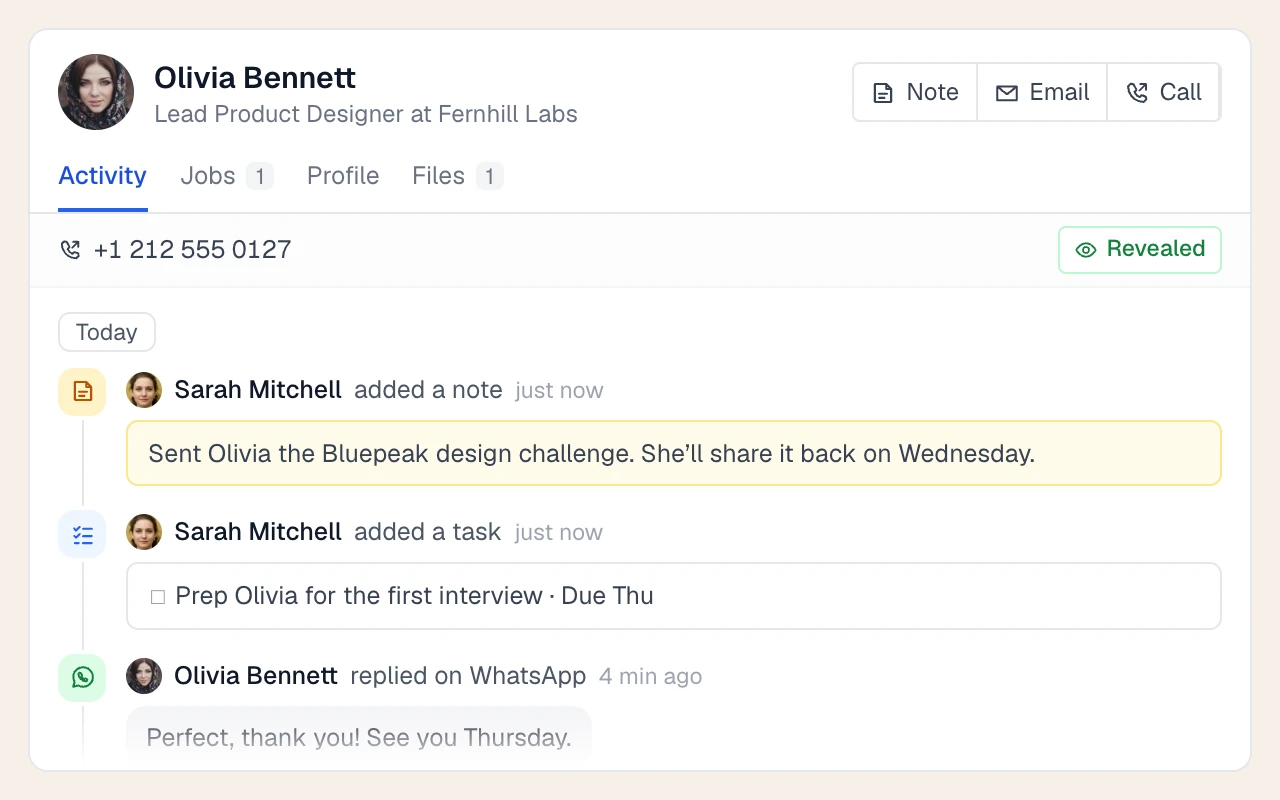
Send email sequences from your own mailbox. Choose follow-up delays and sending windows; replies stop the sequence. Calls, social outreach and messages become tasks for you to complete.
THE DETAILS MAKE THE DIFFERENCE
The rest of the sourcing toolkit
Tags and tag groups
Tag candidates by sector, seniority or availability and reuse tag templates across the team.
Talent pools as campaigns
Keep a "Finance contractors" or "Silver medallists" pool as a Candidates or Nurture campaign with its own stages.
GDPR consent requests
Send consent emails, track allowed, denied and expiring statuses, and filter searches by consent.
Bulk CV upload
Drop in up to 50 PDF or Word CVs per batch and follow progress as they parse into records.
Applicant alerts
Get an email when someone applies, plus a daily note of automated follow-ups going out.
Export lists
Export a candidate list to Excel (.xlsx) or CSV when a client or partner needs it.
Tasks and reminders
Call, social outreach and follow-up tasks with due dates and reminder emails, so warm leads don't go cold.
Calling, SMS and WhatsApp
On the Plus plan, click to call plus two-way SMS and WhatsApp from the candidate record. See calling, SMS & WhatsApp.
One record per person
Duplicate checks match extension saves, CVs and applications to one record.
Pricing that doesn't need a sourcing budget line
Sourcing, resume parsing and email sequences are included on Growth, from $47/user/month billed annually. Plus adds calling and messaging. Data migration is free. Compare plans.
Your database as a sourcing channel
Your own history adds context to a name: past interviews, preferences and feedback from assignments. Combine that knowledge with the external research tools your market needs. Read the agency sourcing guide.
How do we build a stronger candidate network?
Bring together existing candidate records, new applications and sourced profiles. Use the extension to capture relevant people and contact details on supported profile pages.
How do recruiters search the database?
Combine keywords with structured filters for skills, titles, location, tags and pipeline history, then read the candidate’s record before reaching out.
Where do candidate emails and phone numbers come from?
From parsed CVs, applications and contact-provider lookups on supported profiles through the browser extension.
Can I post jobs to external job boards from Longlist?
Publish to your careers page and Careerjet feed, with Google for Jobs eligibility. Paid boards are posted separately; Indeed applications can be collected by email.
Can you move our existing candidate database into Longlist?
Yes. Our team migrates candidates, contacts and CVs for free, with duplicate checks during import.
From the blog
Sourcing guides for agency recruiters
Candidate Sourcing: A Recruitment Agency Playbook
Turn a brief into a search plan, choose candidate channels and qualify a shortlist with a clear reason for each person.
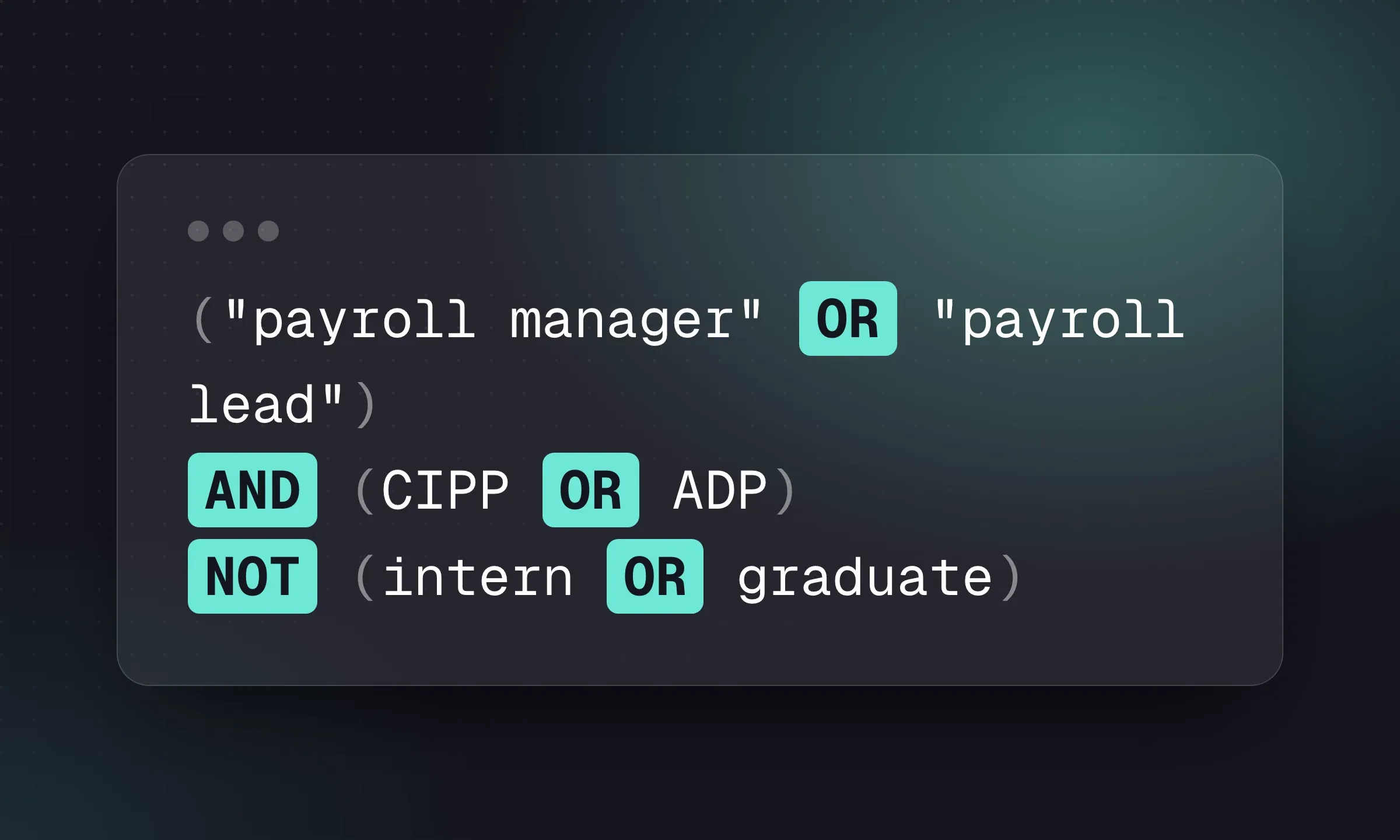
Boolean Search for Recruiters: 12 Copyable Strings
Copy a role-specific search, then adapt AND, OR, quotes and exclusions to the platform you use.
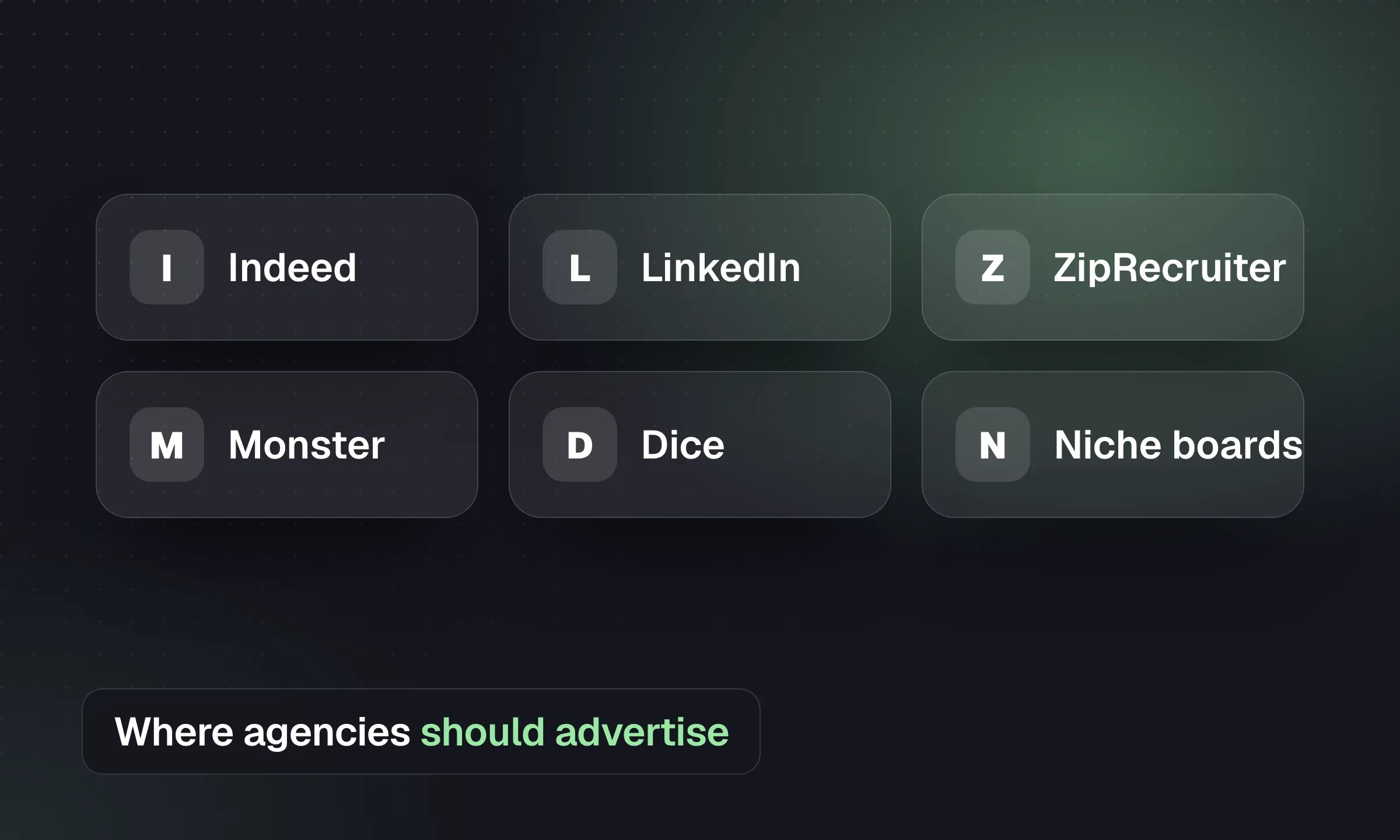
Best Job Boards for Recruitment Agencies
Choose boards by role and geography, check agency eligibility and measure cost per qualified applicant and placement.
YOUR NEXT CHAPTER STARTS HERE
Less admin.
More “you got the job.”
Let’s walk through a better working day for your agency.