
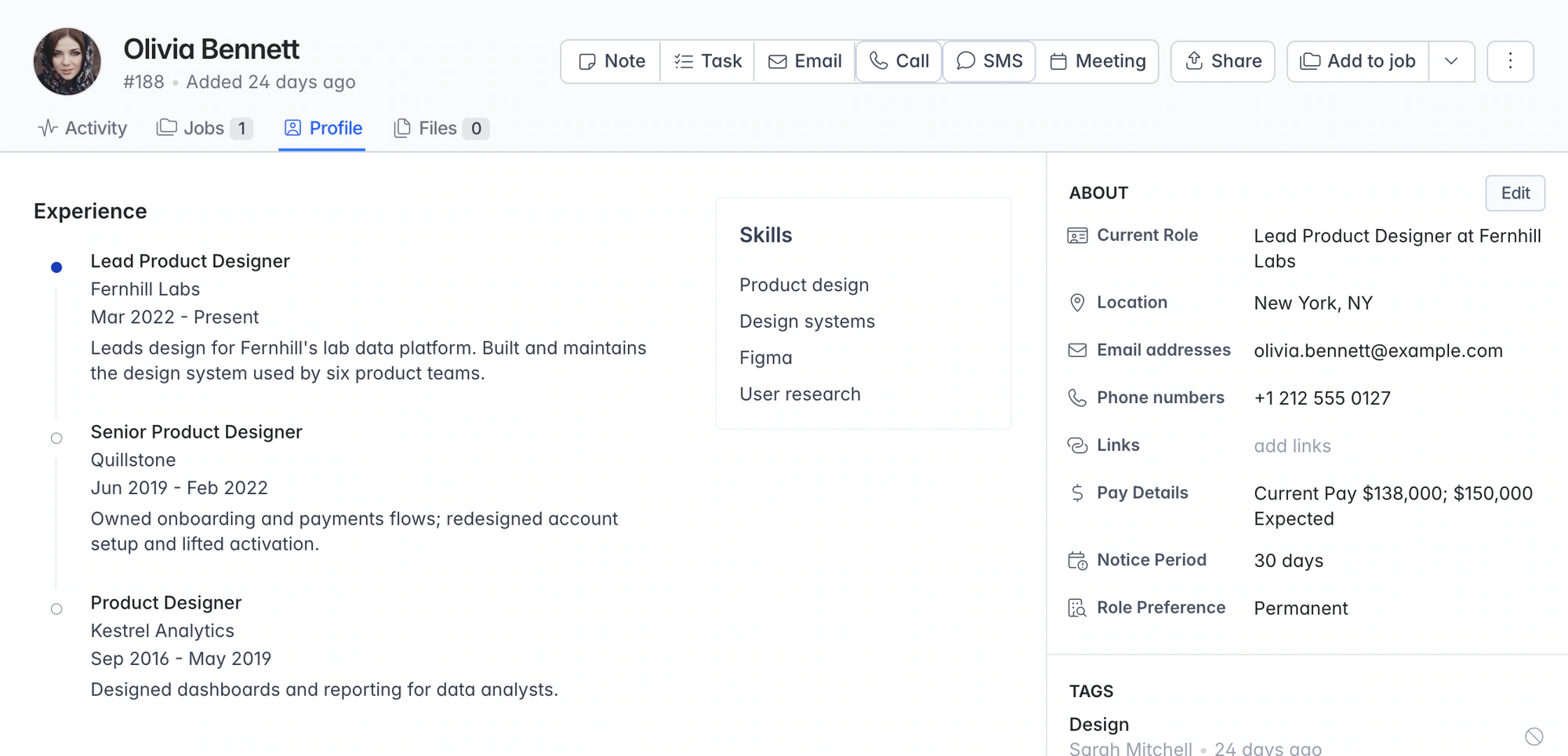
Recruitment database software. CVs parsed and deduplicated on upload.
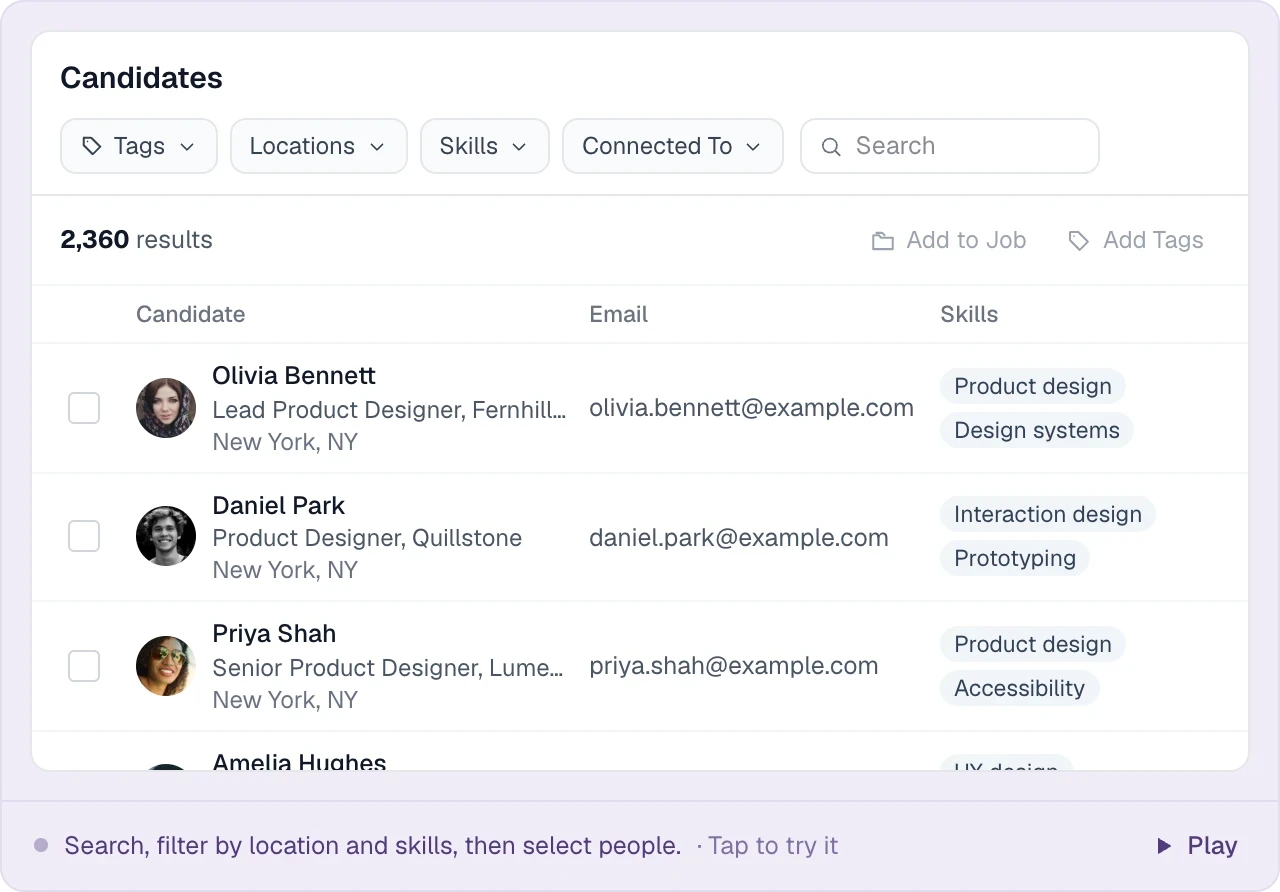
Longlist turns CVs, applications, sourced profiles and spreadsheets into a shared candidate database. Search by keyword and filters, read each person’s history and add them to a job.
Free data migration 14-day free trial
Good company. Great recruiting teams.





CVs, contact details and history on one record
Uploaded resumes, applications and sourced profiles become candidate records the whole team can search.
From a CV folder to a working relationship
| Information | Where it comes from | How the recruiter uses it |
|---|---|---|
Contact and career details | CV parsing, applications and sourced profiles | Search and inspect a candidate record. |
Original CV | The uploaded or submitted file | Check the evidence and prepare the right version for a client. |
Preferences and availability | Your latest candidate conversation | Choose relevant opportunities and follow-ups. |
Tags and segments | The team’s agreed organization | Build reusable pools for your market. |
Relationship history | Emails, notes, assignments and activity | Pick up where your agency left off. |
PUT IT INTO PRACTICE
How a CV becomes a searchable candidate record
The same flow works for one CV or a folder of fifty.
- 01
Add CVs from anywhere
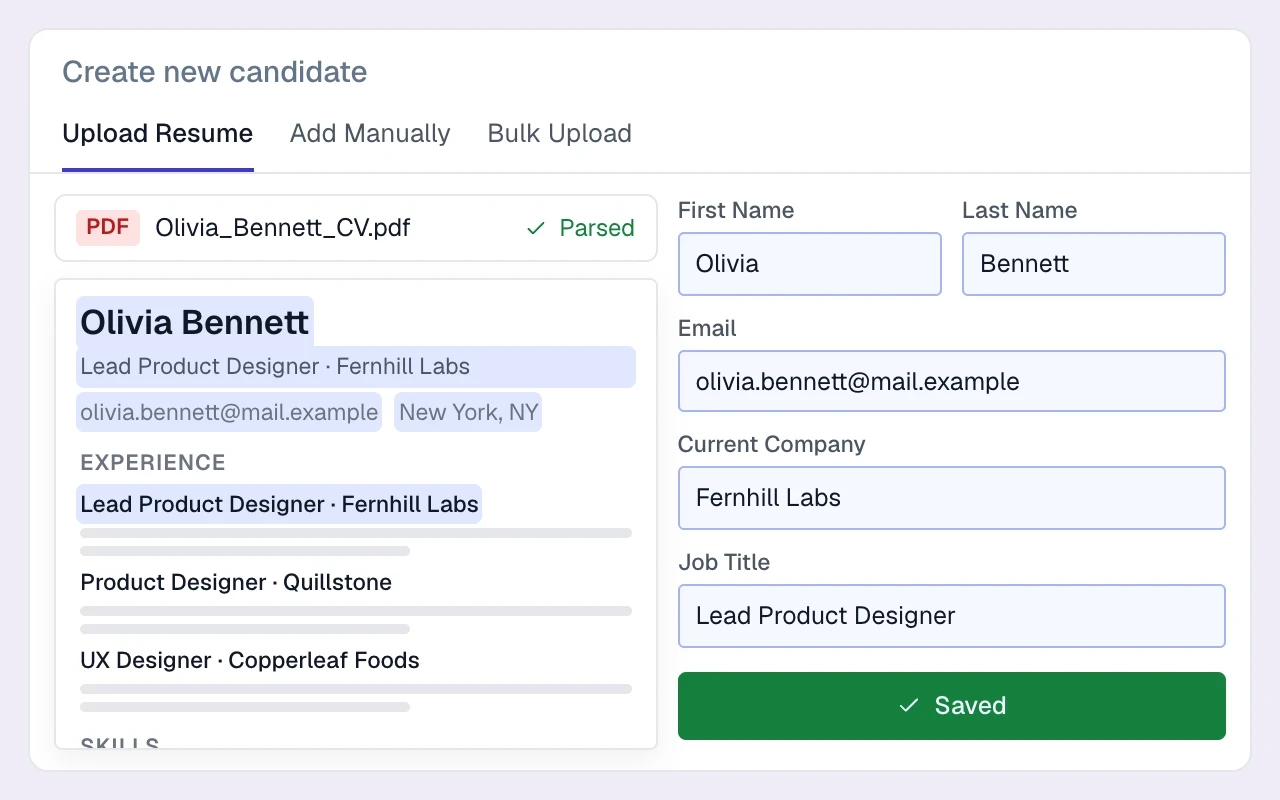
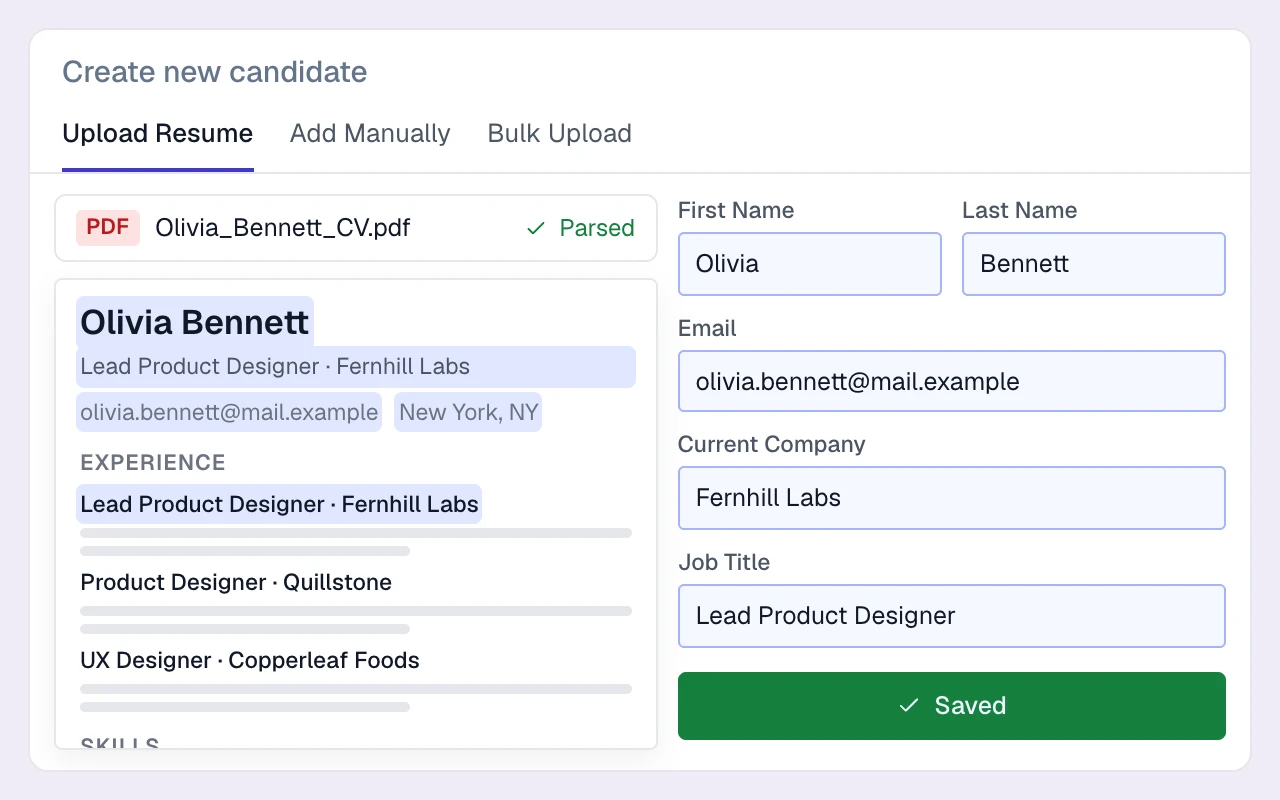
Upload PDF or Word CVs, capture a supported profile with the extension, or receive applications through your careers page.
- 02
The parser fills in the profile
The resume parser extracts contact details, experience, education and skills. Parsing is included on every plan.
- 03
Duplicates are caught on the way in
Email addresses and profile URLs are checked for matches. Import results distinguish new records, updates and failures.
- 04
Tag it, shortlist it, move on
Tag candidates or add them to a job, individually or in bulk. Their original CV stays attached.
LESS FRICTION. MORE MOMENTUM.
Search, history and outreach from the candidate record
Search, outreach and job pipelines all work from the same record.
01
Search with keywords and real filters
Combine keywords with filters for skills, titles, companies, location radius, tags, stage and teammate connections.
02
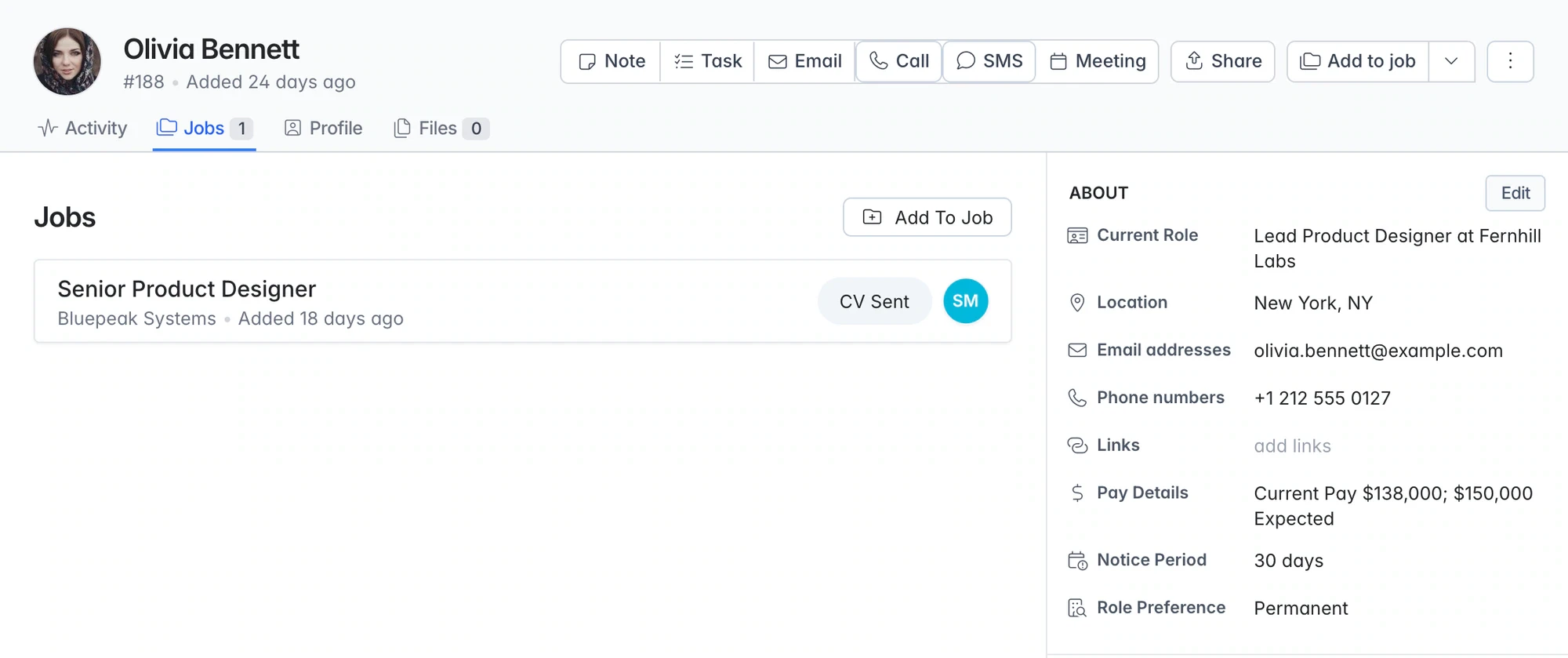
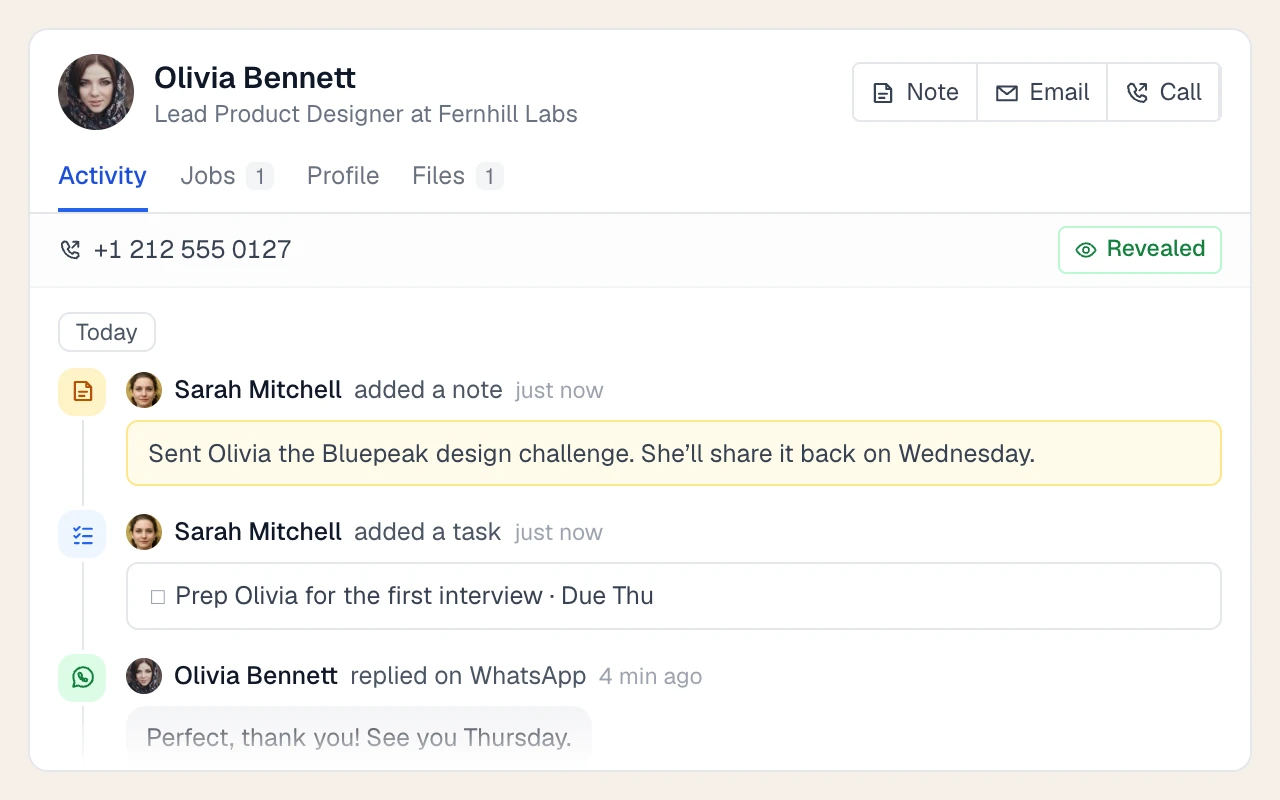
Full history on every profile
See previous emails, calls, notes, files and job activity before starting the next conversation.
03
Parsing that keeps the database complete
Parsed CVs fill searchable fields, making useful candidates easier to rediscover.
04
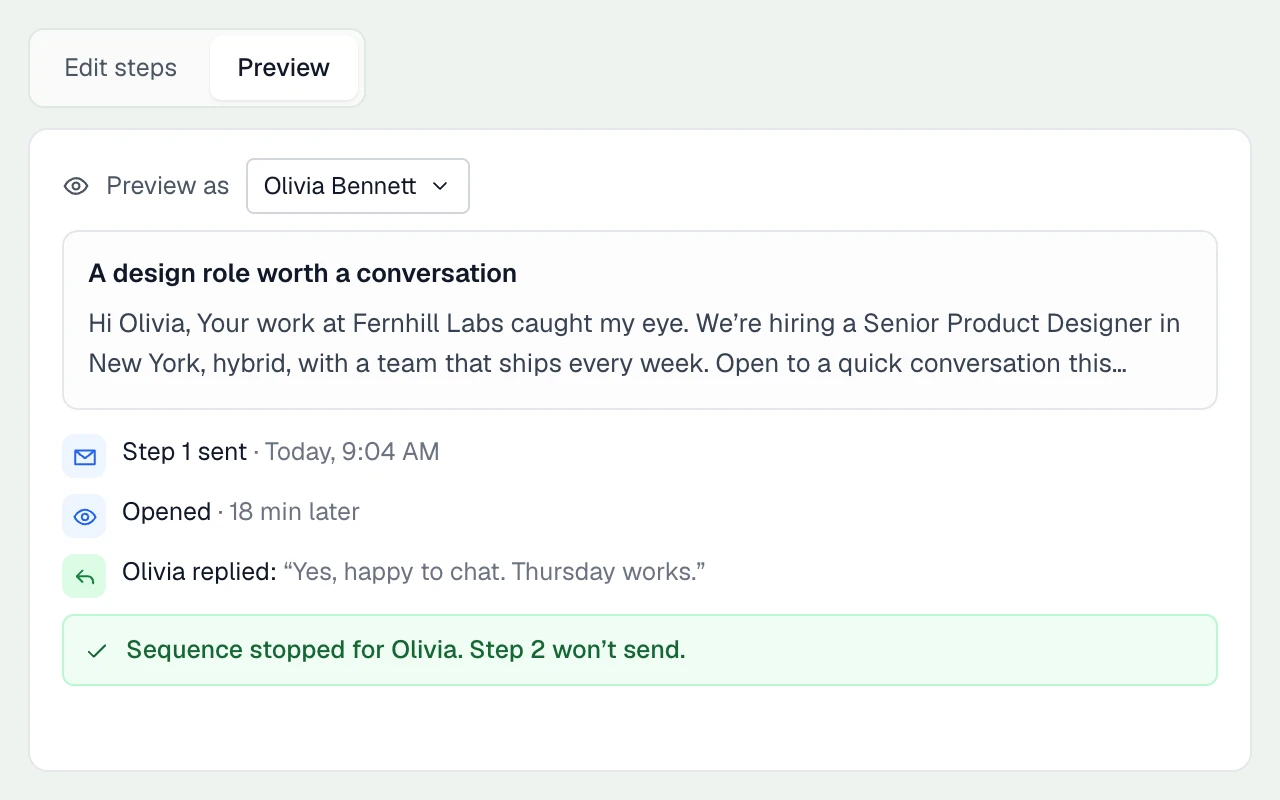
Turn a search into outreach
Add a shortlist to a job and start an email sequence. Replies stop the follow-ups.
THE DETAILS MAKE THE DIFFERENCE
What your recruitment database stores
Fixed, recruiter-friendly fields that the parser and your team fill in, plus tags for everything else.
Contact details
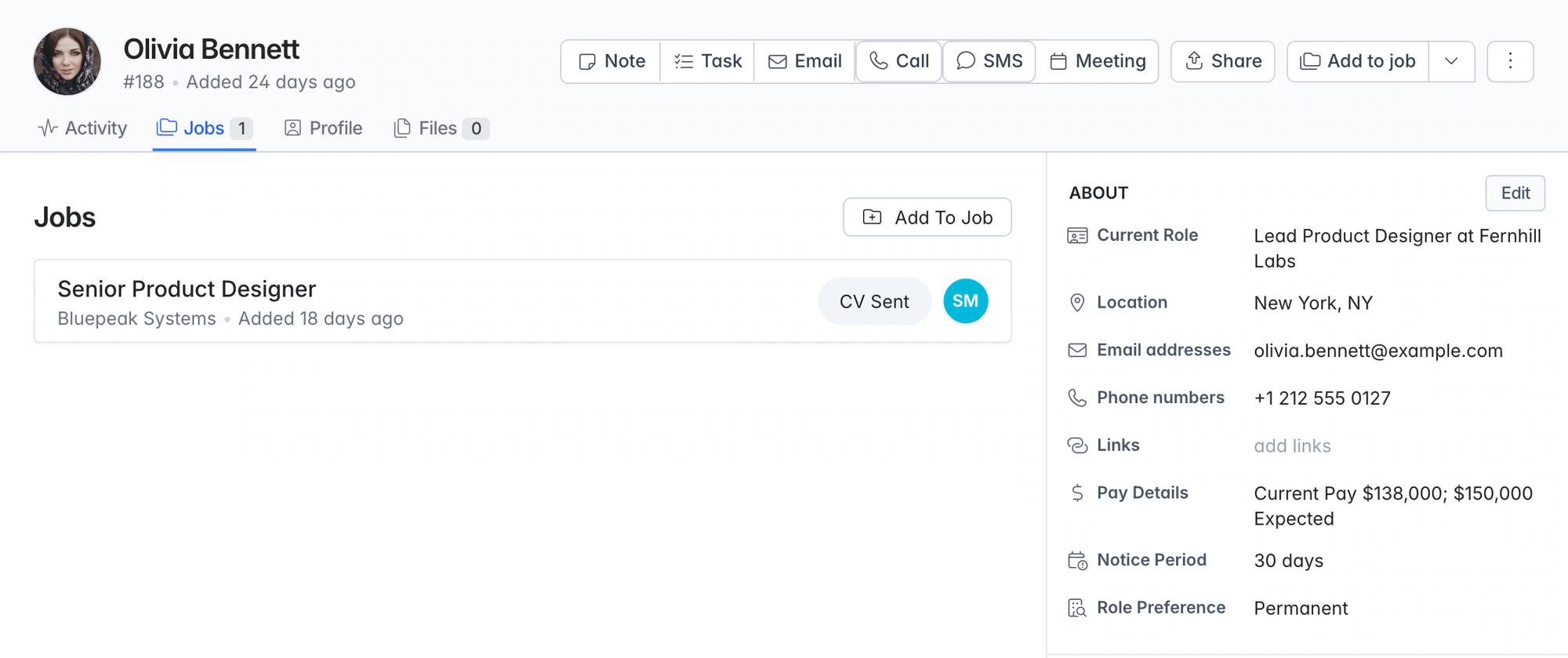
Name, multiple personal and work emails and phone numbers, LinkedIn and other links, photo and address.
Career history
Work history with dates and descriptions, education, skills and a profile summary.
Placement essentials
Current and expected salary, notice period (and whether they are serving it), and perm, contract or remote preference.
Tags and tag groups
Group tags into templates such as sector, seniority or availability so the whole team tags candidates the same way.
Documents
Original CVs and other files stay on the profile, alongside any branded CV packs you've generated.
Campaigns
Keep talent pools and nurture lists as campaigns with their own stages, separate from live job pipelines.
GDPR consent
Send a consent request email and track requested, allowed, denied, expiring soon and expired statuses per candidate.
One shared database
One database per agency, shared by everyone on the account, with owner, admin and member roles.
Export
Export a candidate list to Excel (.xlsx) or CSV whenever you need it outside Longlist.
Duplicate checks and consent status
New CVs are matched against existing email addresses and profile URLs. Review import results, update candidate details and filter by consent status before outreach. Consent can expire automatically; record retention and deletion remain under your team’s control.
Resume management, without the folders
Keep the original CV attached to a searchable profile. When the right job comes along, add the candidate to the pipeline or create a branded CV pack for the client.
Bring across the context as well as the contact list
A useful migration links people to their companies, documents and history. Start with a representative sample, agree the mapping and open the results together before cutover. Use the migration checklist.
How do recruiters search the database?
Combine keywords with structured filters for skills, titles, location, tags and pipeline history, then read the candidate’s record before reaching out.
Can you move our existing CVs and spreadsheets into Longlist?
Yes. Our team imports candidate and contact exports, CV folders and data from your current CRM for free.
How do we manage candidate consent and retention?
Use consent requests, status filters, consent expiry and record deletion as part of your agency’s data process. Set retention rules appropriate to your work and review the data policy.
How do we organize candidates for our market?
Use recruiting fields together with searchable tags and tag groups for details such as sector, seniority and availability. Keep naming consistent so the whole team can reuse the segments.
Can the whole team search the same database?
Yes. Your agency shares one database, with shared history and duplicate checks. The connected-to filter shows which teammate has worked with a candidate.
From the blog
Make your database your best source
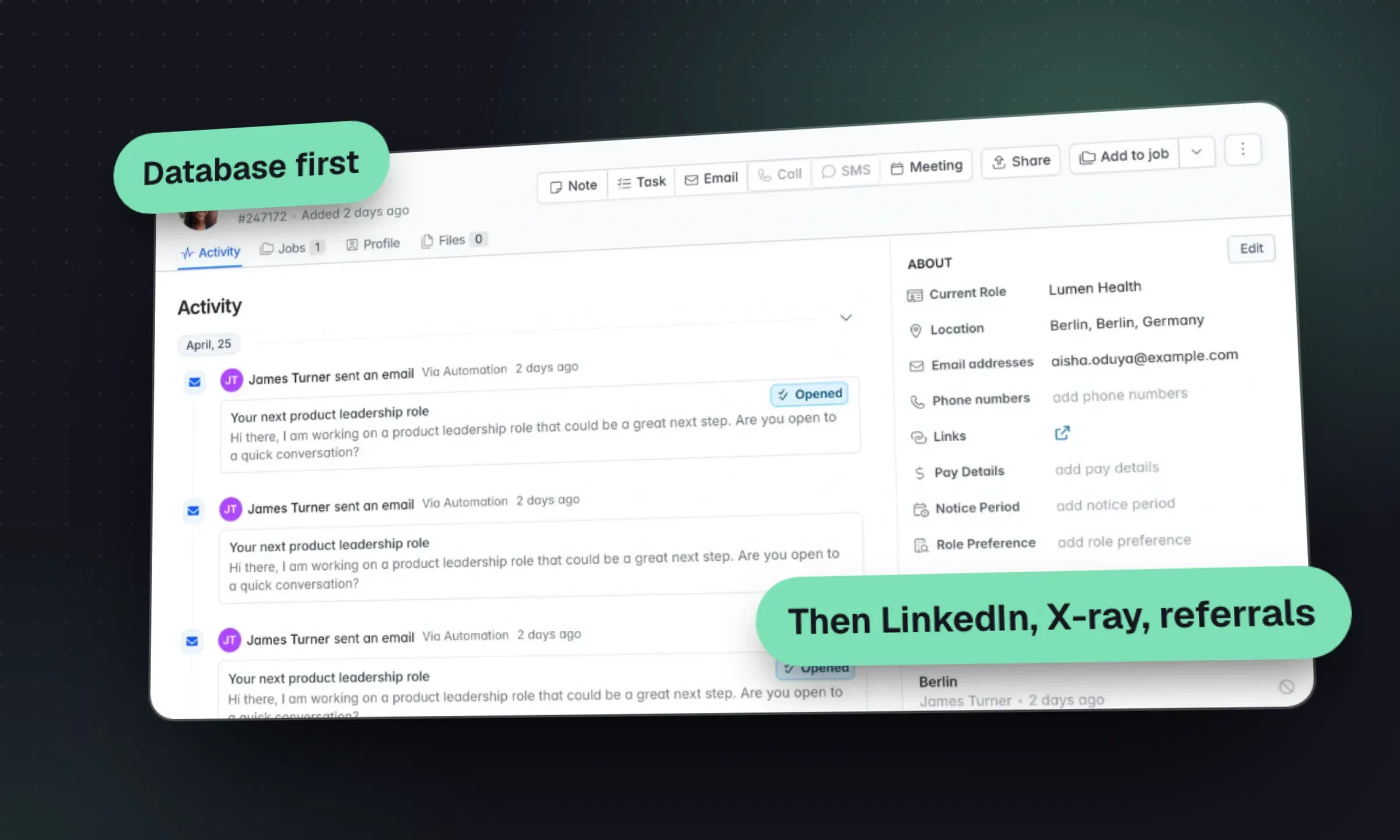
Candidate Sourcing: A Recruitment Agency Playbook
Turn a brief into a search plan, choose candidate channels and qualify a shortlist with a clear reason for each person.
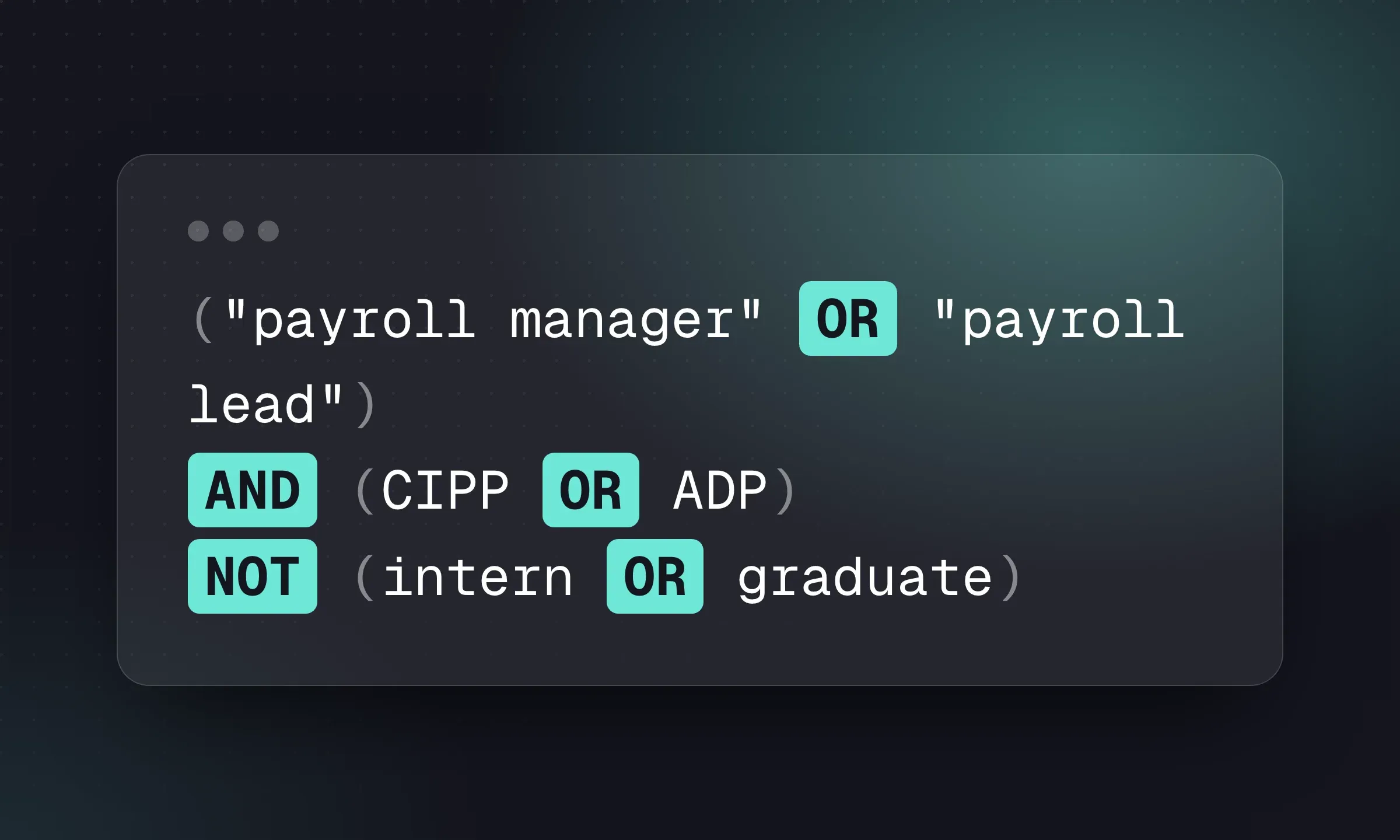
Boolean Search for Recruiters: 12 Copyable Strings
Copy a role-specific search, then adapt AND, OR, quotes and exclusions to the platform you use.
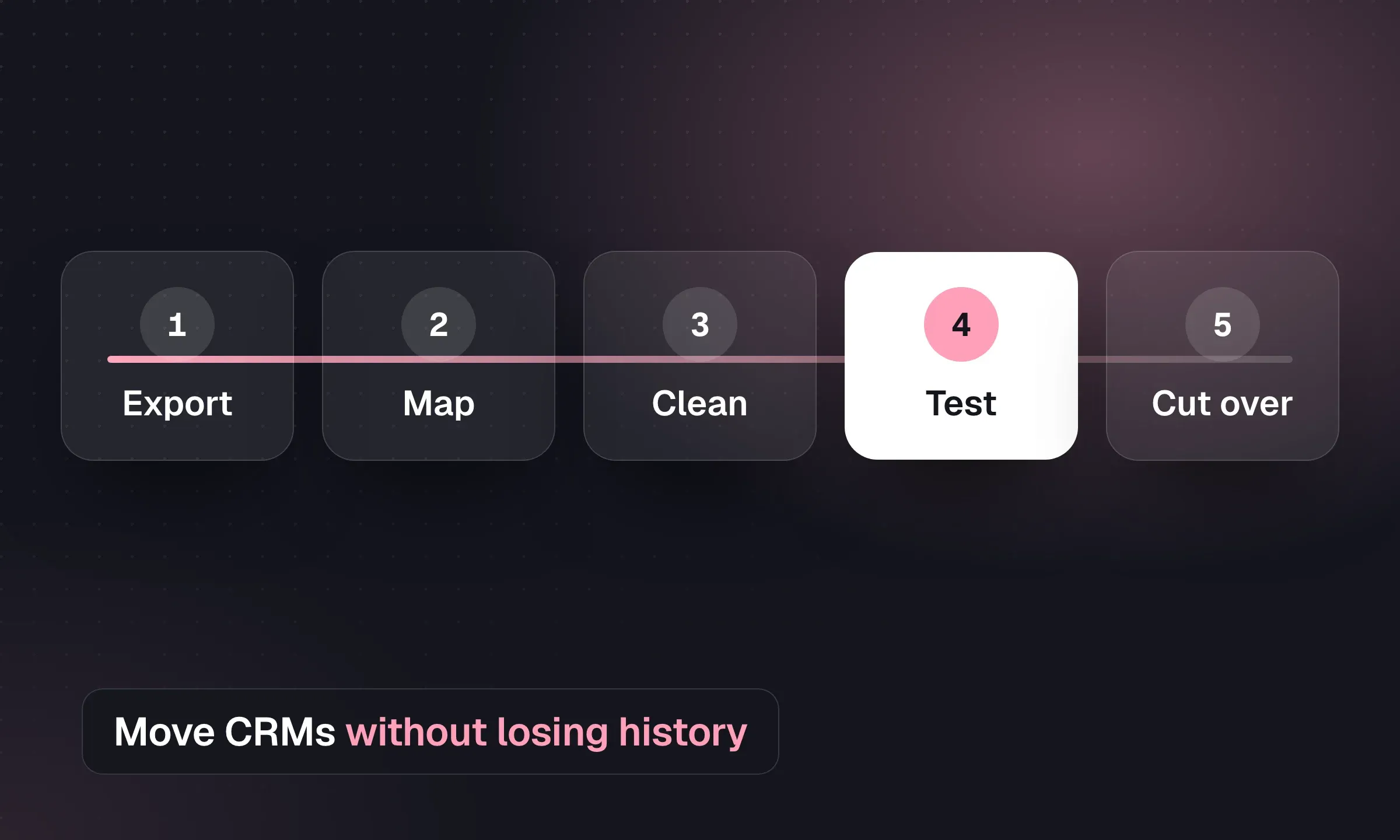
Recruitment CRM Migration: An Agency Checklist
Map records, reconcile CVs and test a pilot before switching systems, with a downloadable migration checklist.
YOUR NEXT CHAPTER STARTS HERE
Less admin.
More “you got the job.”
Let’s walk through a better working day for your agency.