
01
A deal board for client development.
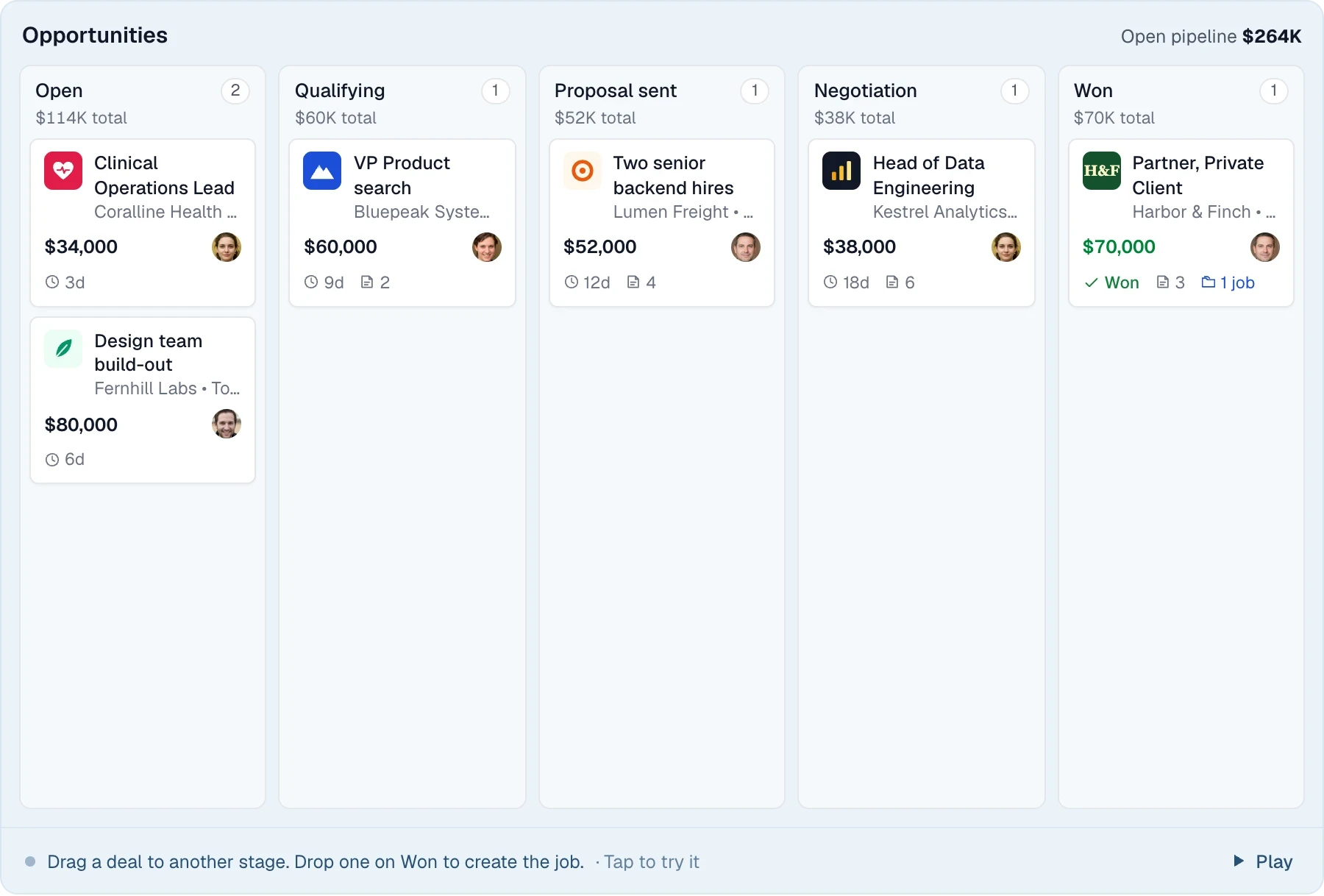
Track each opportunity from Open to Won, with a value, perm or contract type and linked candidates.
Bullhorn's $99 and $165 plans are an ATS; the sales pipeline and resume formatting arrive at quote-only Pro. Longlist puts the client deal board, email sequences and branded CV packs on Growth.
Free data migration 14-day free trial
YOUR NEXT CHAPTER







Perm, contract and search agencies that want business development, outreach and client-ready CVs at a published seat price usually fit Longlist better. Staffing firms that pay temps through Bullhorn, rely on VMS feeds or need hundreds of marketplace partners should stay with Bullhorn. The trade-off is scope against cost. Bullhorn covers the back office, and Longlist covers the front office at a known price.
We compared the features an agency desk uses daily against Bullhorn's pricing pages and knowledge base, checked October 16, 2026. Bullhorn doesn't publish whether its prices are billed monthly or annually.
Scroll across to compare every detail
| Feature | Recommended |  |
|---|---|---|
| Published per-user price | $47 to $79 Growth and Plus, annual or monthly billing | $99 / $165 Starter and Core. Pro and Max are quote-only. |
| Free trial | Yes 14 days, no card | No Demos only, per Bullhorn's pricing FAQ |
| BD sales pipeline | Yes Opportunities board and BD campaigns | Pro and above Starter and Core list client management only |
| Multi-step email outreach | Yes Sequences from your mailbox that stop on reply | Max Starter lists mass mailing; multi-step AI outreach is on Max |
| Branded CV formatting | Yes CV packs with a cover page | Pro and above AI resume formatting |
| Resume parsing and careers page | Yes Plus Google for Jobs and a Careerjet feed | Yes Parsing and a career portal from Starter |
| Calling and SMS | Plus Browser calling, SMS and WhatsApp | Front Office Enterprise Native SMS there; AI call transcription on Pro |
| Timesheets, pay and bill | No Bill and pay rates on placements; payroll stays in your back office | Yes Bullhorn One, quote-based |
| VMS and partner integrations | No A limited API, on request | Yes 110+ VMS integrations; 300+ marketplace partners from Core |
| Full data backup | On request CSV exports, or a full export from our team | SQL Server file Delivered by SFTP after a signed request; chargeable mid-contract |
| Book Demo |
| Choose Longlist if | Stay with Bullhorn if |
|---|---|
You want a BD deal board, sequences and CV formatting without negotiating a Pro quote. | You pay temps and contractors through Bullhorn One's timesheets, invoicing and pay and bill. |
You'd like to try the product for 14 days before speaking to sales. | Clients send requirements through VMS platforms and your team relies on Bullhorn's VMS integrations. |
Recruiters call, text and WhatsApp candidates from the record on one subscription (Plus). | Your workflows depend on marketplace partners or custom fields and workflows built on Core. |
Your back office already runs on a separate payroll or accounting provider. | You plan to use Bullhorn's agentic AI for screening, matching and outreach on Pro or Max. |
A CLOSER LOOK AT LONGLIST
Bullhorn lists the sales pipeline and resume formatting from Pro, and multi-step outreach on Max. Longlist includes all three on its entry plan.
Track each opportunity from Open to Won, with a value, perm or contract type and linked candidates.
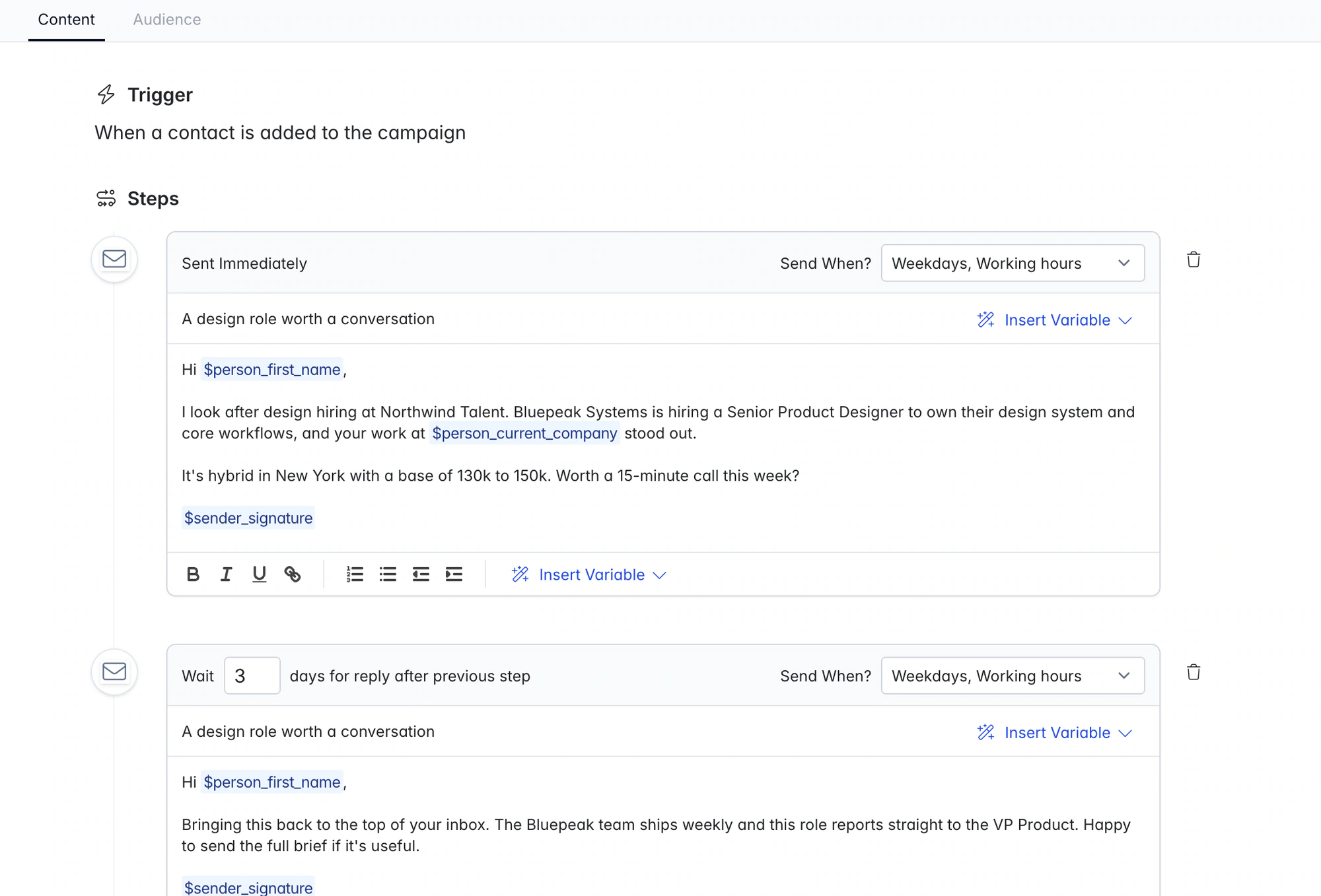
Email steps go out on schedule, with call and LinkedIn tasks in between.
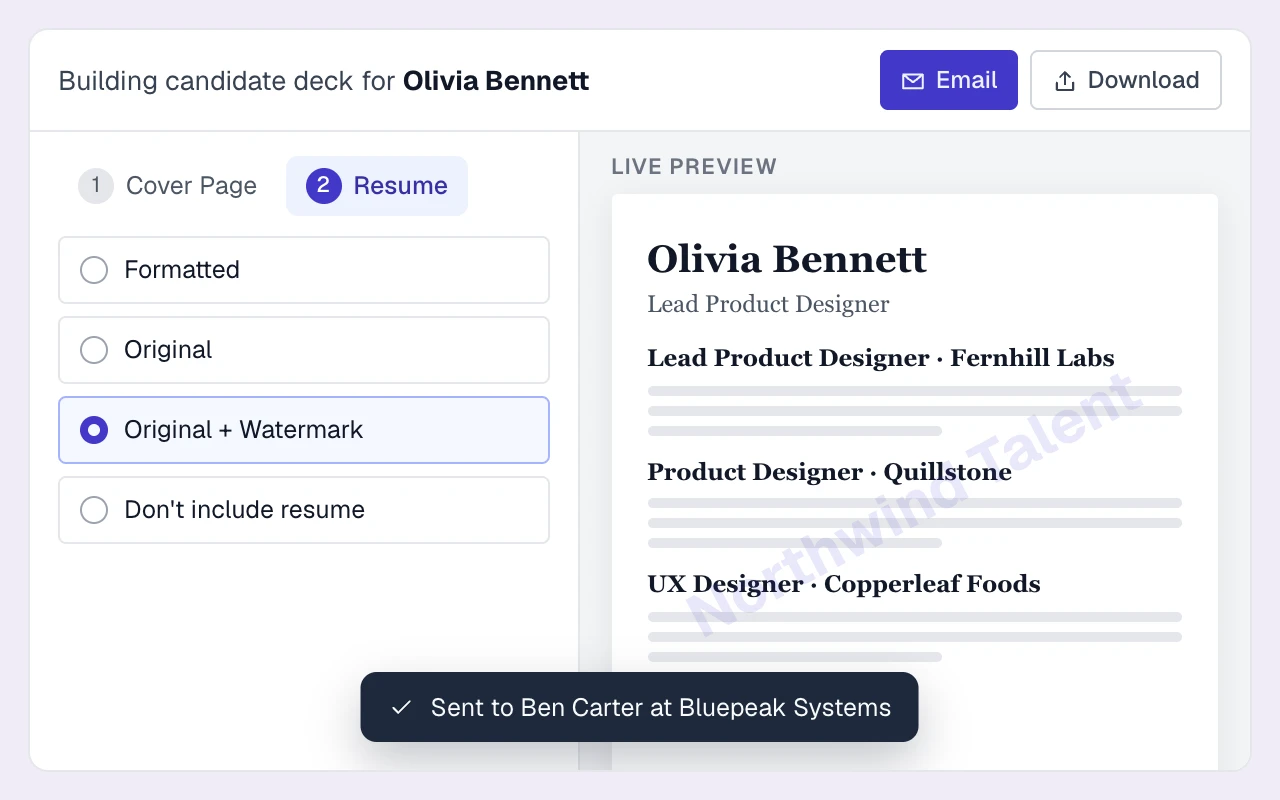
Pick the summary fields, add your recommendation and email the PDF to the client.
THE DETAILS MAKE THE DIFFERENCE
Reviewers describe slow, ticket-based support and account management. Longlist includes 24x6 support on Growth and priority support on Plus.
Reviewers say partner integrations and add-ons push up the total. Longlist's parsing, sequences, CV packs and careers page are part of Growth.
Reviewers mention slow screens and awkward reports. Longlist reports CVs sent, interviews, offers and calls by recruiter and client, and exports candidate lists to Excel or CSV.
Bullhorn publishes two of its seat prices; Pro, Max and the Front Office editions are quoted per agency. Longlist figures are USD per user per month.
| Software | Starting price | What to know |
|---|---|---|
| Longlist Growth | From $47 annual / $59 monthly | USD per user/month. CRM, ATS, parsing, sequences, CV packs and migration support. See pricing. |
| Longlist Plus | $65 annual / $79 monthly | USD per user/month. Plus includes calling, messaging and custom dashboards alongside the CRM and ATS. See pricing. |
| Bullhorn Starter | $99 | USD per user/month. ATS, parsing, client management and a career portal. Billing term not published. |
| Bullhorn Core | $165 | Adds the app marketplace, custom fields and workflows, and LinkedIn RSC. Billing term not published. |
| Bullhorn Pro | Quote-based | Adds the sales pipeline, AI search and AI resume formatting. |
Sources, verified October 2026: Bullhorn [1], [2].
Currencies, billing terms and plan scope are shown separately; confirm the current terms with each provider.
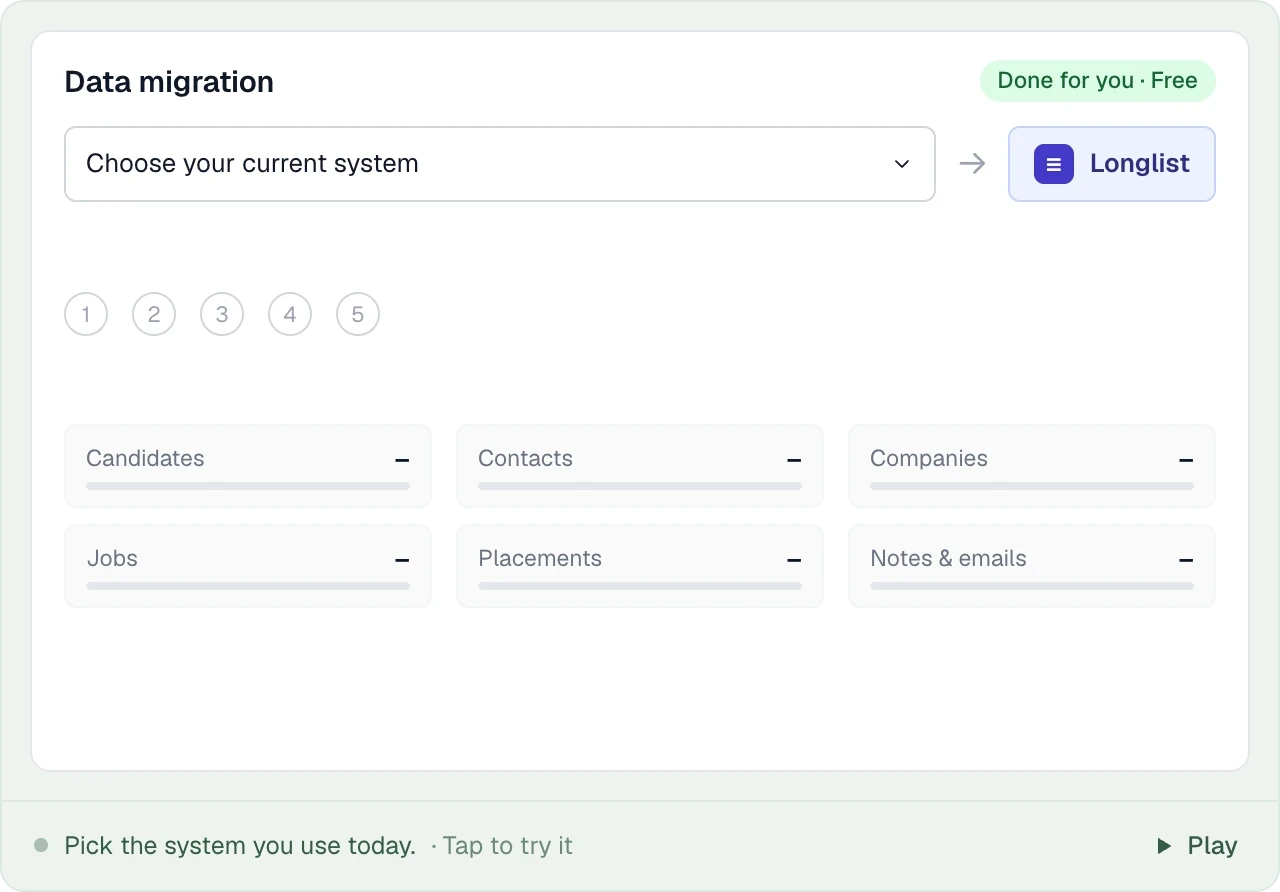
Send us your Bullhorn export and our team maps and imports your candidates, contacts, companies, jobs, placements, notes and files, then checks it with you before you go live. Migration is free.
PUT IT INTO PRACTICE
Our team handles the migration for free. Bullhorn's own export rules decide what you need to request and when.
List-view CSV exports in Bullhorn are capped at 5,000 to 20,000 records, so ask for the full backup instead. Bullhorn sends it as a Microsoft SQL Server file over SFTP after you sign its request form.
A full backup with attachments is chargeable mid-contract and produced automatically when your contract ends. Bullhorn says it may not keep your data past 60 days after that, so download it promptly.
We map candidates, client contacts, companies, jobs, placements, notes and CV attachments from the backup tables, parse the CVs and check for duplicates.
Rebuild any Bullhorn automations as Longlist sequences, keep timesheet and payroll history with your back-office provider, and connect each recruiter's inbox so new email syncs from day one.
Bullhorn Starter is $99 and Core is $165 per user/month in USD. Pro, Max and the Front Office editions are quote-only, and Bullhorn doesn't say whether the published prices are billed monthly or annually.
Growth is $59/user/month billed monthly, or $47/user/month billed annually. Plus is $79 monthly or $65 annually. Prices are USD and exclude applicable taxes. See plans.
No. Bullhorn's pricing FAQ says it doesn't currently offer a free trial and offers demos instead. Longlist has a 14-day free trial with no card required.
Ask Bullhorn for a full backup, delivered as a SQL Server file over SFTP. You can request one backup every 30 days; mid-contract full backups with attachments are chargeable. Send it to us and we handle the import.
No. Longlist records bill and pay rates on contract placements, but timesheets, invoicing and payroll stay with your back-office provider.
From the blog
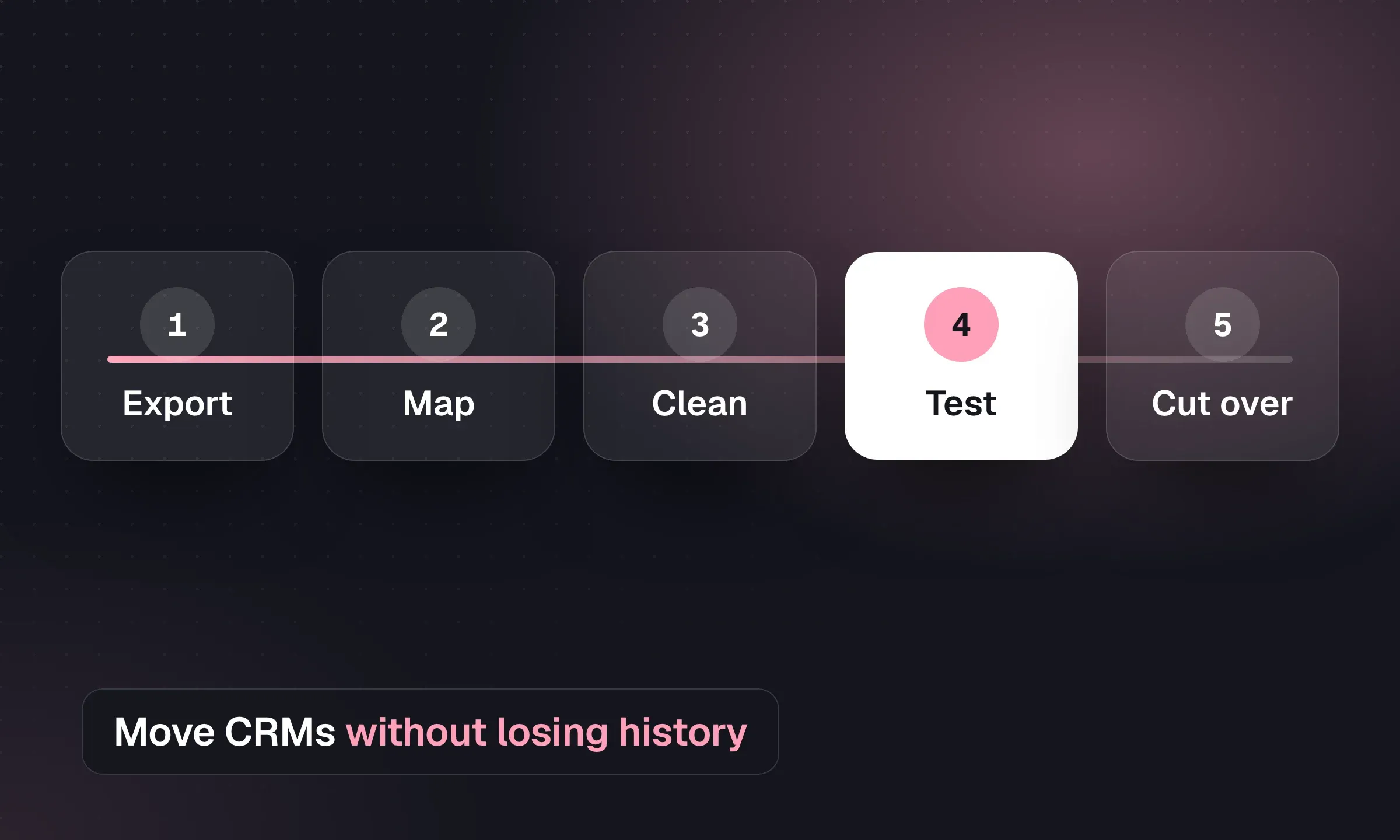
Map records, reconcile CVs and test a pilot before switching systems, with a downloadable migration checklist.
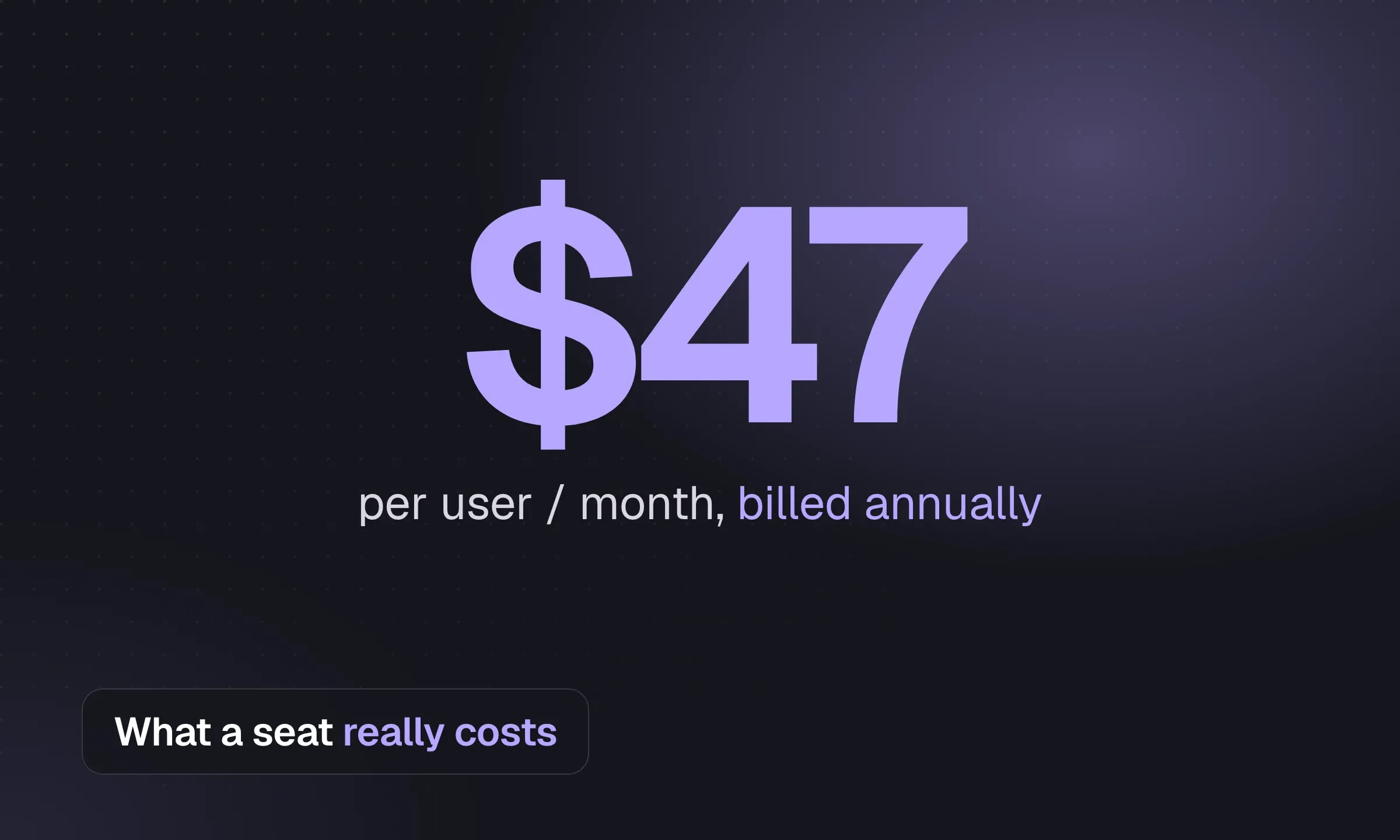
Compare monthly and annual seat prices, then budget for usage, setup, sourcing tools and exit costs.
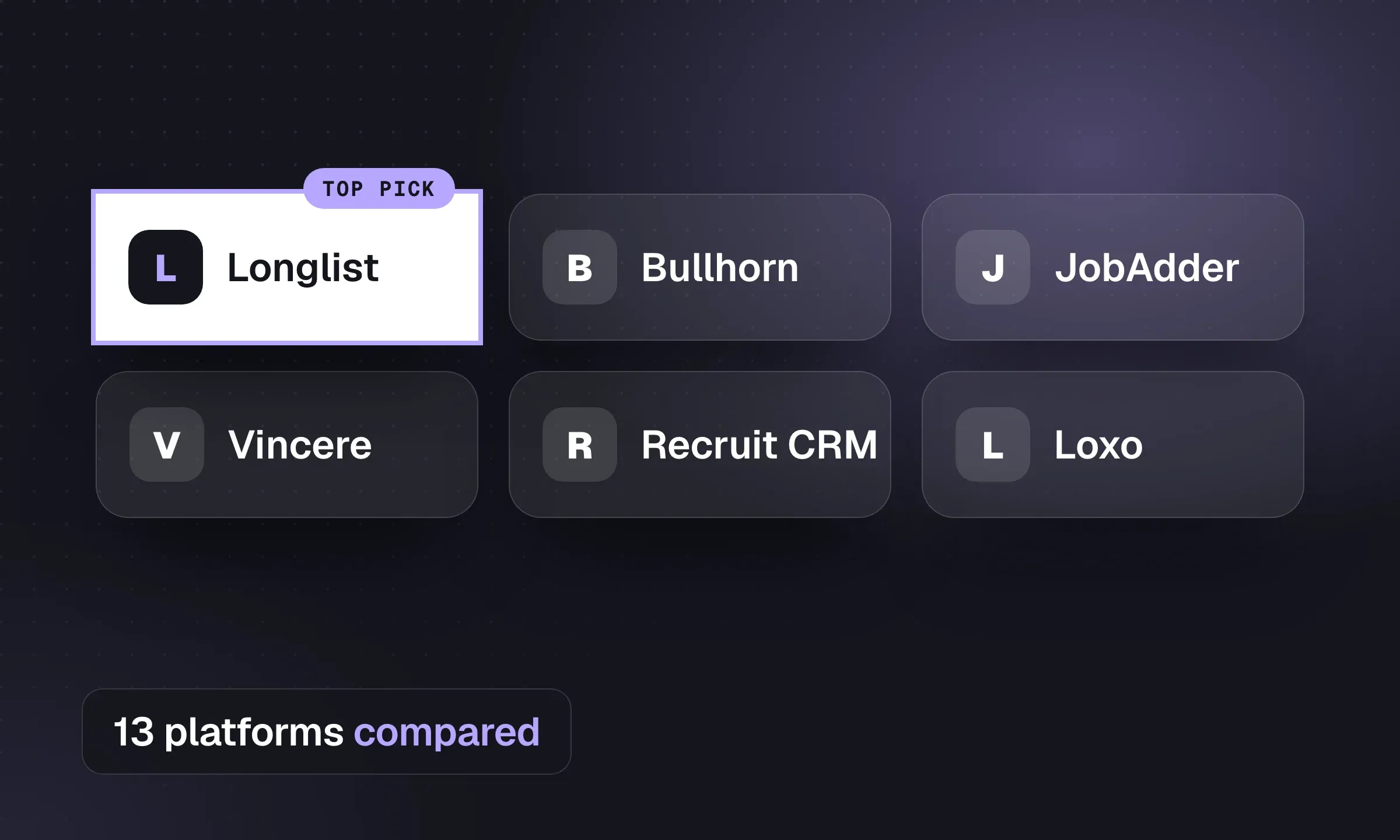
Compare published prices, contract terms and feature tiers, then choose a shortlist for your agency’s workflow.
YOUR NEXT CHAPTER STARTS HERE
Let’s walk through a better working day for your agency.