
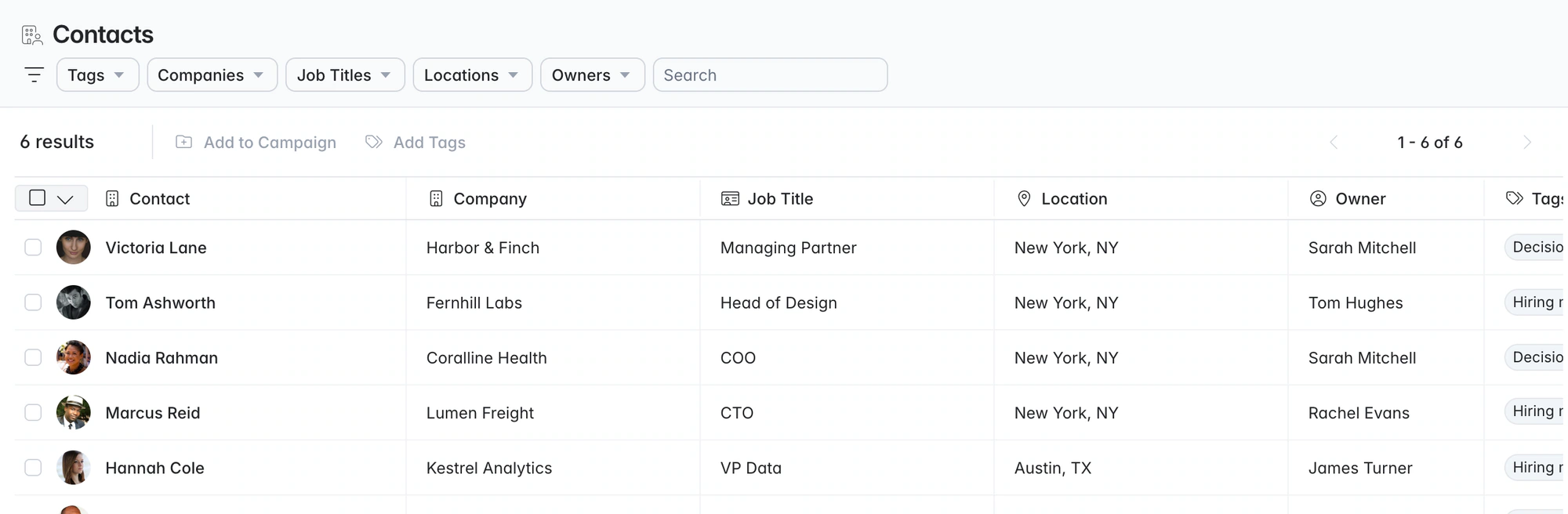
Recruitment business development software. Client deals tracked next to your candidates.
Find hiring managers, run BD campaigns from your own mailbox and track each deal from Open to Won. Win the brief and create the job under the same company record.
Free data migration 14-day free trial
Good company. Great recruiting teams.





Hiring contacts and deals beside your candidates
Track the conversation that wins the brief, then use the same notes when you fill the role.
Follow the client relationship into delivery
| Stage | What to keep on the record | The next useful action |
|---|---|---|
Target account | Company, hiring context and source of the observation | Identify the appropriate hiring contact. |
First conversation | Contact history, priorities and notes | Agree a relevant follow-up. |
Opportunity | Owner, value, openings and close context | Qualify the requirement and the decision process. |
Won brief | Company, contact and agreed role requirements | Create the job and start delivery. |
Account growth | Jobs, candidate introductions and ongoing conversations | Log the next opportunity on the account. |
TAKE IT FOR A SPIN
Turn a first conversation into a new brief.
Four steps from a saved profile to a won brief.
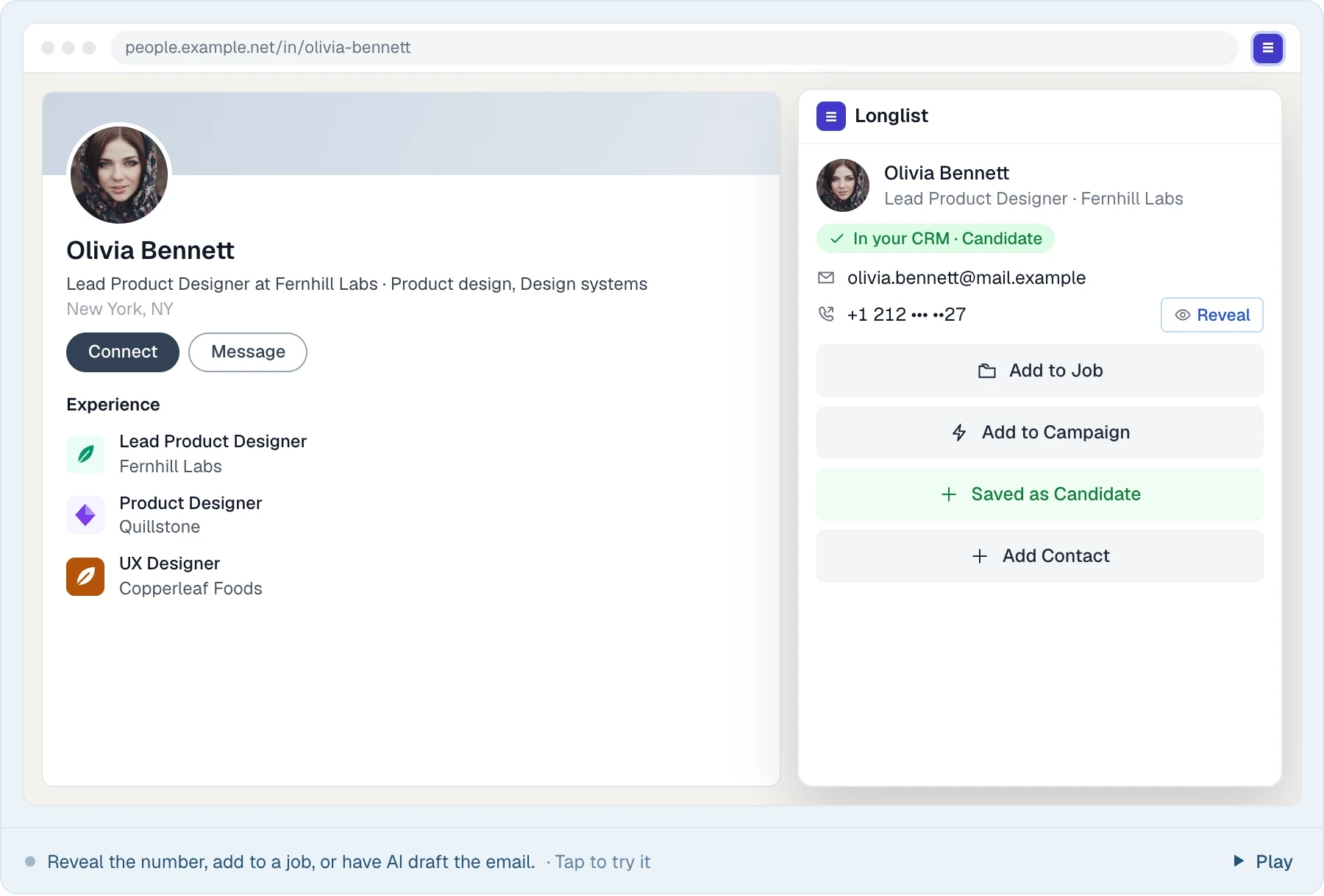
Capture the contact
Save a hiring manager from a supported profile page with the browser extension.
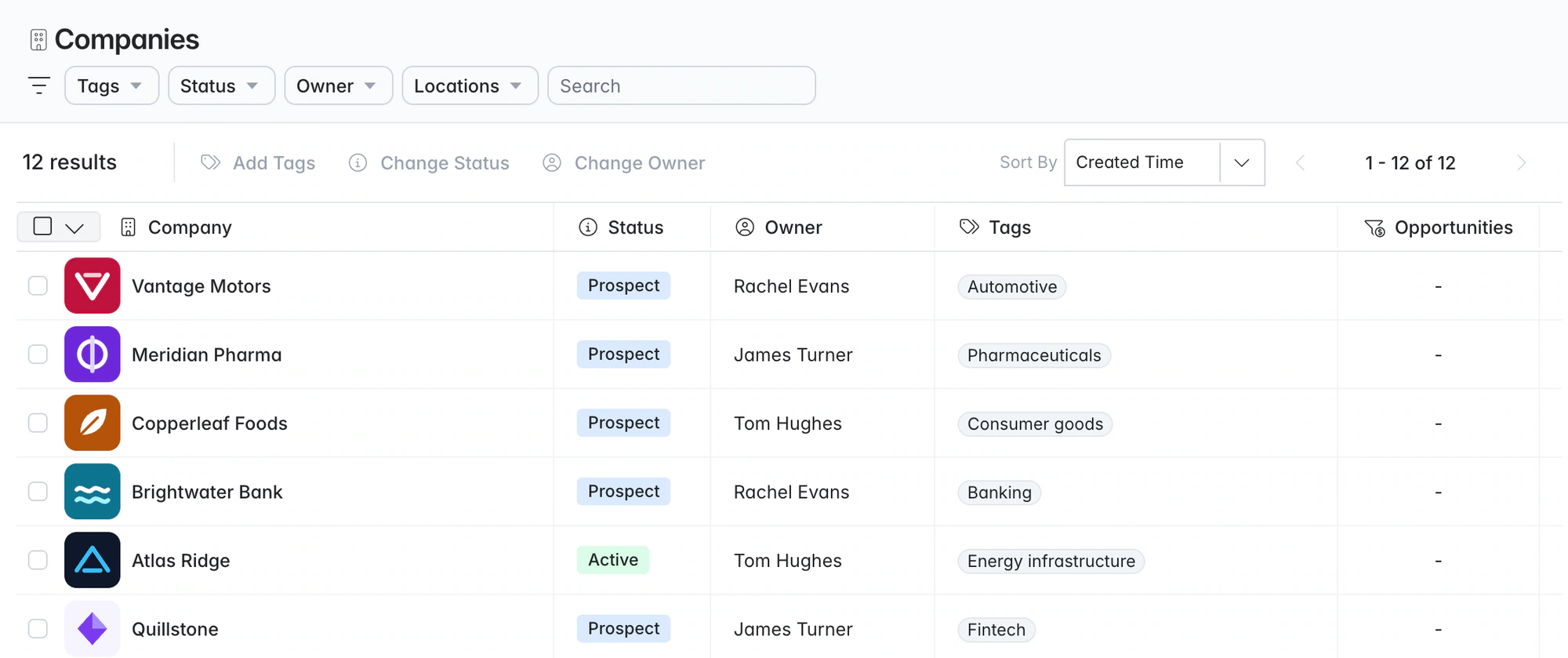
Build the relationship
Keep the company and its contacts together, with relationship status visible to the team.
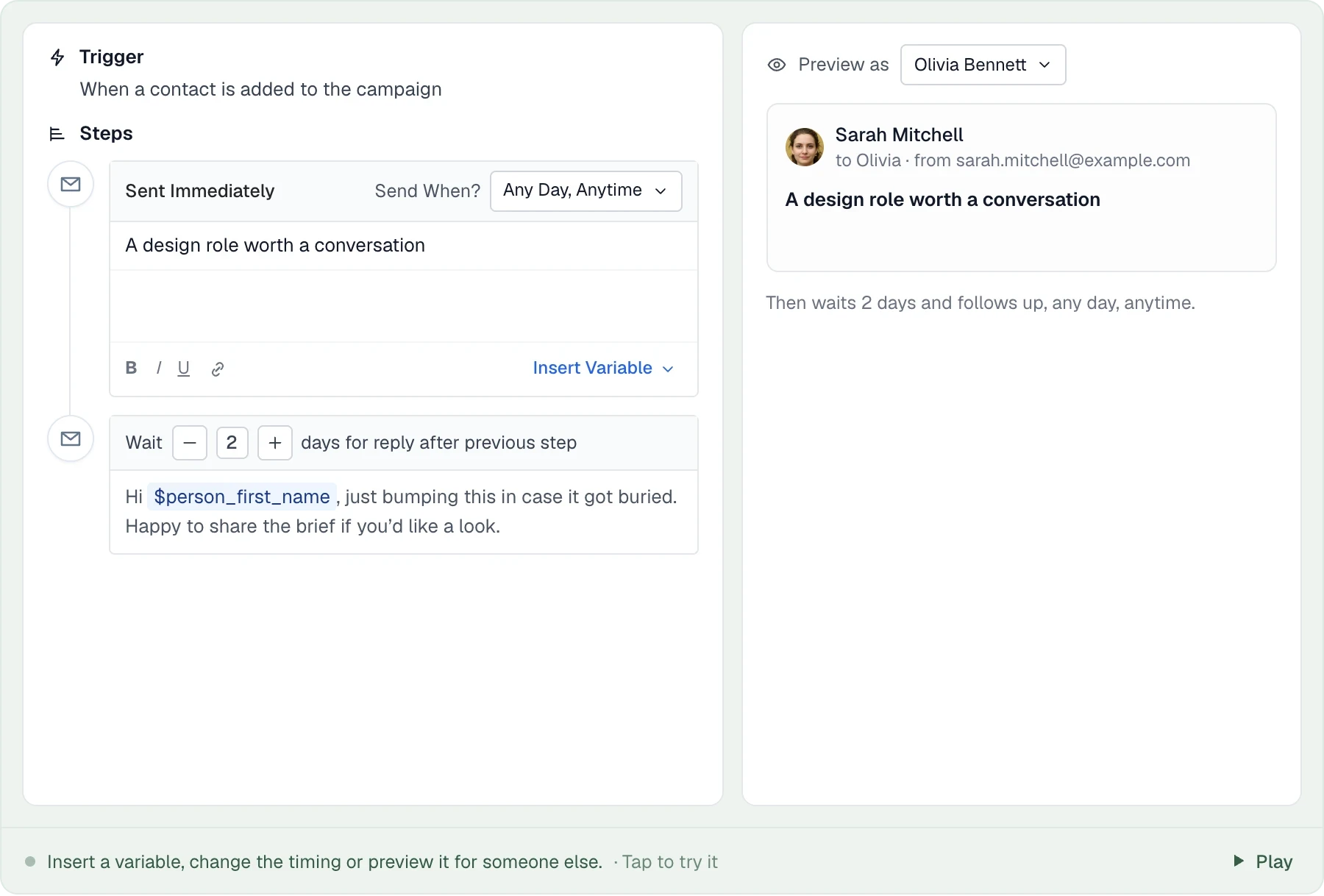
Send the sequence
Write a personal first email and timed follow-ups. Replies stop the sequence.
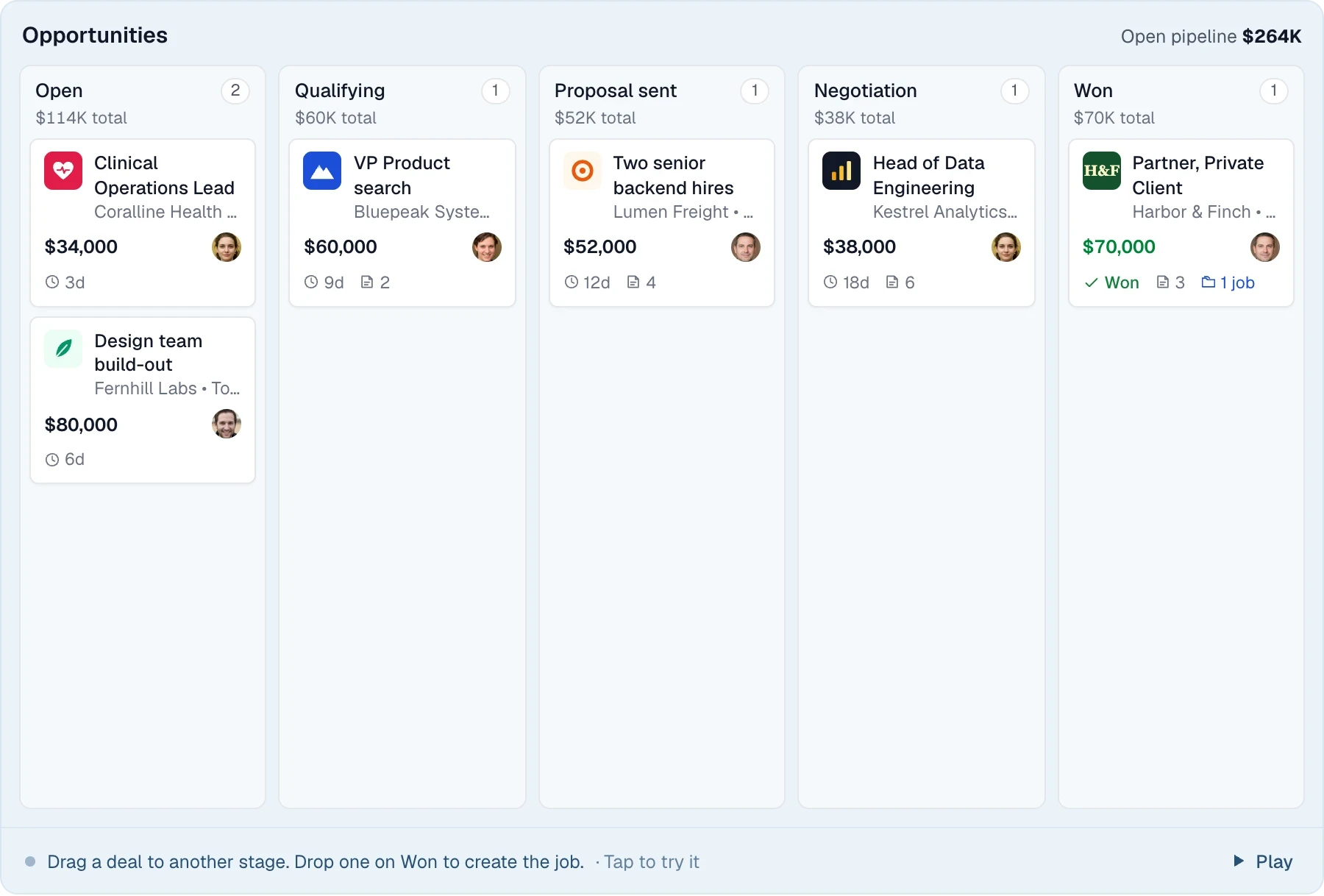
Track the opportunity
Move the deal through your sales stages and keep the next step in view until you win the brief.
LESS FRICTION. MORE MOMENTUM.
Recruitment sales CRM features
Companies, deals, campaigns and BD reporting.
01
Companies and contacts
Keep prospects, active clients and past clients together, with contacts, owners and shared history.
02
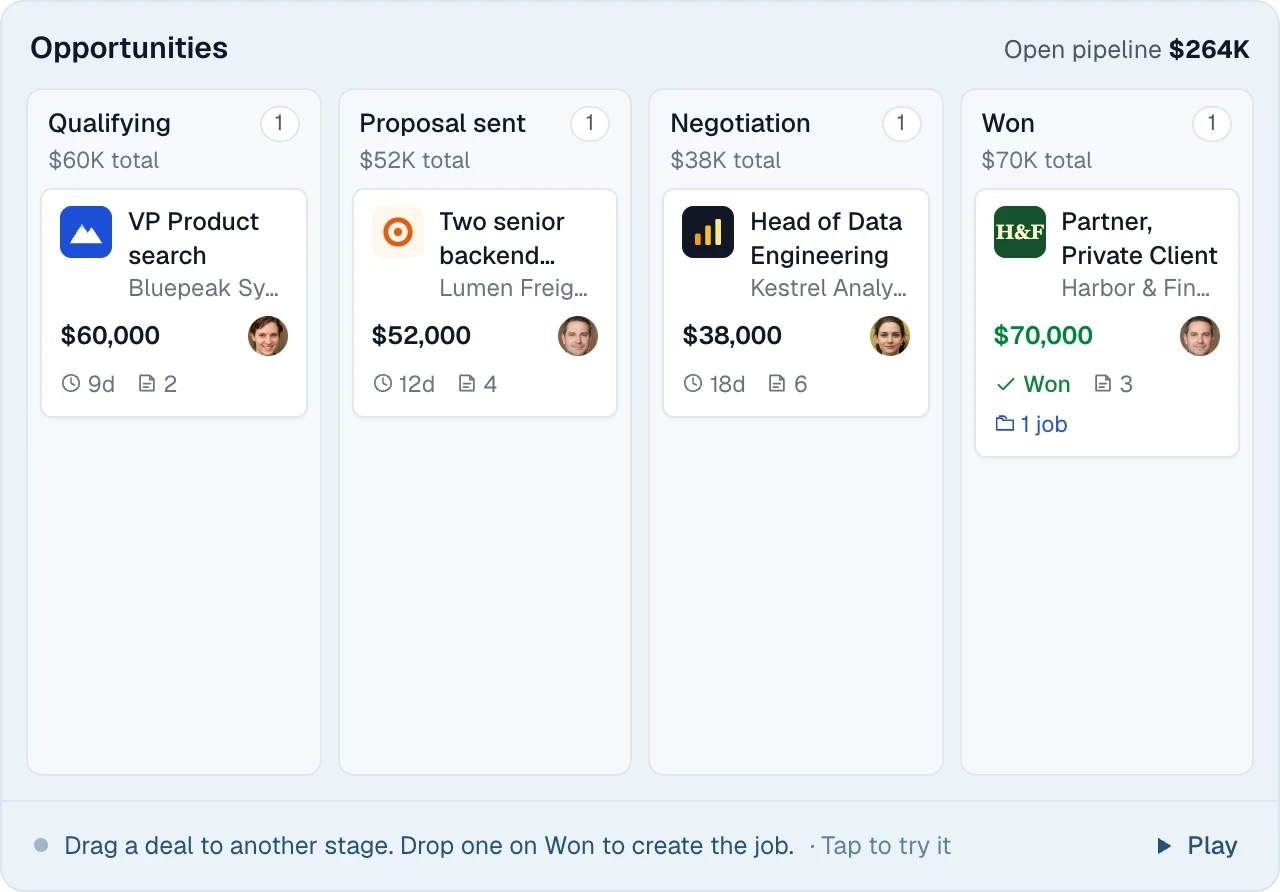
Opportunities board
Track live deals by value and stage, with candidates linked to the opportunity.
03
BD campaigns and sequences
Run targeted outreach by sector, region or account list from your own mailbox.
04
BD Activities report
Review new contacts, calls, campaign additions and opportunities by recruiter. Explore reporting.
Link candidates to a BD opportunity
Find a candidate for a target client, link them to the opportunity and send a branded CV pack. When the brief is won, create the job under the same company. The contact, conversation and shortlist carry over.
THE DETAILS MAKE THE DIFFERENCE
The BD details consultants use
Small features that make it quicker to log BD in the CRM.
Check before adding a profile
The extension shows if a profile is already a contact or candidate before you add it again.
Tasks with reminders
Call, email, meeting, follow-up and social outreach tasks with due dates and reminder emails.
Notes with @mentions
Hand a warm lead to a colleague with a note that emails them.
Two-way email sync
Gmail and Outlook replies show up on the contact record automatically.
Owners on everything
Companies, contacts and opportunities each have an owner, so pipelines survive staff changes.
Tags for segmentation
Tag companies and contacts by sector, region or tier so the right lists are easy to pull together.
Stay in control of social outreach
Social connection and messaging steps become tasks for you to complete.
GDPR consent tracking
Send consent requests and filter people by consent status before you contact them.
Spec-CV ready
Linked candidates and branded CV packs turn a cold email into a relevant one.
BD included in every plan
Companies, contacts, opportunities, BD campaigns and email sequences are included on Growth. Plus adds calling and messaging. Compare plans.
Review the BD pipeline with the records open
A positive reply is different from a confirmed requirement. Keep the context, owner and next action visible at each step, and open the records in each report count. Use the client-acquisition guide.
How do we build our client database?
Bring together companies and hiring contacts from your existing relationships, research and supported extension lookups. Log each conversation on the account and opportunity.
How do we organize multichannel outreach?
Use scheduled email follow-ups and recruiter tasks for calls, social outreach and messages, keeping the next conversation with the contact record.
How do opportunities work in Longlist?
Track a potential client deal with its value, openings, owner, close dates and linked candidates, from first conversation to won or lost.
Can I call, text or WhatsApp clients from Longlist?
Yes, on Plus. Call or message from the contact record and keep the conversation history with it. Calls are logged, not recorded.
How does client development tie into recruiting?
Manage client companies, hiring contacts and BD opportunities alongside your candidate database and ATS. Your team can work the brief and the relationship in the same workspace.
From the blog
Business development playbooks
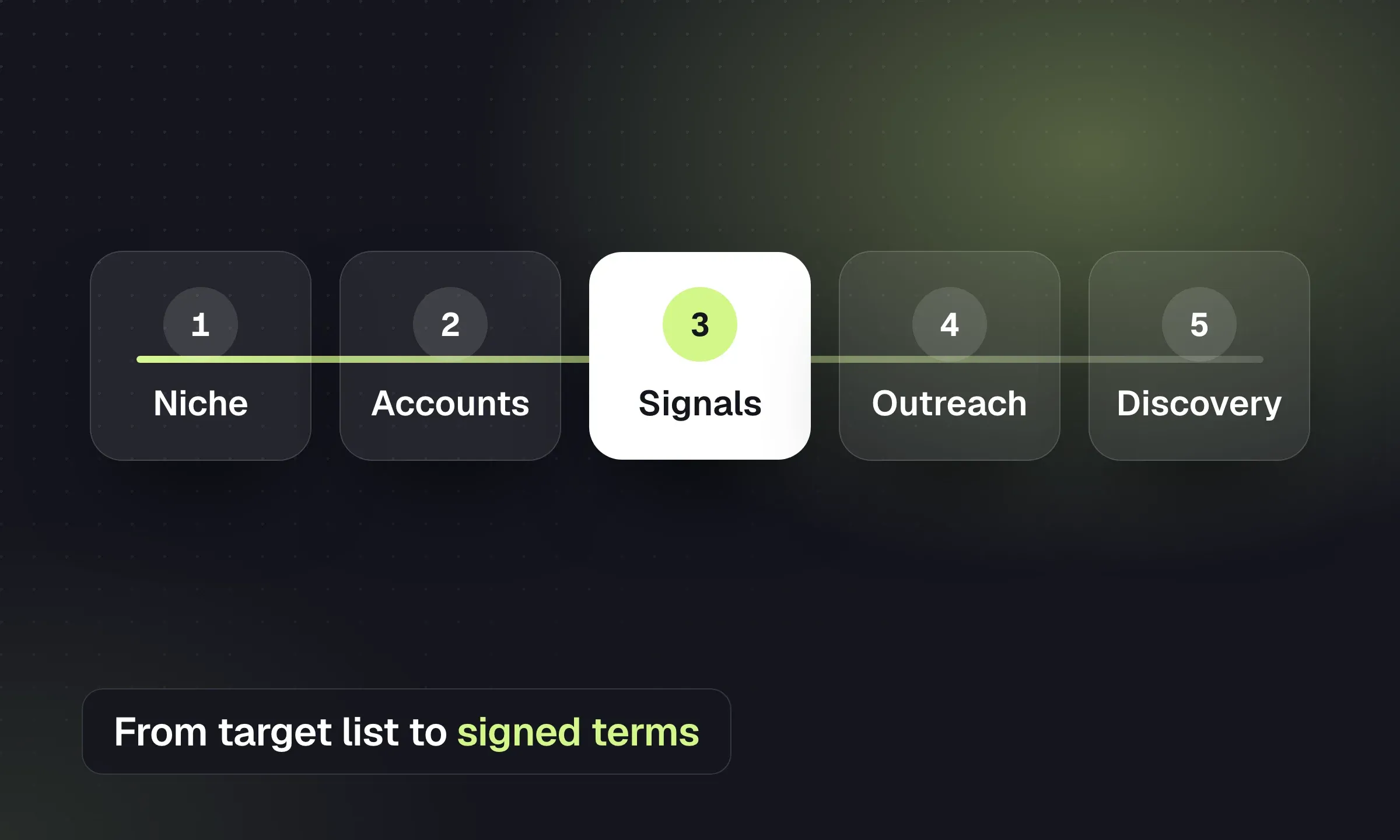
How to Find Clients for a Recruitment Agency
Build a target list, act on hiring signals, qualify the brief and turn a first placement into repeat work.
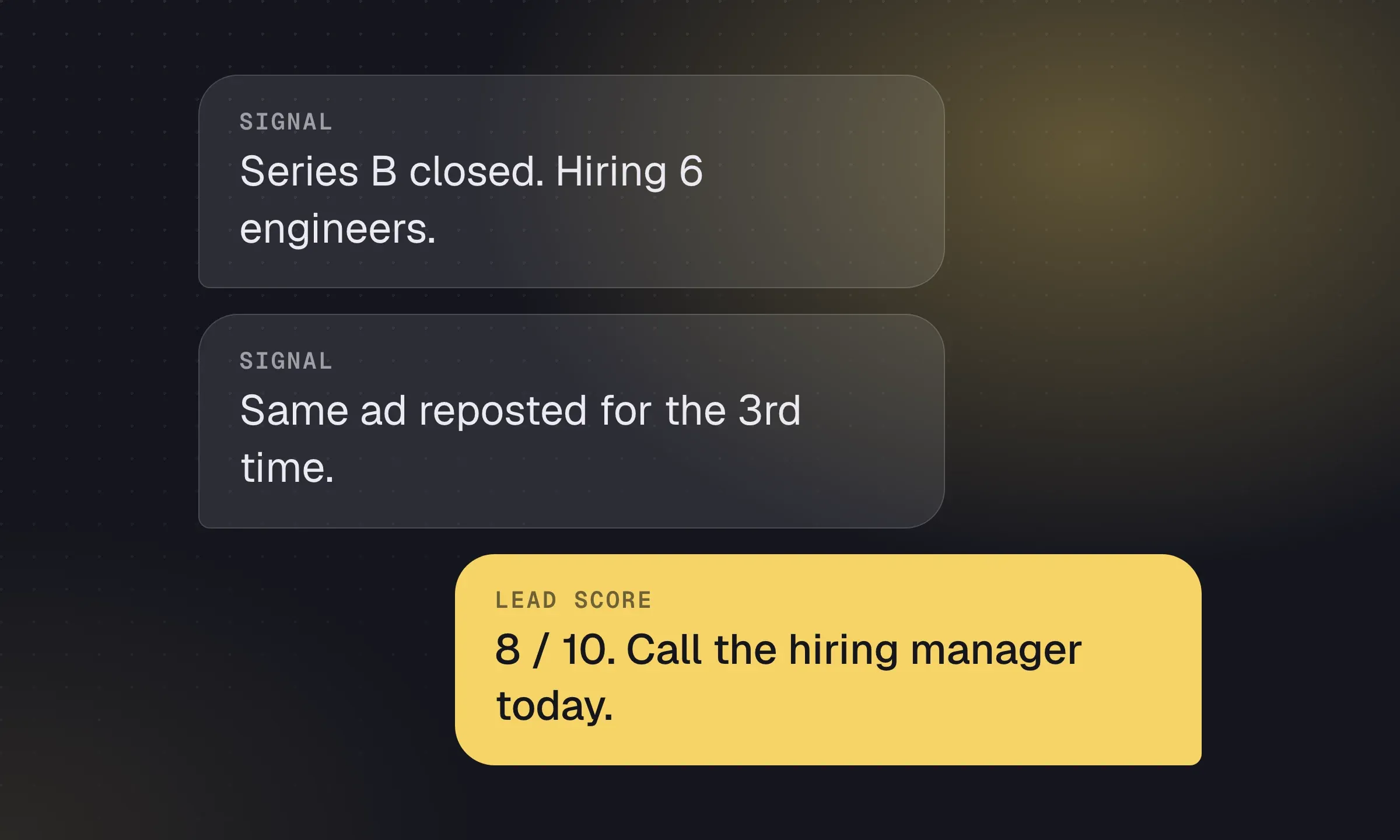
Recruitment Lead Generation: Signals and Qualification
Find companies with a reason to hire, identify the buyer and score which leads deserve a call.
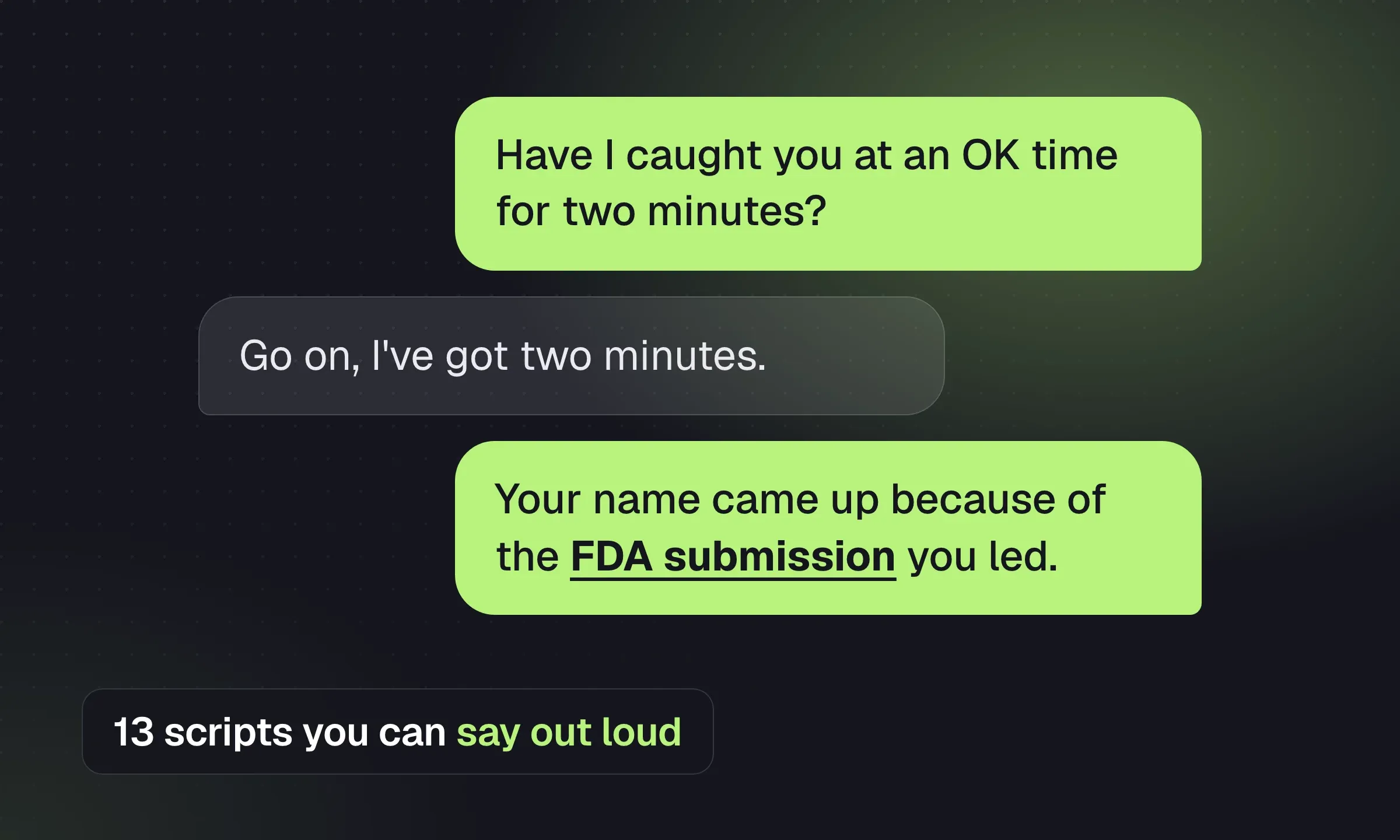
Recruitment Cold Call Scripts: 9 Useful Situations
Choose a candidate or client script, prepare for objections and finish the call with a specific next step.
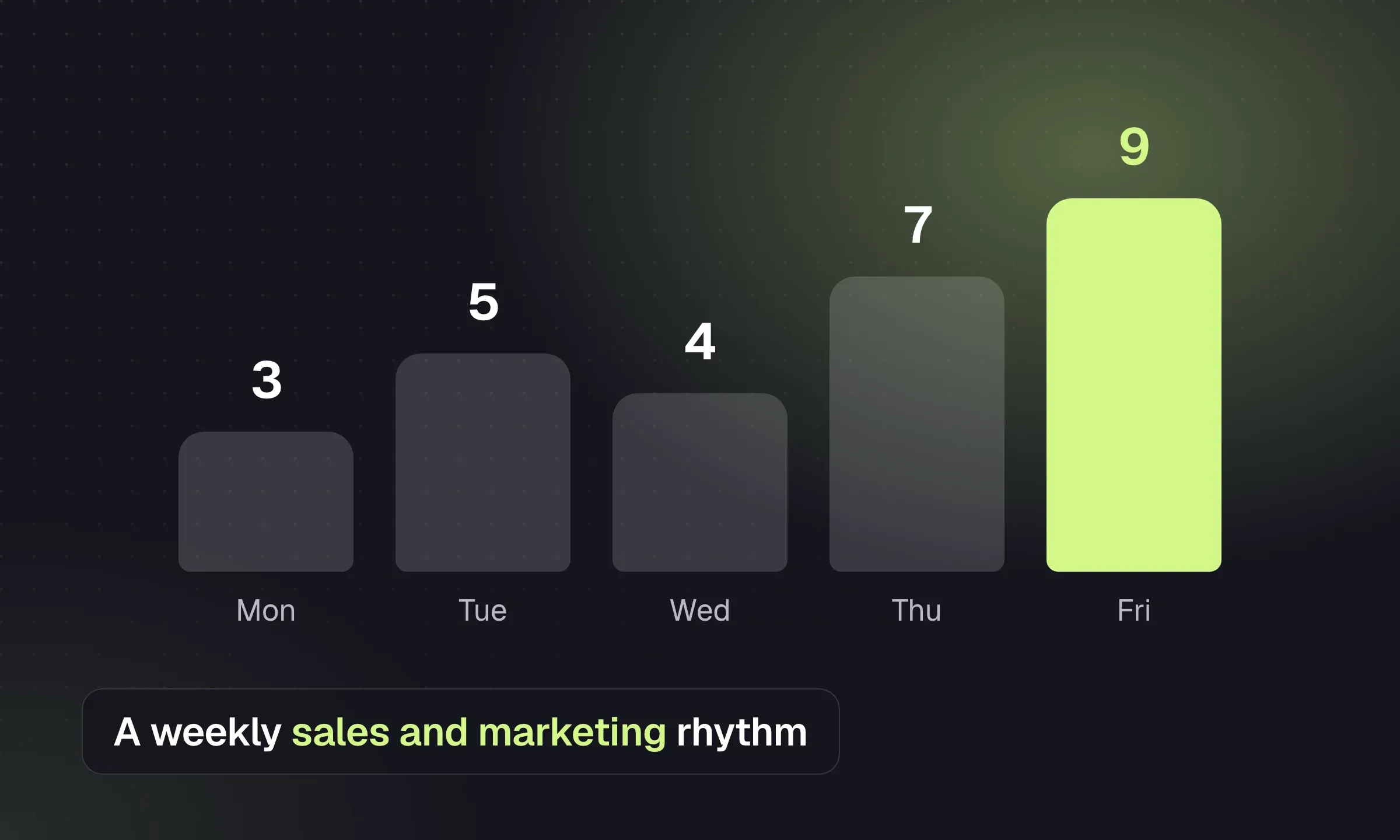
Recruitment Agency Marketing: A Practical Playbook
Clarify your positioning, publish useful evidence and keep a small marketing routine tied to client conversations.
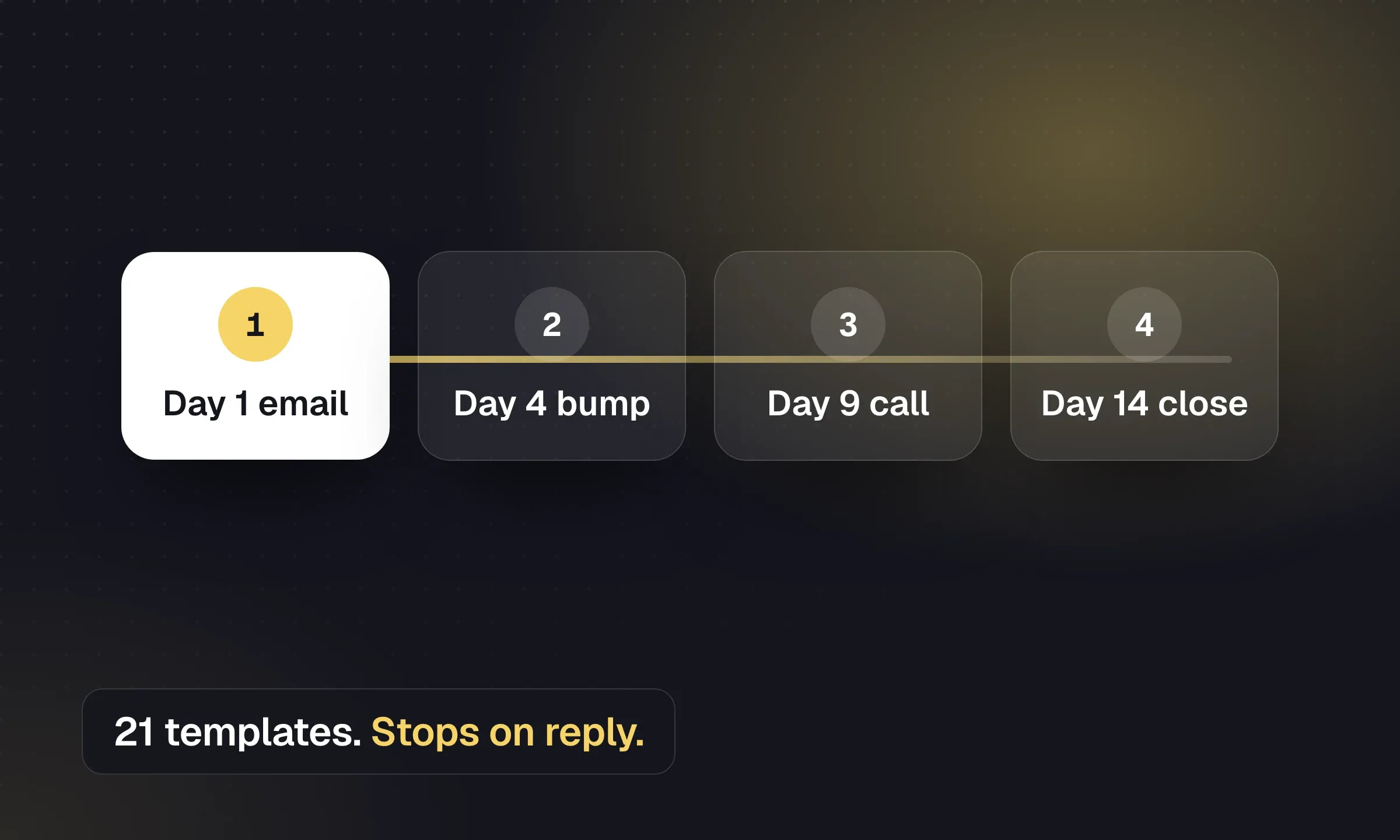
Recruitment Email Sequences: Candidate and Client Templates
Copy outreach, reactivation and post-placement emails, then set timing, reply handling and opt-out rules.
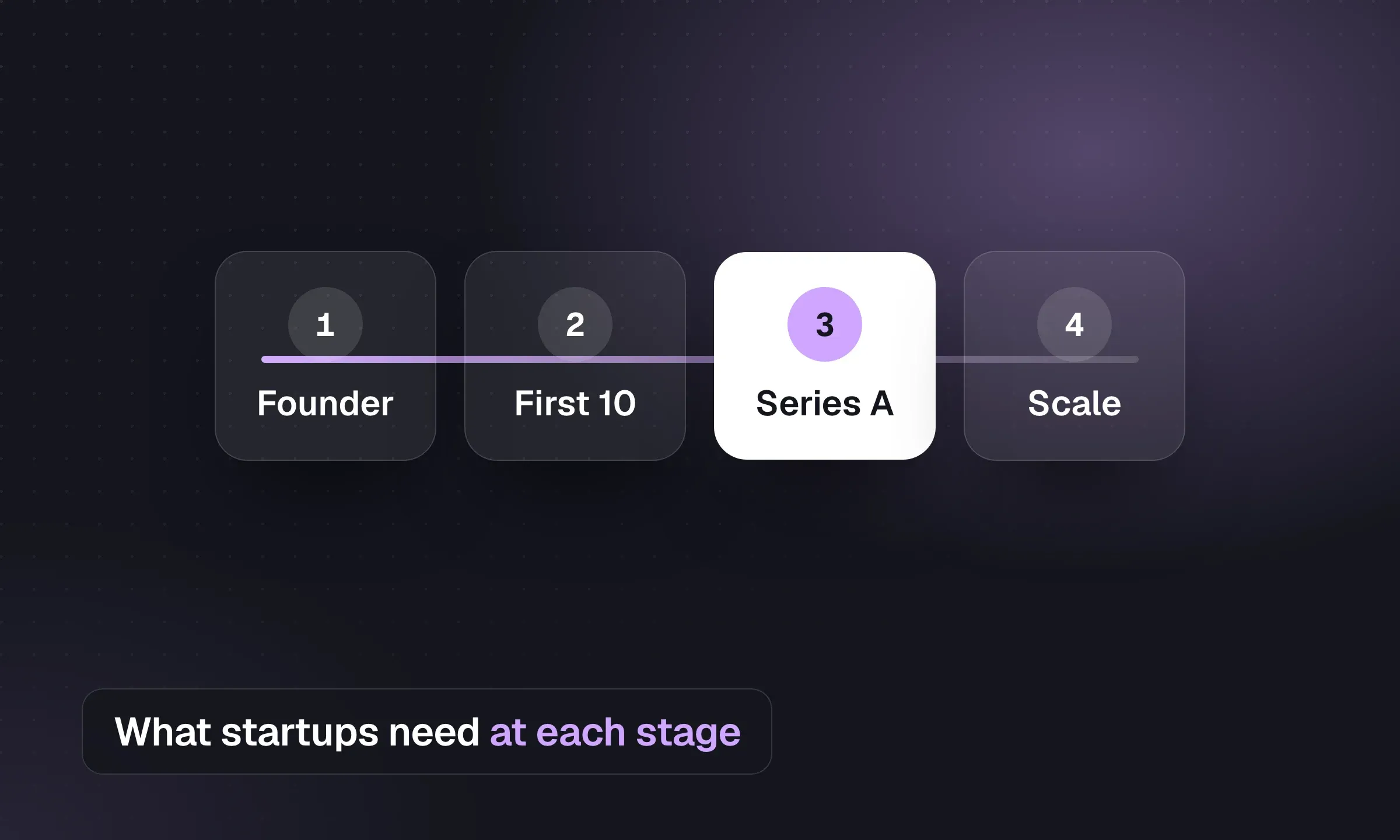
Recruiting Software for Startups, by Hiring Stage
Choose a spreadsheet, ATS or recruiting team by hiring volume, with separate advice for agencies serving startups.
YOUR NEXT CHAPTER STARTS HERE
Less admin.
More “you got the job.”
Let’s walk through a better working day for your agency.