
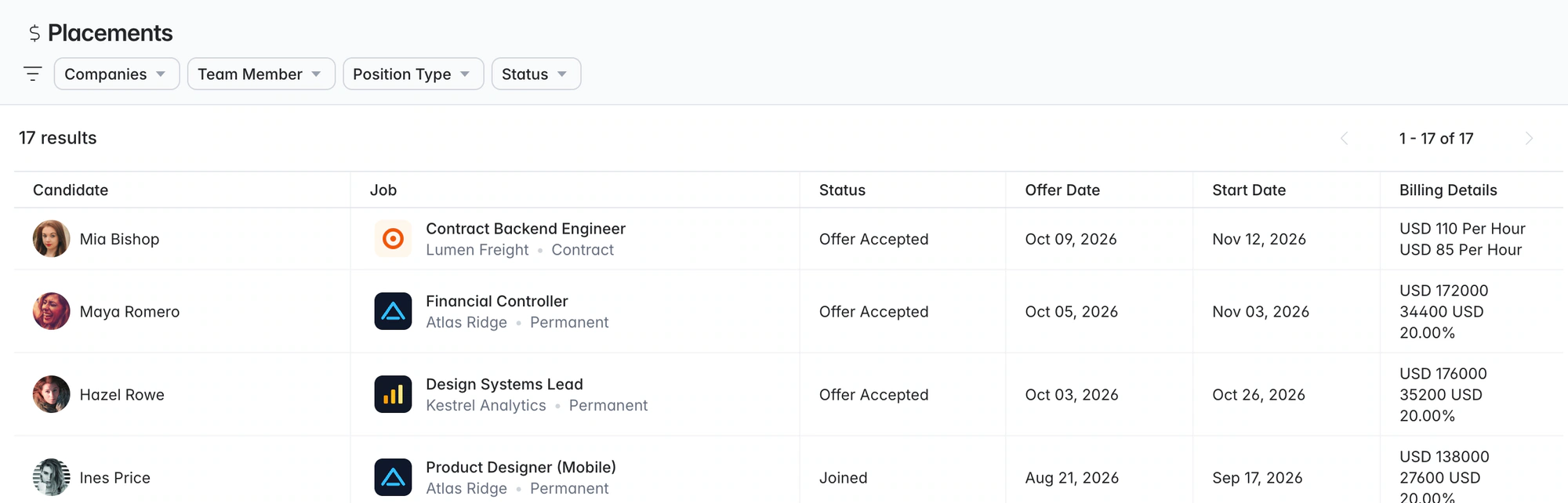
Contract recruitment software. Bill and pay rates on the placement.
Run contract and temp jobs, record bill and pay rates on each placement, and set a reminder to redeploy the contractor before the assignment ends.
Free data migration 14-day free trial
Recruitment firms using Longlist





Rates, dates and availability on the contractor record
Keep contractor preferences, rates and placement details on the record, with dated reminders the whole desk can see.
Keep the commercial context with the placement
| Detail | What to record | Why it matters |
|---|---|---|
Assignment | Client, job, recruiter and candidate | Keep the agreement attached to the right relationship. |
Start and duration | Confirmed start information and assignment duration | Plan the next client and contractor conversation. |
Bill rate | Amount, currency and rate period | Give the agency a clear commercial reference. |
Pay rate | Agreed amount, currency and rate period | Keep the basis consistent with the placement. |
Next action | Owner and dated follow-up | Stay ahead of the extension or next assignment. |
PUT IT INTO PRACTICE
How a contract placement runs in Longlist
From the brief to the next assignment, with a shared history throughout.
- 01
Log the contract job
Create the job under the client, choose the job type, add the duration and assign the team.
- 02
Start with contractors you already know
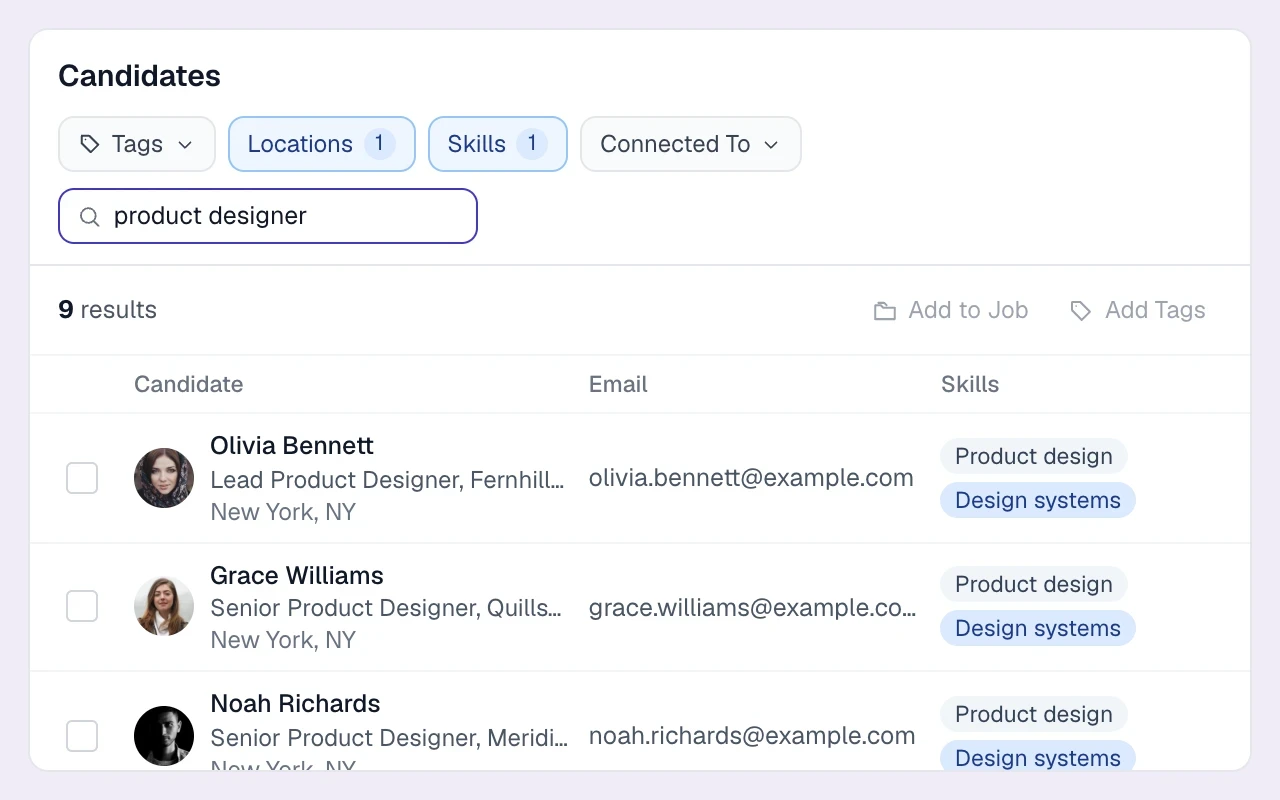
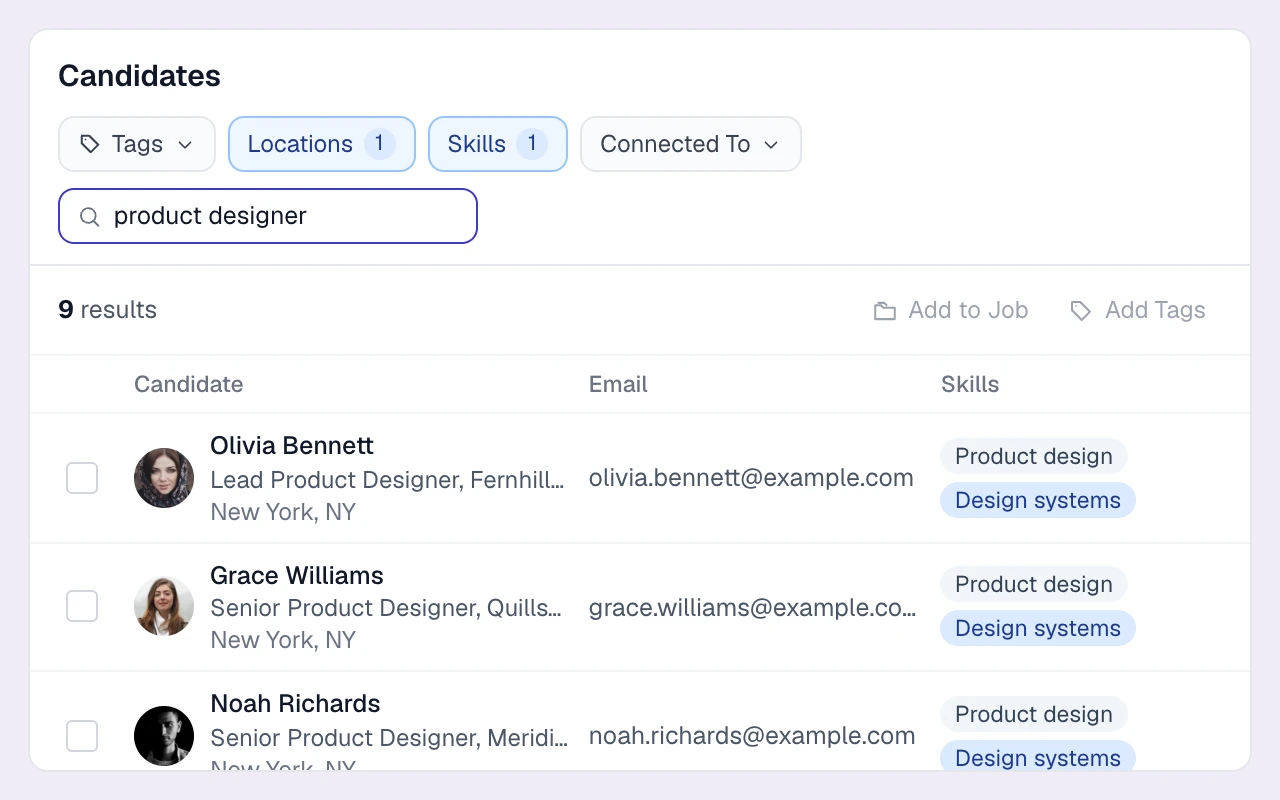
Search skills, titles, location and tags. Review notice period, pay expectations and preferences on the profile.
- 03
Reach the rest of the market
Publish to your careers page and add new prospects through the browser extension.
- 04
Submit with rates and availability up front
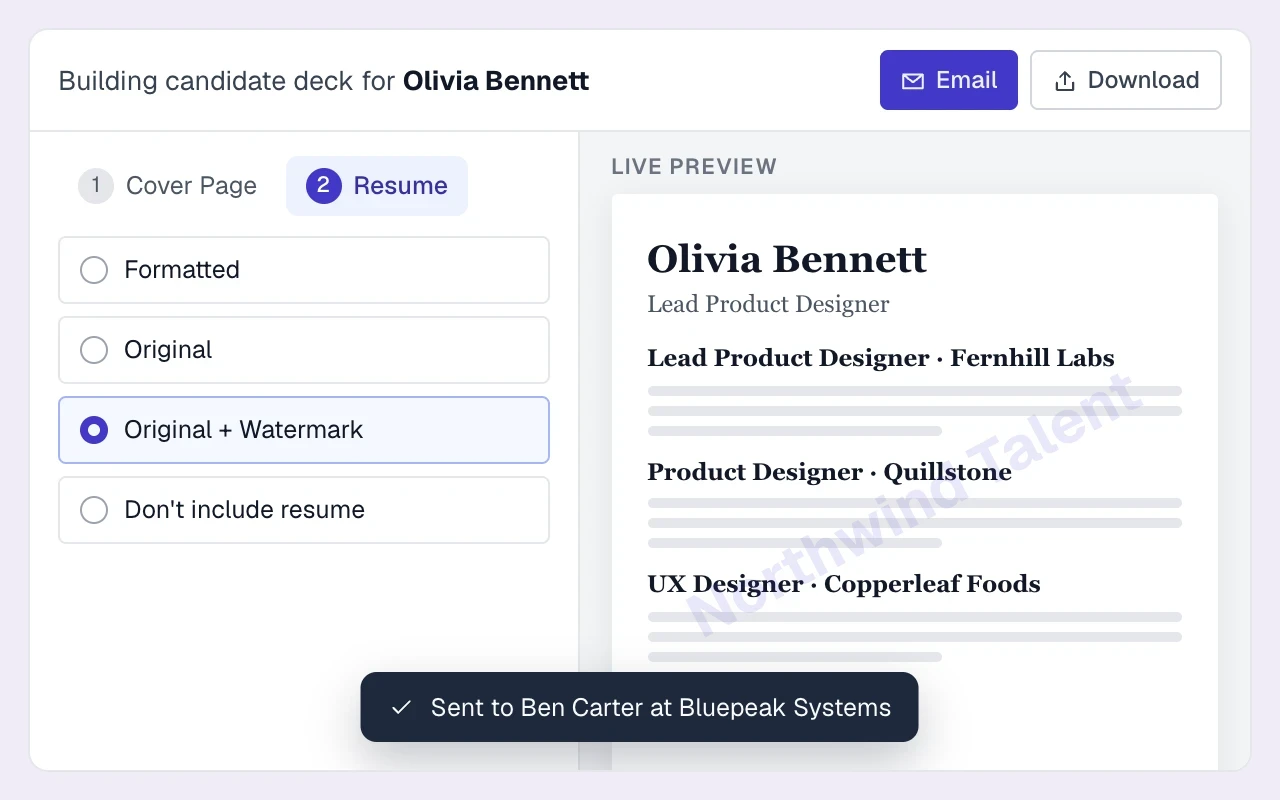
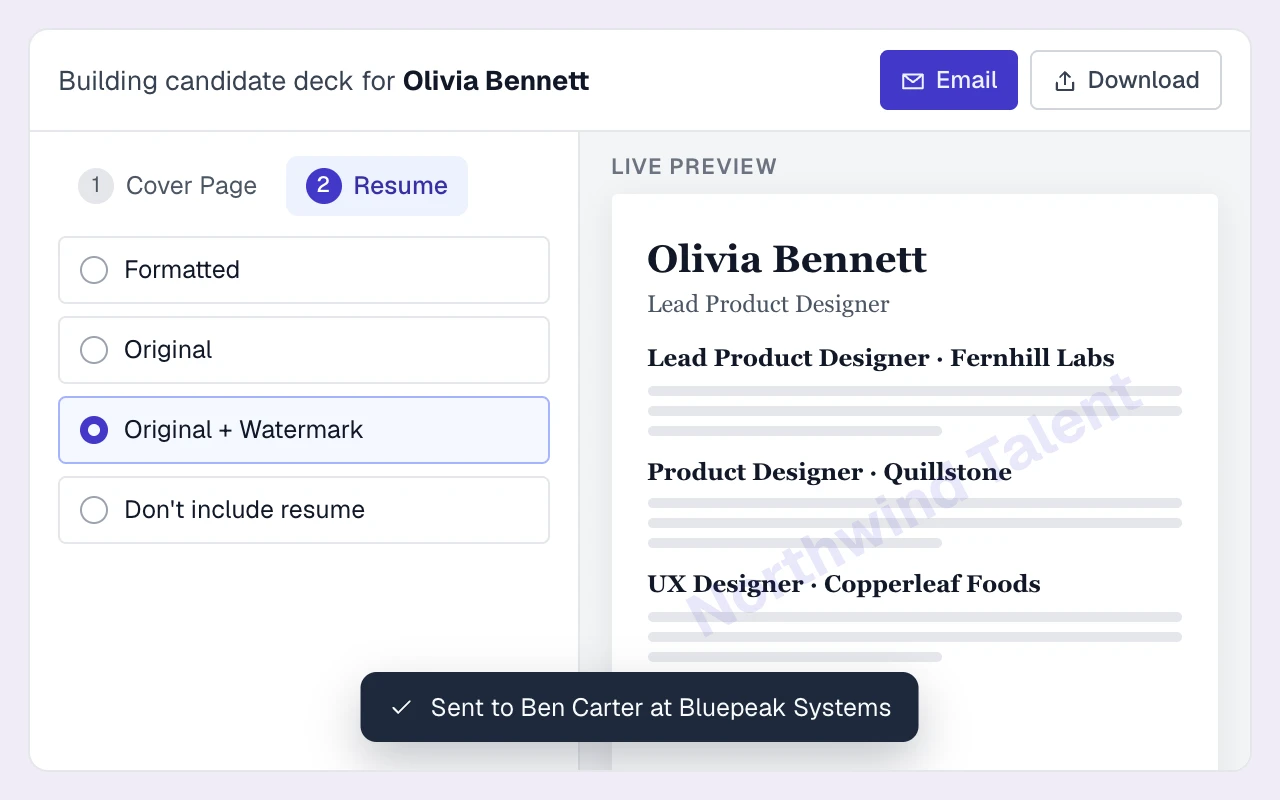
Send a branded CV pack with pay expectations, notice period and your recommendation on the cover page.
- 05
Record the placement
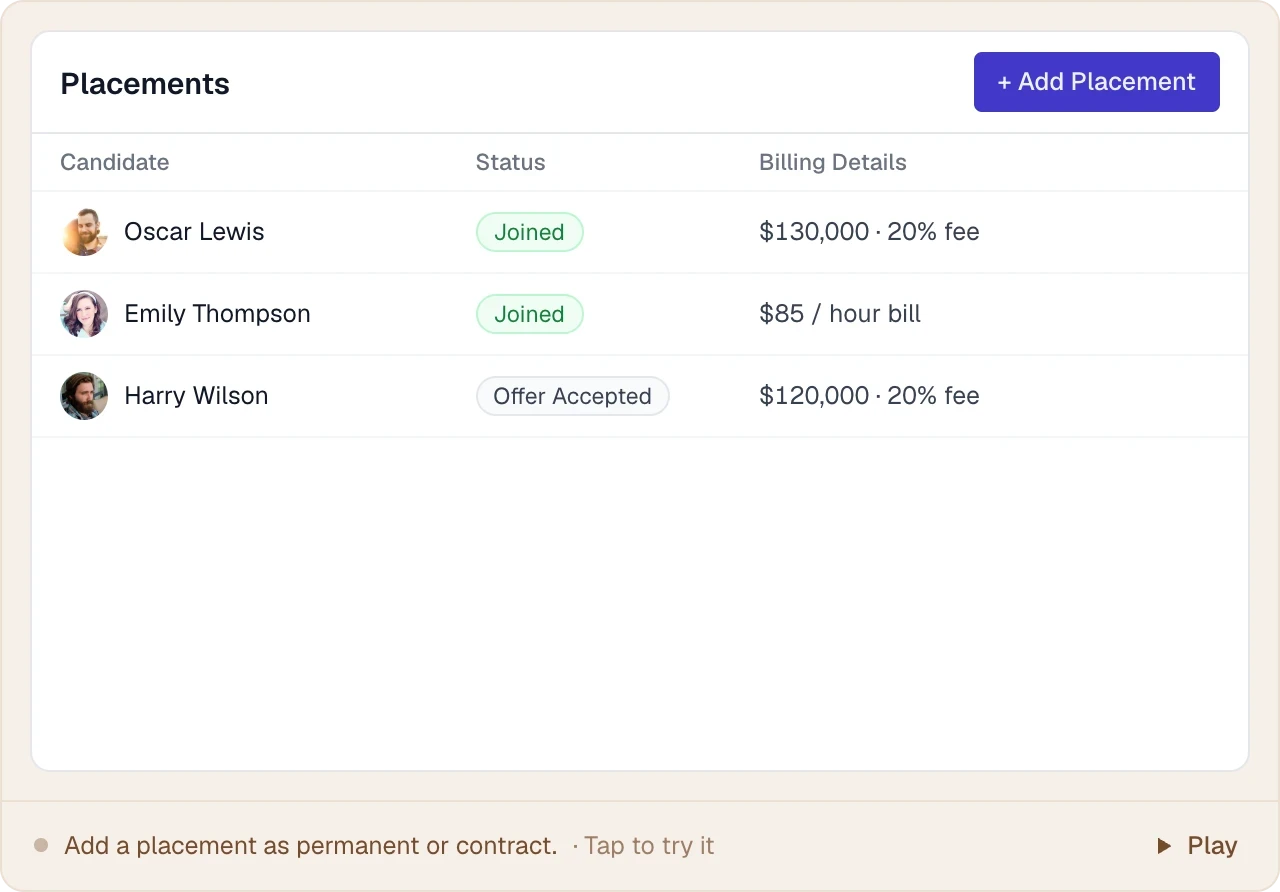
Record the offer and start dates, bill rate, pay rate, currency and billing period for the contract placement.
- 06
Plan the extension or the next role
Set a reminder to discuss an extension, then update availability and shortlist the contractor for their next assignment.
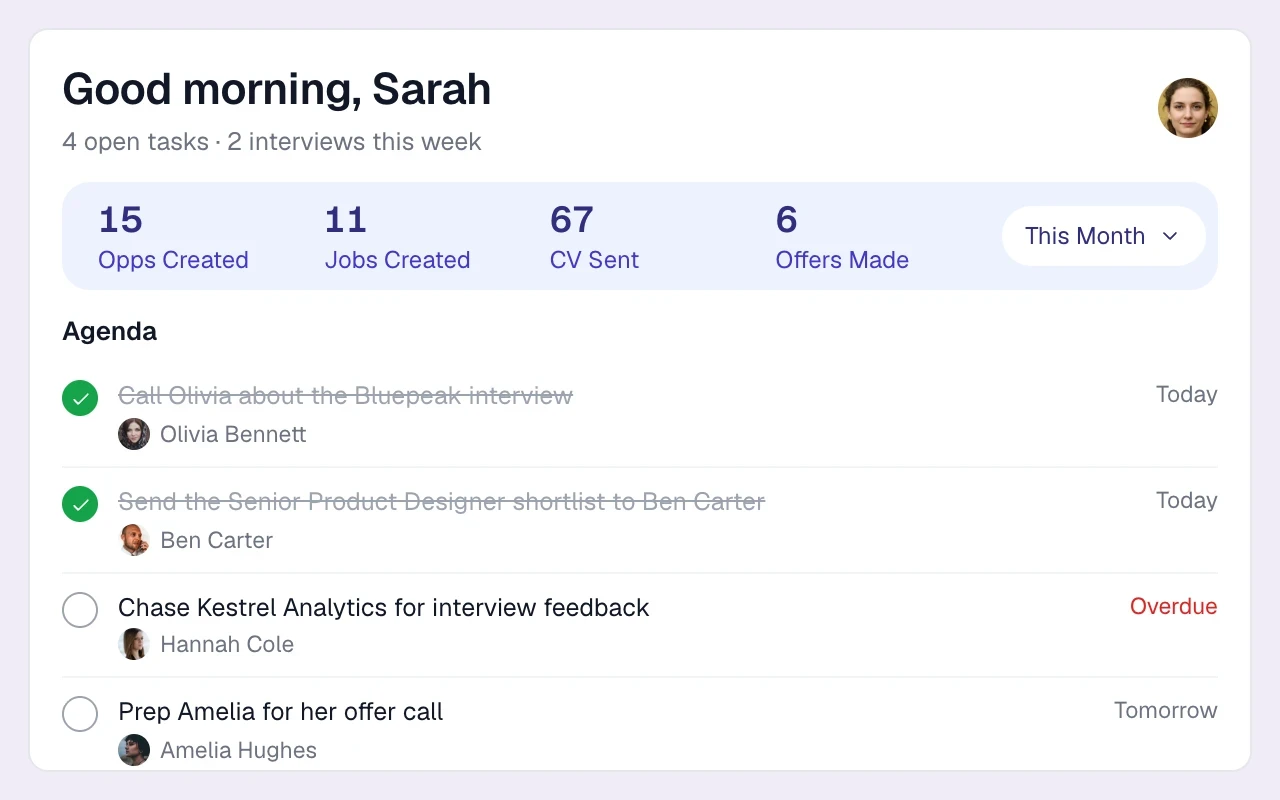
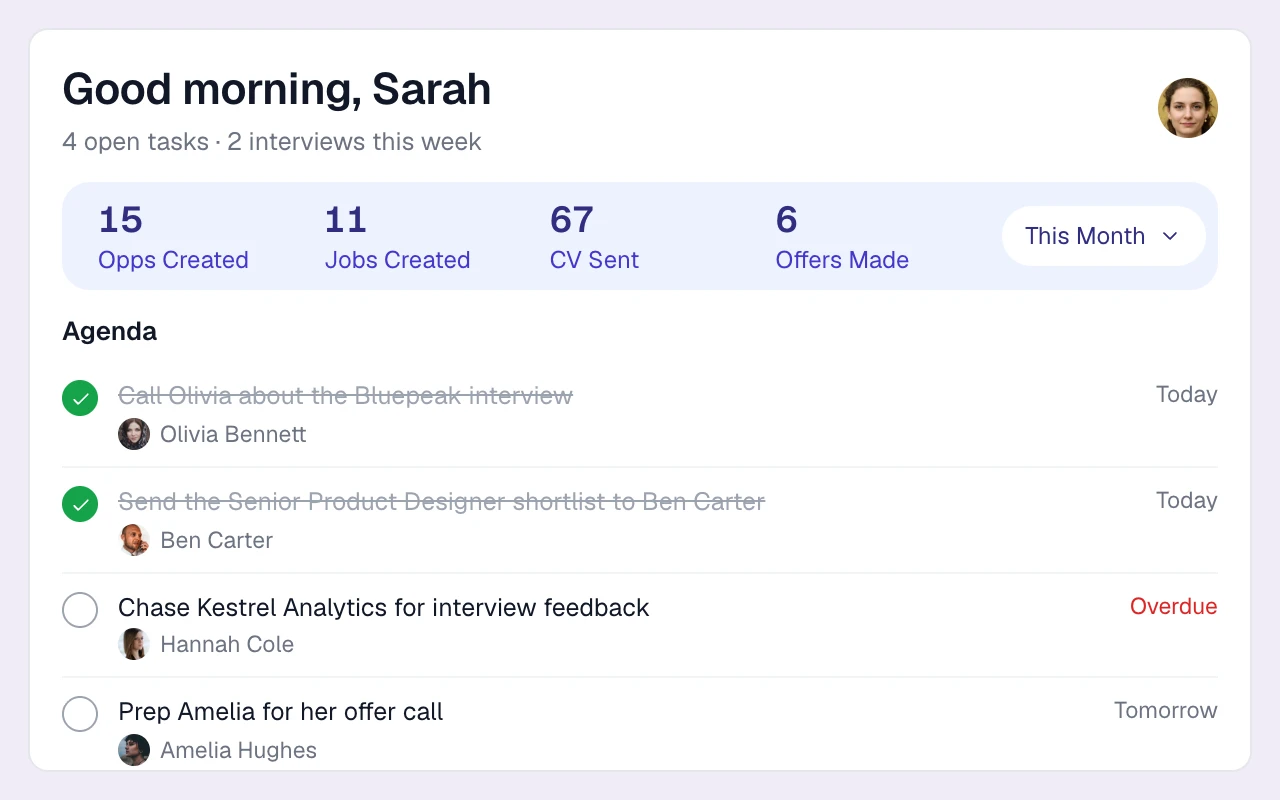
Plan the next assignment
Check the contractor’s start date, assignment duration and availability on the placement. Set a dated task for the extension conversation and keep a finishing-soon campaign of contractors to redeploy.
Keep the agreed rates on record
Record bill and pay rates, currency and rate period alongside the placement. Keep the commercial context aligned with your agency’s back-office process and the next client conversation.
THE DETAILS MAKE THE DIFFERENCE
Contractor recruitment software features you'll use daily
The tools contract and temp recruiters use most, on every plan unless noted.
Contract, Temp and Contract-on-Hire jobs
Job types for every way you place, with a contract duration field, job members and statuses from Active to Fulfilled.
Free CV parsing
Upload up to 50 CVs per batch (PDF, DOC, DOCX). AI parsing fills in work history, skills and contact details. See resume parser.
Deduplicated database
Contractors you placed two years ago are matched by email and LinkedIn URL, not re-created when they apply again.
Placements list
Every placement in one list with candidate, client, job type, stage, start date, rates or fee, and the placement team.
Kanban pipelines
Drag and drop or bulk-move contractors through standard stages, with archive reasons like Not Available and Not Interested.
Email sequences
Multi-step email outreach with weekday sending windows, threaded follow-ups and auto-stop on reply. Call and LinkedIn steps become tasks.
Calling, SMS and WhatsApp (Plus)
Click-to-call, a cloud number per recruiter and two-way SMS and WhatsApp, all kept on the contractor's record. See calling, SMS & WhatsApp.
Perm and contract opportunities
Track client deals as perm or contract, with number of openings and value, on an opportunity board from Open to Won.
Activity reports
CVs sent, interviews, offers and calls by recruiter and client, plus time-in-stage and open pipeline by client.
One desk for perm and contract
Run permanent and contract assignments in one shared database, with the candidate history and client context your desk needs. Compare plans.
A useful handoff starts with clear records
Before an assignment starts, confirm the client, candidate, dates, rate basis and owner. Keep the agreed recruiting details consistent with the records your back-office team uses. Review availability and the next follow-up together in your weekly desk meeting. Build the review scorecard.
How do I plan extensions and redeployment?
Record assignment start and duration on the contractor’s placement. Use availability tags, campaign lists and dated follow-up tasks to plan the next client and candidate conversation.
How do we keep contract rates clear?
Keep bill and pay rates with their currency and rate period alongside the placement, and reconcile them with the commercial records your agency uses.
How does Longlist fit our contract workflow?
Use Longlist for candidate relationships, outreach, submissions and placement details, then keep the agreed dates and rates aligned with your agency’s back-office process.
How do I find contractors who are available now?
Use availability tags and campaign lists, updated by your recruiters. Notice period and contract preferences are visible on the profile; there are no self-service availability updates.
Can we run perm and contract recruitment in the same system?
Yes. Permanent placements record salary and fee details; contract placements record bill and pay rates. Both use the same candidate database and client CRM.
From the blog
Running a contract desk
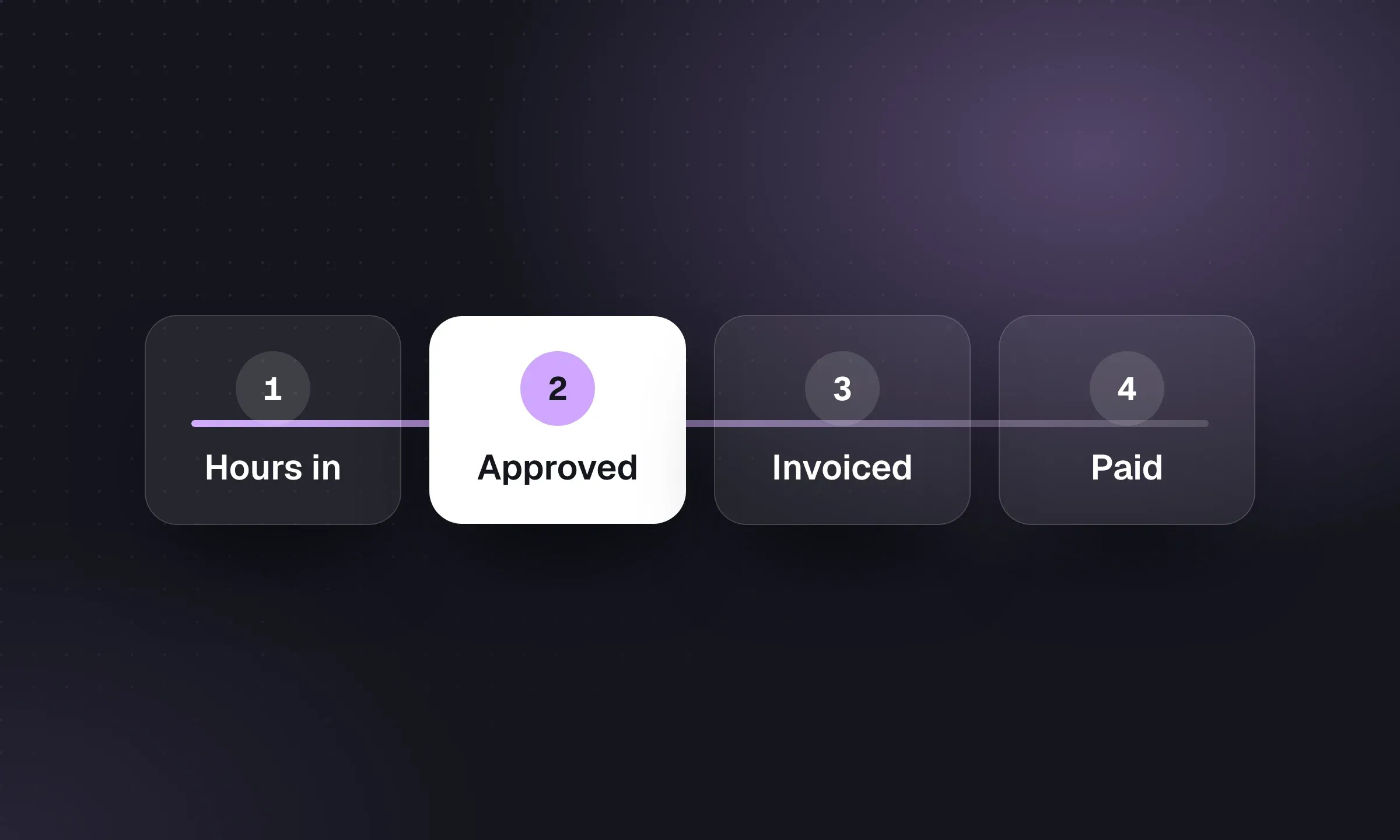
Timesheet Software for Recruitment Agencies
Turn approved hours into accurate client invoices and worker pay, with separate rates, approval rules and audit history.
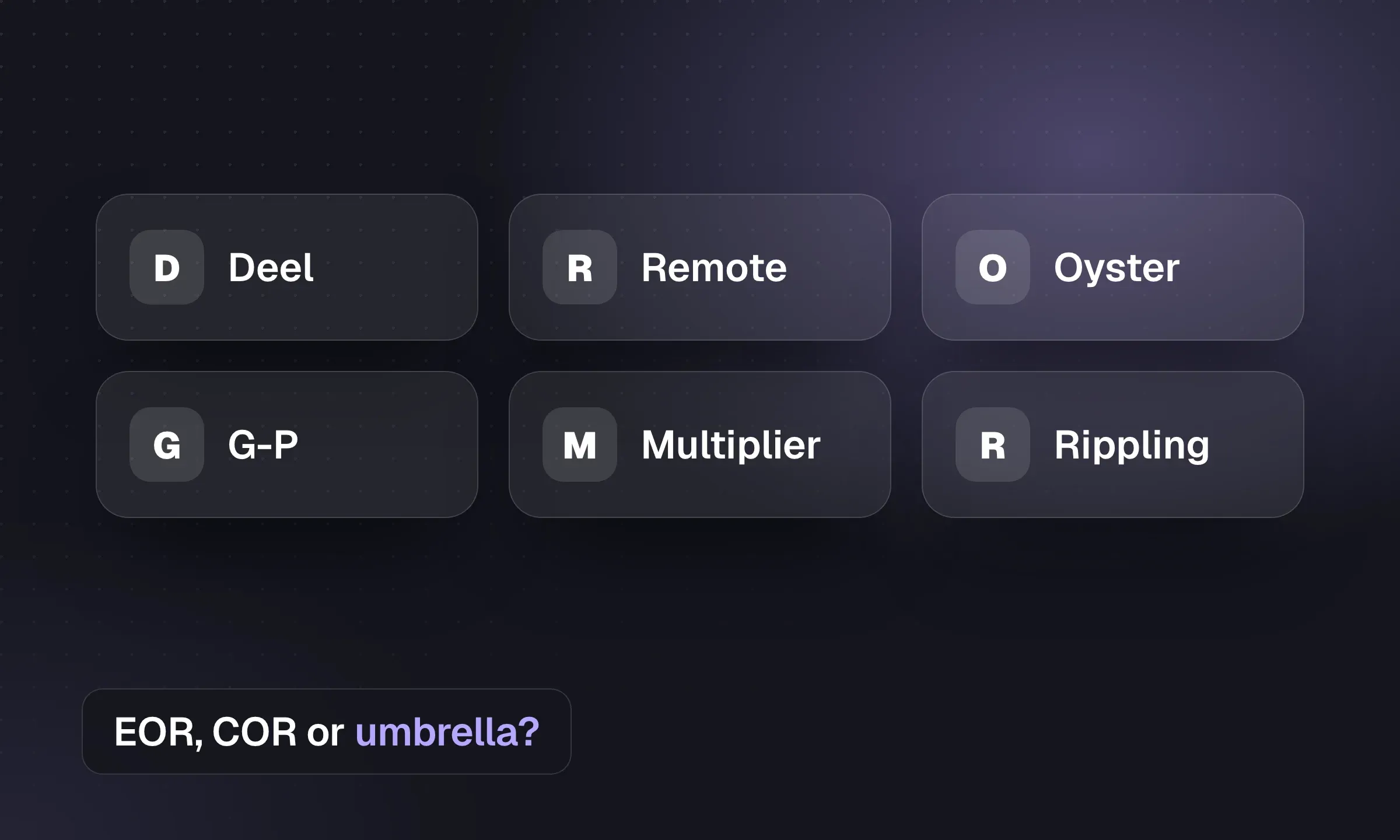
Contractor Management Software for Agencies
Compare contractor, COR and EOR arrangements, provider fees and the effect on your placement margin.
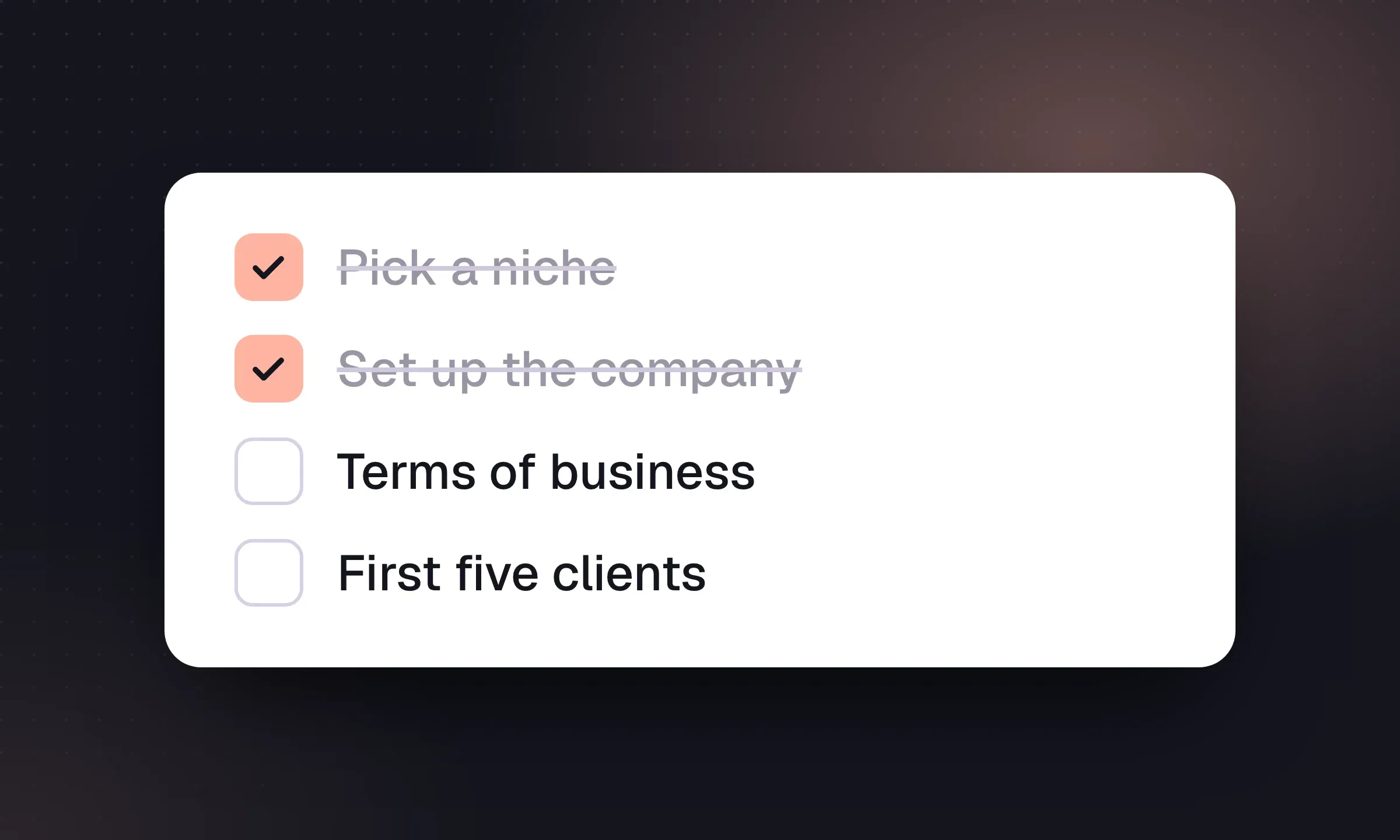
How to Start a Recruitment Agency: US and UK
Choose a niche and business model, fund the cash gap and complete the setup needed before your first placement.
YOUR NEXT CHAPTER STARTS HERE
Less admin.
More “you got the job.”
Let’s walk through a better working day for your agency.