
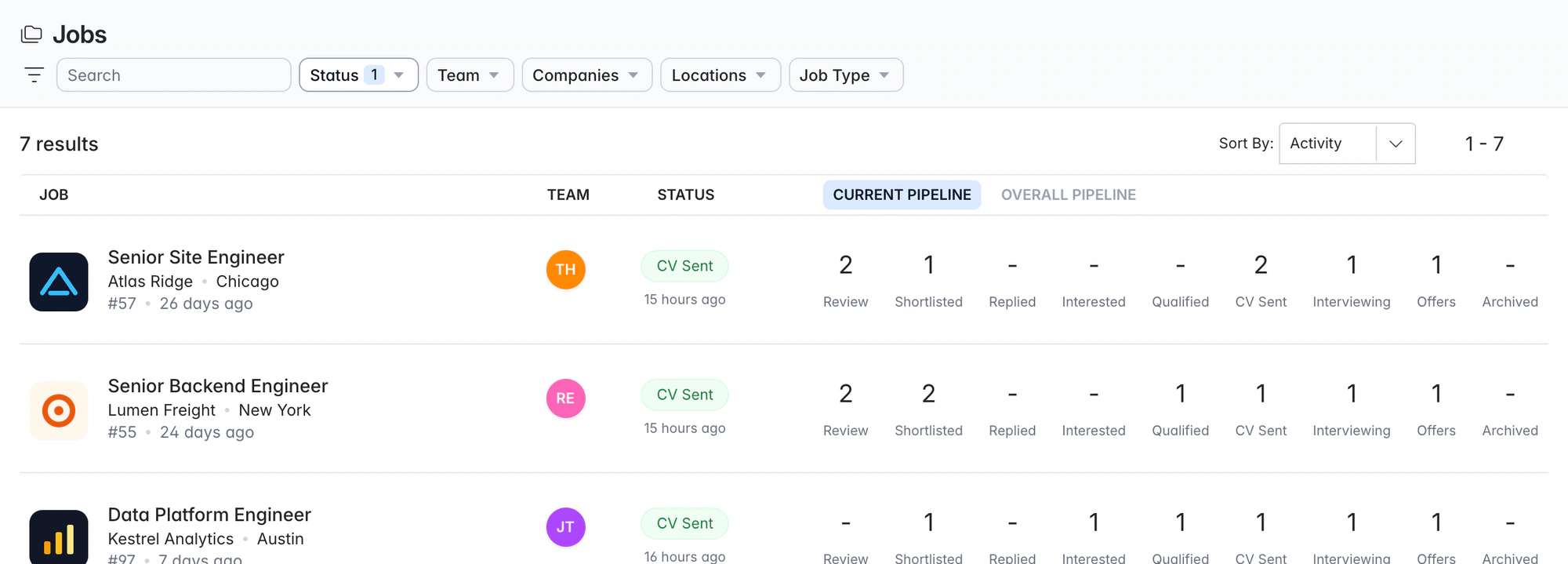
Recruitment agency software. From brief to placement.
Longlist is recruitment agency software with a client CRM, candidate database, email outreach and ATS in one system. Win the brief, find the people, send the shortlist and record the placement.
Free data migration 14-day free trial
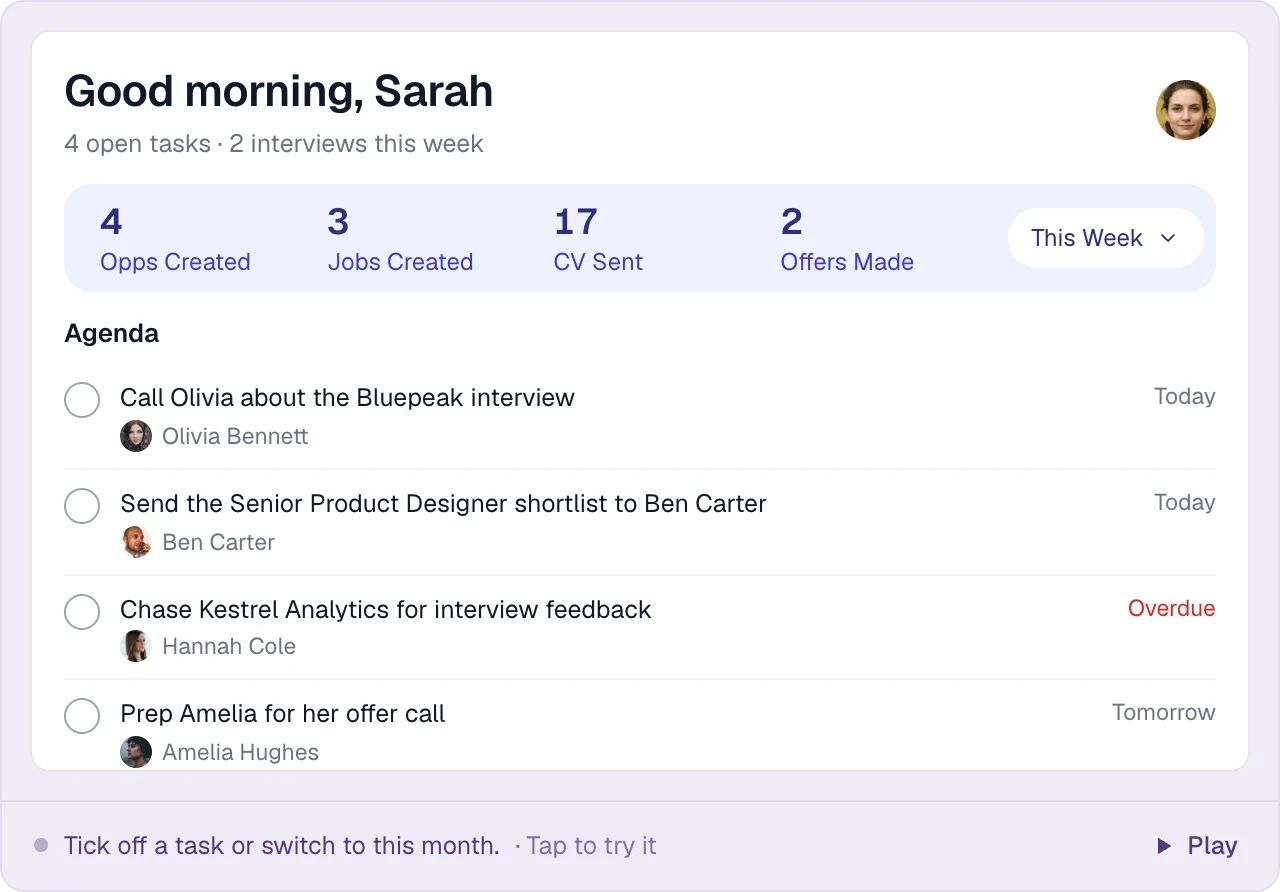
Good company. Great recruiting teams.





Business development and delivery on the same records
Companies, contacts and opportunities link to candidates, outreach and job pipelines, so the consultant who wins the brief and the one who fills it read the same history.
Choose the workflow that fits your desk
| Your agency | What to bring together | Take a closer look |
|---|---|---|
Permanent recruitment | Client opportunities, candidate history, job pipelines and placements | |
Contract recruitment | Candidate preferences, rates, assignments and next conversations | |
Staffing | Job orders, shortlists, submissions and client relationships | |
Executive search | Mandates, research lists, senior relationships and branded shortlists |
TAKE IT FOR A SPIN
How a won brief becomes a placement
Choose a step to see the screen your team uses at each stage.
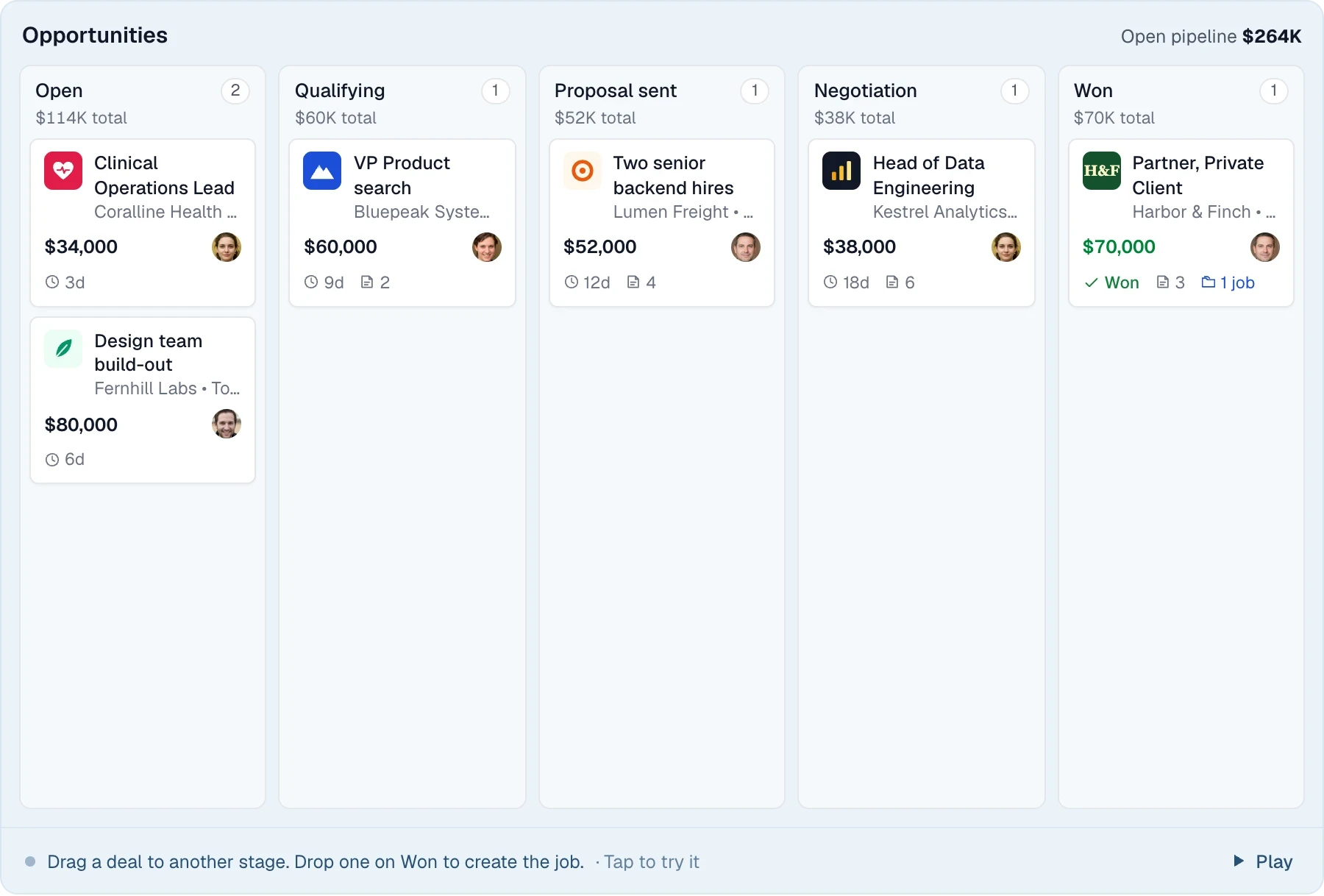
Win the brief
Track client opportunities from the first conversation to the agreed brief.
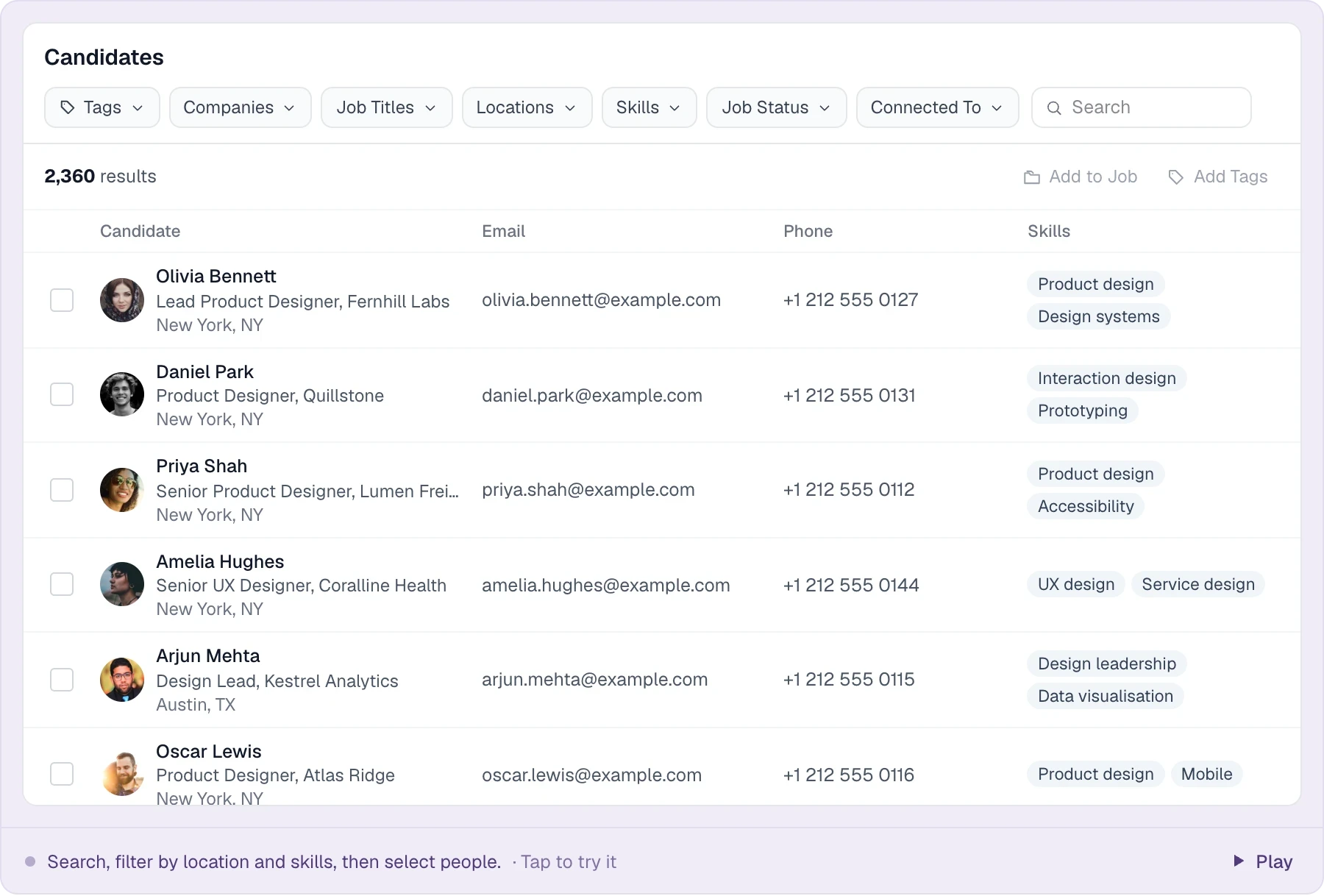
Find the right people
Search your candidate database with keywords and tags before starting a new sourcing search.
Run the shortlist
Work the shortlist and track submissions, interviews and offers in the job pipeline.
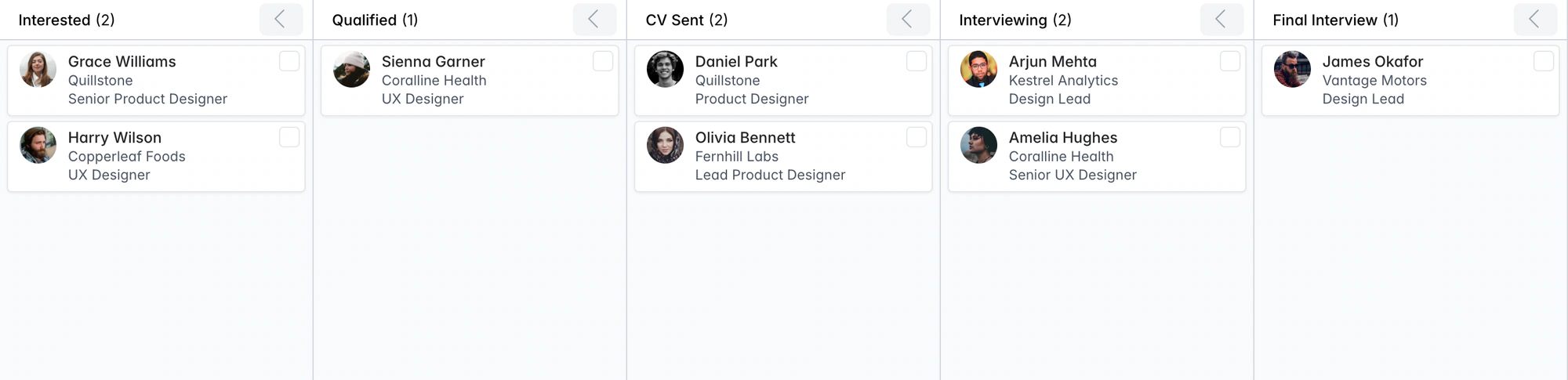
Permanent recruitment software, built in
Keep salary expectations, notice period and relationship history on the candidate profile. Run the job through interviews and offers, then record the permanent placement’s salary and fee details.
Contract, temp and executive search on the same system
Manage contract assignments with duration, bill and pay rates, or run retained searches with detailed histories and branded shortlists. Explore contract recruitment and executive search.
THE DETAILS MAKE THE DIFFERENCE
What to check before you buy recruitment agency software
Common buyer questions, answered.
Clients and candidates in one database?
Yes. Companies, contacts, opportunities, jobs and candidates are linked records.
Is CV parsing extra?
No. AI CV parsing is free on every plan, including bulk uploads of 50 files at a time.
Does it work with my inbox?
Two-way sync with Gmail and Outlook/Office 365. Emails log to the right record, with optional open and click tracking.
Can it chase people for me?
Email sequences send automatically, stop on reply and flag bounces. Other channels become tasks.
Where do jobs get posted?
Your own careers page, Google for Jobs, a Careerjet feed and Indeed apply-by-email. It isn't a multiposter for paid boards.
GDPR?
Send consent requests, track requested/allowed/denied/expired status with auto-expiry, filter by consent and delete records on request.
Team permissions?
Owner, admin and member roles for the account; recruiters and account managers on each job as its members.
Can managers see activity?
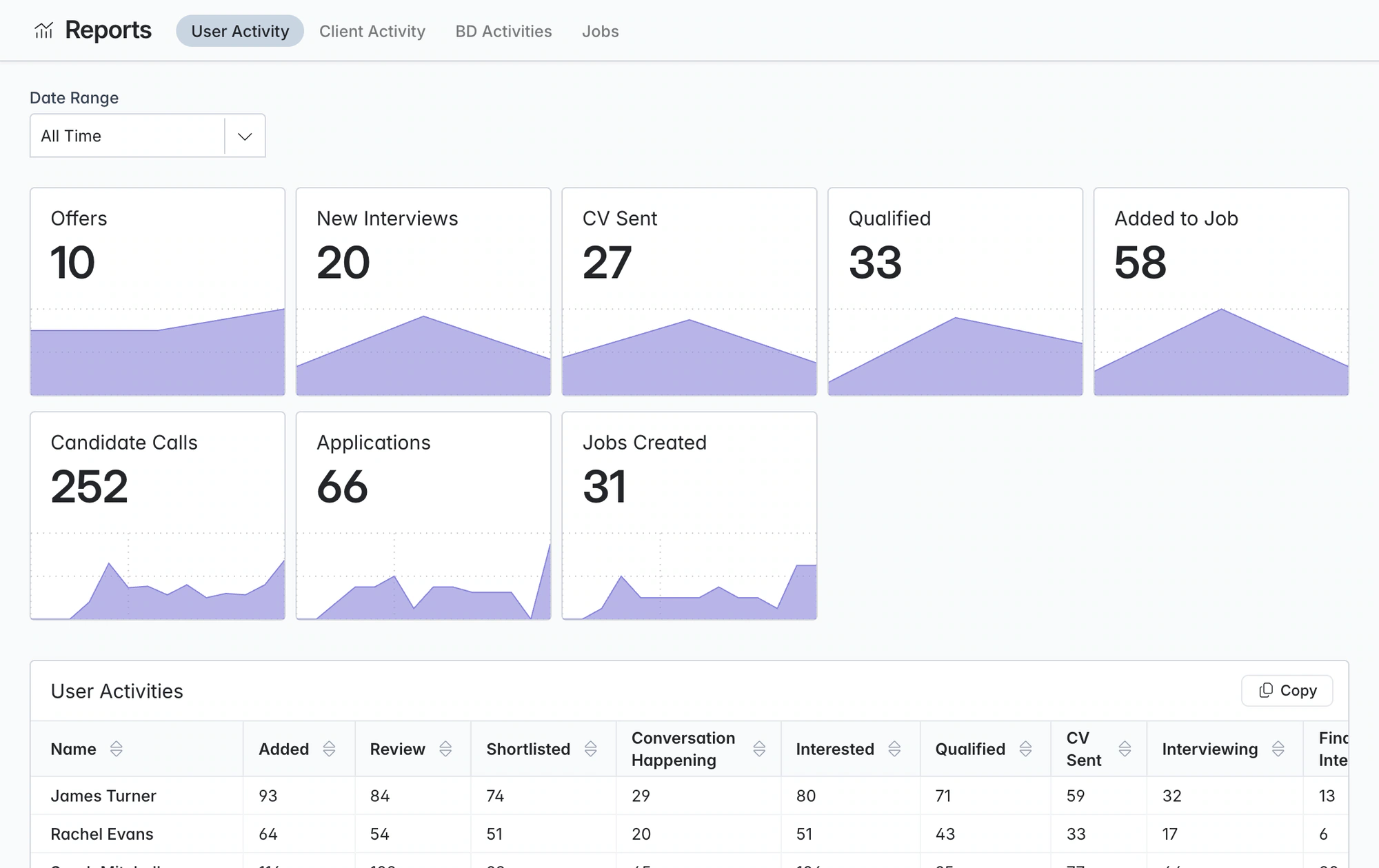
User, client, BD and job reports with drill-down. Custom dashboards on Plus.
How painful is switching?
The Longlist team migrates your data for free: Bullhorn, CSV exports, bulk CVs.
Pricing
Growth is $59/user/month, or $47/user/month billed annually. Plus is $79, or $65 annually, with calling, messaging and custom reports. Migration is free. See plans and pricing.
Test it against a live brief
Bring a real brief to the demo. Follow a client contact into a BD opportunity, a live job and a candidate submission. Then compare the plan, migration process and tools your team will use alongside it. Understand the costs.
What's the difference between a recruitment CRM and an ATS?
An ATS tracks candidates through jobs. A CRM manages candidate and client relationships over time. Longlist includes both. Read the CRM vs ATS guide.
Can it handle contract and temp recruitment?
Run contract, temp and permanent jobs in the same shared workflow. Keep the candidate history, client context and the placement details relevant to each assignment together.
How much does recruitment agency software cost?
Growth starts at $47/user/month billed annually, or $59 monthly. Plus adds calling and messaging. Compare plans.
How long does it take to move from Bullhorn or spreadsheets?
Our team handles migration for free. Send your exports and CV files; we map, import and check the records with you.
Does Longlist post jobs to job boards?
Publish to your careers page and Careerjet feed, with Google for Jobs eligibility. Indeed applications can be collected by email. Paid boards are posted separately.
From the blog
Choosing and running agency software
13 Recruitment Agency CRM and ATS Platforms Compared
Compare published prices, contract terms and feature tiers, then choose a shortlist for your agency’s workflow.
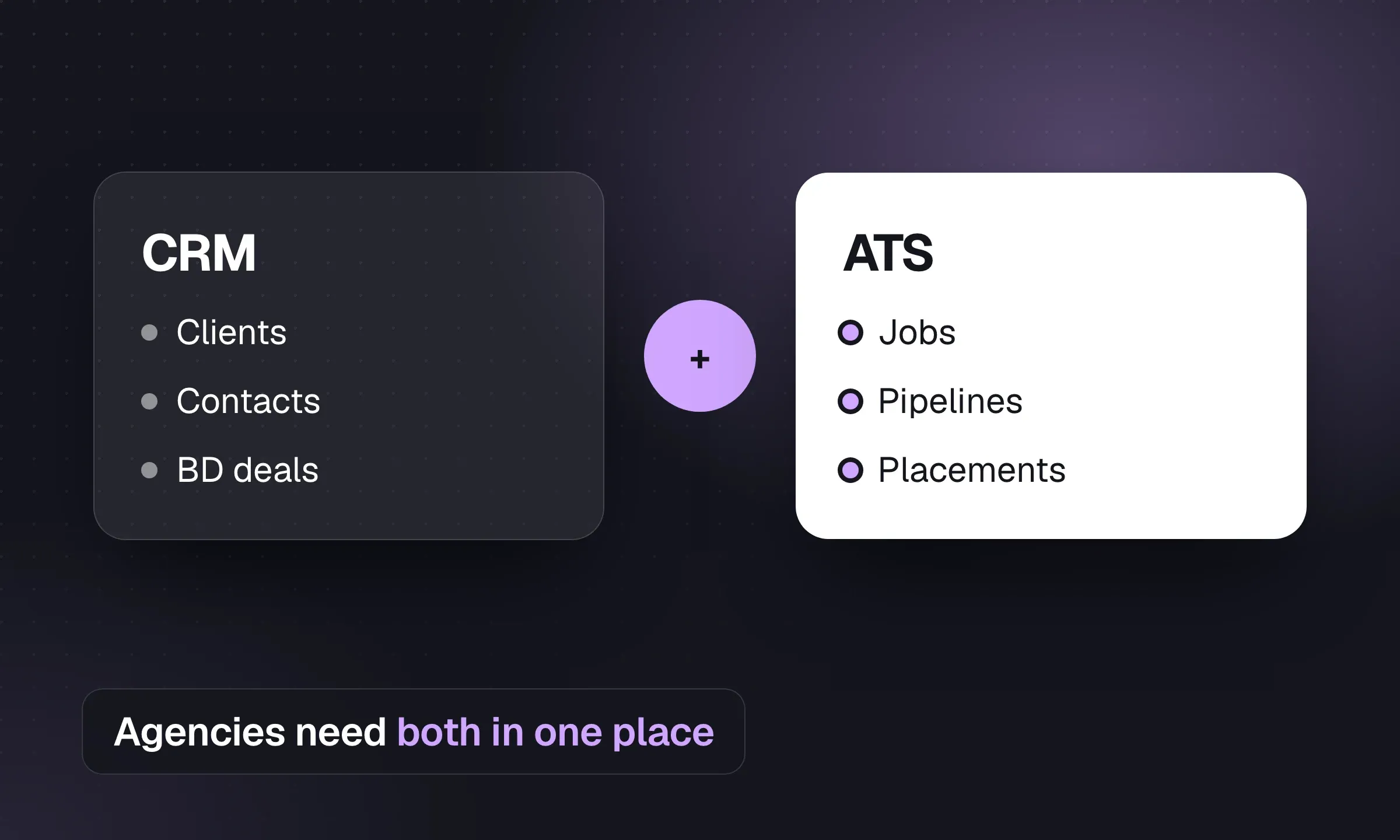
CRM vs ATS for Recruitment Agencies
An ATS manages live jobs. A CRM manages client and candidate relationships between jobs. See how agencies use both.
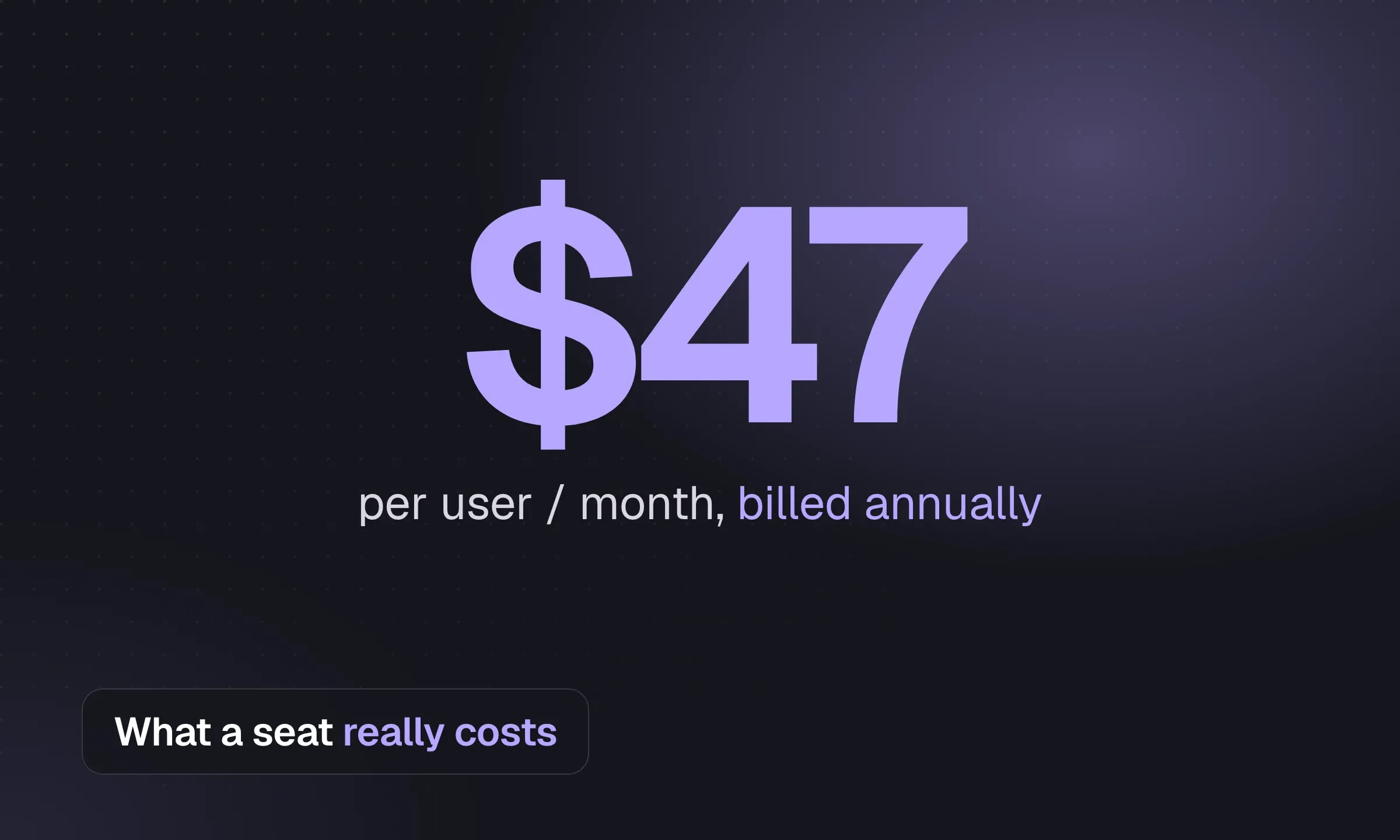
Recruitment Software Cost: Prices and Worked Budgets
Compare monthly and annual seat prices, then budget for usage, setup, sourcing tools and exit costs.
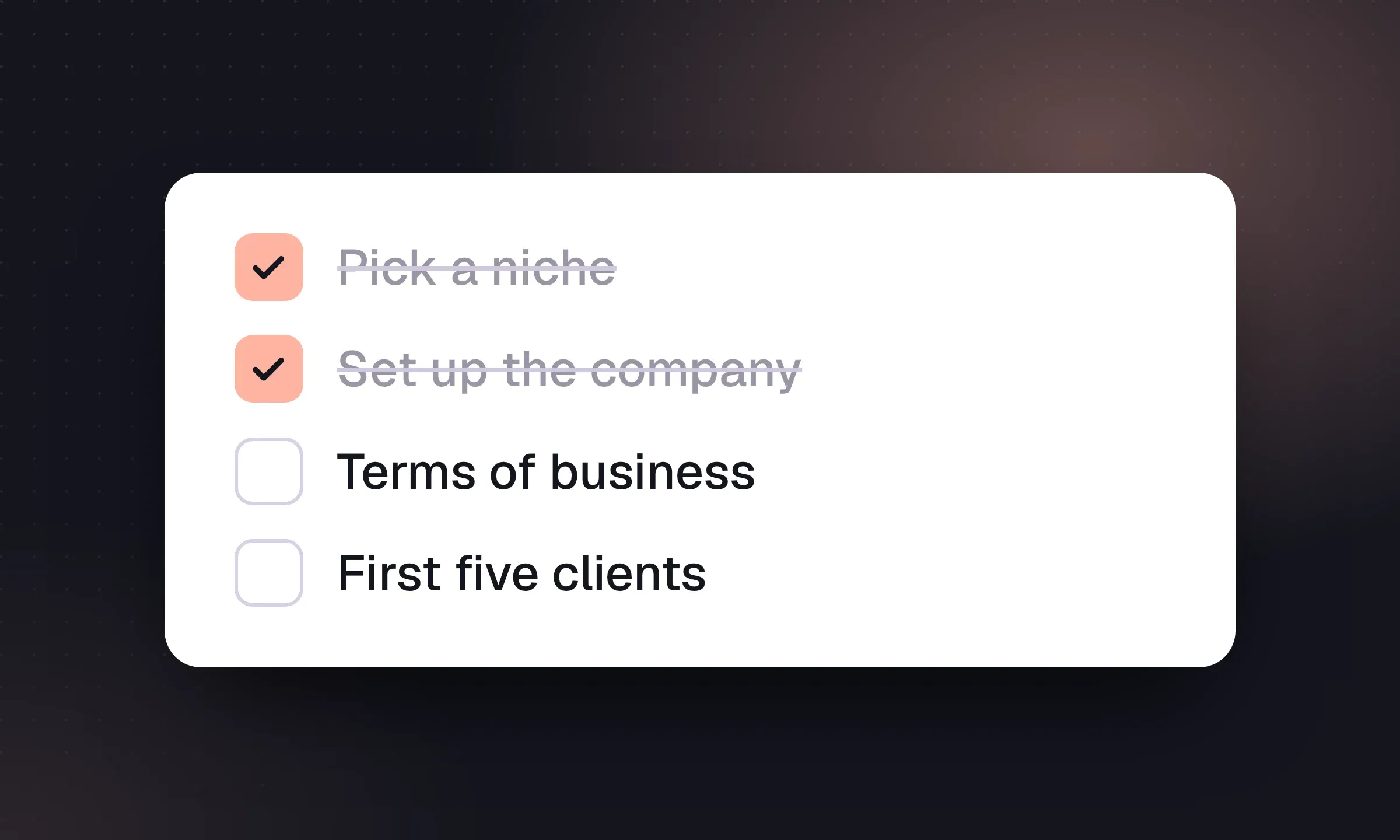
How to Start a Recruitment Agency: US and UK
Choose a niche and business model, fund the cash gap and complete the setup needed before your first placement.
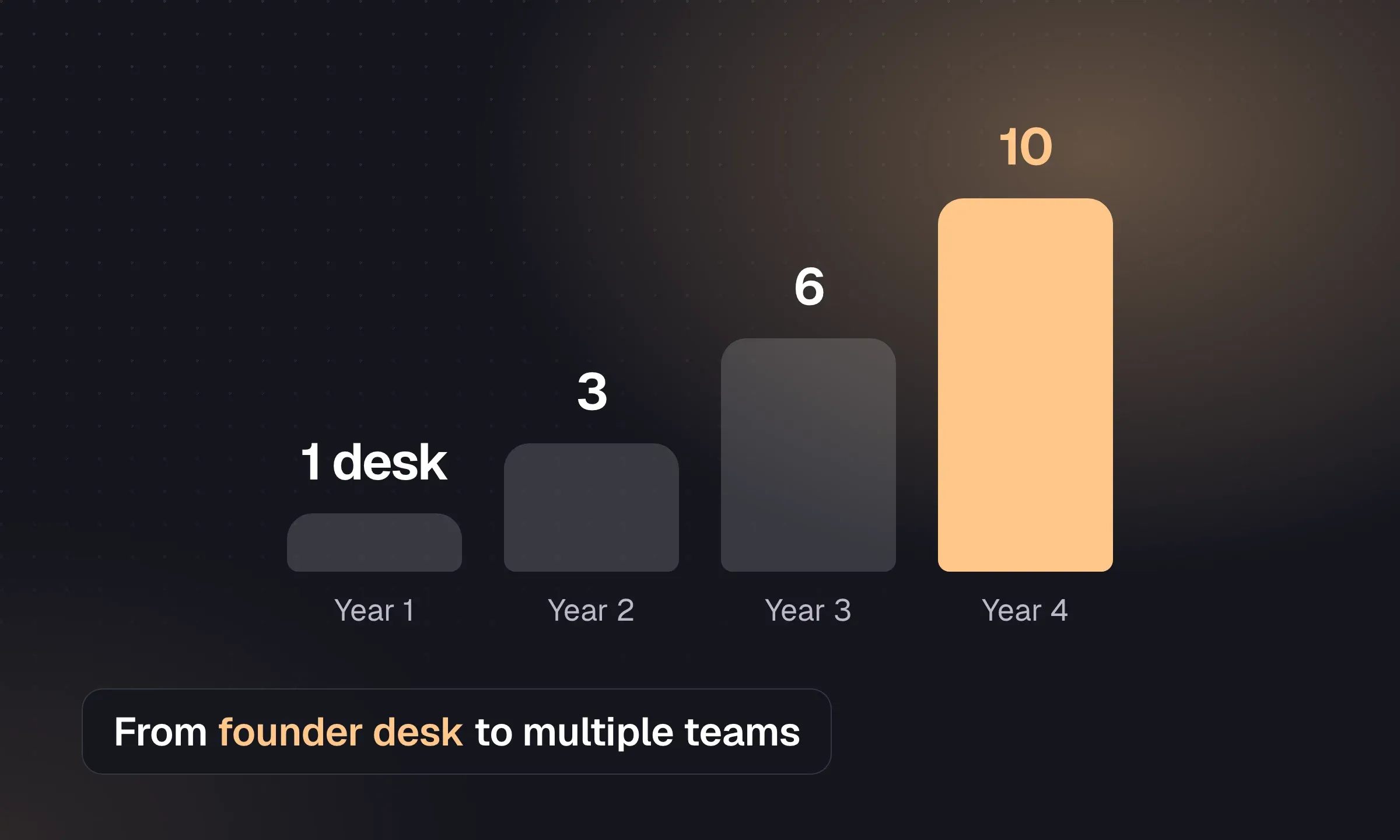
How to Scale a Recruitment Agency
Plan your first hire, split desks and build a team that can bill without the founder managing every placement.
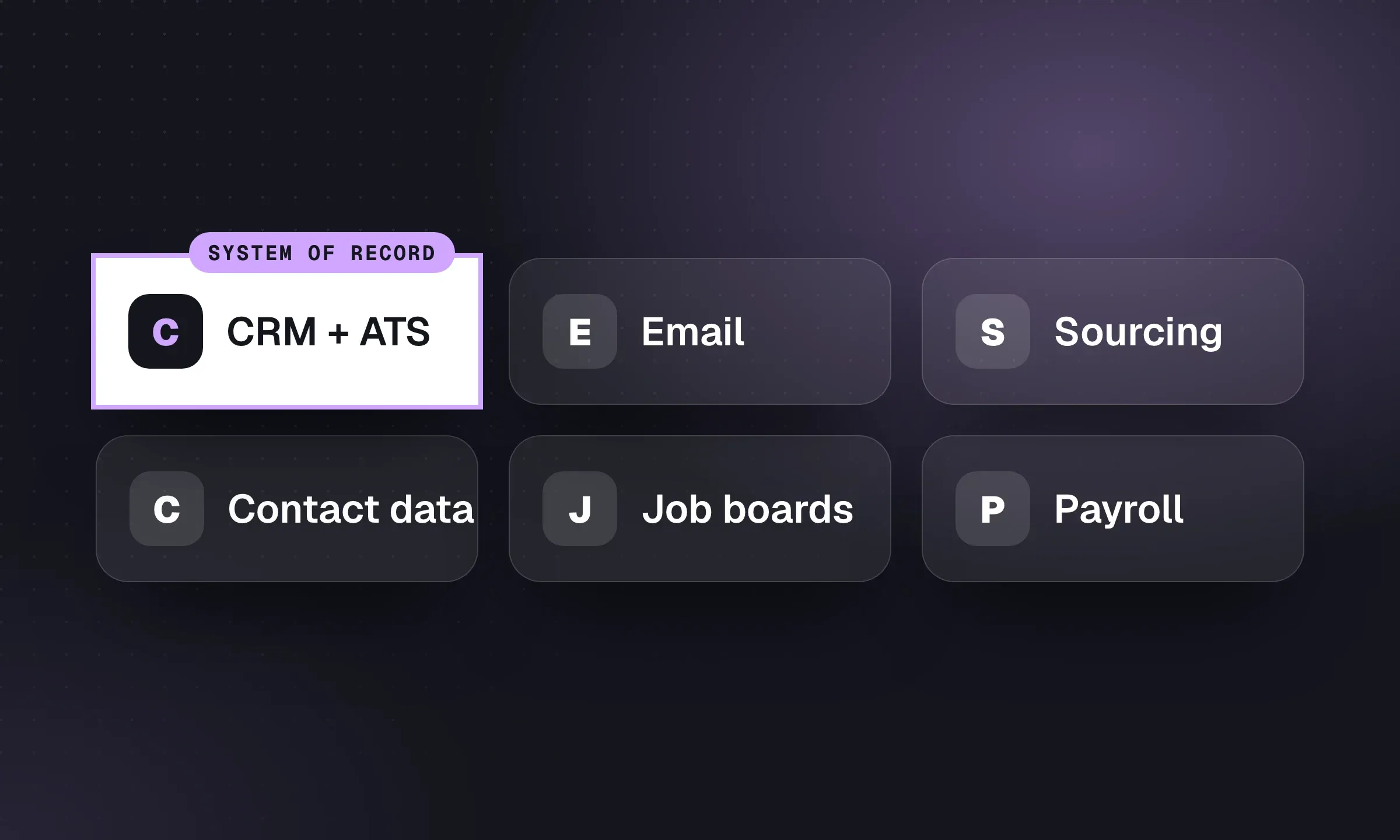
Recruitment Agency Tech Stack: A Practical Guide
Build around one system of record, then add sourcing, communication and back-office tools where the workflow needs them.
YOUR NEXT CHAPTER STARTS HERE
Less admin.
More “you got the job.”
Let’s walk through a better working day for your agency.