
Executive search software. Track mandates from pitch to placement.
Longlist is executive search software for boutique and retained search firms. Track the mandate as an opportunity, map the market into a campaign, approach candidates from your own inbox and present a branded shortlist.
Free data migration 14-day free trial
Used by recruitment agencies and search firms worldwide





History that lasts beyond the mandate
Research, conversations and the shortlist stay on the assignment through a long search. After the mandate closes, each candidate keeps their history for the next search.
A search brief your whole team can work from
| Stage | Keep the evidence together | Client conversation |
|---|---|---|
Mandate | Outcomes, target market and agreed priorities | What must the successful person achieve? |
Research | Target companies, candidates and relationship history | Why does this person warrant an approach? |
Qualification | Experience, motivation and practical preferences | What evidence supports the fit? |
Shortlist | Recruiter recommendation and branded candidate pack | Which questions should the client explore? |
Assignment review | Feedback, interviews and next actions | What changes the next decision? |
A CLOSER LOOK AT LONGLIST
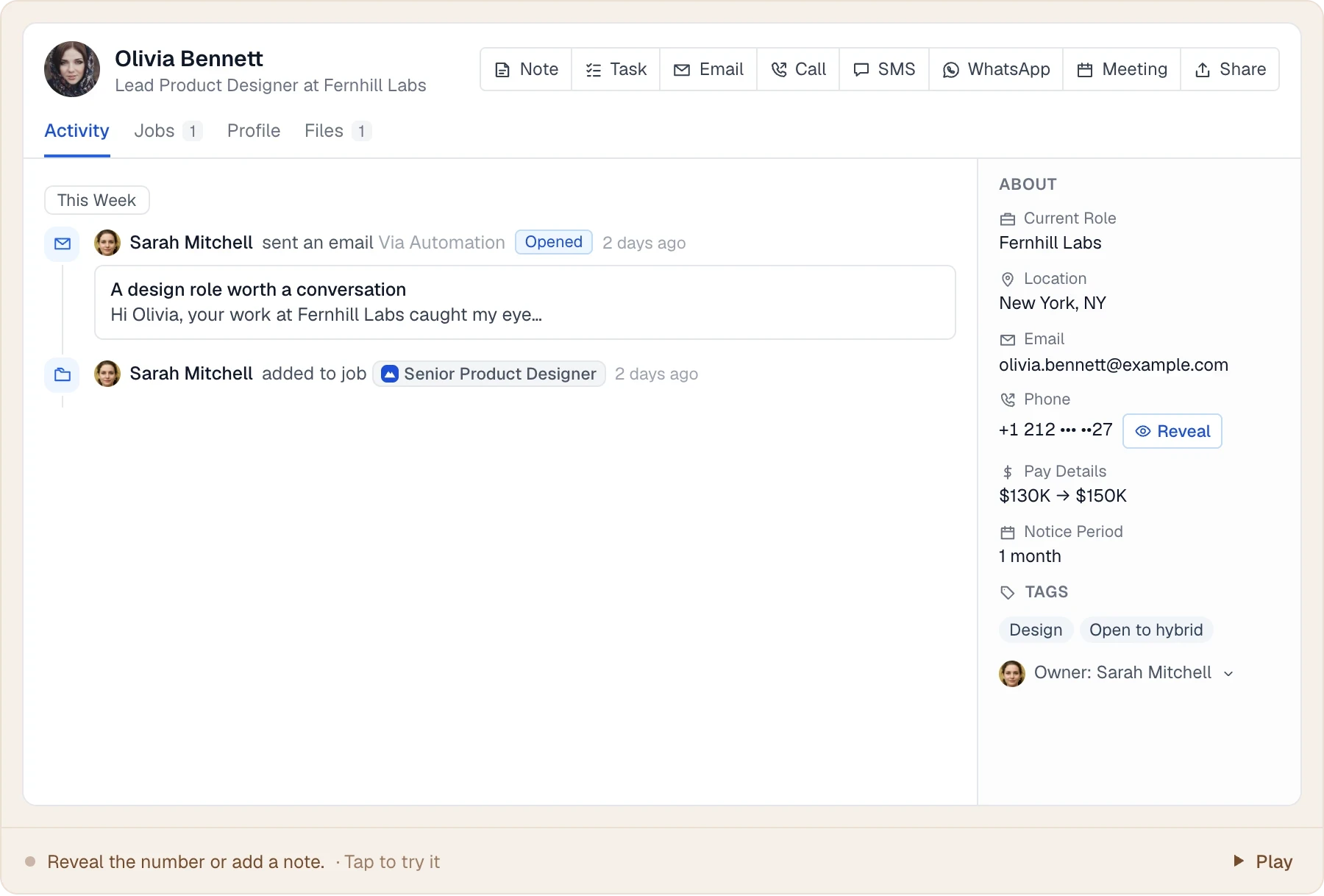
Remember the conversation before you start the next one.
Long searches are easier when the relationship history stays with the person.
PUT IT INTO PRACTICE
How a retained search runs in Longlist
From winning the mandate to keeping the relationship warm.
- 01
Win the mandate
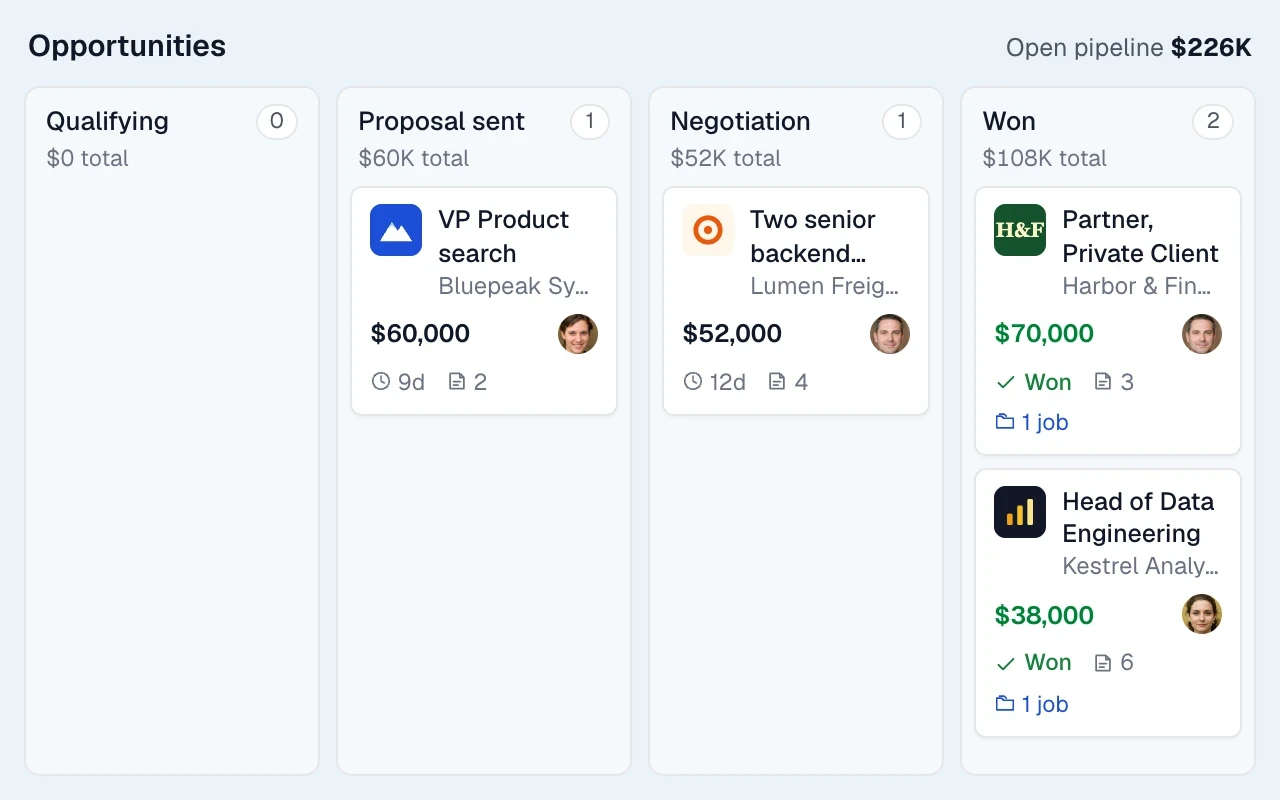
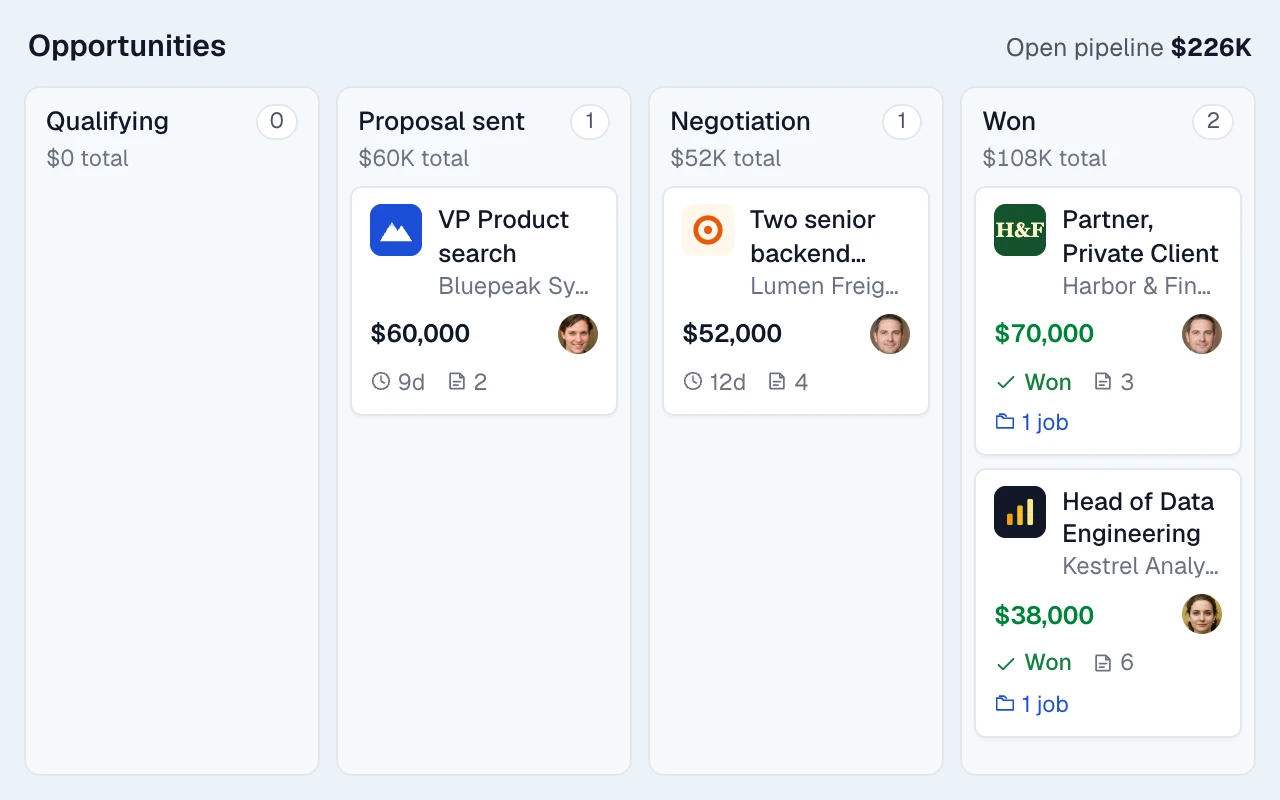
Track the potential mandate as an opportunity, with a value, owner and expected close date.
- 02
Open the assignment and staff it
Add the brief and assign the consultants working it. Set job visibility by team where needed.
- 03
Map the market into a campaign
Build a campaign from existing candidates and profiles captured with the browser extension.
- 04
Approach candidates discreetly
Send personalised email sequences from your own inbox. Calls and other outreach steps create tasks; replies stop follow-ups.
- 05
Present a branded CV pack
Share a branded CV pack with your summary, recommendation and the candidate’s CV.
- 06
Interviews, offer and placement
Send interview invitations, track offers and record the placement details and team.
- 07
Keep the relationship warm
Move strong candidates into a nurture campaign, with their full history ready for the next search.
LESS FRICTION. MORE MOMENTUM.
An executive search CRM built for long cycles
Timeline, search, sequences and tasks for searches that run for months.
01
Full relationship timeline
Read previous conversations, notes and assignments before making your next approach.
02
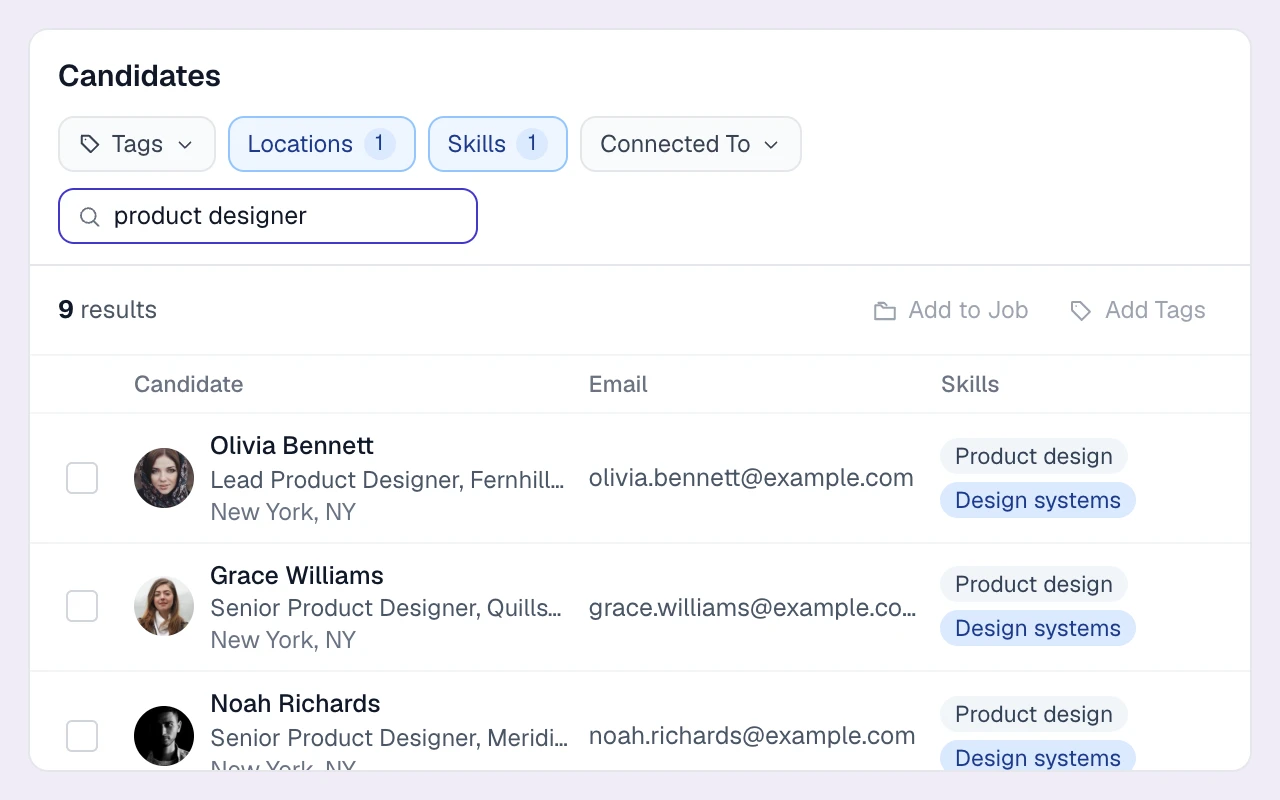
Find the right person in your own database
Search by title, company, skills, location and tags, with teammate connections in view.
03
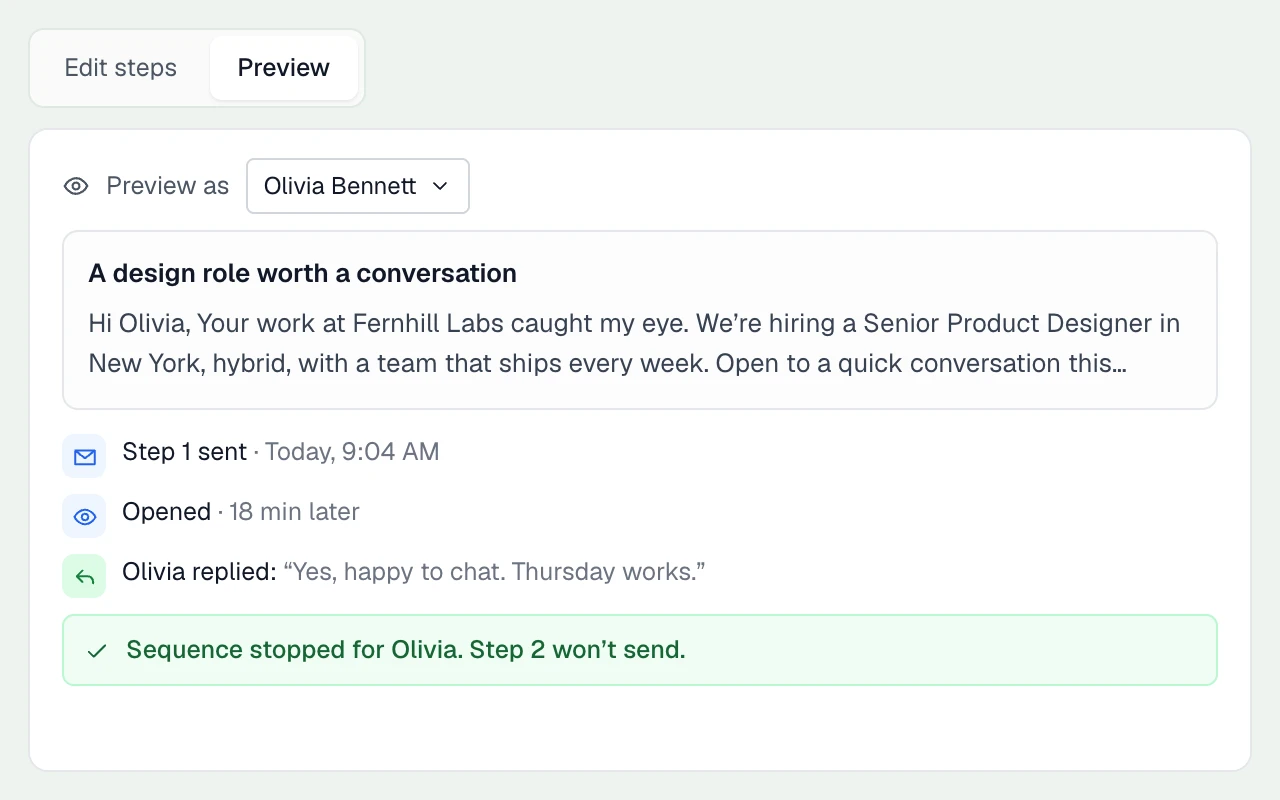
Sequences that sound like you
Set personalisation fields, delays and sending windows. Follow-ups stay in one thread and stop on reply.
04
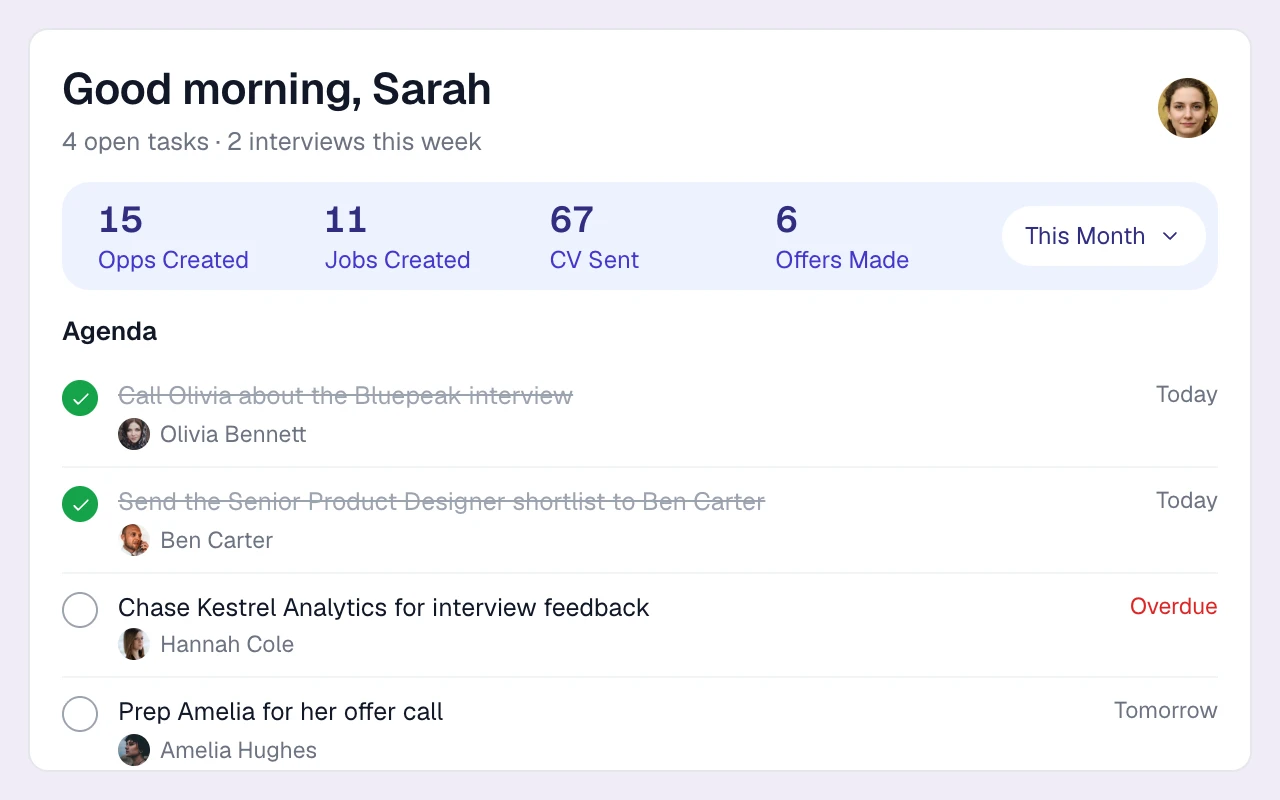
A daily agenda for long cycles
Keep calls, meetings and follow-ups on a shared task list, with due dates and reminders.
Confidentiality and data protection
Use team-based job visibility and account roles to manage access. Consent requests, status filters and record deletion help your team maintain candidate data; retention reviews remain under your control.
THE DETAILS MAKE THE DIFFERENCE
Also included for search firms
AI CV parsing
Upload up to 50 PDFs or Word CVs at once. Work history, education and contact details are extracted and deduplicated by email and LinkedIn URL. Resume parser.
Gmail and Outlook sync
Two-way email sync, open and click tracking, and every message logged to the right timeline.
Calling, SMS and WhatsApp
On the Plus plan, click-to-call from any record with a cloud number per user, plus two-way SMS and WhatsApp. Calling, SMS & WhatsApp.
Client companies and contacts
Companies with status (Active, Past Client, Prospect), terms and owner, with the website and logo filled in automatically.
Activity reporting
User, client and BD activity reports: CVs sent, interviews, offers, calls, InMails, opportunities created and time-in-stage, with drill-down. Reporting.
Careers page
Public job pages in your branding with apply forms, Google for Jobs markup and CV auto-parsing.
Contract and interim roles
Job types include Permanent, Contract, Temp and Contract-on-Hire, so interim mandates sit alongside perm searches, with bill and pay rates recorded on placements.
Exports
Export candidate lists to Excel or CSV whenever you need to share or archive a longlist.
Free migration
The Longlist team moves your data from Bullhorn, spreadsheets, CSV exports or bulk CV folders at no charge.
What executive search software costs
Compare the subscription, billing basis and workflow your agency needs. Longlist figures are USD per user per month; vendor currencies and billing terms are stated separately. Confirm current terms with each provider.
| Software | Starting price | What to know |
|---|---|---|
| Longlist | From $47 annual / $59 monthly | USD per user/month. CRM, ATS, parsing, sequences, CV packs and migration support. See pricing. |
| Recruit CRM Pro | $95 annual / $109 monthly | USD per user/month. Includes one outreach sequence. |
| Loxo Core | $149 | USD per user/month, billed annually and paid up front. |
Sources, verified October 2026: Recruit CRM [1]; Loxo [2].
Currencies, billing terms and plan scope are shown separately; confirm the current terms with each provider.
Build a shortlist with a reason behind every name
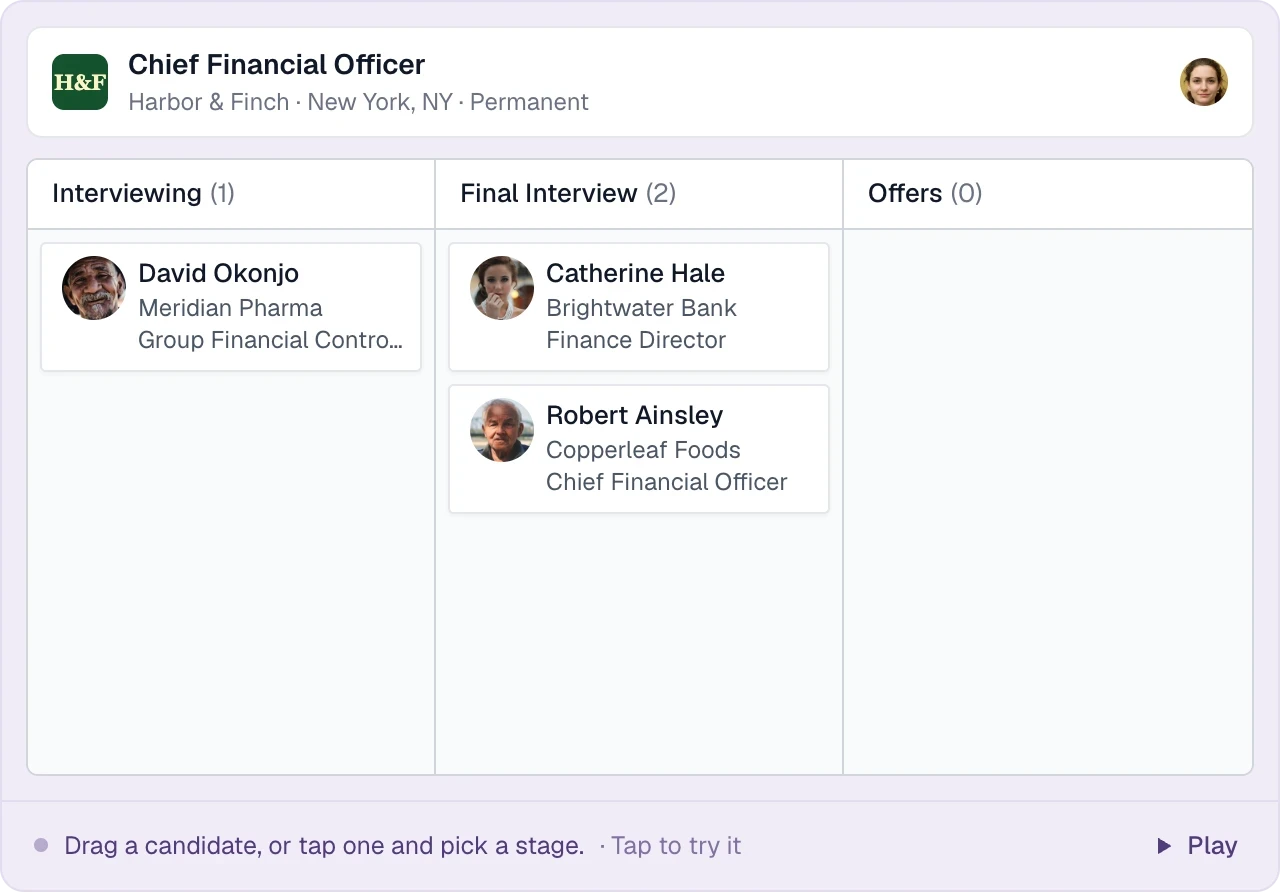
For a finance-director mandate, link each target candidate to the experience the client needs, the conversation you have had and the next question to explore. Keep the reasoning alongside the CV. Use the retained-search workflow and candidate submission template.
How do we share a shortlist with clients?
Build a branded CV pack with your recommendation, send it to the hiring contact and log feedback on the assignment.
How do we keep confidential searches private?
Job visibility can be restricted by team, with account roles controlling access. Your agency’s data is kept separate from other customers.
Can we migrate from FileFinder, Invenias, Bullhorn or spreadsheets?
Yes. Our team handles migration from exports, spreadsheets and CV folders for free, including data from existing search CRMs.
What does Longlist integrate with?
Connect Gmail or Outlook for email sync. Plus includes calling and messaging. The browser extension supports contact lookups, and a limited API can create candidates and opportunities.
How much does Longlist cost for a search firm?
Growth starts at $47/user/month billed annually, or $59 monthly. Plus adds calling, messaging and custom reports. Compare plans.
From the blog
Guides for executive search firms
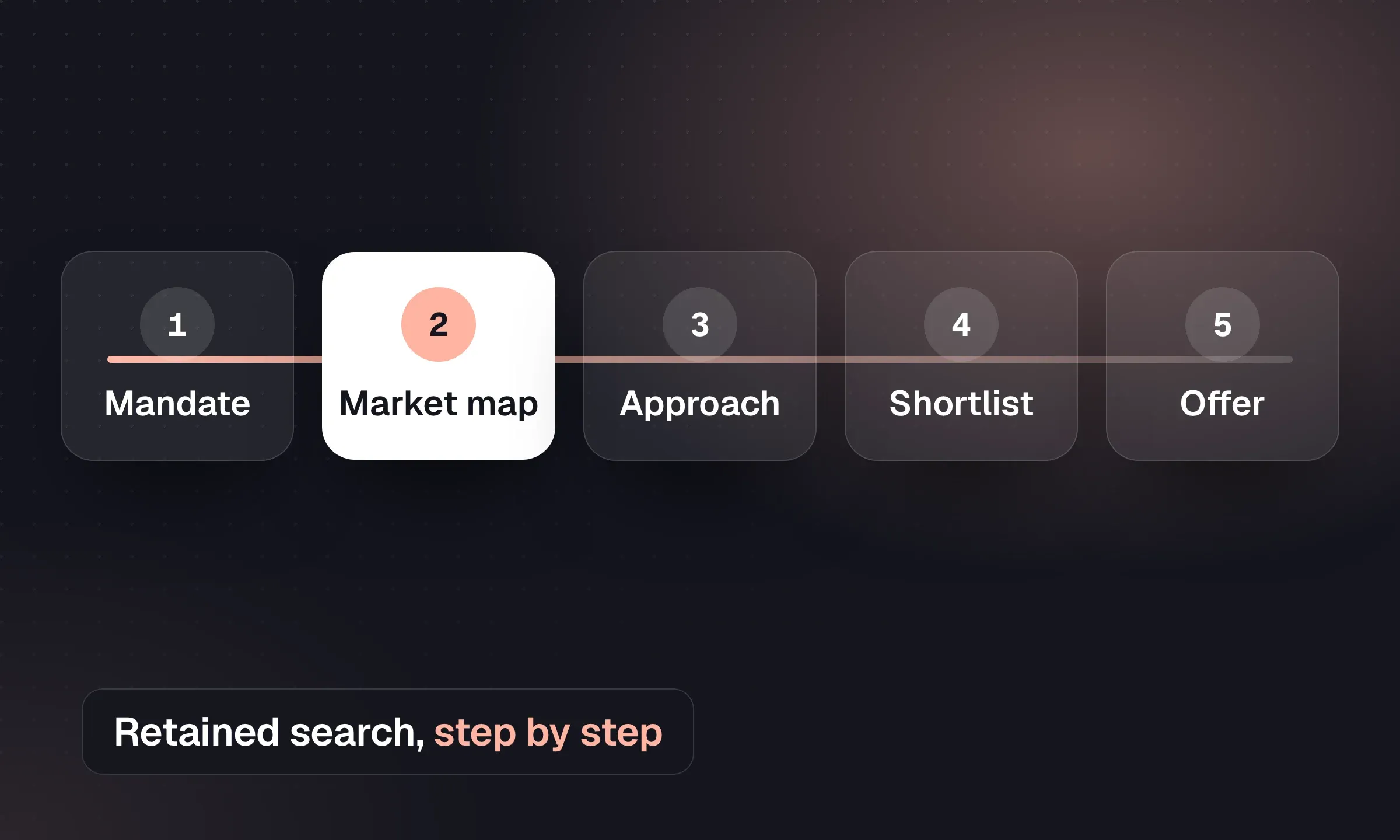
Executive Search: The Retained Search Process
Run a retained mandate from briefing and market mapping to assessment, references, offer and onboarding.
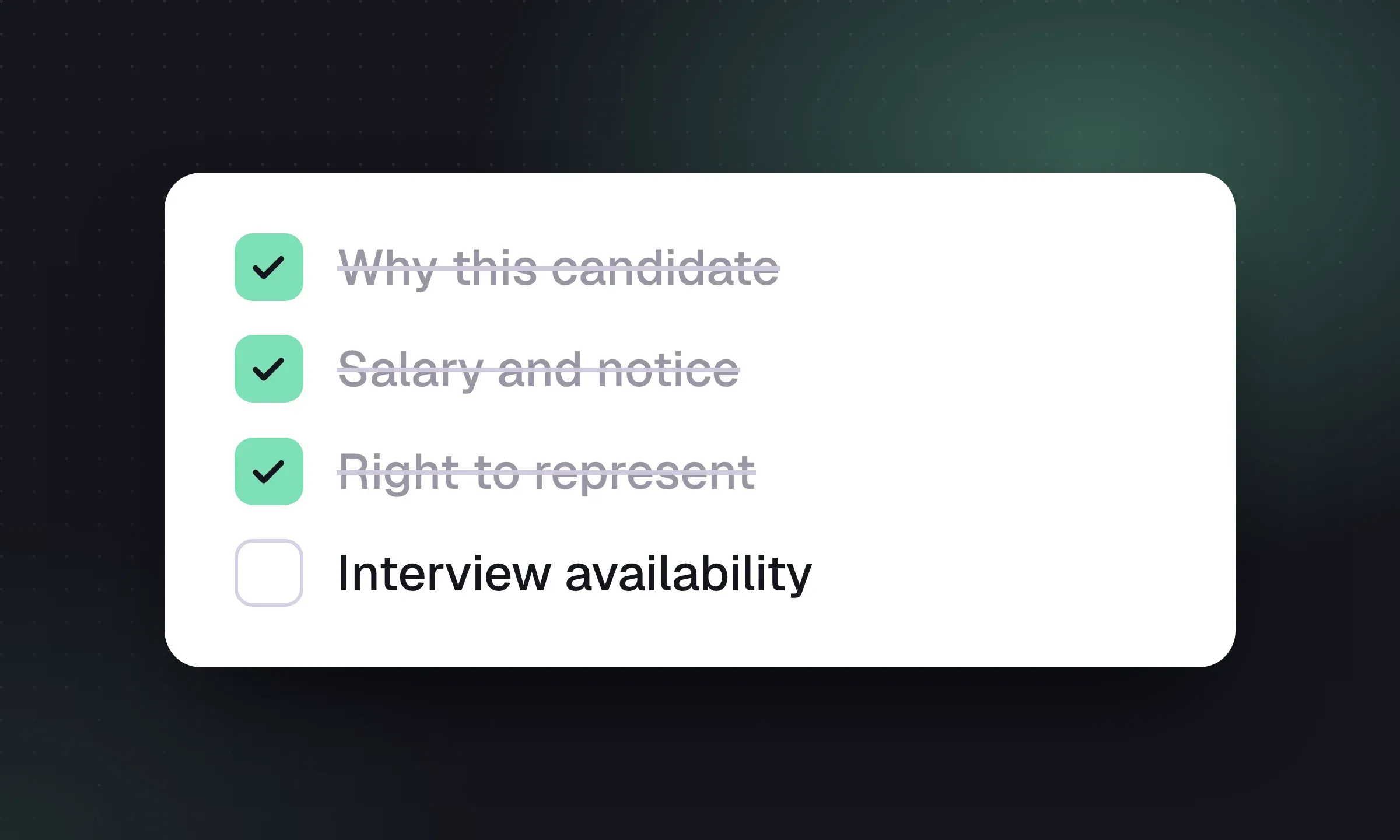
Candidate Submission Templates for Recruiters
Use a one-page cover summary, worked examples and short client emails to make each submission easy to assess.
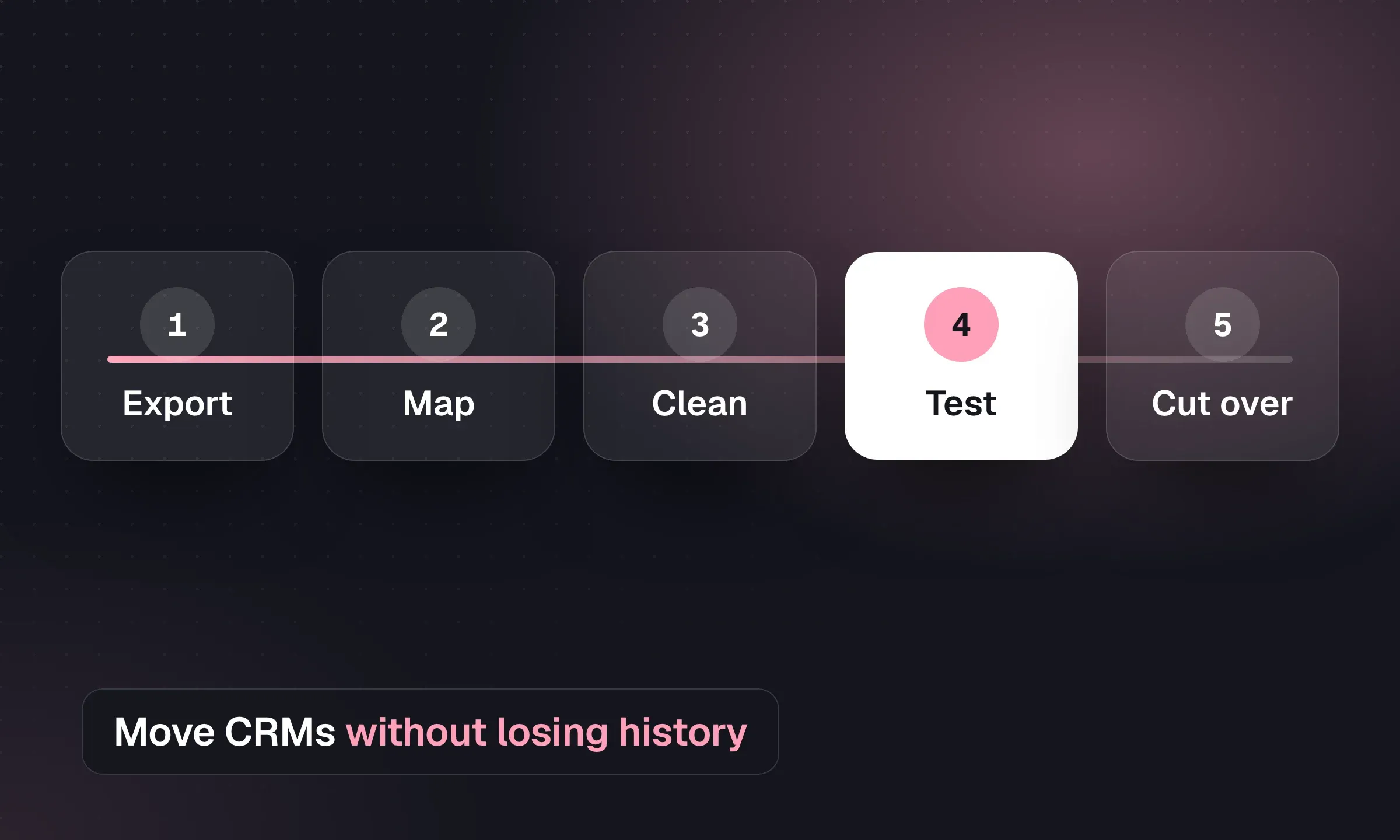
Recruitment CRM Migration: An Agency Checklist
Map records, reconcile CVs and test a pilot before switching systems, with a downloadable migration checklist.
YOUR NEXT CHAPTER STARTS HERE
Less admin.
More “you got the job.”
Let’s walk through a better working day for your agency.