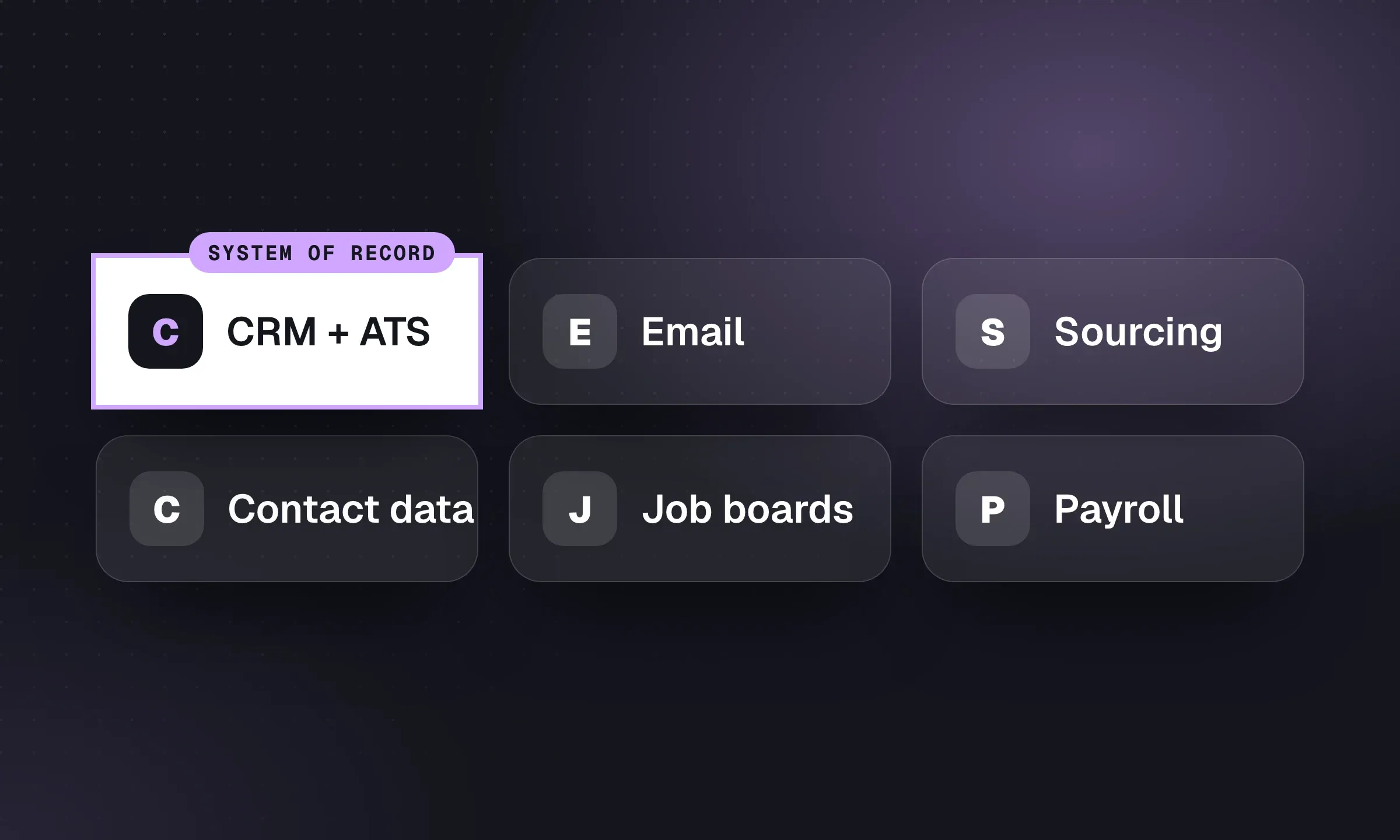
Check what your CRM already does before buying recruitment marketing software. You may already have a careers page, job feeds, candidate email sequences and texting; a separate tool needs to fill a specific gap. Longlist publishes this comparison and sells a CRM + ATS. The comparisons use vendors’ published features and terms; we have not tested the products against one another.
What to buy at each size
Scroll the table to see all columns →
| Agency | Careers site | Distribution | Nurture and SMS |
|---|---|---|---|
| 1 to 5 desks | Longlist careers page | Longlist’s free feeds plus 1 to 2 paid boards, posted directly | Longlist sequences; SMS and WhatsApp on Plus if you work contract |
| 6 to 20 desks | Longlist careers page, or a website builder if the site wins clients | A multiposter once paid posting is weekly across desks | Longlist sequences and texting on Plus |
| 20+ desks, or high-volume temp | Recruitment website platform with attribution | Multiposter, maybe programmatic for volume clients | Dedicated engagement or texting platform on top of the CRM |
- Every applicant, reply and text lands on the candidate record in your CRM
- Each applicant is tagged with a source you can report on by placement
- Jobs disappear from the site, feeds and boards when they’re filled
- The careers site has JobPosting markup and a job sitemap
- You know the per-seat, per-message or per-post cost at your real volume
- The tool connects to your current CRM today, not on a roadmap
- Consent for texts and marketing emails is recorded and respected
- You can leave: contract term, notice period, and what happens to your site and data
Run candidate marketing from your CRM
Careers page, Google for Jobs markup, applicant parsing, email sequences and (on Plus) SMS and WhatsApp, in one CRM + ATS. From $47 per user/month billed annually, with free data migration.
Job 1: a careers site that gets found
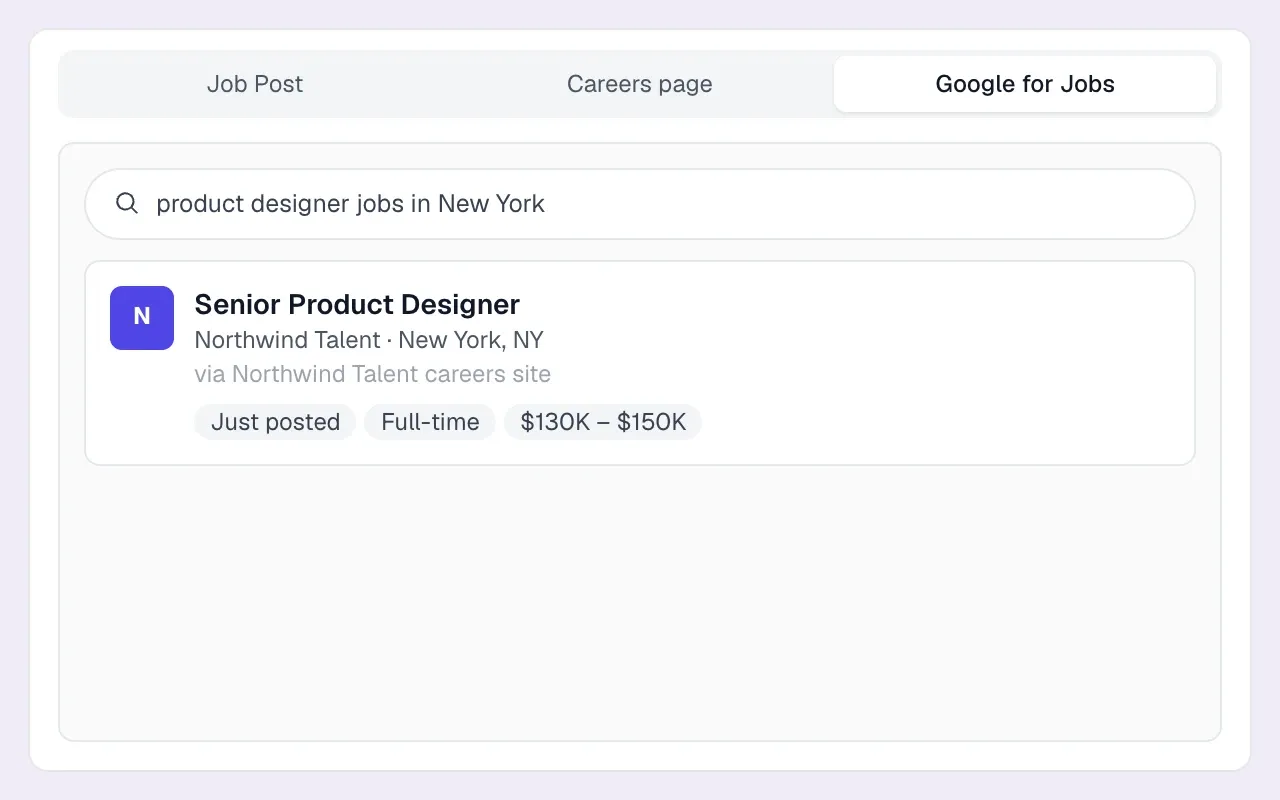
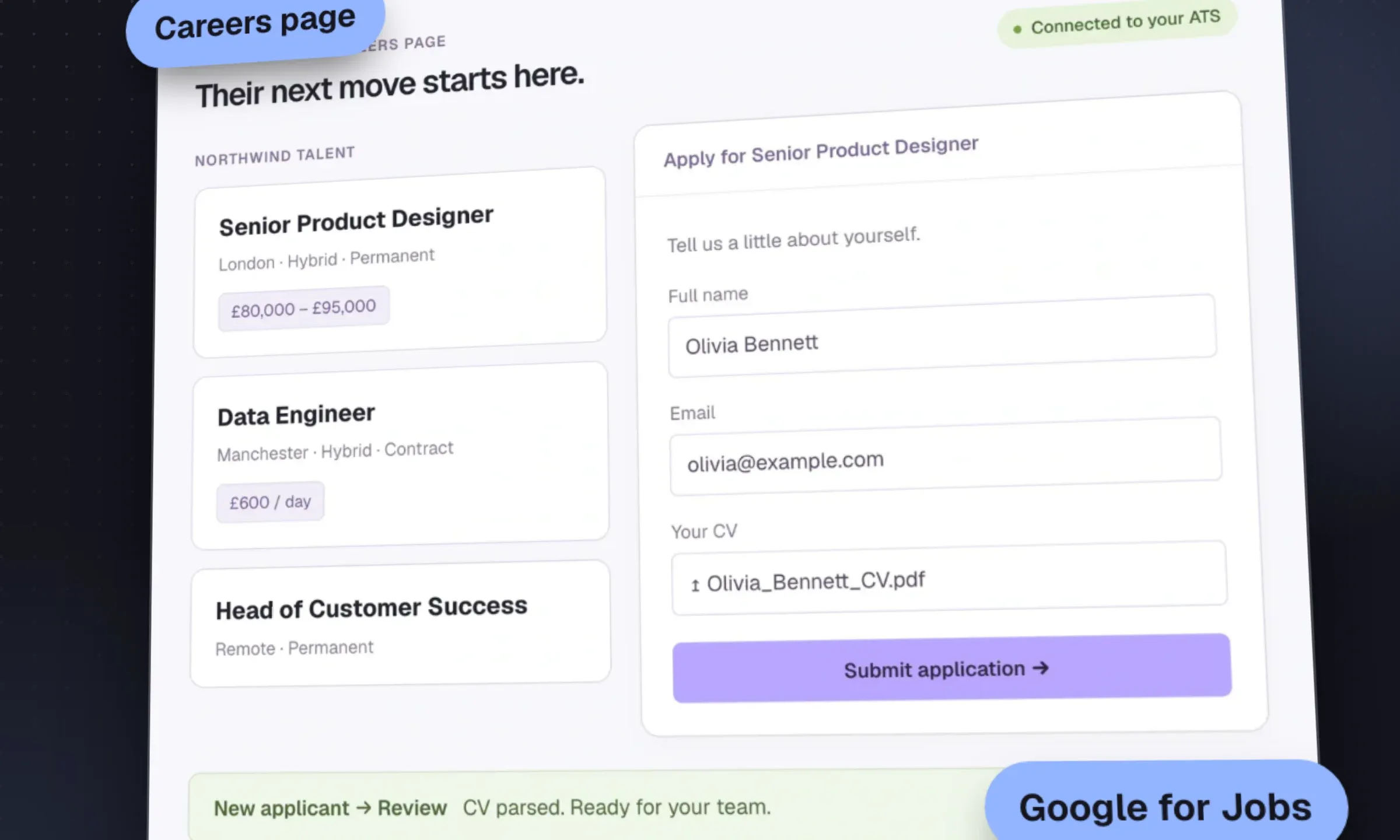
Your careers site does two things. It turns candidates who find you into applicants in your ATS, and it gets your jobs into Google for Jobs, which is free. Google requires JobPosting structured data on each job page and expects expired jobs to be removed or marked expired (Google’s documentation).
Most agency CRMs now include a hosted careers page. Check for JobPosting markup, a job sitemap, screening questions, CV parsing on apply, duplicate matching, and jobs dropping off when filled. (Bullhorn, for example, includes a career portal from its Starter plan.) A careers page is enough if your website’s main job is to list vacancies. You need a recruitment website builder when the site also has to win clients: sector pages, salary guides, case studies, consultant profiles, content that ranks.
Longlist
Learn more →- Best for
- Agencies that want job pages, applicants and nurture in one CRM + ATS
- Pricing
- Included on every plan, from $47/user/month
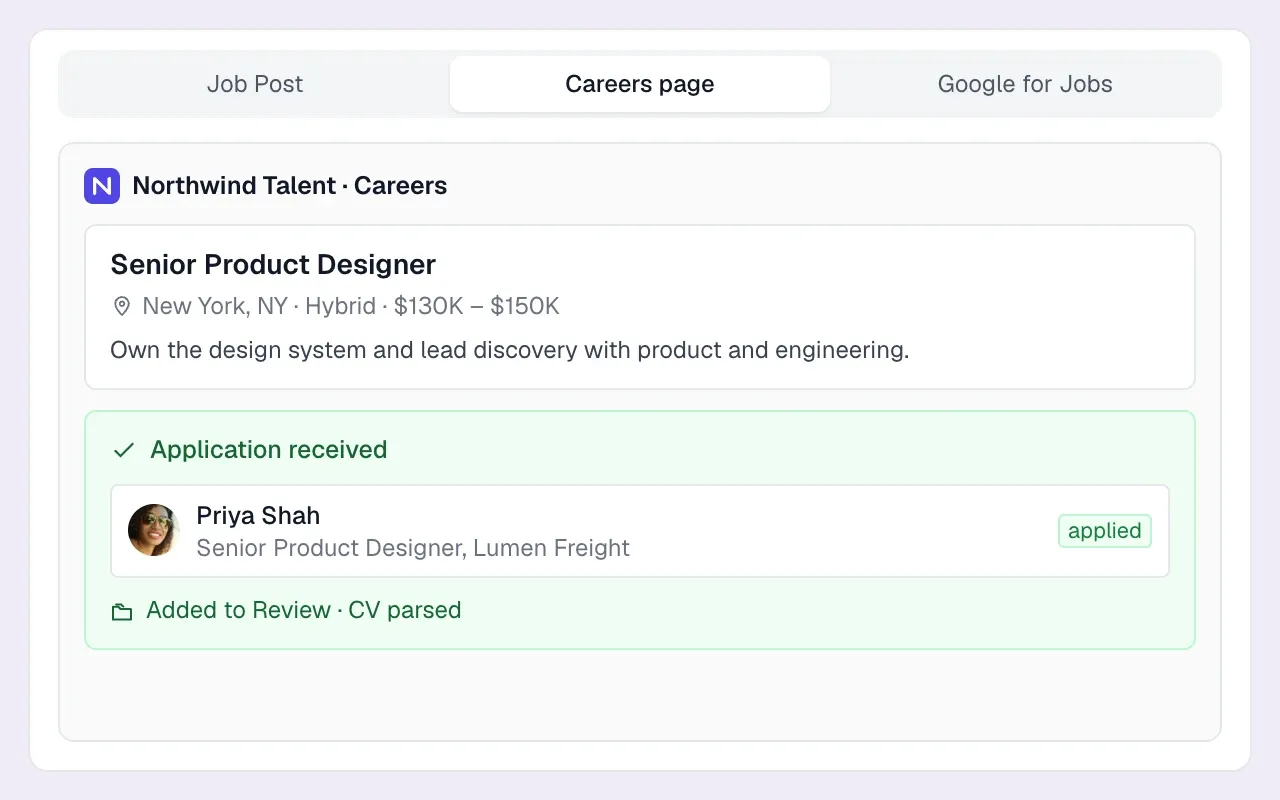
Longlist’s careers page ticks every item on that list. You get a branded page per job and one listing of every open role, apply forms with free-text, single-select and multi-select screening questions, JobPosting markup and a job sitemap for Google for Jobs, a Careerjet XML feed and an apply-by-email address per job for Indeed applications. Applicants are parsed, matched to existing records and placed in the job’s Review stage, and page views and applications are counted per job so you can see which ads convert. Pairs with a multiposter for paid boards, or a website builder if your site has to win clients.
Access Attract Evo (formerly Volcanic)
Website ↗- Best for
- UK agencies that want a full recruitment website with campaign-to-placement attribution
- Pricing
- Quote-based
A recruitment website platform with a no-code design studio, now sold by The Access Group within Access Recruitment. Its pitch to marketing managers is attribution: which channels drive placements, with early-warning alerts on wasted spend. A natural fit if you already run Vincere, also an Access product.
Shazamme
Website ↗- Best for
- Recruitment and staffing firms that want a website plus marketing add-ons
- Pricing
- Quote-based; no contracts, 30-day build
Drag-and-drop websites for recruitment firms, with add-ons for email and social multiposting (Shoutlab), analytics, reference checks, a chatbot and salary calculators. It lists ATS connections for Bullhorn, JobAdder, Loxo, Salesforce and Vincere. The site promises a 30-day build with a money-back guarantee and no contracts.
Firefish customers have a third route: its Websites module, sold as an add-on (see Firefish vs Longlist).
Job 2: job distribution
Three ways to get a job in front of people, in the order most agencies adopt them:
- Free distribution. Your careers page, Google for Jobs and free feeds such as Careerjet. Our free job boards guide lists the rest.
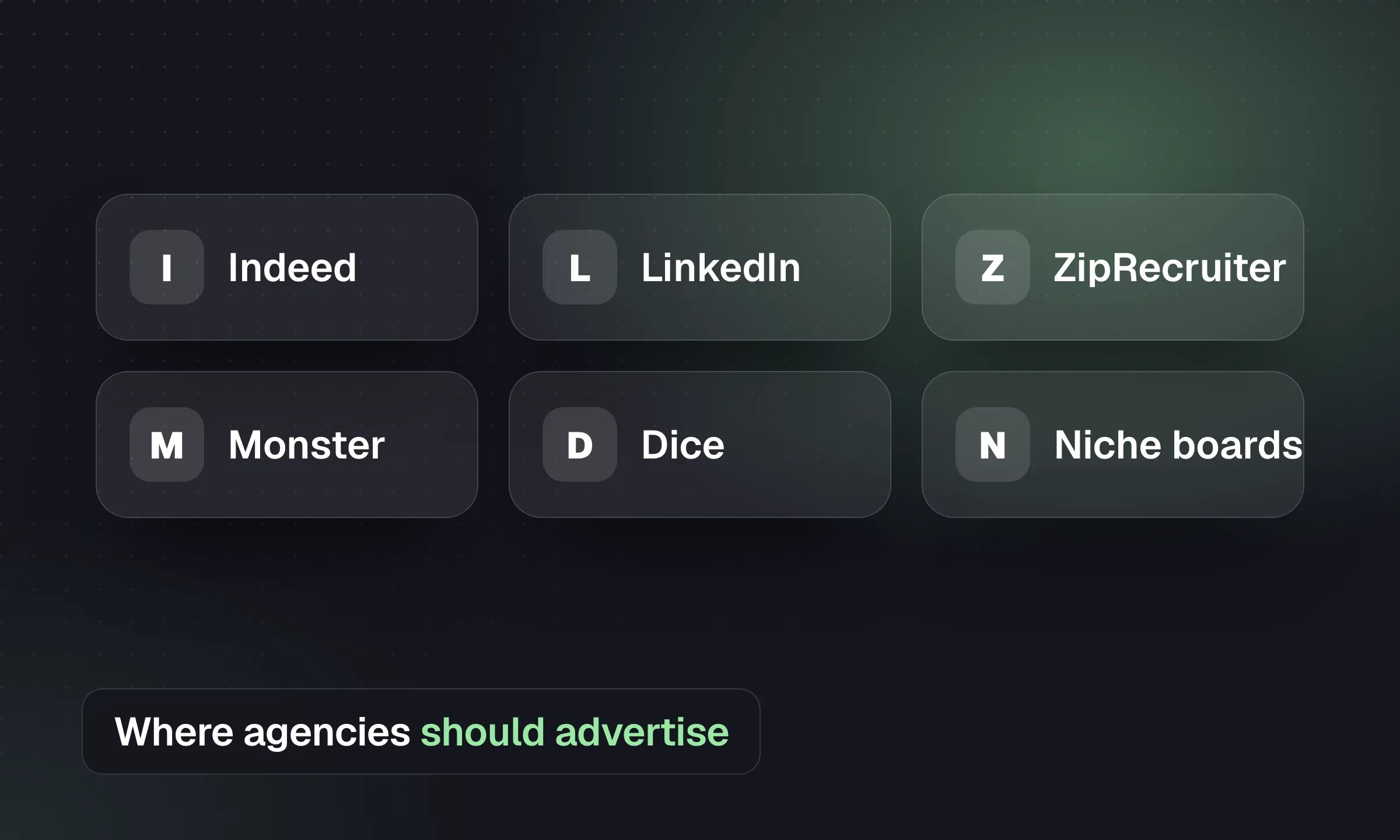
- Direct posting to two or three paid boards. Fine while you post a handful of jobs a week. Pick boards by sector and country: see the best job boards and the best UK job boards.
- A multiposter. One ad, many boards, all responses back into your ATS with the source recorded. Worth it once several consultants post to several paid boards every week and nobody can say which board produced last month’s placements.
Broadbean
Website ↗- Best for
- Mid-size and large agencies posting to many boards, especially across countries
- Pricing
- Quote-based
A long-established multiposter owned by Veritone. It claims distribution to 7,000 job boards, social channels and search engines, plus CV database search, applicant ranking, programmatic media and US OFCCP compliance distribution. Integrates with the large agency CRMs.
idibu
Website ↗- Best for
- UK agencies that want multiposting plus response management inside their CRM
- Pricing
- Quote-based
Job distribution and response management built for recruitment agencies, integrating with recruitment CRMs. Shortlisting, automated candidate emails and reporting sit alongside posting, and a white-label option exists. It cites 450+ agency customers.
LogicMelon
Website ↗- Best for
- Agencies that want multiposting with optional ATS and CRM modules
- Pricing
- Quote-based
Multiposting across more than 1,000 integrations, CV search and talent pools, sold as separate modules or as one platform, for agencies and in-house teams.
Appcast
Website ↗- Best for
- High-volume hiring with a media budget
- Pricing
- Quote-based
Programmatic job advertising (Appcast Xcelerate) that buys placements across sites against a budget, plus career sites and employer branding services. Its site targets enterprise employers; agencies usually meet it through high-volume client programs rather than buying it for a desk.
Job 3: talent-pool nurture
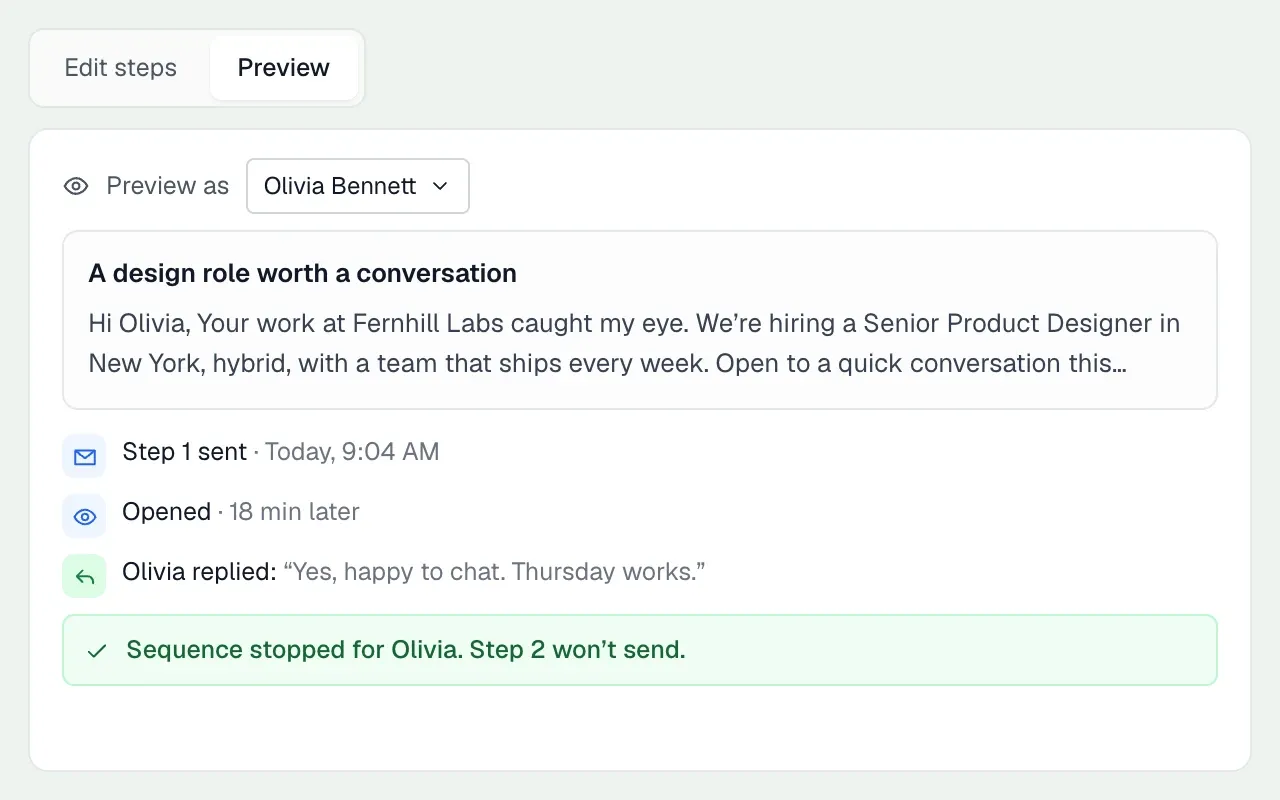
A candidate who wasn’t right for March’s role may suit September’s. Staying in touch keeps that conversation possible. Nurture means staying in touch without a specific job: follow-up sequences after a process ends, job alerts, a monthly market update, a “finishing soon” list of contractors to redeploy.
The data supports the effort, though it comes from in-house hiring. Ashby’s analysis of nearly 250,000 hires between January 2021 and June 2025 found:
- 43–52% of hires came from inbound applications (Ashby, 2025)
- ~18% of hires came from referrals (Ashby, 2025)
- ~16% of hires came from sourced candidates (Ashby, 2025)
Those figures describe employers’ own hires. They provide context for comparing sources, but they do not measure whether an agency’s nurture campaign produces placements. Track that separately in your CRM.
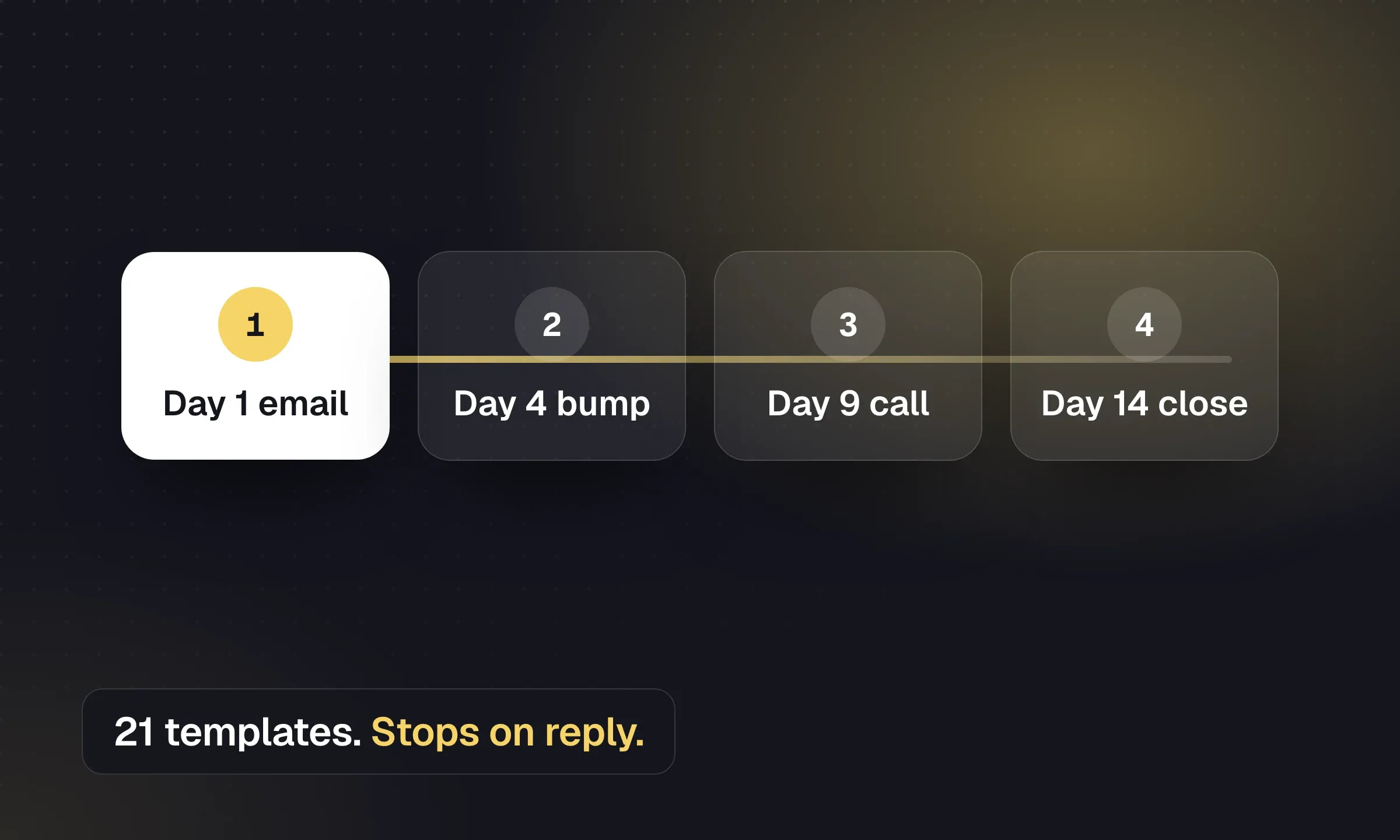
For most agencies, nurture belongs in the CRM, because the reply has to land on the candidate’s record and stop the sequence. Use our email sequence templates as a starting point. Dedicated automation platforms make sense at scale: hundreds of recruiters, tens of thousands of active candidates, workflows triggered by assignment end dates and timesheet events.
Bullhorn automation
Website ↗- Best for
- Bullhorn agencies that want automated workflows on their existing data
- Pricing
- Process automation on Pro (quote); Recruitment Automation and Messaging quoted separately
Bullhorn’s automation product (formerly Herefish) runs triggered email and workflow automation on Bullhorn data. As of October 2026, Bullhorn’s pricing page puts process automation on the quote-only Pro tier, multi-step AI outreach and omni-channel engagement on Max, and sells Recruitment Automation and Messaging (SMS) as separately quoted products.
Sense
Website ↗- Best for
- Staffing firms running high-volume engagement across text, WhatsApp and chatbot
- Pricing
- Quote-based
A staffing-focused engagement platform: workflow automation, mass texting and WhatsApp, a conversational talent CRM that sits on your ATS, a chatbot for job matching and pre-screening, career sites, referrals and AI agents (an AI recruiter, interviewer and receptionist). Built for firms with large contractor and temp populations.
Job 4: SMS and WhatsApp
Temp and contract desks live on text. “Are you free for a 6am start tomorrow?” gets answered by text in minutes and by email in hours, if at all. Perm desks use texting less, mostly for interview confirmations and quick nudges.
Your options: texting inside the CRM, or a dedicated texting platform connected to it.
TextUs
Website ↗- Best for
- Staffing teams that want two-way and campaign texting on top of their ATS
- Pricing
- Priced by message volume, not per seat; quote
Business texting with two-way messages, automated campaigns, WhatsApp for international contacts and analytics. Staffing and recruiting is its lead use case. Integrations include Bullhorn, Workday, Greenhouse, Salesforce and HubSpot, plus a Chrome extension that logs conversations to the CRM.
Longlist Plus includes two-way SMS, WhatsApp and click-to-call from the candidate record, with a cloud number per recruiter and replies kept on the record.
Job 5: employer brand for your clients
In-house teams buy employer branding platforms. Agencies do employer branding for clients who often have none, and it’s mostly writing, not software. The client who’s a 40-person manufacturer in Stoke has no careers site worth the name. Your job ad, your call script and your one-page “why join” are their employer brand.
What works:
- A why-join section in every ad: what the team does, who the candidate would work with, what’s genuinely good about the place, what’s hard.
- Salary and progression context, with the range in the ad where you can.
- A 60-second video or voice note from the hiring manager. Recorded on a phone is fine.
- Proof: tenure on the team, recent promotions, the project they’d join.
Why-join section for a client job ad
Why this team
[Client] builds [what they make] for [who]. You’d join a team of [number], reporting to [manager name and title], who’s been there [years] and [one specific, true thing about them].
What you’d work on first: [the project or problem, in plain words].
What’s good: [two concrete things: e.g. “four-day site weeks”, “hybrid with two office days in Leeds”, “promoted three engineers to leads in two years”].
What’s hard: [one honest thing: e.g. “the ERP is old and you’ll help replace it”].
Salary: [range] plus [benefits that matter]. Interview: [number] stages, [format], decision within [days].
The “what’s hard” line helps candidates weigh the trade-offs before they accept. Ask the client for something specific they are comfortable discussing at interview. For more on writing ads and outreach that land, see our sales and marketing tips for agencies.
Measure source to placement, not source to application
Every channel looks good when you count applications. The question is which channel produces candidates you submit and clients hire. Here’s a fictional month for one contract role posted on a careers page, two paid boards and Google for Jobs:
- Job page views 1200
- Applications 64
- Screened as qualified 18
- Submitted to client 7
- Interviewed 4
- Placed 1
From 64 applications to one placement is a 1.6% conversion (1 ÷ 64). If one paid board produced 40 of the 64 applications but none of the 7 submissions, it cost you screening time and produced nothing. Tag the source on every applicant, review it monthly by submission and placement, and cut the channels that only produce volume. The agency KPI scorecard has the definitions to use.