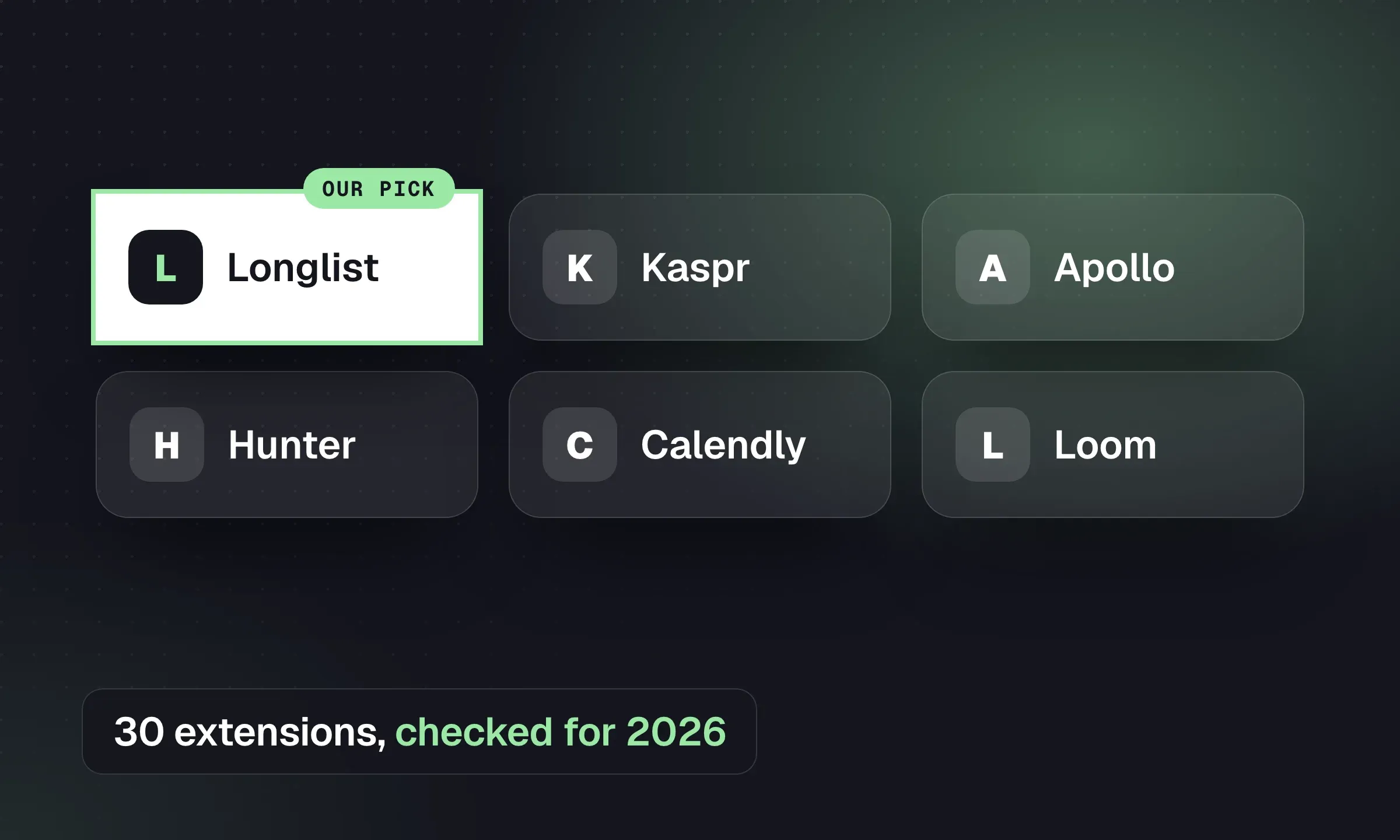
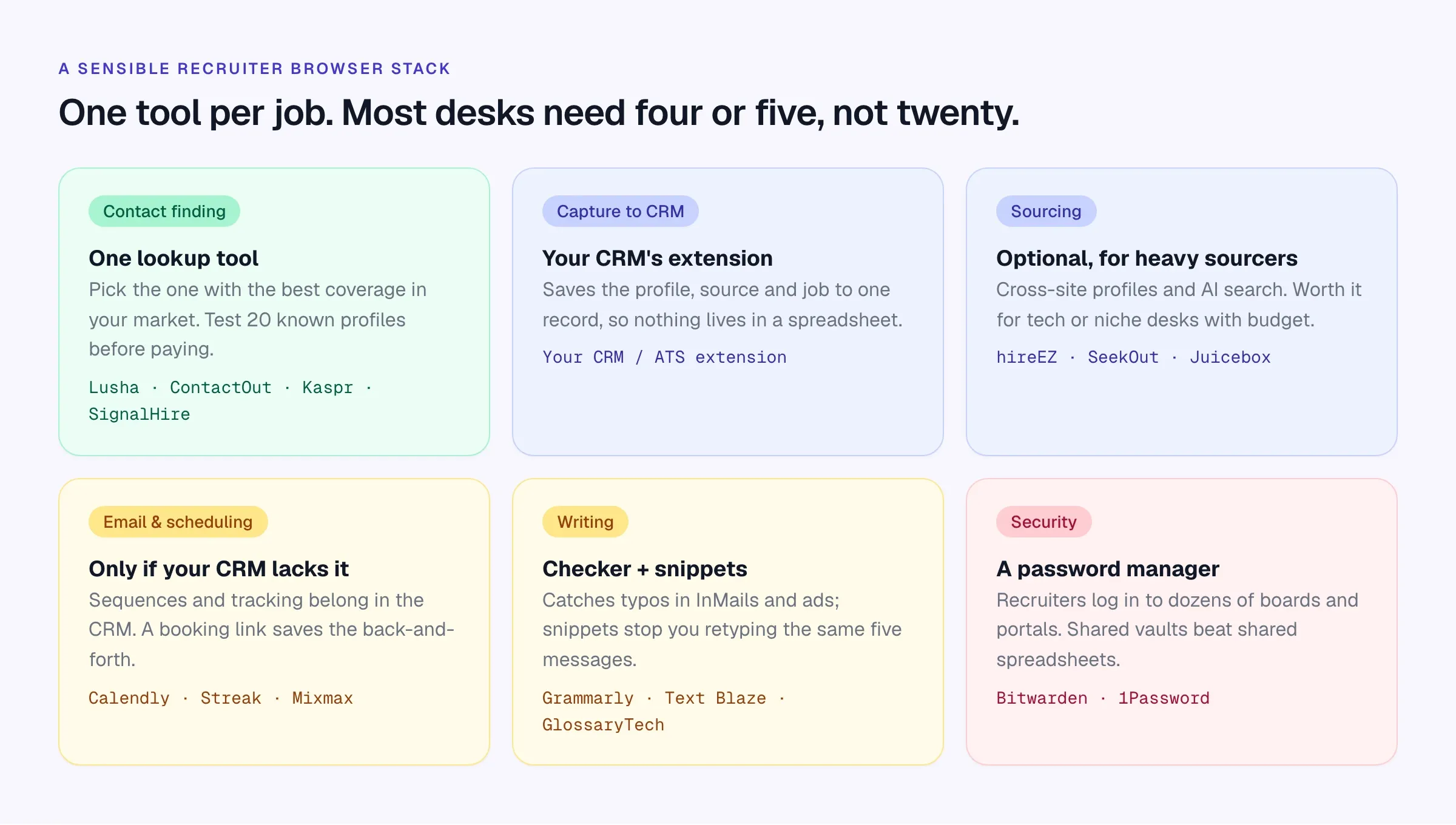
Start with the extension that saves profiles into your existing CRM, then add tools for jobs it cannot do. Test a contact finder on people whose details you already know before paying for it. Longlist publishes this comparison and makes one of the extensions. Listings and vendor terms were checked October 16, 2026; we have not compared their contact accuracy in a benchmark.
Quick picks by job
Scroll the table to see all columns →
| Job | Our pick | Also good | Free option |
|---|---|---|---|
| Capture to CRM + contact lookup | Longlist (best overall for agencies) | ContactOut for Bullhorn, Greenhouse or Lever users | Included on every Longlist plan |
| Contact finding only | Kaspr (UK and Europe) | Lusha (US and Europe), SignalHire (GitHub) | Lusha 40 credits/mo, Hunter 50 |
| Sourcing across sites | SeekOut | hireEZ, Juicebox, AmazingHiring | Juicebox limited searches |
| Your CRM’s sequences | Mixmax, GMass | Mixmax 50 recipients/mo | |
| Scheduling | Calendly | Loom for video intros | Calendly 1 event type |
| Writing | Grammarly | Text Blaze, LanguageTool, GlossaryTech | All have free plans |
| Security | Bitwarden | 1Password | Bitwarden |
Before you install anything
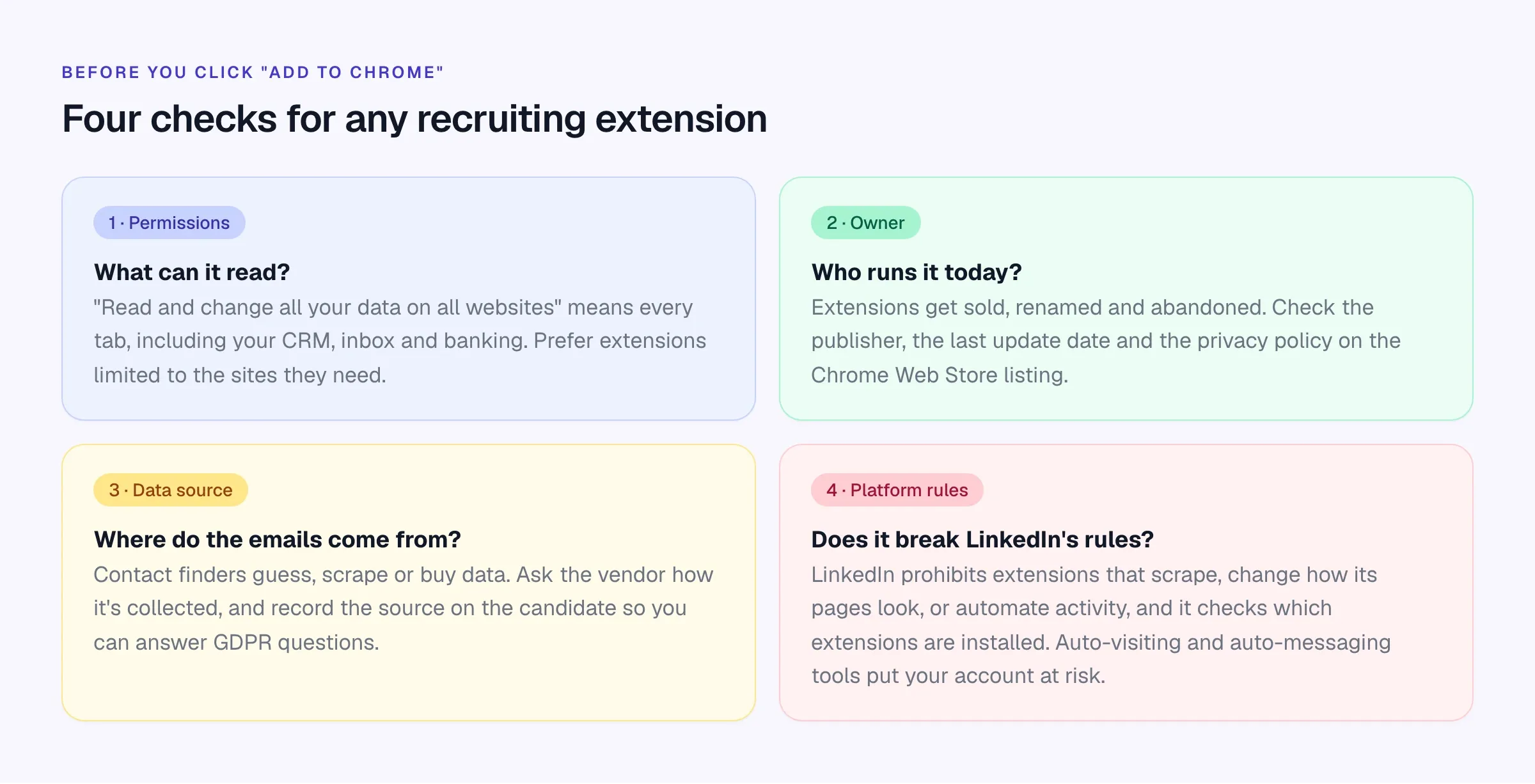
The fourth check deserves more than a box on a diagram. LinkedIn’s help center lists as prohibited any “browser plug-ins, or browser extensions that scrape, modify the appearance of, or automate activity on LinkedIn’s website”, and says members using them risk having their accounts restricted or shut down. Its User Agreement (section 8.2) bans browser plugins and add-ons used to scrape or copy profiles. LinkedIn also enforces this: it has sued scraping operations such as Proxycurl, which shut down in 2025 after a court injunction, and in 2026 researchers found its site checks browsers for more than 6,000 extension IDs.
Our practical reading: tools that visit profiles, send connection requests or message people automatically are the ones most likely to get an account restricted, and we wouldn’t use them on a seat you depend on. Contact finders and CRM capture tools that you click on one profile at a time are lower risk but still sit inside LinkedIn’s rules, and that applies to every vendor’s extension. Keep a recruiter’s most valuable LinkedIn account free of experiments.
Contact finding
These look up email addresses and phone numbers from a profile page. Coverage differs by country, seniority and industry, so the best test is your own: pick 20 people whose details you already hold, look them up in two tools, and count correct results. Treat anything marked “guessed” or “risky” as unverified.
Lusha
Website ↗- Best for
- Direct dials and emails, broad US and European coverage
- Pricing
- Free: 40 credits/mo. Starter $49.90/mo, or $37.45/mo billed annually
Shows emails and phone numbers on profile pages and in Gmail, with CRM sync on paid plans. Built for sales teams, widely used by recruiters. Phone numbers use more credits than emails.
ContactOut
Website ↗- Best for
- Recruiters working mainly in LinkedIn and Recruiter
- Pricing
- Free daily allowance (5 emails, 5 phones); paid plans on the pricing page
Finds personal and work emails and phones on LinkedIn, Sales Navigator and Recruiter, and pushes contacts to ATSs including Bullhorn, Greenhouse and Lever. Personal email coverage is the main reason recruiters choose it.
Kaspr
Website ↗- Best for
- UK and European markets
- Pricing
- Free: 15 email + 5 phone credits/mo. Starter $49/user/mo annual, $65 monthly
Phones and emails from LinkedIn and Sales Navigator. Part of Cognism since 2022, and strongest on European data. Priced in EUR, GBP or USD.
SignalHire
Website ↗- Best for
- Lookups beyond LinkedIn, including GitHub
- Pricing
- Free: 10 credits/mo. Emails plan from $57/mo annual, $69 monthly
Emails and phones on LinkedIn, GitHub and other social profiles, with bulk lookups and export to ATSs. Useful for tech desks that source on GitHub.
Apollo.io
Website ↗- Best for
- Agency business development as well as candidate lookups
- Pricing
- Free plan available; paid plans on the pricing page
A sales prospecting database with an extension, contact lookups and sequences. For agencies it’s often more useful for finding hiring managers than candidates. Longlist’s own extension uses Apollo as one of its data providers.
Hunter
Website ↗- Best for
- Finding and verifying emails by company domain
- Pricing
- Free: 50 credits/mo. Starter $49/mo, or $34/mo billed yearly
Not a LinkedIn tool: give it a company website or a name and domain and it finds and verifies email addresses. Handy for BD and for checking an address before you send.
Swordfish AI
Website ↗- Best for
- Mobile numbers for hard-to-reach candidates
- Pricing
- 7-day free trial; see vendor for pricing
Mobile numbers and emails from LinkedIn, LinkedIn Recruiter, GitHub and Stack Overflow profiles, aimed specifically at recruiters.
RocketReach and Prospeo also have current extensions. Whichever you choose, record where each email came from on the candidate record. You’ll need it if someone asks how you got their details, and GDPR says you should tell them within a month anyway. The sourcing guide covers the rules.
Capturing profiles and sourcing across sites
Longlist
Learn more →- Best for
- Agency recruiters who want profile capture, contact lookup and outreach on one record
- Pricing
- Included on every plan, from $47/user/month
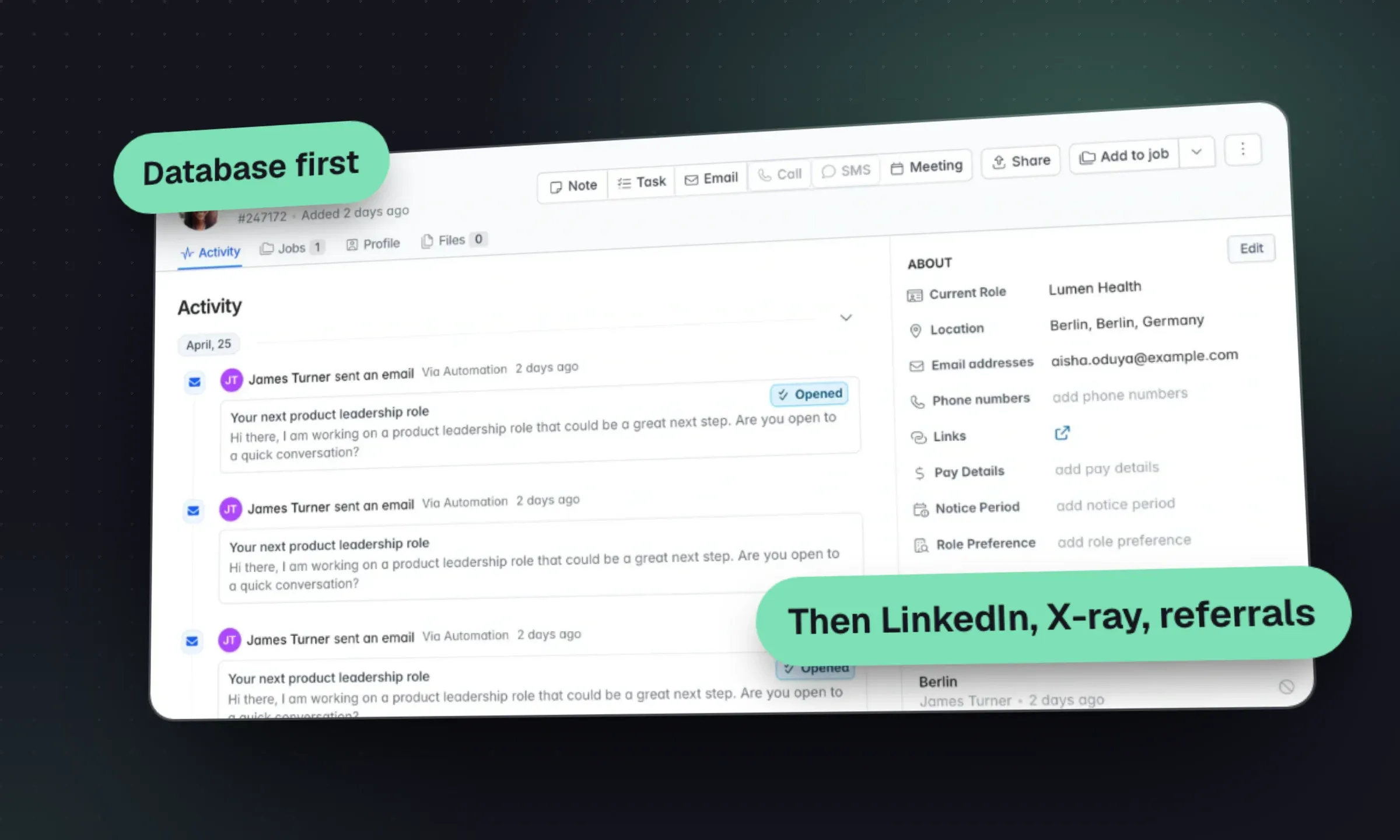
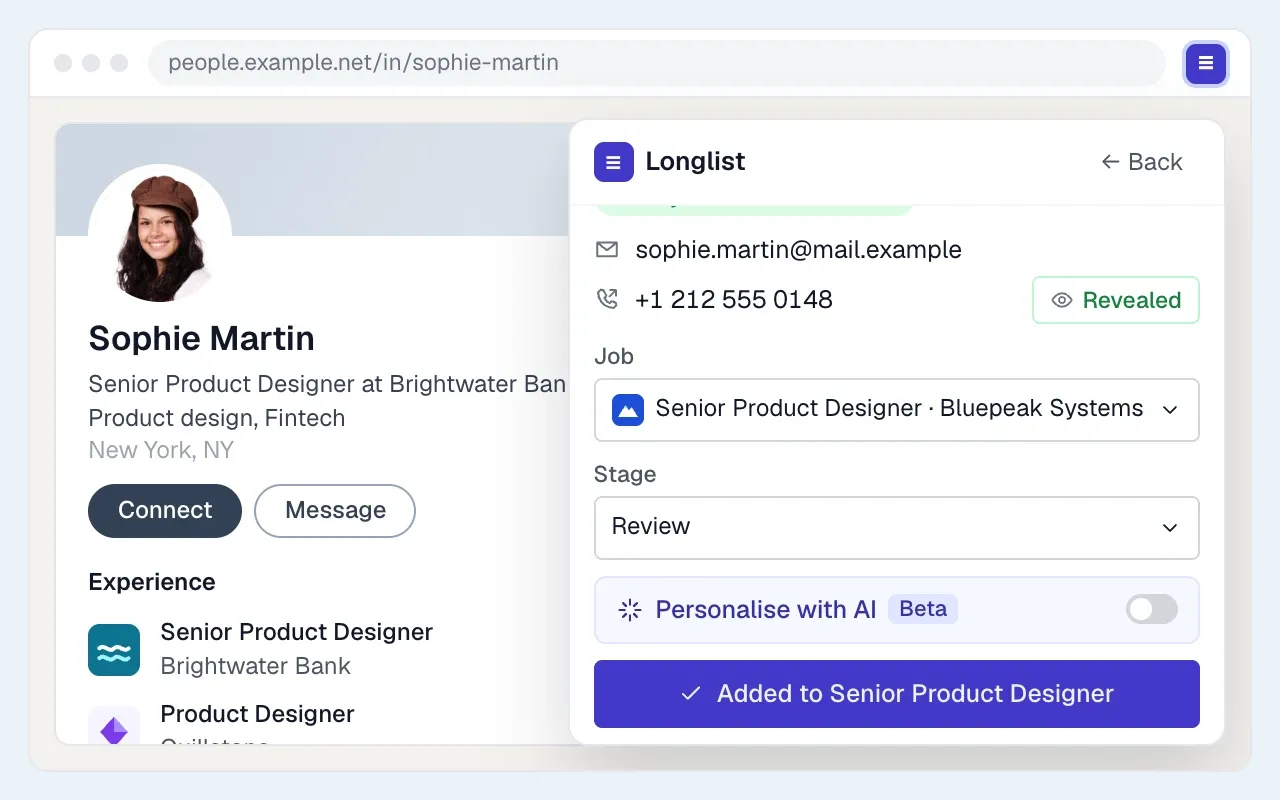
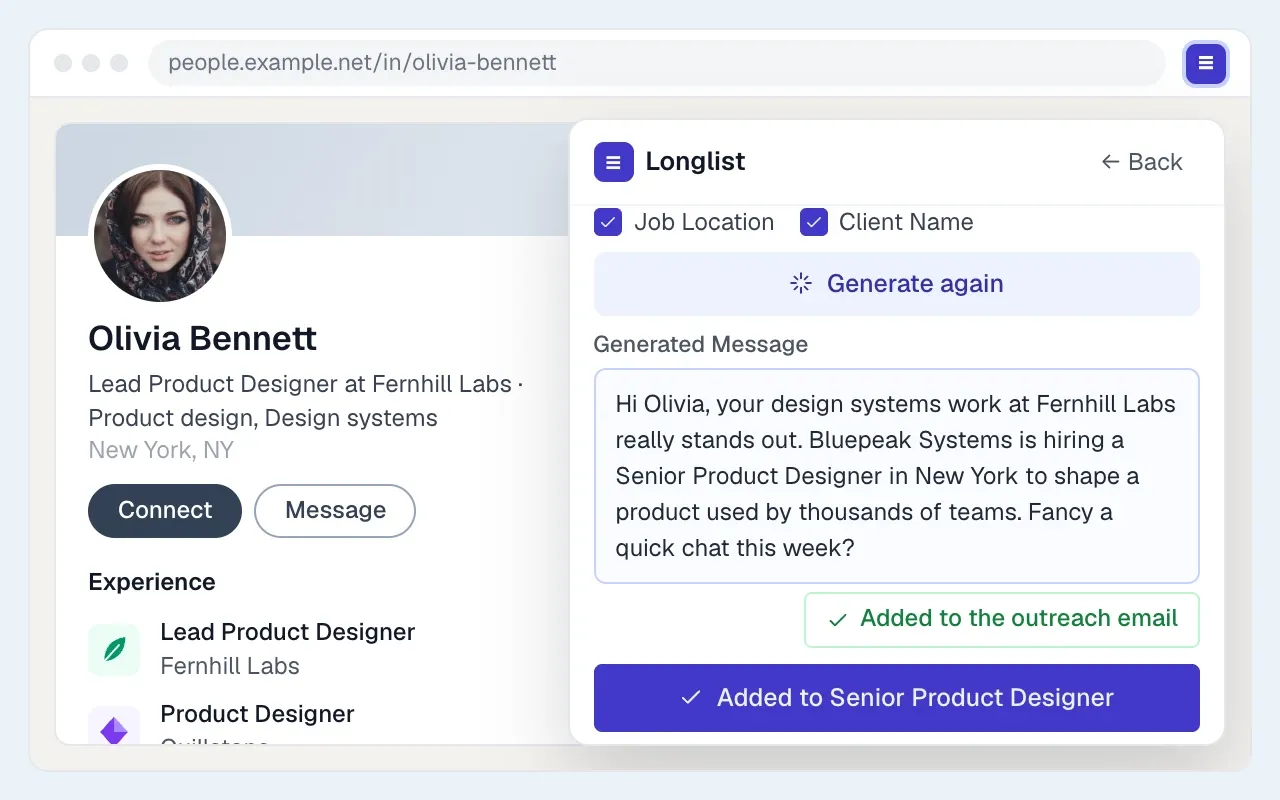
On a supported profile page, the Longlist extension shows whether the person is already a candidate or client contact, looks up available emails and phone numbers, and saves them as a candidate or hiring contact on a job or campaign. From there you start an email sequence from your own Gmail or Outlook that stops when they reply. Works in Chrome and Microsoft Edge. Pairs with a dedicated contact finder if your market needs deeper phone coverage.
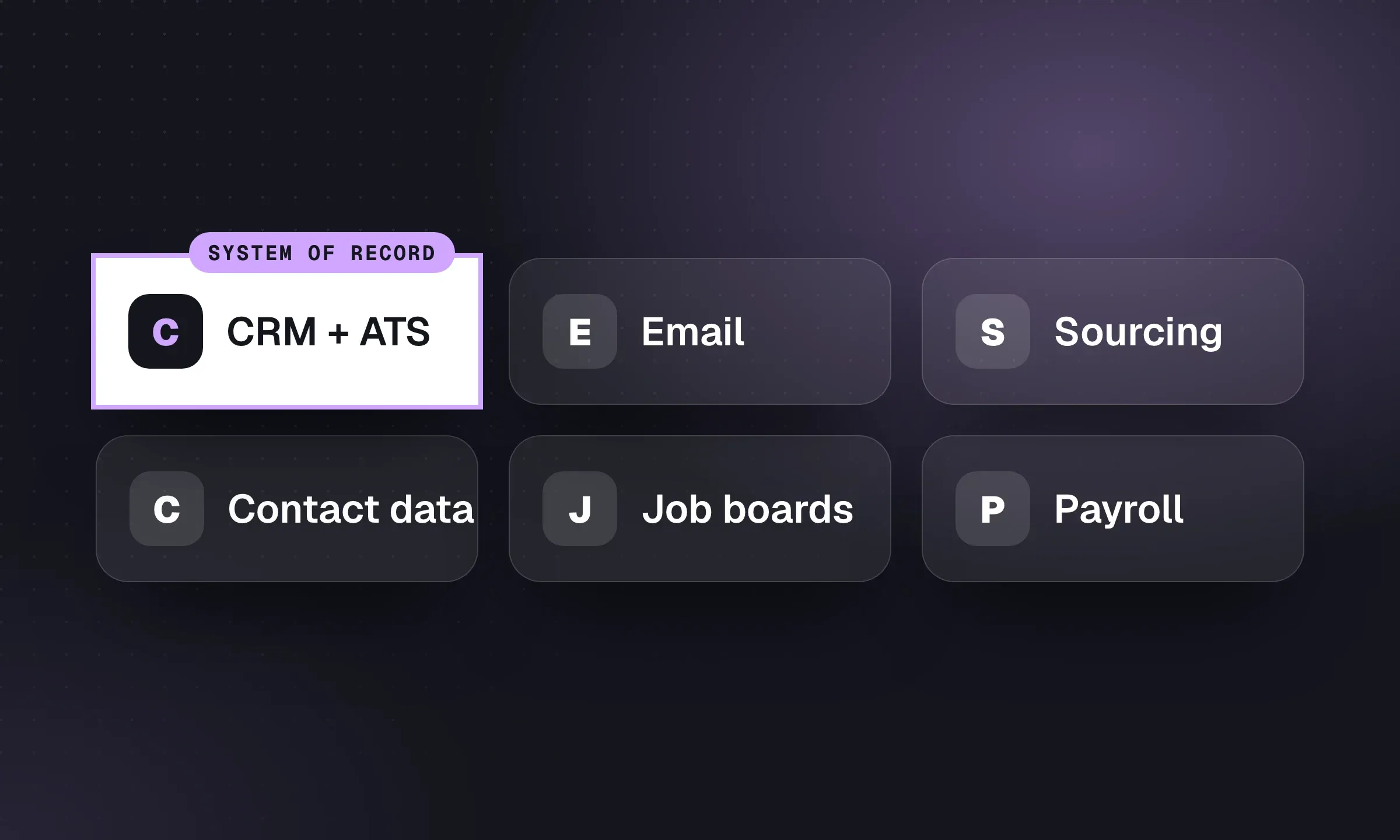
A contact finder returns contact details. A capture tool saves the person, source and job to your database so the next consultant can use the research. Check what your CRM’s extension already covers before adding another tool.
Sourcing platforms
These are full sourcing products with an extension on top. They’re priced for teams that source all day, typically tech, healthcare or niche desks.
hireEZ
Website ↗- Best for
- Heavy sourcers who want AI search across sites
- Pricing
- From $494/mo (solo recruiter)
Formerly Hiretual. Sources across LinkedIn, Indeed and other sites, adds contact details and AI-written outreach, and pushes to ATSs.
SeekOut
Website ↗- Best for
- Tech and diversity-focused sourcing
- Pricing
- Sourcing Core from $149/mo billed annually
Search across LinkedIn, GitHub and other sources with contact details and ATS export. The extension needs a paid licence; there’s a 14-day trial.
AmazingHiring
Website ↗- Best for
- Finding engineers across GitHub, Stack Overflow and Kaggle
- Pricing
- Free profile links + 100 profile credits; contacts are paid (contact sales)
Aggregates technical candidates’ profiles from 50+ sites, so one click on a LinkedIn profile shows their GitHub, Stack Overflow and other activity.
Juicebox
Website ↗- Best for
- Natural-language search for small teams
- Pricing
- Limited free searches; paid plans from $99 per seat/mo
Known for PeopleGPT, a plain-English people search. The extension shows contact info on profiles, builds shortlists and drafts sequences. The extension has moved to a new Chrome Web Store listing, so install it from the link on the vendor’s site.
Gem
Website ↗- Best for
- Larger in-house-style recruiting teams
- Pricing
- Custom pricing; startup program available
Adds candidates from LinkedIn and 20+ other sites into Gem’s CRM and your ATS, with sequences. Built mainly for corporate talent teams; most small agencies will find it more than they need.
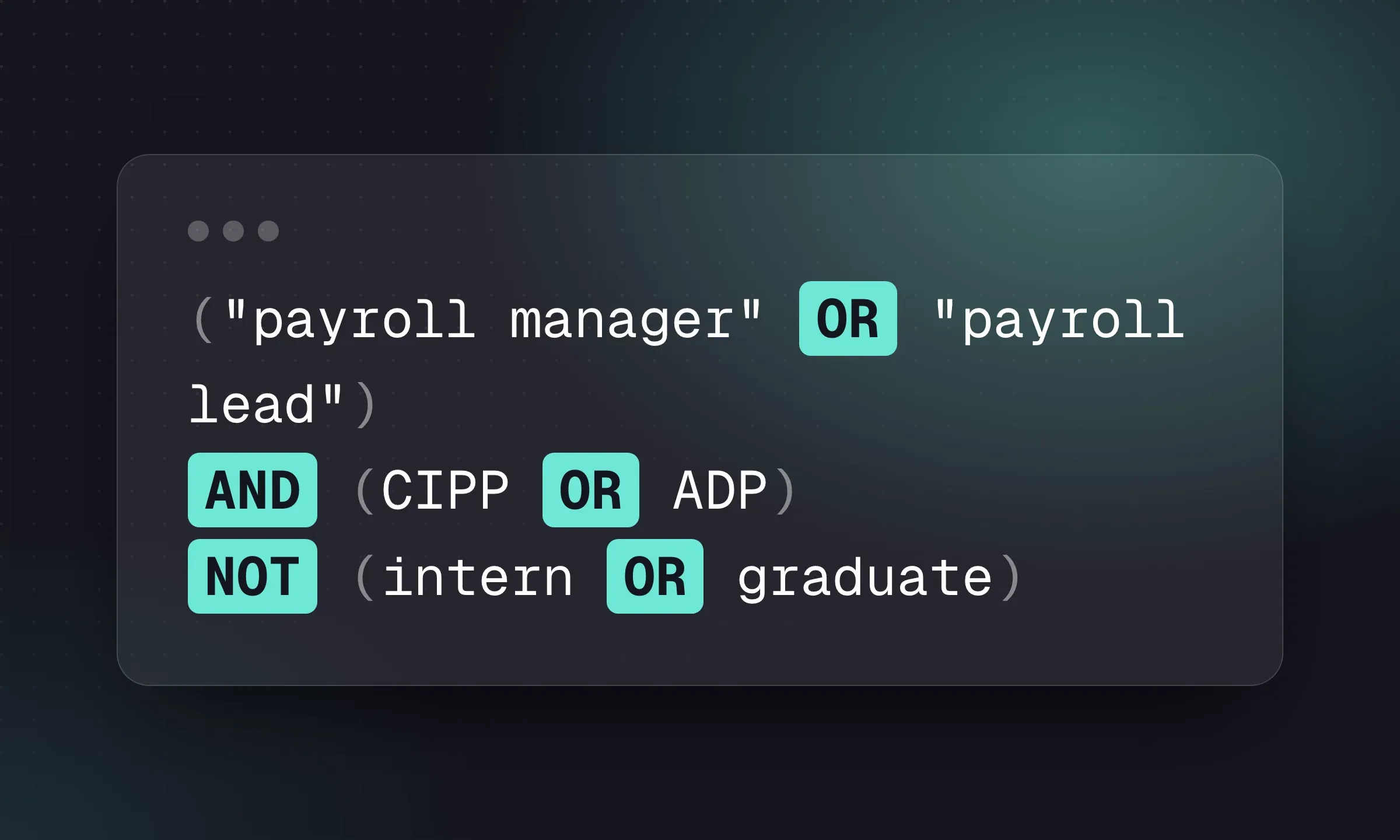
For when a sourcing platform is worth paying for, and how it fits with Boolean searches you run yourself, see the Boolean search guide.
Sequences, tracking and templates should live in your CRM so replies land on the candidate’s record. These Gmail extensions make sense if your current system doesn’t do that, or for one-off campaigns.
Streak
Website ↗- Best for
- Solo recruiters running a pipeline inside Gmail
- Pricing
- Free: tracking and 50/day mail merge. Pro $59/user/mo, or $49 billed annually
Turns Gmail into a pipeline: boxes for candidates or clients, stages and shared notes. A stopgap before a real CRM, not a replacement.
Mixmax
Website ↗- Best for
- Sequences and tracking in Gmail for small teams
- Pricing
- Free: 50 recipients/mo. Paid from $29/user/mo billed yearly
Sequences, open and click tracking, templates and scheduling links inside Gmail.
GMass
Website ↗- Best for
- Mail merge from Google Sheets
- Pricing
- Works free up to 50 emails/day; paid plans on the pricing page
Mail merge and automatic follow-ups from Gmail, driven by a Google Sheet. Popular for agency BD campaigns. Mind your sending volume; bulk email from a recruiter’s main mailbox can hurt deliverability.
Right Inbox
Website ↗- Best for
- Send-later and reminders in Gmail
- Pricing
- Limited free use. Professional $9.95/user/mo, or $7.95 billed yearly
Schedule emails, set follow-up reminders, track opens and save templates. Now published by VoilaNorbert.
Mailtrack
Website ↗- Best for
- Simple open tracking
- Pricing
- Free (adds a signature); paid from $2.99/user/mo
Shows when an email was opened. Now part of Mailsuite. The free version adds a “sent with Mailtrack” signature, which looks odd in candidate email.
If you’d rather keep everything on the candidate record, Longlist’s email sequences send from your own Gmail or Outlook and stop when someone replies, and the sequence templates give you the copy.
Scheduling and video
Calendly
Website ↗- Best for
- Booking screening calls without email ping-pong
- Pricing
- Free: 1 event type. Standard $12/seat/mo, or $10 billed annually
The extension inserts booking links and available times into Gmail and LinkedIn messages. Set a 15-minute “screening call” event and put the link in your first follow-up. Cal.com has an extension too, but its developer labels it alpha.
Loom
Website ↗- Best for
- Video intros to candidates and pitches to clients
- Pricing
- Free: 25 videos, up to 5 minutes each
Record your screen and face, then send a link. A 60-second video walking a passive candidate through a role, or a client through a shortlist, stands out in a crowded inbox. Owned by Atlassian.
Writing
Grammarly
Website ↗- Best for
- Catching mistakes in InMails, emails and job ads
- Pricing
- Free plan; paid plans on the pricing page
Grammar, spelling and tone checks in Gmail, LinkedIn and ATS text boxes, plus a monthly allowance of AI prompts on the free plan. Be careful what you paste in: candidate details are personal data.
LanguageTool
Website ↗- Best for
- Multilingual desks and US/UK English switching
- Pricing
- Free with limits; premium plans available
A Grammarly alternative that checks 25+ languages and handles US versus UK English well, which matters when one desk writes for both markets.
GlossaryTech
Website ↗- Best for
- Non-technical recruiters on tech roles
- Pricing
- Free
Hover over a tech term on a LinkedIn profile, job spec or email and get a plain-English definition. Backed by Dice. Useful for the first months on a tech desk.
Text Blaze
Website ↗- Best for
- Reusable outreach snippets with fill-in fields
- Pricing
- Free with limited snippets. Pro $3.49/mo, or $2.99 billed yearly
Type a shortcut like /screen and get your screening-call booking message with blanks for name and role. Saves real time for anyone who sends the same five messages all day.
Textio
Website ↗- Best for
- Teams writing job ads inside an ATS like Greenhouse or Workday
- Pricing
- Sales-led; free trial
Scores job ads for inclusive, effective language. The extension now works inside ATSs rather than LinkedIn or Gmail, so it’s mainly relevant to corporate teams or agencies writing ads in a client’s system.
AI assistants. Anthropic’s Claude in Chrome (on paid Claude plans) and Google’s Gemini in Chrome (built into the browser, rolling out by region) can summarize a page, draft a message or compare tabs. They’re useful for drafting. Two cautions: don’t let any AI tool browse LinkedIn or send messages for you, for the reasons above, and think before pasting candidate CVs or client details into a tool your agency hasn’t approved.
Productivity, security and social
Bitwarden
Website ↗- Best for
- Free password manager with team sharing
- Pricing
- Free: unlimited passwords and devices. Premium $19.80/yr
Recruiters log in to job boards, CV databases, client portals and VMS platforms all day. A password manager with a shared vault stops logins living in a spreadsheet or someone’s head.
1Password
Website ↗- Best for
- Teams that want a polished shared vault
- Pricing
- 14-day trial; paid plans on the pricing page
The other strong option. Business plans add admin controls, useful when a consultant leaves and you need to change every shared login.
OneTab
Website ↗- Best for
- Recruiters with 40 profile tabs open
- Pricing
- Free
Collapses all open tabs into a single list you can restore later. Simple, free and still maintained.
Buffer
Website ↗- Best for
- Scheduling job posts and content to LinkedIn
- Pricing
- Free: 3 channels. Essentials $5/channel/mo billed yearly
Queue posts from any page to LinkedIn and other networks. Good for agencies posting live roles and market updates on a schedule.
Paiger
Website ↗- Best for
- UK agencies building consultants' LinkedIn presence
- Pricing
- From £48.30/consultant/mo (12-month term, plus setup fee)
Built for recruitment agencies: queue and share relevant content to consultants’ LinkedIn profiles, with candidate marketing and contact-finding add-ons. Priced in GBP excluding VAT.
For the marketing side of that, see the recruitment marketing platforms roundup.
Putting it together
A practical setup for a fictional two-person agency recruiting finance and accounting roles in Manchester:
- One contact finder. They trial Kaspr and Lusha on 20 known contacts, find Kaspr right more often on UK finance profiles, and keep it.
- Longlist’s extension. Every interesting profile goes into the CRM against a job or a talent-pool campaign, with the source noted, and the first email goes out as a sequence that stops on reply.
- Calendly for screening calls, with the link in every follow-up email.
- Grammarly and Text Blaze for InMails, emails and the same handful of scheduling messages.
- Bitwarden with a shared vault for job boards and client portals.
That setup uses six extensions: a contact finder, Longlist, Calendly, Grammarly, Text Blaze and Bitwarden. It avoids automatic LinkedIn activity, but profile-capture tools still need to be checked against the platform’s rules. Before adding another extension, check whether your CRM already does the job. The recruitment tech stack guide walks through the core systems behind these tools, the free recruiting software roundup covers no-cost options, and for agency BD the recruitment lead generation guide shows how the same contact tools help you reach hiring managers. Longlist’s integrations page lists what’s built in, so you can see which extensions you’d no longer need.