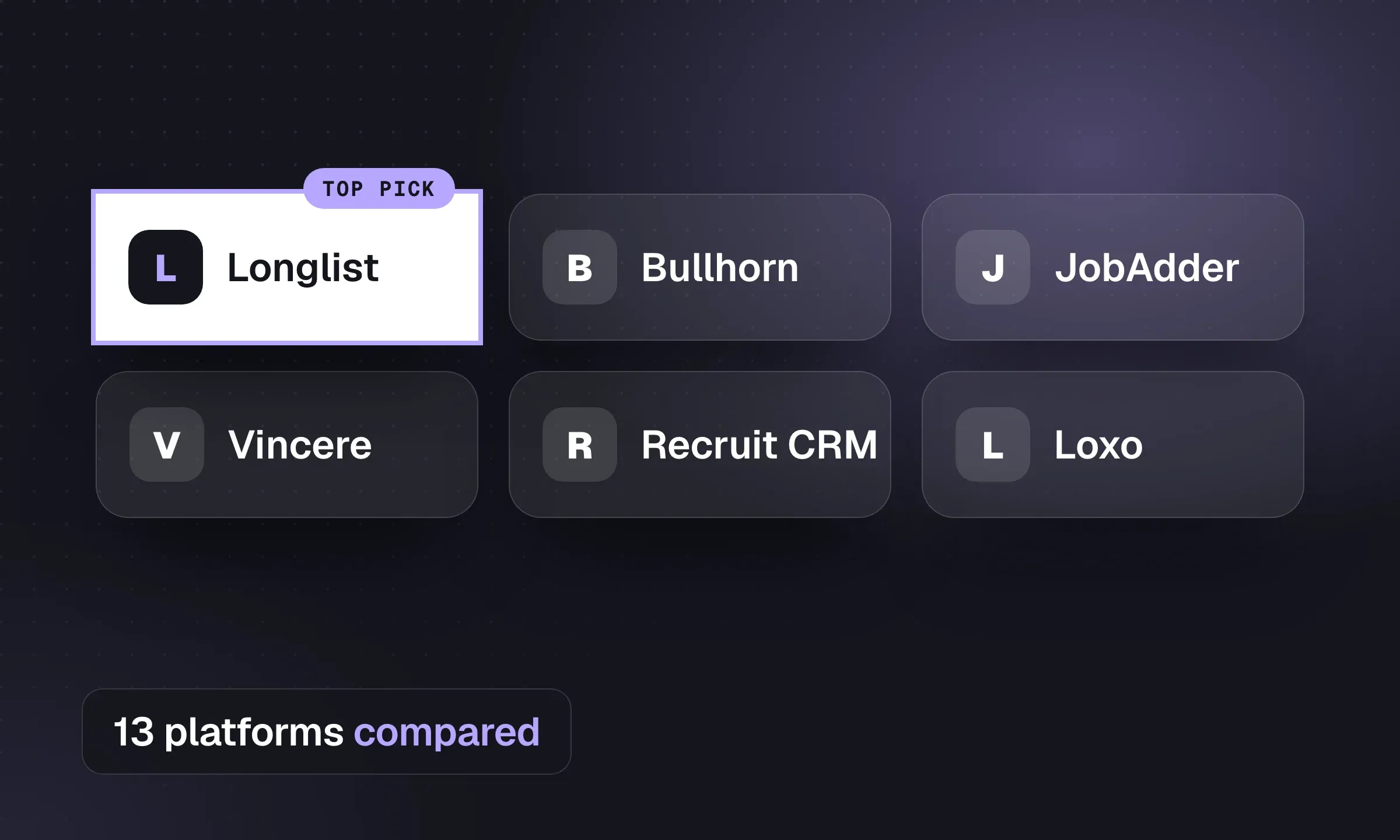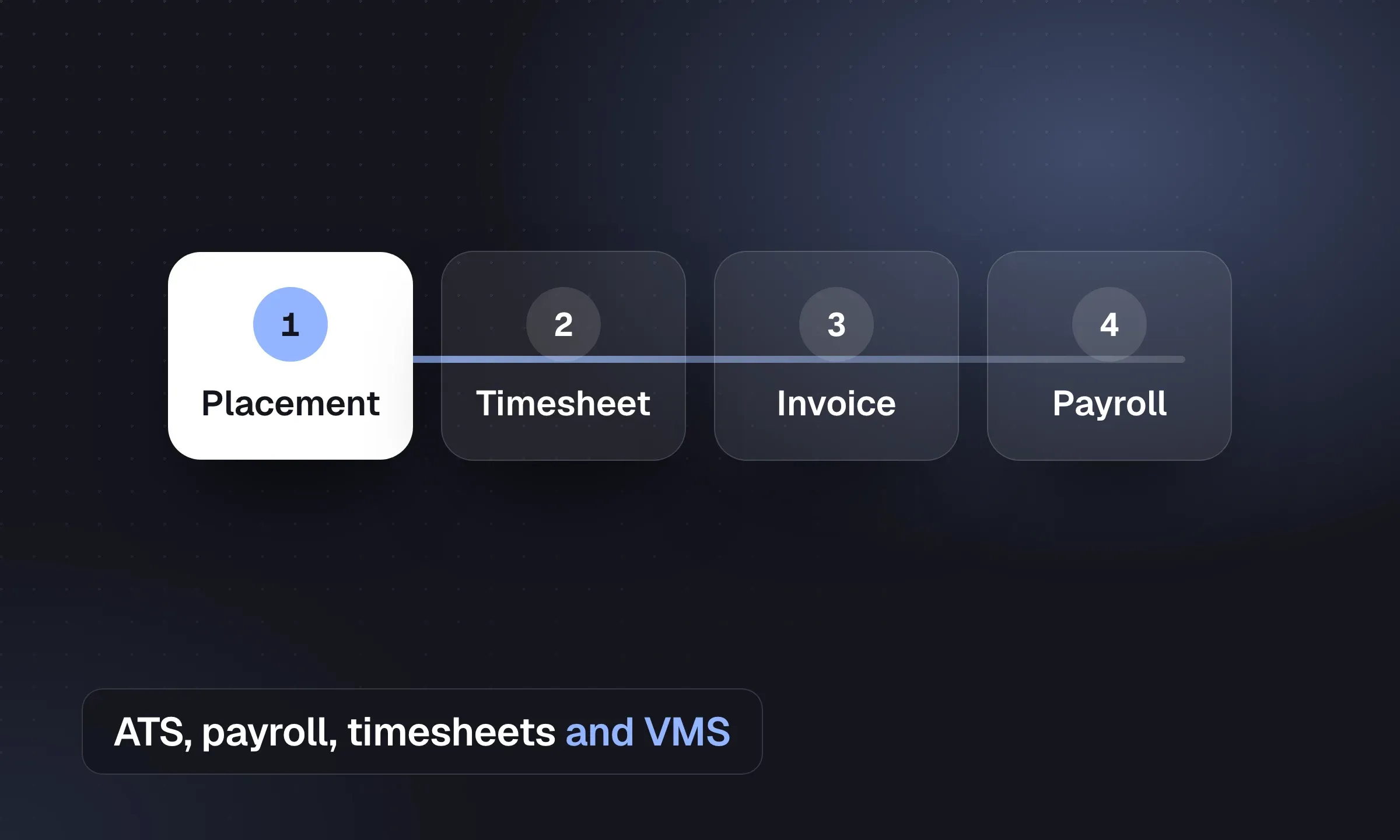
Who pays your temps determines which software you need to evaluate. If you run weekly payroll, test the full route from job order to paycheck and client invoice. If a partner pays workers, test the recruiting system and the transfer to that partner. Longlist publishes this comparison and supplies a front-office CRM + ATS. Vendor features and pricing were checked October 16, 2026.
Two ways to set it up
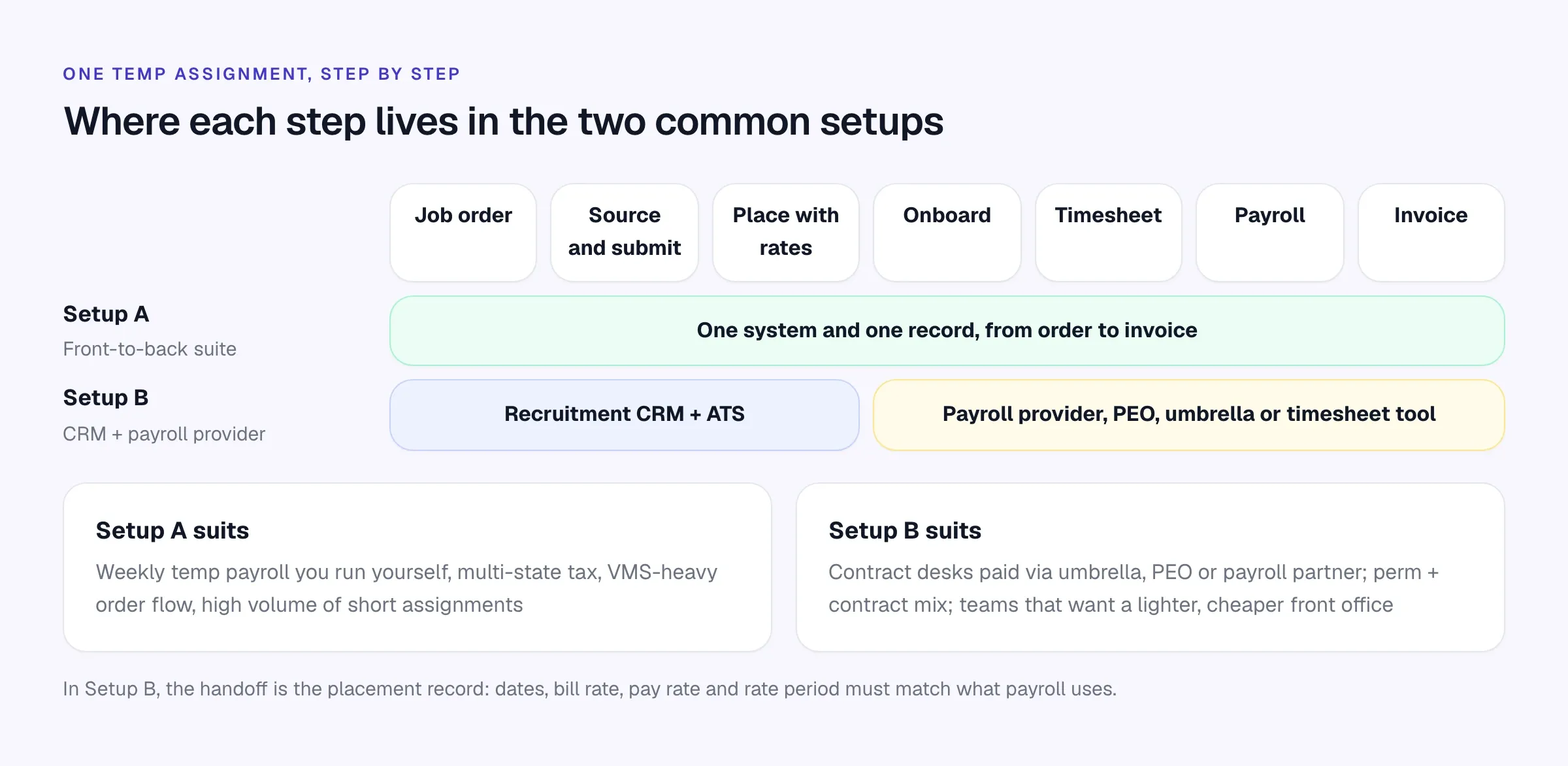
Setup A: one front-to-back suite. Order, placement, onboarding, timesheet, payroll and invoice all hang off the same record. Fewer handoffs, one source of truth for margin, and VMS integrations that are usually deeper. The cost: quote-based pricing, a longer implementation and more modules for your team to learn.
Setup B: a recruitment CRM plus a payroll partner. Recruiters work in a lighter CRM and ATS. Once a placement is made, its details go to a payroll provider, PEO, umbrella company or timesheet tool. Cheaper per seat and faster to change, but someone has to keep the two systems in step.
Quick comparison
Scroll the table to see all columns →
| Platform | ATS + CRM | Onboarding | Timesheets | Payroll / billing | VMS | Published price |
|---|---|---|---|---|---|---|
| Longlist (our pick) | Yes, plus BD board | Your provider | Your provider | Your provider; bill/pay rates handed off | Your process | Growth and Plus |
| Bullhorn | Yes | Bullhorn Onboarding | Time & Expense | Bullhorn One (pay and bill) | 110+ integrations | Starter and Core only |
| Avionté | Yes | Yes | Yes | Payroll & Billing | Yes, plus SimpleVMS | No |
| TempWorks | Yes | Onboarding tools | Time management, geo check-in | Payroll, tax, billing | Ask in demo | No |
| Ceipal | Yes | I-9, E-Verify, H-1B tracking | Workforce module | AR/AP, QuickBooks sync | ProcureWise | No |
| JobDiva | Yes | Paperless onboarding | DivaFinancials | DivaFinancials | VMS sync, DivaVMS | No |
| Tracker | Yes | Ask in demo | Professional | Invoicing Core, payroll Enterprise | Ask in demo | Launch and Core |
| Vincere | Yes | DBS, Right to Work (Core) | Core | Pay & Bill (Pro) | Ask in demo | Core |
| JobAdder | Yes | Via partners | Via partners | Via partners | Ask in demo | No |
| Crelate | Yes | Crelate Hire (per hire) | Not listed | Not listed | Ask in demo | Essentials and Business |
| Recruit CRM | Yes | Not listed | Uses credits | Invoicing | Ask in demo | All plans |
“Ask in demo” means the vendor’s public pages didn’t settle it either way. “Your provider” means the layer stays with the payroll, PEO or timesheet partner you already use.
Front-office desks compared
If your back office stays with a partner, the comparison that matters is the recruiting desk itself: what the entry plan includes and how you’re billed.
Scroll the table to see all columns →
| Platform | Published entry price (per user/month) | Email sequences | BD / deal pipeline | Branded CVs | Terms |
|---|---|---|---|---|---|
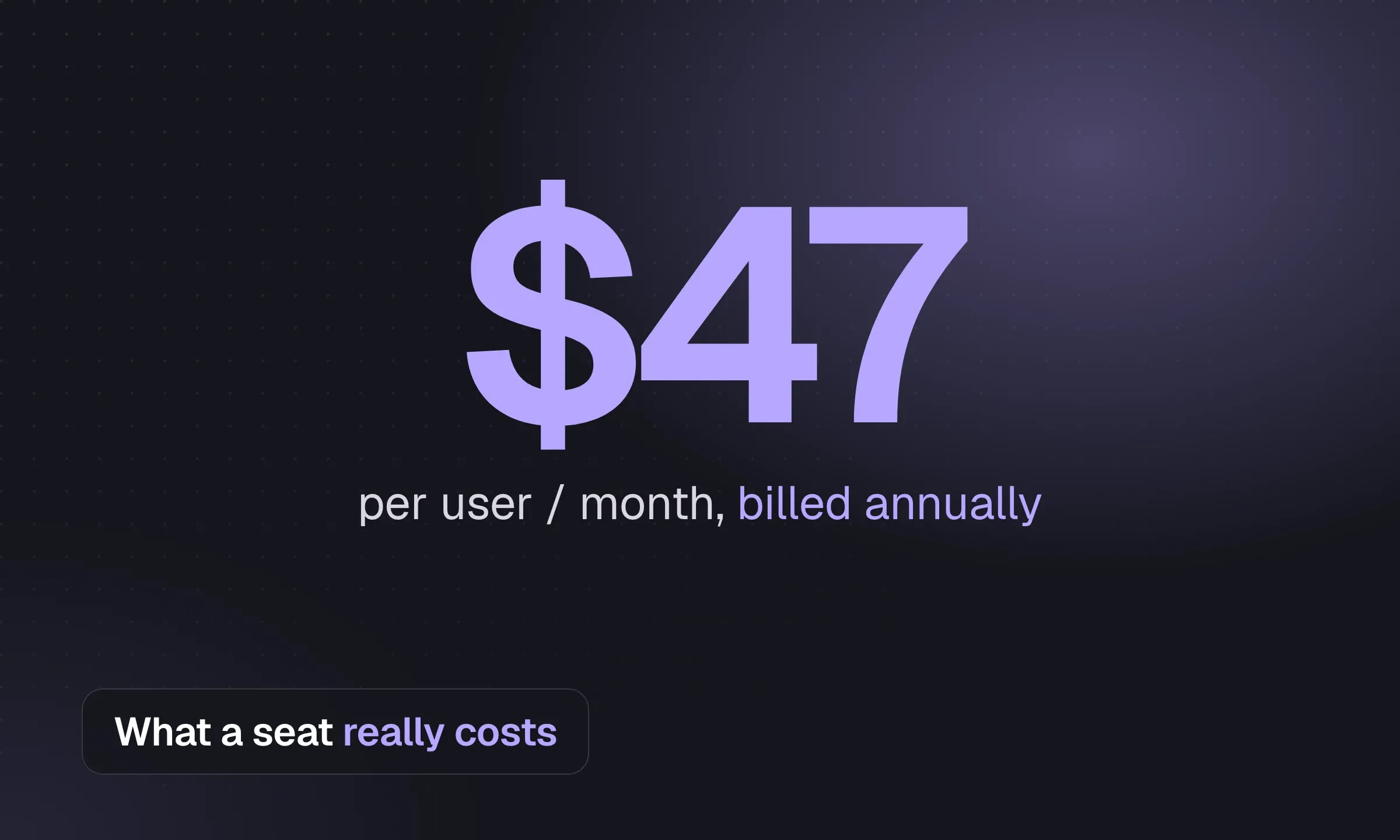
| Longlist | $47 annual / $59 monthly | Entry plan, stop on reply | Entry plan | Entry plan | Month to month or annual |
| Bullhorn | $99 Starter | Max (quoted) | Pro (quoted) | Pro (quoted) | Billing term not published |
| Tracker | $79 Launch | Professional (quoted) | All plans | Core | 6-month minimum |
| Recruit CRM | $95 annual / $109 monthly Pro | One sequence on Pro | All plans | Business, uses credits | Monthly or annual |
| Crelate | $85 Essentials | Business Plus (quoted) | Business Plus (quoted) | Business | Essentials annual |
| Vincere (GBP) | £95 Core, 2–7 users | Not listed on pricing page | Core | Core | 30-day rolling |
Sources are on each vendor’s pricing page and our linked comparison pages, checked October 2026.
The four layers of staffing software
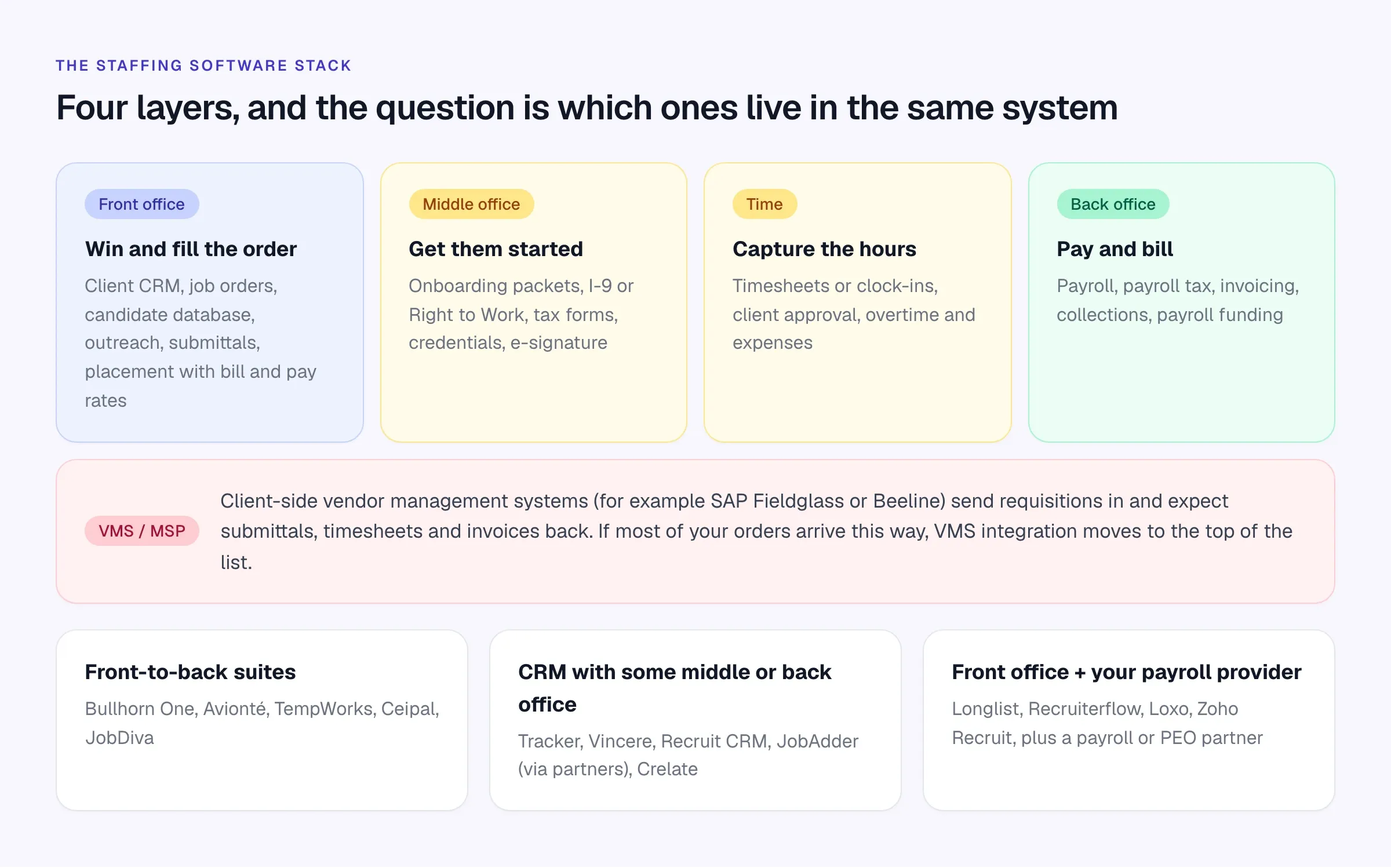
Front office. Client CRM, job orders, the candidate database, outreach, submittals and the placement record with bill and pay rates. This is where recruiters spend their day.
Middle office. Onboarding: offer letters, tax forms, Form I-9 employment eligibility verification in the US or Right to Work checks in the UK, credentials and e-signatures.
Time. Timesheets or clock-ins, client approval, overtime rules and expenses. Our guide to recruitment timesheet software covers the options in detail.
Back office. Payroll, payroll tax, invoicing, collections and, for many small firms, payroll funding.
And alongside all four, VMS and MSP programs. Large clients often route requisitions through a vendor management system such as SAP Fieldglass or Beeline, and expect your submittals, timesheets and invoices to come back the same way.
The platforms, compared
The vendor cards distinguish recruiting front offices from suites that also cover pay and bill. Features and prices are vendor-published, checked in October 2026; use the demo checklist to test your own assignment workflow.
Our pick for the front office
Longlist
Learn more →- Best for
- Staffing and contract desks whose payroll runs through a partner
- Pricing
- From $47/user/month
Longlist is a staffing CRM and ATS in one database: client companies, hiring contacts and a BD deal board next to job orders, the candidate database and placements. Take orders as Contract, Temp or Contract-on-Hire jobs, work them in kanban pipelines from Review to Joined, parse CVs in batches with no per-CV charge, and send branded CV packs.
Email sequences go out from your own Gmail or Outlook and stop on reply. Contract placements record bill and pay rates, currency, billing period and start date, with a reminder to redeploy before the assignment ends.
Tag candidates by availability, clearance or certification, track GDPR consent, and review CVs sent, interviews and offers by recruiter and client.
Plus adds a cloud number per user, click-to-call, two-way SMS and WhatsApp. Data migration is free.
Use your payroll, PEO or timesheet provider for the back office, and confirm the data-transfer method before buying.
Front-to-back staffing suites
Bullhorn
Website ↗- Best for
- Mid-sized and large staffing firms that want one vendor end to end
- Pricing
- $99 Starter, $165 Core; Pro, Max and Bullhorn One quoted
Bullhorn’s ATS and CRM is the front door; Bullhorn One combines it with pay and bill and the talent platform for a front-to-back setup. Around it sit Bullhorn Onboarding, Bullhorn Time & Expense and Bullhorn Automation (formerly Herefish). Bullhorn lists 110+ VMS integrations and 300+ marketplace partners from Core.
Watch for: the sales pipeline and AI resume formatting start on the quote-only Pro tier. There is no free trial, only demos. Full data backups mid-contract are chargeable. See Bullhorn vs Longlist.
Avionté
Website ↗- Best for
- US temp staffing firms running payroll in-house
- Pricing
- Quote-based
Avionté sells an end-to-end staffing platform: CRM and ATS, Payroll & Billing with multi-state tax and client invoicing, Avionté Mobile (formerly WorkN) for job search, pay stubs and schedules, SimpleVMS for the employer side, and an AI Matching Agent. Texting runs through the mobile app and a Text-Em-All partnership; programmatic job posting through JobSplice.
Watch for: pricing comes after a demo, and there is no trial. Demonstrate the API access and recruiter workflow you need. See Avionté vs Longlist.
TempWorks
Website ↗- Best for
- Temp agencies that want software plus payroll services from one provider
- Pricing
- Quote-based
TempWorks covers recruitment (job management, job boards, onboarding tools, mobile), a cloud CRM, and payroll and billing with payroll processing, tax management, time management and ACA administration. TempWorks Beyond is its mobile ATS, and geo check-in lets workers clock in by QR code or PIN. It also offers payroll processing and tax services, and payroll funding through a partnership with Lone Oak Payroll.
Watch for: no published pricing or trial; the site offers demos and sales calls. Ask how much of the back office is software you run versus a service they run for you.
Ceipal
Website ↗- Best for
- US IT staffing firms working VMS programs and H-1B consultants
- Pricing
- Quote-based
Ceipal sells its ATS alongside ProcureWise (a VMS) and a Workforce module for timesheets, AR/AP and commissions with QuickBooks sync. It tracks H-1B, I-9 and E-Verify compliance, posts to 50+ job boards including Dice, Monster and Indeed, and has TextToHire SMS built in. Ceipal advertises free data migration in.
Watch for: pricing is covered in the demo, and there is a product tour rather than a trial. Test realistic data volumes and the reports your team needs. See Ceipal vs Longlist.
JobDiva
Website ↗- Best for
- High-volume US IT staffing driven by VMS and MSP requisitions
- Pricing
- Quote-based, set client by client
JobDiva’s patented harvester pulls resumes from your job-board subscriptions, and it syncs VMS requisitions (it also has its own DivaVMS). DivaFinancials handles billing and payroll, with paperless onboarding. DivaReach automates candidate emails, texts and tasks, and DivaBuzz handles texting.
Watch for: no published pricing or trial. Test response times on a realistic database and ask the vendor to demonstrate branded CV formatting. See JobDiva vs Longlist.
CRMs with some middle or back office
Tracker
Website ↗- Best for
- Agencies that want invoicing and payroll on the CRM record
- Pricing
- $79 Launch, $99 Core; Professional and Enterprise quoted
Tracker adds back-office layers tier by tier: invoicing on Core, timesheets on Professional, full payroll plus shift management and geo-fencing on Enterprise. It posts to 1,000+ job boards and has a client portal from Core.
Watch for: a six-month minimum on every plan, and sequences only from Professional. See Tracker vs Longlist.
Vincere
Website ↗- Best for
- UK contract and temp agencies
- Pricing
- £95 per user (Core, 2–7 users); Pro quoted
Vincere Core includes temp and contract management, timesheets and onboarding with DBS and Right to Work checks, on 30-day rolling terms. Pro adds built-in Pay & Bill and a client portal.
Watch for: no dialler or SMS listed on the pricing page, and full exports with CV files go through a chargeable Professional Services request. See Vincere vs Longlist.
JobAdder
Website ↗- Best for
- Agencies that want temp management with a partner ecosystem
- Pricing
- Quote-based
JobAdder includes temp and contractor management on its Lite plan, with timesheets, invoicing and payroll through marketplace integrations. A Hiring Manager Portal is an add-on.
Watch for: prices are quoted and tiers change at 6 and 21 users. Data is deleted 90 days after you cancel. See JobAdder vs Longlist.
Crelate
Website ↗- Best for
- US firms that share shortlists through client portals
- Pricing
- $85 Essentials; $119 Business; Business Plus custom
Crelate’s staffing angle is Crelate Hire, which handles US onboarding forms and is priced per hire, plus branded client portals from Business.
Watch for: sequences and BD workflows start on Business Plus, and texting is an extra fee. See Crelate vs Longlist.
Recruit CRM
Website ↗- Best for
- Small contract agencies that want invoicing in the CRM
- Pricing
- $95 annual / $109 monthly Pro; Business $135 annual / $159 monthly
Recruit CRM includes invoicing and a hiring manager portal on all plans, with contractor timesheets available through its credit system.
Watch for: timesheets, texting, multiposting and enrichment all draw on monthly credits. See Recruit CRM vs Longlist.
What to look for, layer by layer
In the front office. Fast order intake, a searchable database that finds available people before you post an ad, and bulk outreach that doesn’t feel like spam. For contract desks, look for job types, rate fields and a way to plan redeployment before assignments end. Longlist covers all three on Growth; our contract recruitment software page shows how. For high-volume desks, our guide to high-volume recruiting covers the process side.
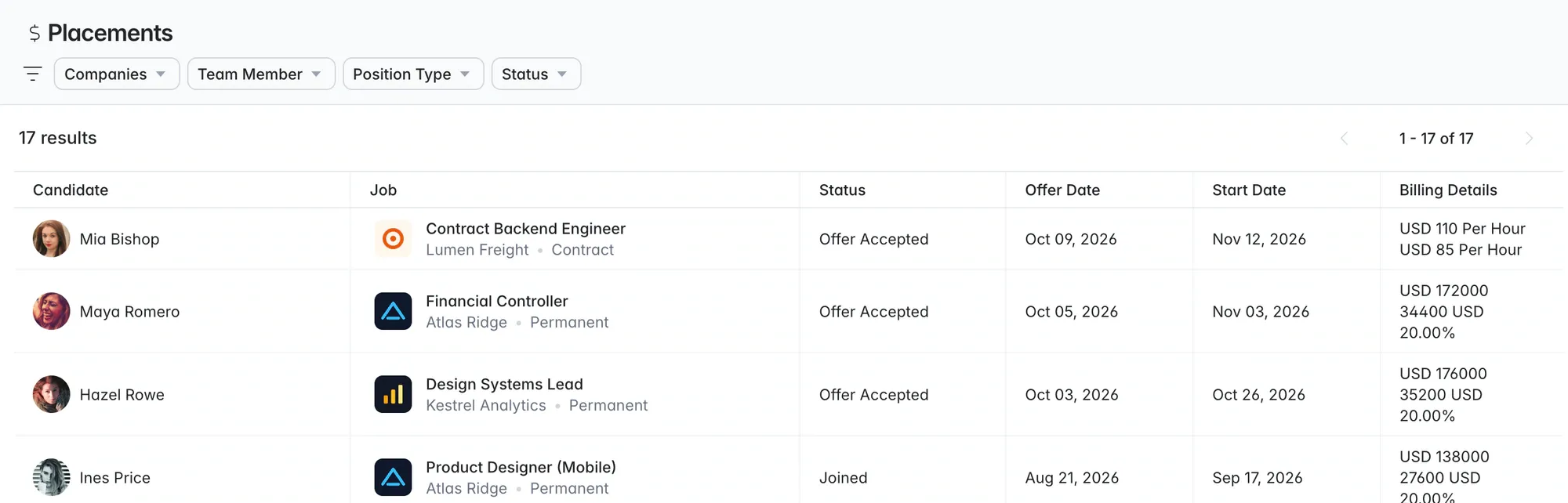
In the middle office. Onboarding should start from the placement, not from a blank form. Check how I-9 or Right to Work documents are collected, stored and expire, and who gets told when they do.
In time capture. Who submits (worker, supervisor or client), who approves, and how overtime and different pay rates are handled. A timesheet that can’t be approved on a phone will be late.
In the back office. Payroll tax across the states you operate in, invoice formats your clients accept (including VMS invoice uploads), and whether payroll funding is available if cash flow is tight between paying workers and getting paid.
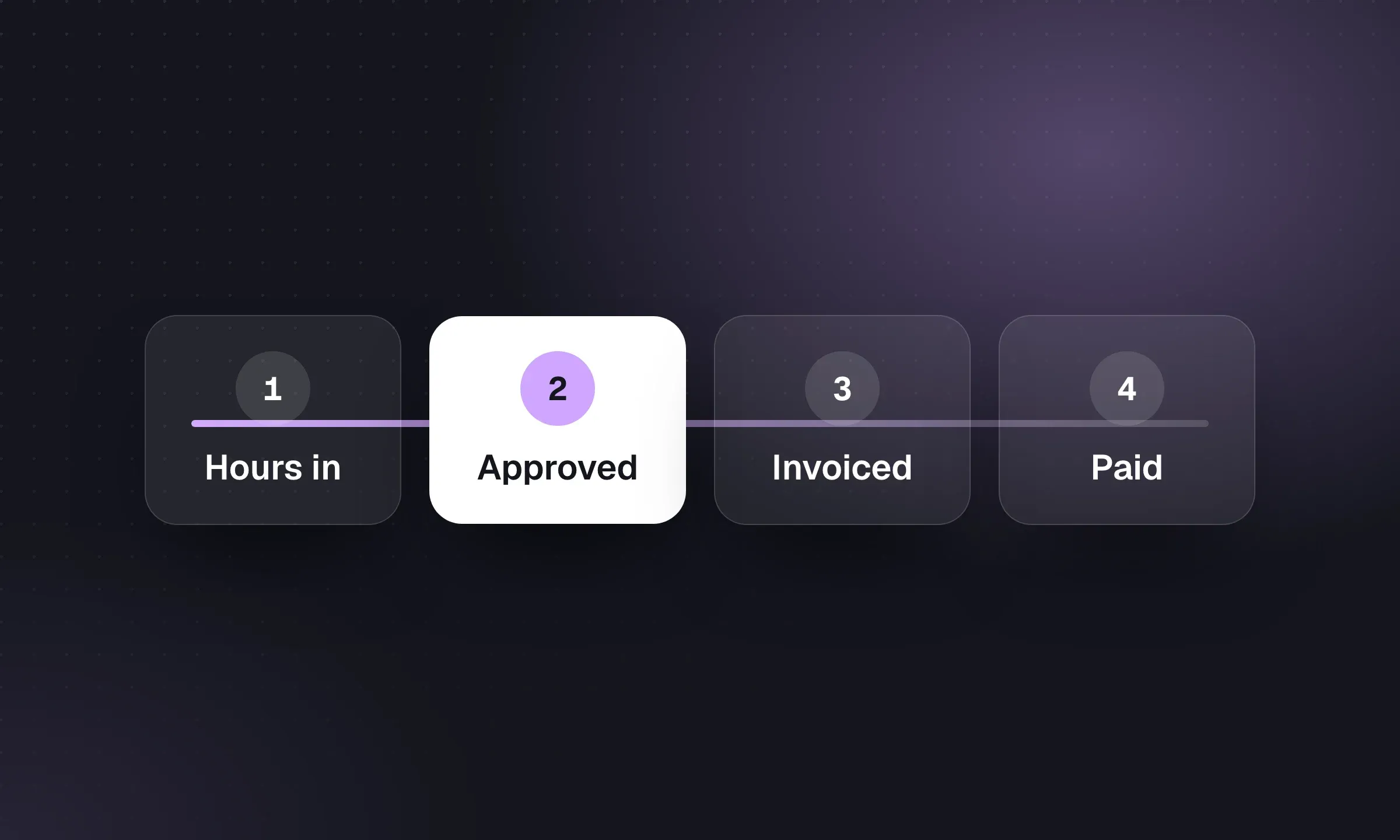
Demo checklist: one temp assignment, end to end
Ask every vendor to walk the same assignment, live, with your data.
- Take a job order for three temps at different pay rates, from a client contact who already exists in the system.
- Find two available workers in the database before posting an ad. How is “available” tracked?
- Submit them to the client. If the client uses a VMS, show the submittal going back through it.
- Make the placement with bill rate, pay rate, rate period, start date and end date.
- Start onboarding from the placement. Show where the I-9 or Right to Work documents live and how expiry is flagged.
- Submit and approve a week’s timesheet, including overtime, on a phone.
- Run payroll (or show the export to your payroll provider) and generate the client invoice.
- Show gross margin for this assignment, this client and this recruiter.
- Extend the assignment by four weeks and change the bill rate. What updates automatically?
- End the assignment and show how the worker gets flagged for redeployment.
Before you switch
Moving staffing data is harder than moving a perm database because of the active placements. Agree a cutover date that sits at the end of a pay period, move closed history first and active placements last, and run one payroll in parallel if you can. Our CRM migration checklist has the full plan, and the recruitment software cost guide helps you price the switch.