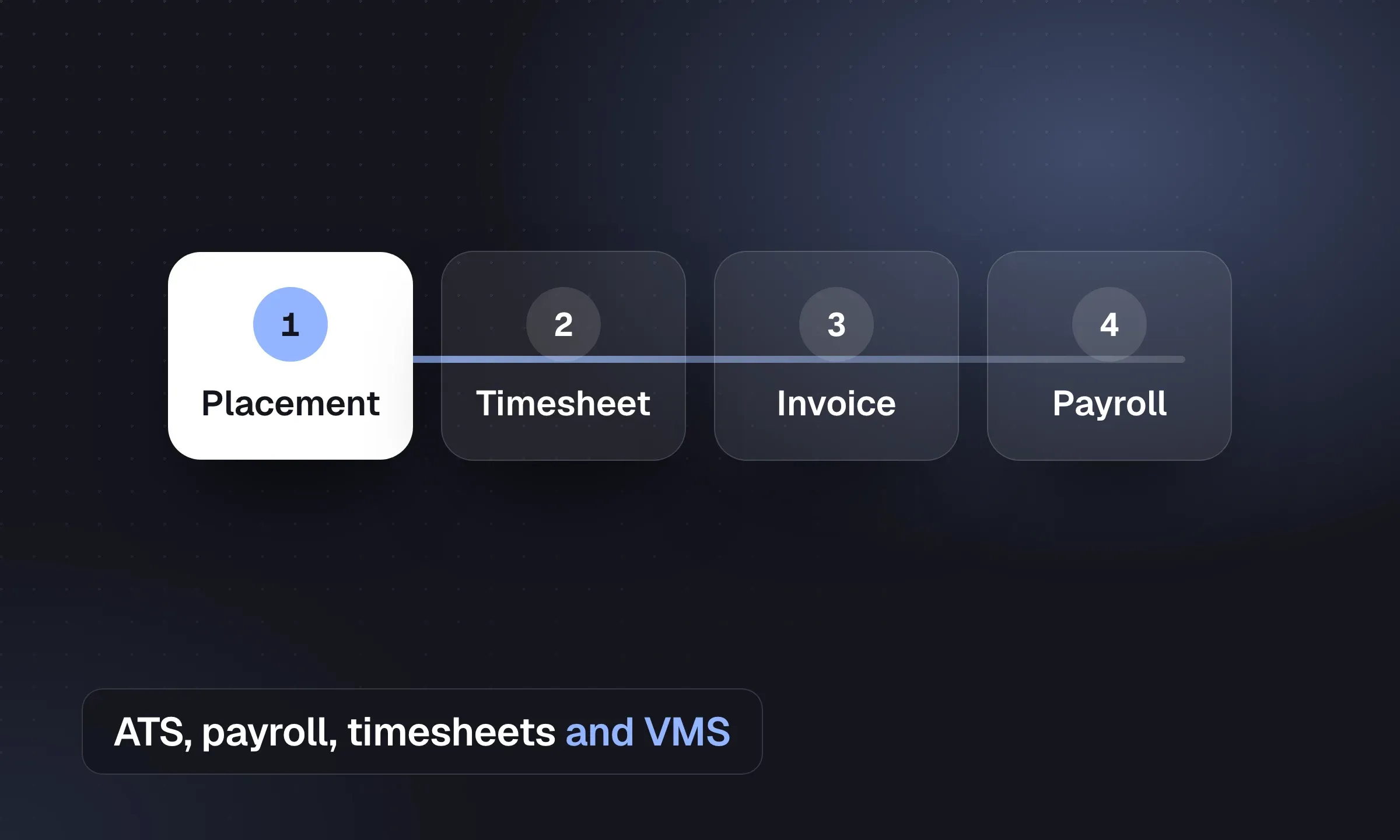
For a US staffing firm with 20 to 200 internal staff, start with who runs payroll, which client VMS programs you serve and how many workers you onboard each week. Those requirements determine whether to evaluate a full staffing suite or a recruiting front office with a separate back office. Longlist publishes this comparison and supplies the front office.
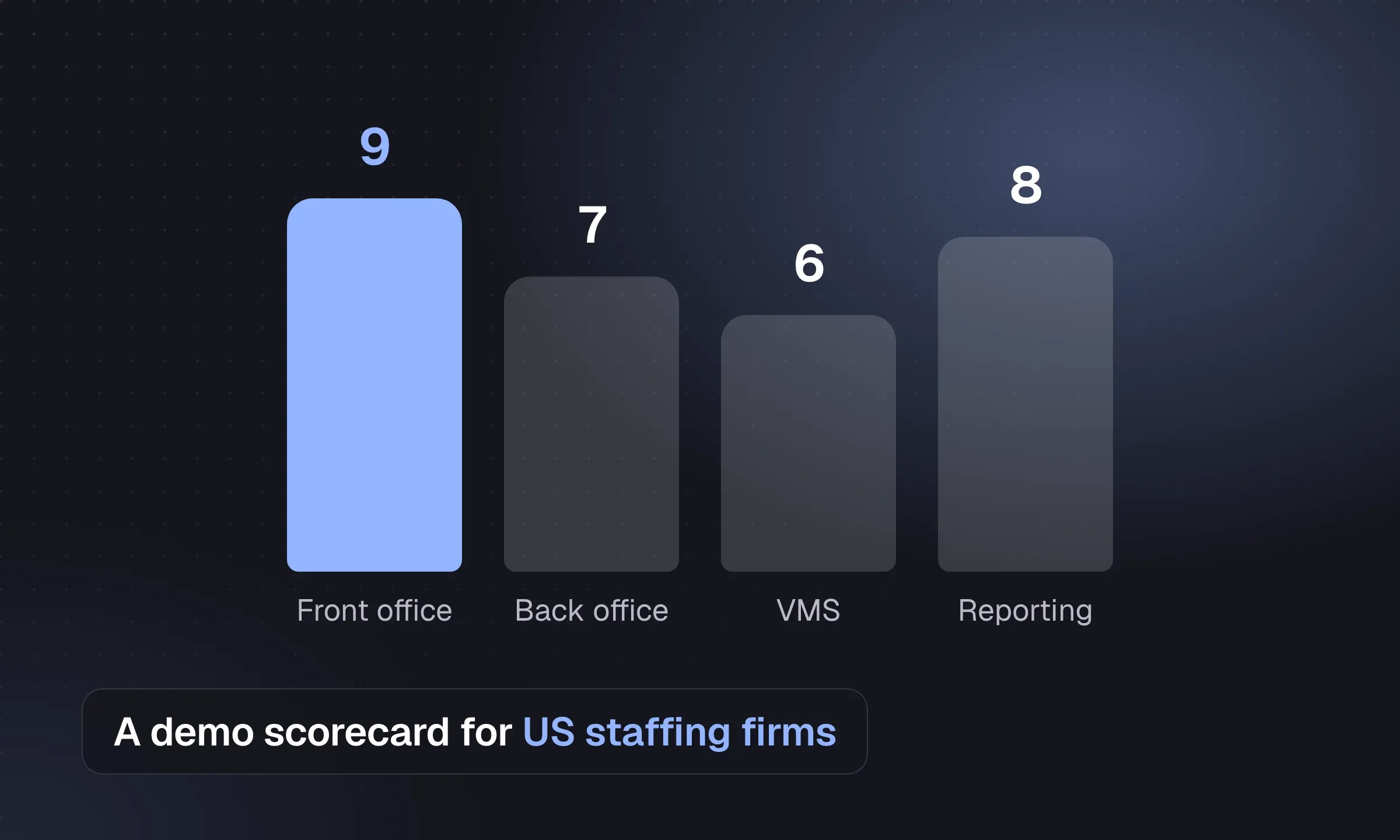
Staffing software demo scorecard (CSV)Seven weighted criteria, what to test for each in the demo, and columns for three vendors.DownloadTwo ways to connect recruiting and payroll
All-in-one staffing platform
- One record from job order to paycheck and invoice
- VMS, onboarding and payroll tax handled by one vendor
- Fewer integrations to maintain
- Usually quote-based pricing and a longer implementation
- Harder to leave: payroll history, tax filings and recruiting data all live in one place
- Recruiter screens can feel secondary to the back office
Front-office CRM + ATS with a back-office partner
- Recruiters get a faster, simpler daily tool
- Payroll, funding and tax stay with a specialist
- Published per-seat pricing is more common
- Two systems to keep in sync; placements must be handed over cleanly
- No native VMS sync or I-9 workflow in most front-office tools
- Easier to replace one half without touching the other
A firm paying 800 W-2 temps a week across four states and working three VMS programs belongs on an all-in-one platform. A 30-person IT and professional staffing firm whose contractors are paid by a funding partner gets more from a fast front office, and for that firm Longlist is our recommendation. See how the pieces fit in our recruitment tech stack guide.
A weighted scorecard for demos
A shared scorecard lets ops, payroll and sales compare the same evidence after each demo. Agree the weights with your ops, payroll and sales leads before the first call, then score each vendor 1 to 5 straight after its demo, while it’s fresh.
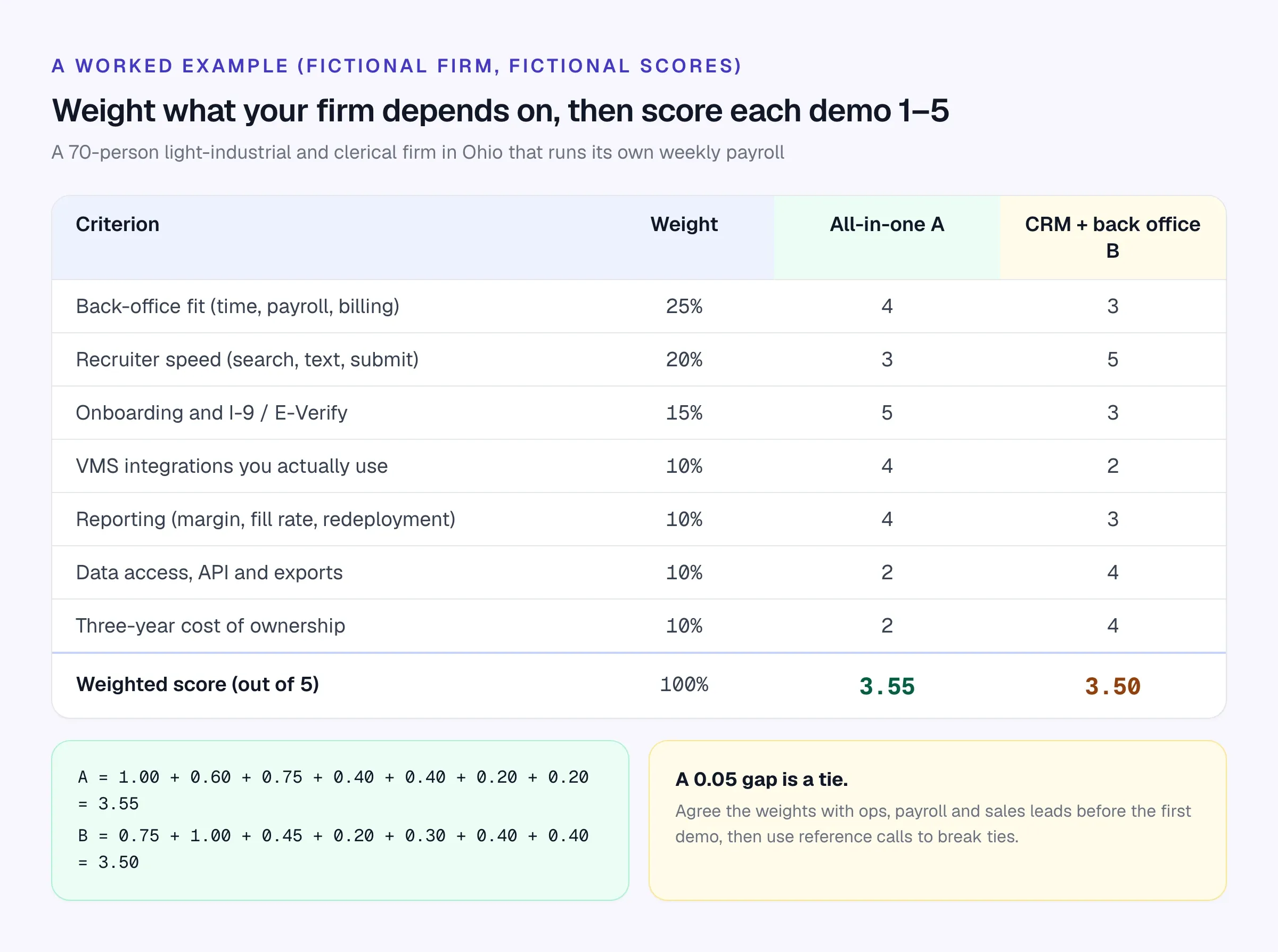
In that fictional example the two options finish 0.05 apart. That is too close to choose on the score alone. Use reference calls with firms of your size and in your verticals to investigate the remaining differences. Ask references what broke in the first payroll and how long the vendor took to fix it.
Send every vendor the same brief, so you compare like with like:
Demo request email to vendors
Subject: Demo request – [Firm name], [number] internal staff, [number] weekly W-2 temps
Hi [Name],
We’re reviewing staffing software and would like a 90-minute demo using our scenario rather than a standard tour.
About us: [number] branches in [states]. About [number] temps on assignment each week, paid [in-house / by our funding partner]. Around [percentage]% of orders arrive through [VMS names].
Please show, live:
- A [number]-person order filled from existing candidates, including bulk texting.
- A new hire from offer to completed Form I-9 and E-Verify case.
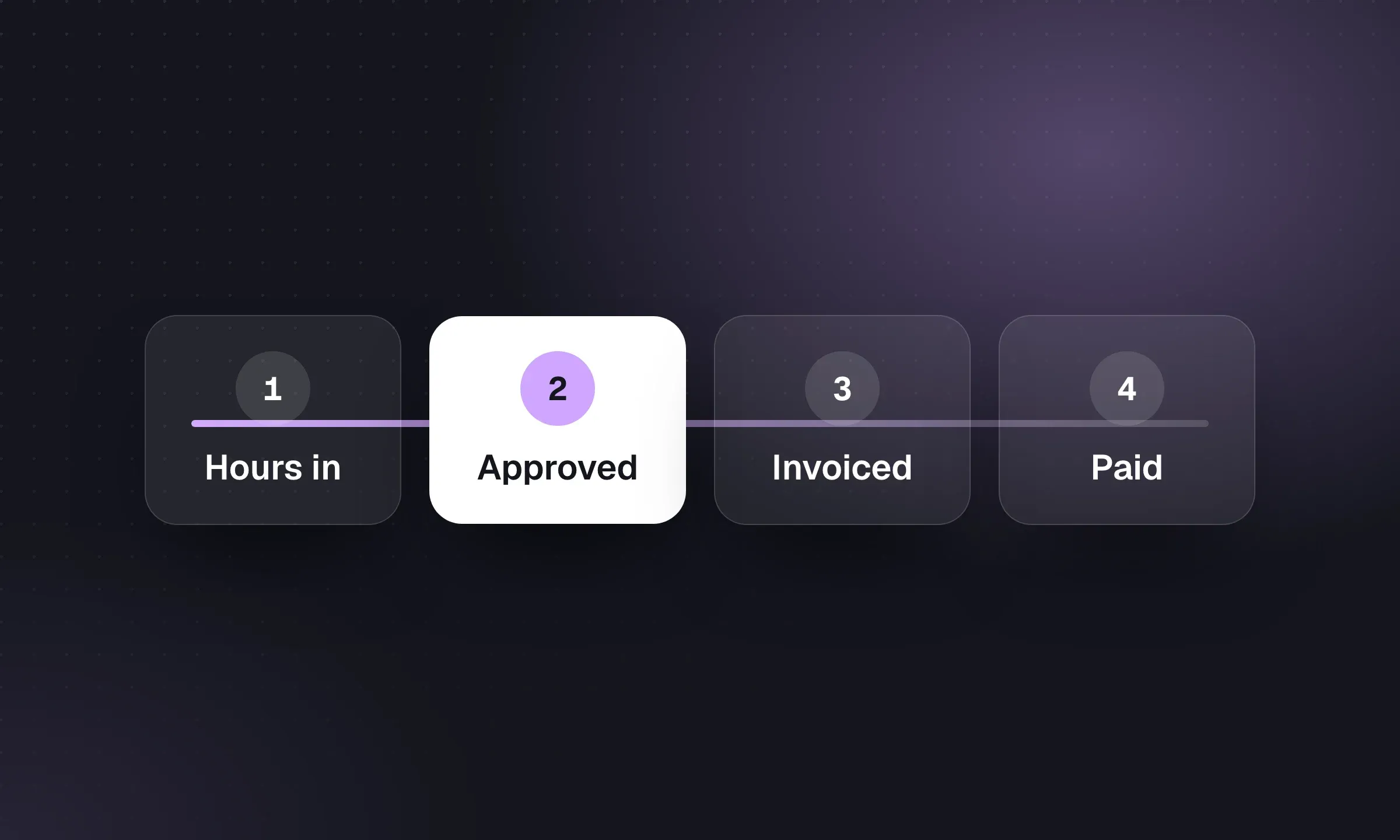
- One assignment from approved hours to paycheck and client invoice, with overtime and a second state.
- Gross margin per hour by client and branch for last month.
- How we would export all of our data ourselves, and what a full export costs at contract end.
Please also send pricing for [number] recruiter seats and [number] back-office seats, implementation fees, and the contract term.
Thanks, [Your name]
- The vendor ran our scenario, not a scripted tour
- We saw a real overtime week priced and paid correctly
- We saw the I-9 Section 2 deadline tracked and an E-Verify case created
- VMS integrations were named, with a reference customer for each of ours
- We know the contract term, renewal uplift and notice period
- We know what a full data export contains and costs
- At least two references of our size and vertical have been called
The requirements, area by area
Use this table to write your requirements document. The right-hand column is what to ask a vendor to show you live, not describe.
Scroll the table to see all columns →
| Area | What good looks like at 20–200 staff | Ask the vendor to show |
|---|---|---|
| Job orders and volume | Bulk texting, mass status updates, mobile apply, a shared view of open orders by branch | A 25-person order filled from the database in one sitting |
| Redeployment | Assignment end dates visible, a list of who finishes this week, availability on the record | “Who finishes Friday and has forklift certification?” |
| VMS and MSP work | Requisitions sync in, submittals and time sync back, no rekeying | Your top three VMS programs, with a live customer reference for each |
| Onboarding and I-9 | Mobile onboarding packet, Form I-9 Sections 1 and 2, E-Verify cases, document expiry tracking | A new hire from offer to E-Verify result |
| Screening | Background checks and drug screens ordered from the record, FCRA disclosure and adverse-action steps | The full adverse-action sequence |
| Time capture | Web, mobile and clock-in options, client approval, rate rules by client | An overtime week across two pay rates |
| Pay, bill and funding | Multi-state payroll tax, client invoicing from approved time, funding partner integration | A real assignment from approved hours to paycheck and invoice |
| Client development | Contacts, opportunities and activity next to the job orders they produce | A won deal turning into a job order |
| Reporting | Gross margin per hour, fill rate, time to submit, redeployment rate, DSO | Margin by client and branch for last month |
High volume and redeployment
Picture a fictional light-industrial branch in Columbus. A warehouse client calls on Wednesday for 25 pickers starting Monday. The branch has 300 people in its database who’ve worked a similar shift, 40 of them finishing other assignments this week. The software either surfaces those 40 in a minute, with a way to text them all, or the branch posts another ad and waits.
That’s the test that matters at volume: how fast a recruiter gets from a job order to people already known to the firm. Our guide to high-volume recruiting strategies and tools goes deeper on intake, screening and texting at scale.
VMS and MSP programs
If a large share of your orders comes through client-side vendor management systems such as Beeline or SAP Fieldglass, integration stops being optional. Without it, someone retypes requisitions into your ATS and retypes submittals back out, and time approved in the VMS has to be reconciled with your own records before billing.
Don’t accept “we integrate with VMS” as an answer. Ask which programs, whether the sync covers requisitions, submittals and time, and who maintains the connector when the VMS changes.
Onboarding, Form I-9 and E-Verify
If your firm hires and pays the temp, Form I-9 is your responsibility. USCIS’s Handbook for Employers states that a client doesn’t complete Form I-9 for workers supplied by a temporary agency, and that the employer must complete Section 2 within three business days of the hire date.
A few current details your onboarding module should already reflect:
- The form edition. The current Form I-9 is the 01/20/25 edition. The 08/01/23 edition with a 05/31/2027 expiration date is still accepted; the other 08/01/23 version expired on 07/31/2026, and electronic systems had to be updated by that date.
- Remote document checks. Employers enrolled in E-Verify and in good standing can use the DHS alternative procedure for remote document examination, which includes a live video interaction and retaining copies of the documents.
- E-Verify enrollment. Some states and federal contracts require E-Verify. Check what applies to each state you place in at e-verify.gov.
- Background checks. Consumer reports for employment purposes come with disclosure, authorization and adverse-action steps under the FCRA. The FTC’s guide for employers is the plain-English starting point.
Time, pay, bill and funding
This is where mid-sized firms feel the most pain and where vendors differ most. A system that runs your payroll has to handle client-specific rate tables, overtime, multi-state and local taxes, garnishments and the invoice that goes to the client from the same approved hours.
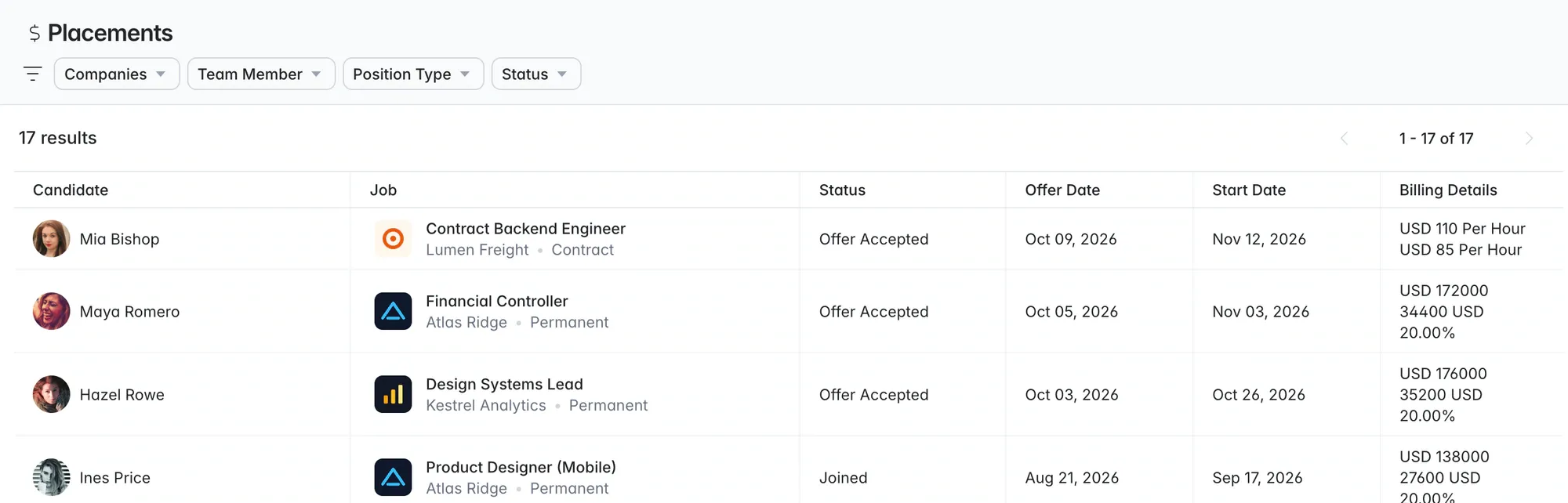
Many smaller firms don’t run payroll themselves. A payroll funder or back-office provider pays the temps and invoices the clients, and the firm’s own software only needs to hand over clean placement data: who, where, start date, bill rate and pay rate. TempWorks, for example, lists payroll funding through a partner alongside its own payroll software. Our guide to recruitment timesheet software walks through the approved-hours-to-invoice cycle in detail.
Reporting
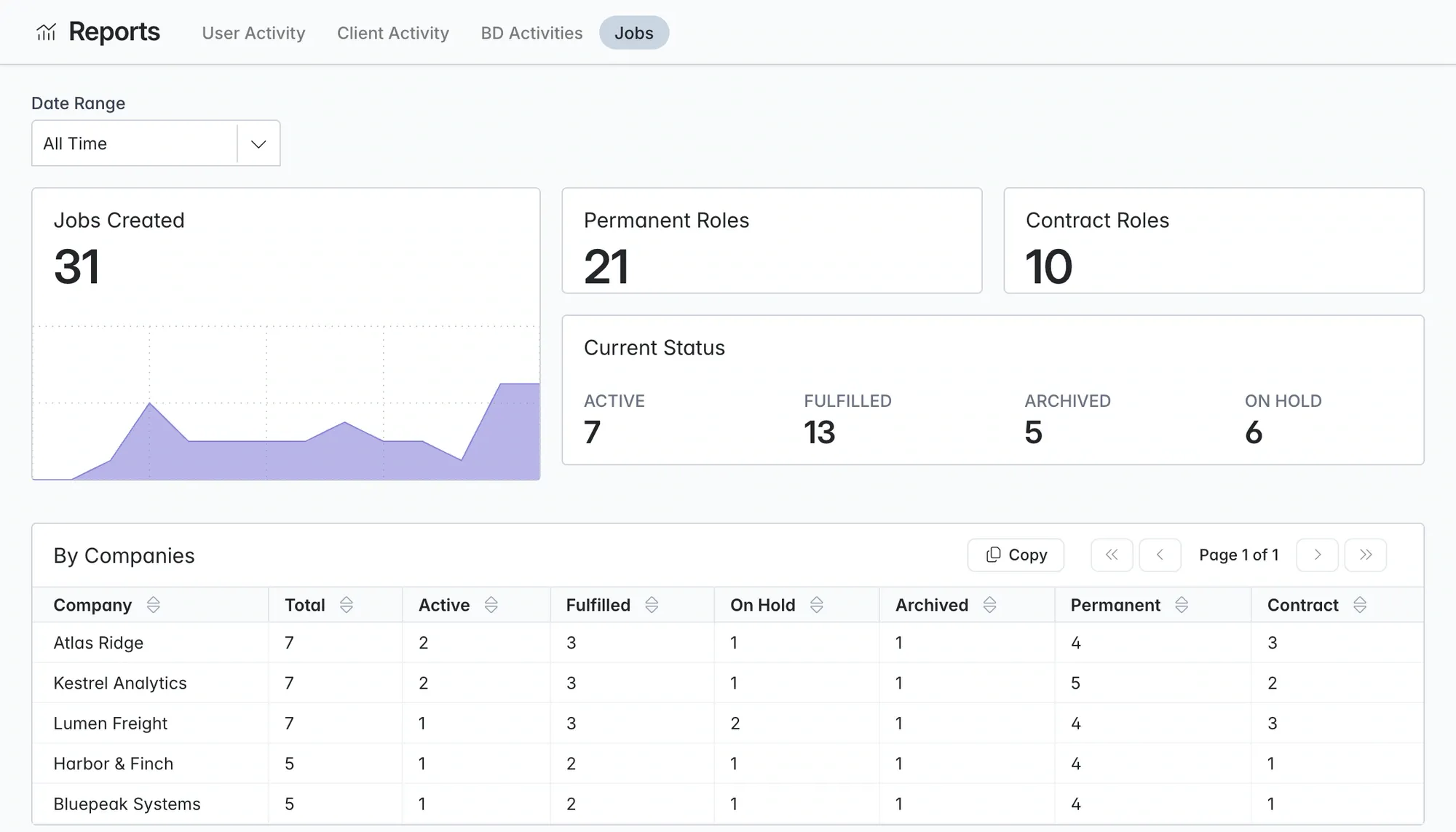
Ask for the five numbers your leadership reviews every week: gross margin per hour, fill rate, time to submit, redeployment rate and days sales outstanding. If a vendor can’t produce gross margin per hour by client and branch in the demo, assume you’ll be exporting to Excel for it. The weekly KPI scorecard has definitions you can agree on internally first.
For each recruiting/back-office pair, record whether the connection is a supported integration, a CSV transfer or manual setup. Ask who owns sync errors and changed rates; verify the connection to your actual payroll and VMS providers during the demo.
Vendors worth a demo
We checked each vendor’s website in October 2026. Where a price is shown, it comes from the vendor’s own pricing page; most back-office platforms quote after a demo. For broader roundups see the best staffing agency software.
Longlist
Learn more →- Best for
- Staffing firms whose payroll sits with a partner, plus direct-hire and professional desks
- Pricing
- From $47/user/month
CRM + ATS in one database: job orders, candidates with AI CV parsing (no per-CV charge), kanban pipelines with bulk moves, branded CV packs, a client opportunities board and BD campaigns. Email sequences send from your own Gmail or Outlook and stop on reply. Placements store bill and pay rates. Careers page eligible for Google for Jobs, Chrome extension for contact lookup, and calling, SMS and WhatsApp on Plus. Monthly billing, free migration, 24x6 human support and a 14-day trial.
Pairs with your payroll, funding or back-office provider for time, pay and bill.
Bullhorn
Website ↗- Best for
- Firms that want one large vendor and a big partner marketplace
- Pricing
- Starter $99, Core $165 per user/month; Pro, Max and Bullhorn One by quote
The Starter and Core plans are an ATS. Timesheets, invoicing and pay and bill come with Bullhorn One, which is quote-based, and the sales pipeline arrives at Pro. Strong on VMS and partner integrations. Bullhorn compared with Longlist.
Avionté
Website ↗- Best for
- US temp firms that run weekly payroll in-house
- Pricing
- Quote-based
Front office, onboarding, time capture, payroll with multi-state tax, client invoicing, a talent mobile app (Avionté Mobile, formerly WorkN) and SimpleVMS on the employer side. Avionté compared with Longlist.
TempWorks
Website ↗- Best for
- Light industrial and clerical firms that want payroll as software or as a service
- Pricing
- Not listed on the website; ask for a quote
ATS, CRM, payroll and billing, time management with geo check-in by QR code or PIN, ACA administration and a mobile app. Payroll processing is offered as software or as a service, and payroll funding through a partner.
Ceipal
Website ↗- Best for
- US IT staffing with VMS work and H-1B workers
- Pricing
- Quote-based
ATS with 50+ job board integrations, its own VMS (ProcureWise), and a workforce module covering timesheets, AR/AP and H-1B, I-9 and E-Verify tracking. Ceipal compared with Longlist.
JobDiva
Website ↗- Best for
- High-volume IT staffing pulling requisitions from VMS programs
- Pricing
- Quote-based
Resume harvesting from your job-board subscriptions, VMS synchronization, DivaFinancials for billing and payroll, and the MyTime timesheet app. JobDiva compared with Longlist.
Crelate
Website ↗- Best for
- Staffing and direct-hire firms that want a modern front office
- Pricing
- Business $119 per user/month; Business Plus custom
A recruiting CRM + ATS that lists VMS integration under staffing and connects to back-office systems through a priced Data Sync Service rather than running payroll itself. Crelate compared with Longlist.
Scroll the table to see all columns →
| Vendor | Payroll and billing | Own VMS or VMS sync | Published price | Comparison |
|---|---|---|---|---|
| Longlist (our pick) | Via your partner; bill and pay rates on every placement | Not included | Yes: $47–$79, monthly billing | Staffing software |
| Bullhorn | Bullhorn One (quote) | Yes, many integrations | Starter and Core | Bullhorn |
| Avionté | Yes | SimpleVMS | No | Avionté |
| TempWorks | Yes, software or service | Not checked | No | |
| Ceipal | Workforce module | ProcureWise | No | Ceipal |
| JobDiva | DivaFinancials | VMS sync, DivaVMS | No | JobDiva |
| Crelate | Via integrations | Listed for staffing | Essentials and Business | Crelate |
Model the cost over three years
Per-seat price is only part of it. A fictional 70-person firm with 40 recruiter and sales seats, at an illustrative $150 per seat per month, pays 40 × $150 × 12 = $72,000 a year in licences. Add implementation, payroll per-check or per-employee fees, onboarding and background-check costs, VMS connector fees and integrations, and year one can look very different from year three.
Our breakdown of what recruitment software costs includes a worksheet for exactly this. The recruitment CRM vs ATS explainer is useful if your team disagrees on what the front office needs to do.
Migrate without missing a payroll
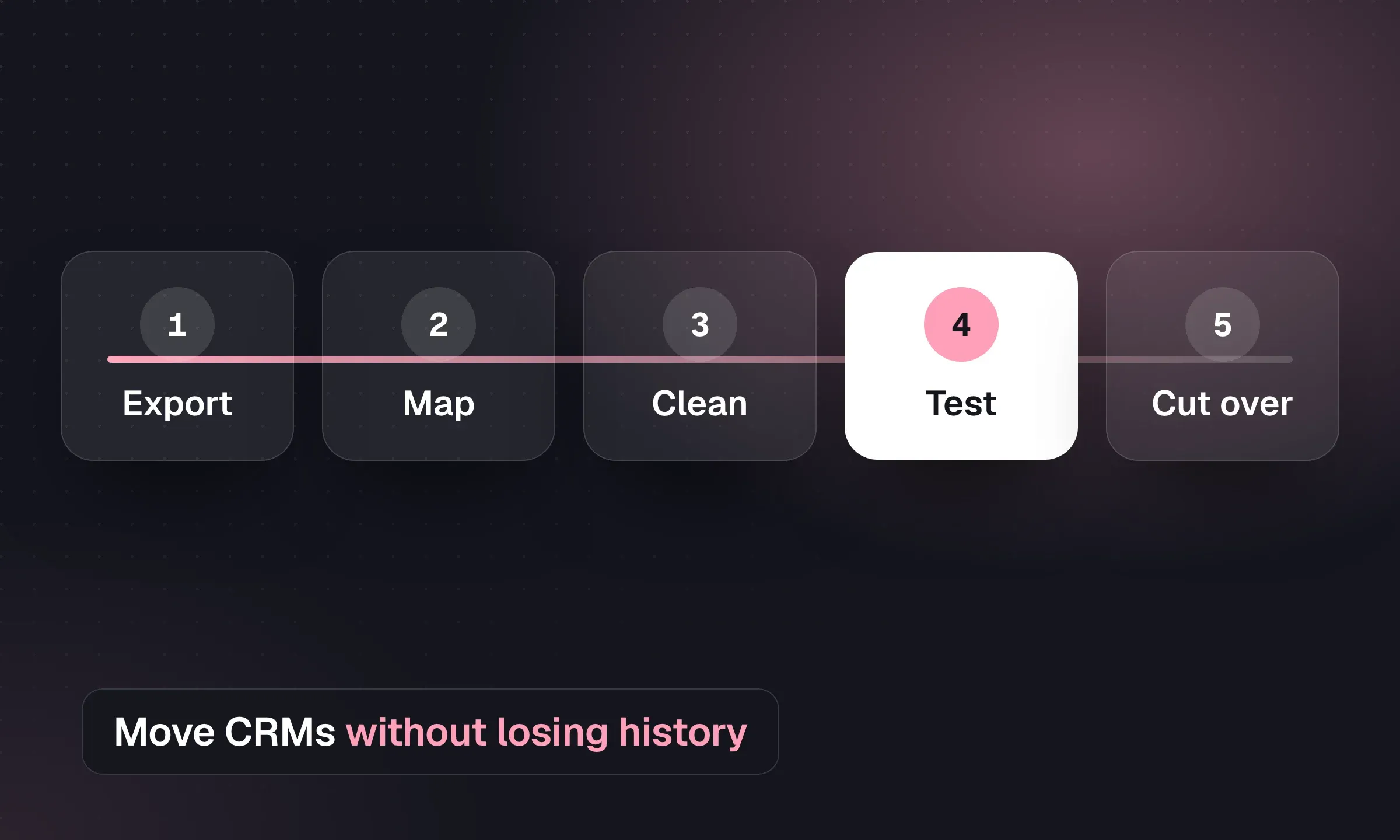
- Read your current contract. Find the term end, notice period, data export clause and any fee for a full backup. Request the export before you give notice.
- Pick the payroll cutover date first. If payroll is moving, a quarter or year boundary keeps quarterly filings and year-end W-2s simpler. Confirm the approach with your accountant.
- Rebuild pay rules before data. Clients, rate tables, overtime rules, tax setups by state and locality, deductions and garnishments.
- Map and import recruiting data. Candidates, contacts, companies, job orders, placements, documents and notes. Decide what you won’t bring.
- Run parallel payrolls. Run at least one cycle in both systems and reconcile every check before you switch off the old one.
- Reconnect VMS programs and integrations. Background checks, job boards, accounting and any funding partner.
- Train by role and go live by branch. Recruiters, onboarding staff and payroll learn different screens. Pilot one branch before the rest.
If only the front office is changing, steps 2, 3 and 5 drop out and the move is much shorter. That’s one of the practical reasons some firms keep payroll with a specialist: the recruiting system can change without touching anyone’s paycheck. If your firm also places contractors abroad, our guide to contractor management software covers the employer-of-record and contractor-of-record options.
See Longlist with your own job order
Our team migrates candidates, contacts, job orders and CVs for free. Bring one of your real job orders to the demo.