
Chrome extension for recruiters. Check your CRM from a supported profile.
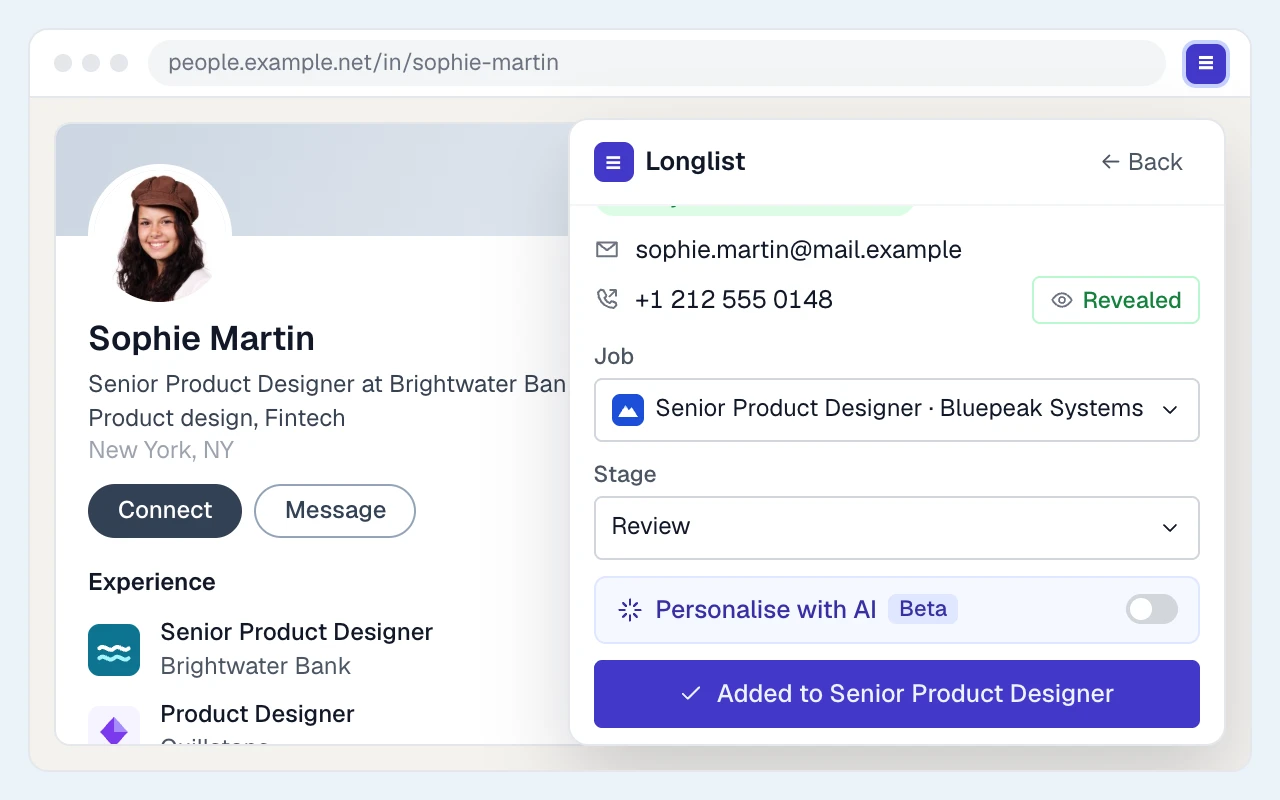
On a supported profile page, the Longlist extension shows whether the person is already in your CRM, looks up available email and phone details, and saves them as a candidate or hiring contact.
Free data migration 14-day free trial
Good company. Great recruiting teams.





PUT IT INTO PRACTICE
From profile to shortlist
Six steps from a profile page to the first email.
- 01
Install the extension
Install the extension in a supported browser and sign in to Longlist.
- 02
Open a supported profile
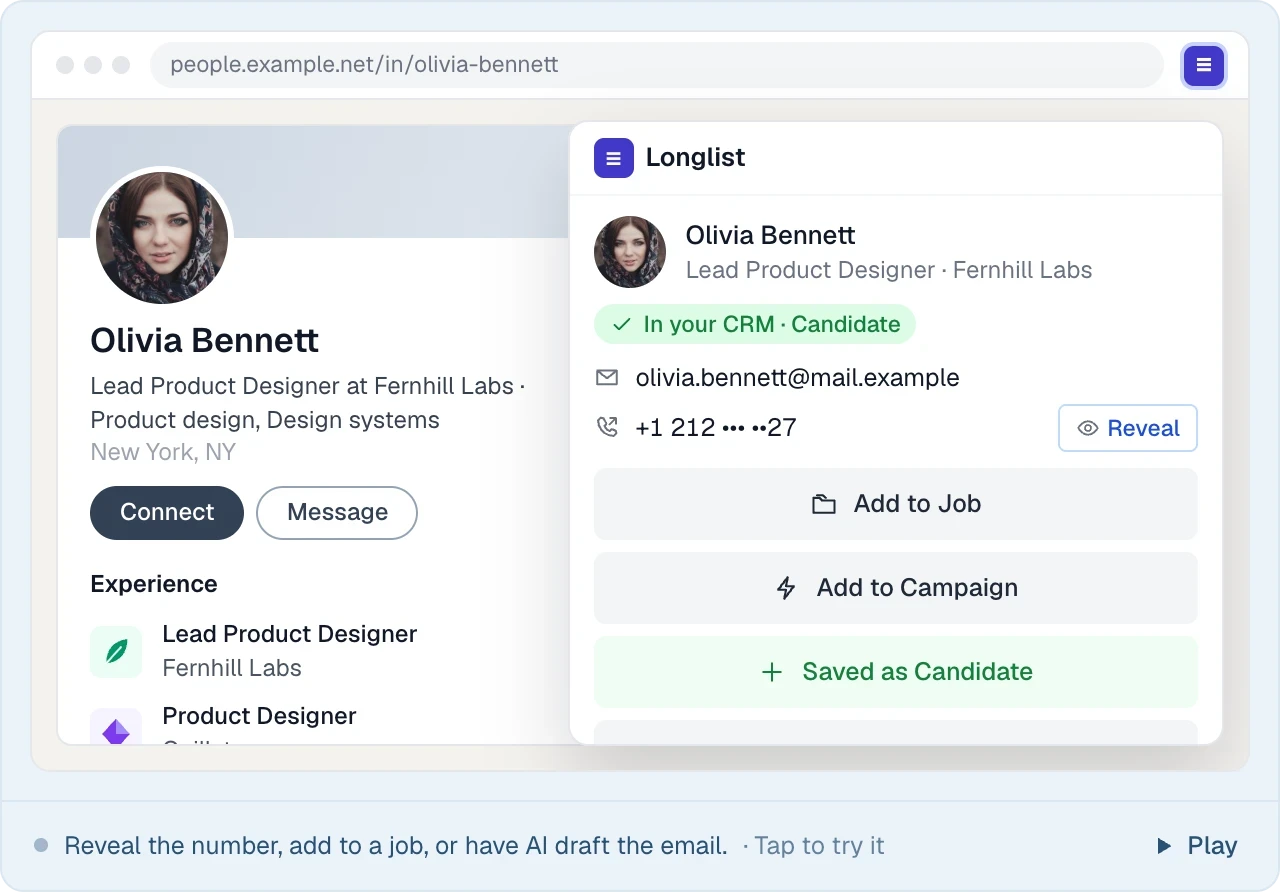
On a supported profile page, click the extension icon to open the available actions.
- 03
See if they're already in your CRM
See whether the person already has a candidate or contact record before adding them.
- 04
Find contact details
Look up available email addresses and phone numbers without copying details between tools.
- 05
Add them in one click
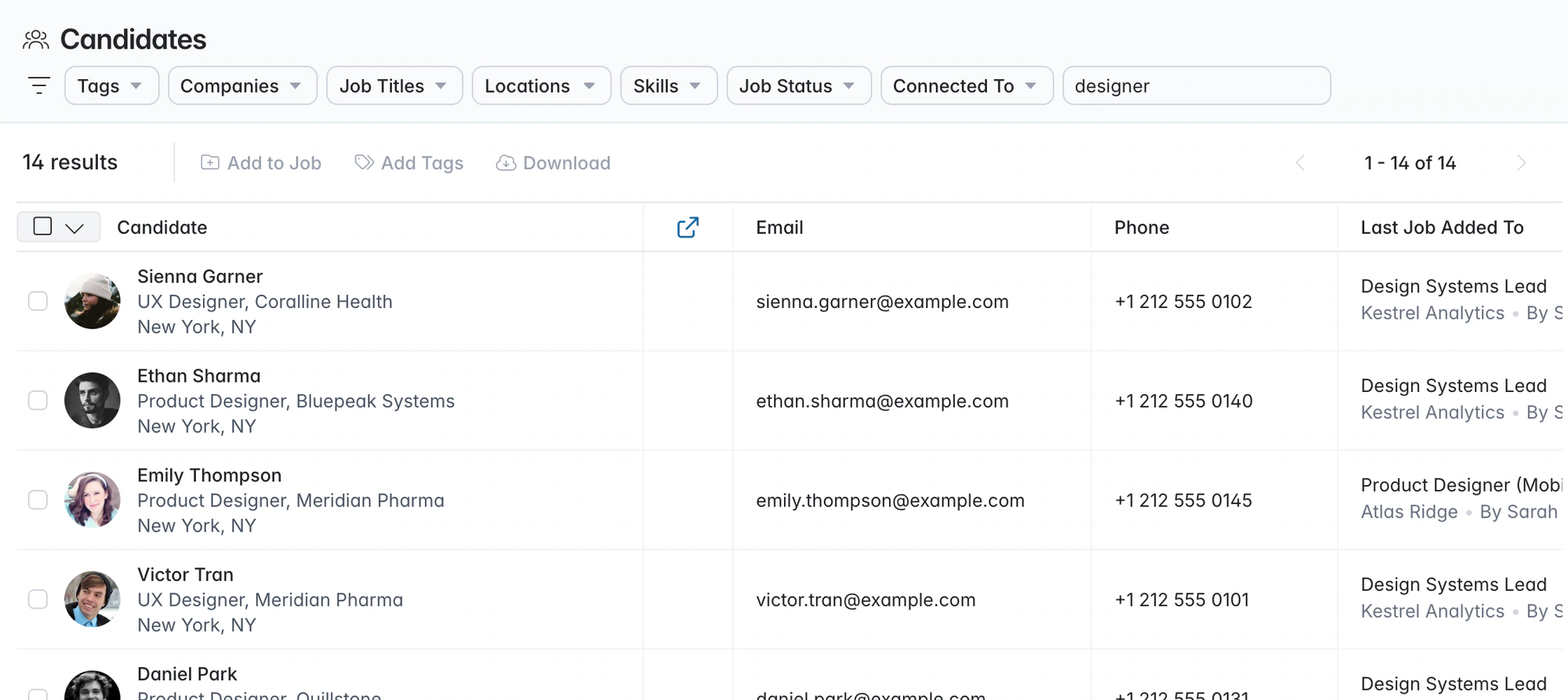
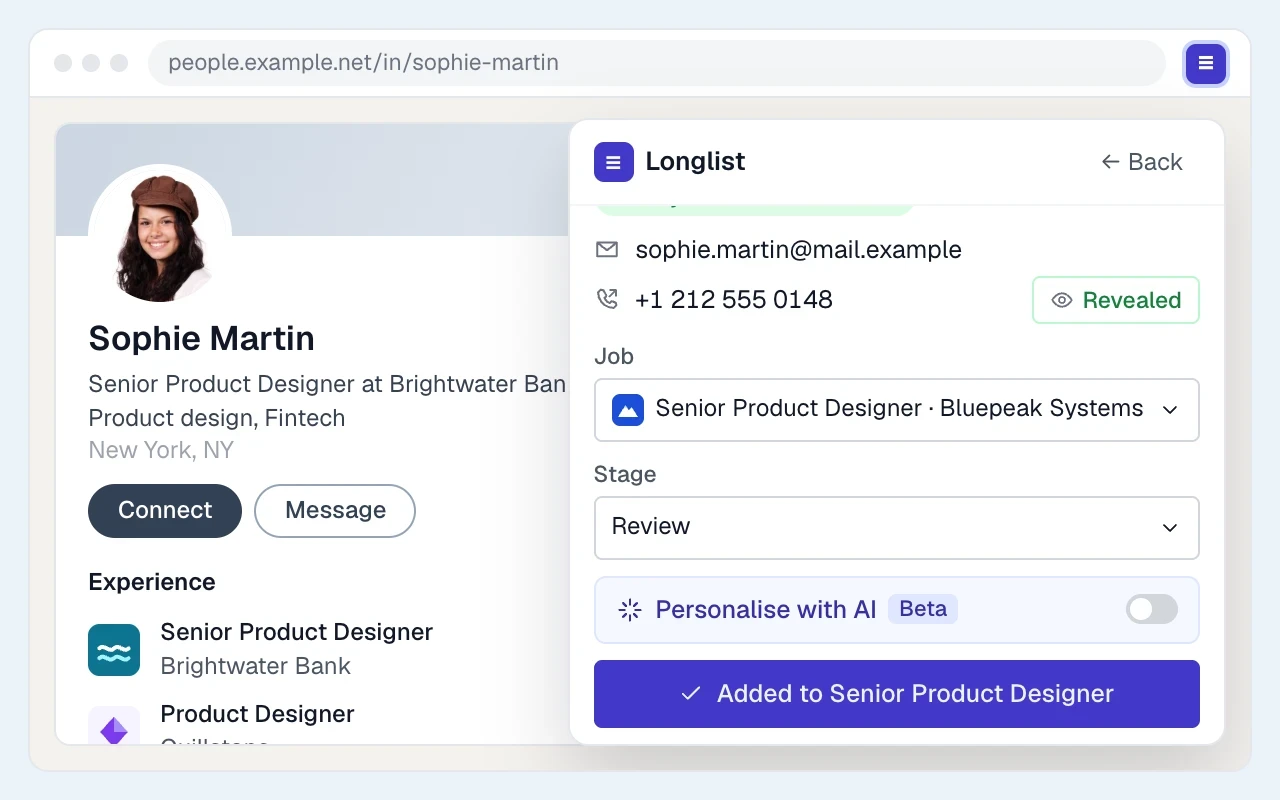
Save a candidate or client contact, then add them to a job or campaign. Duplicate checks help keep one record per person.
- 06
Start the conversation
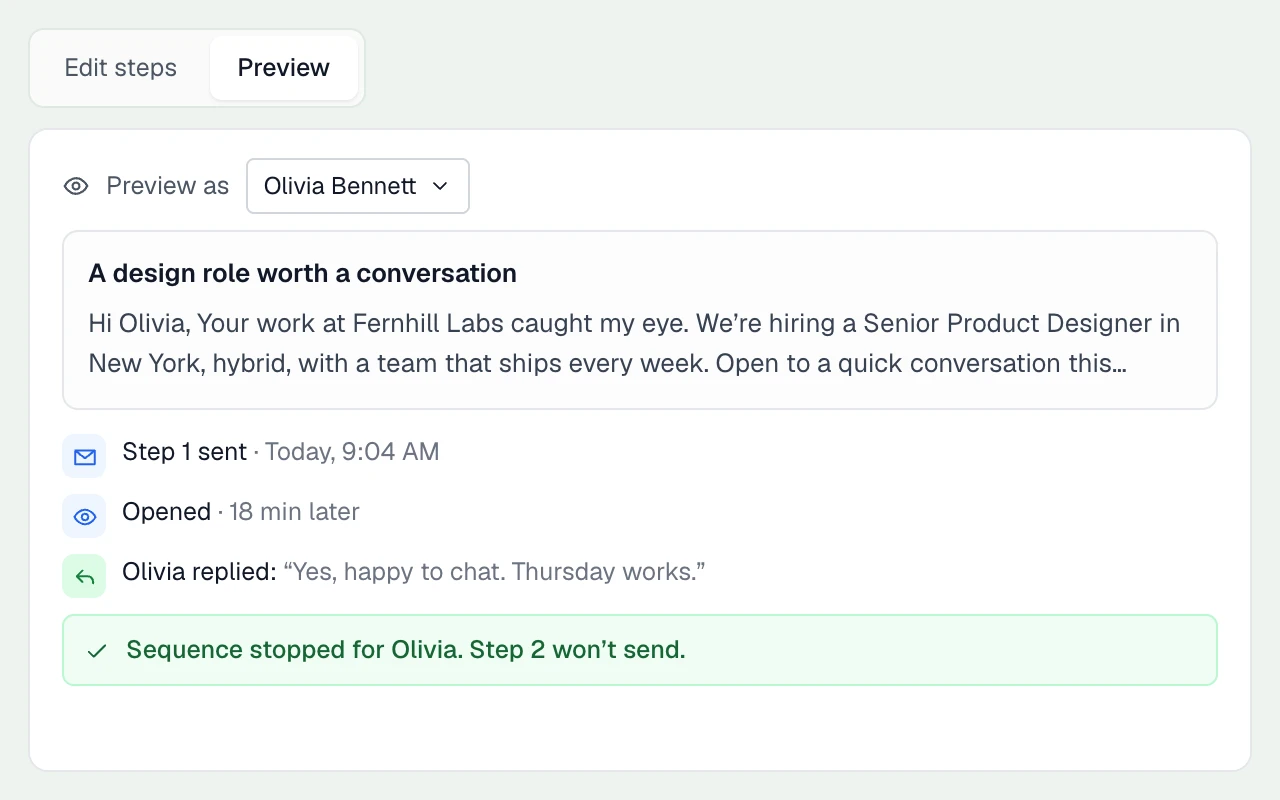
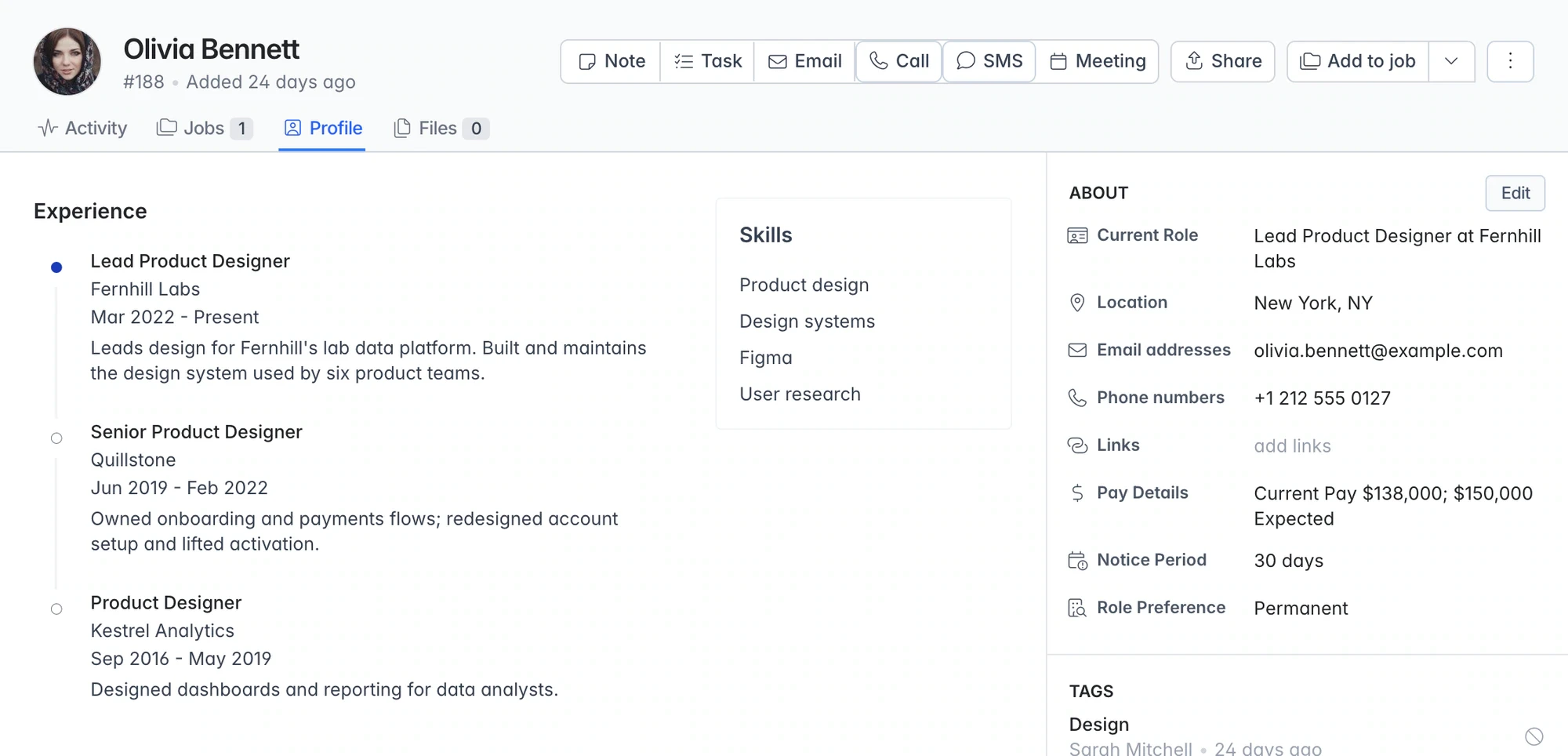
Review an outreach email and start a sequence from your connected inbox. Follow-ups stop when they reply.
Know who your team already knows
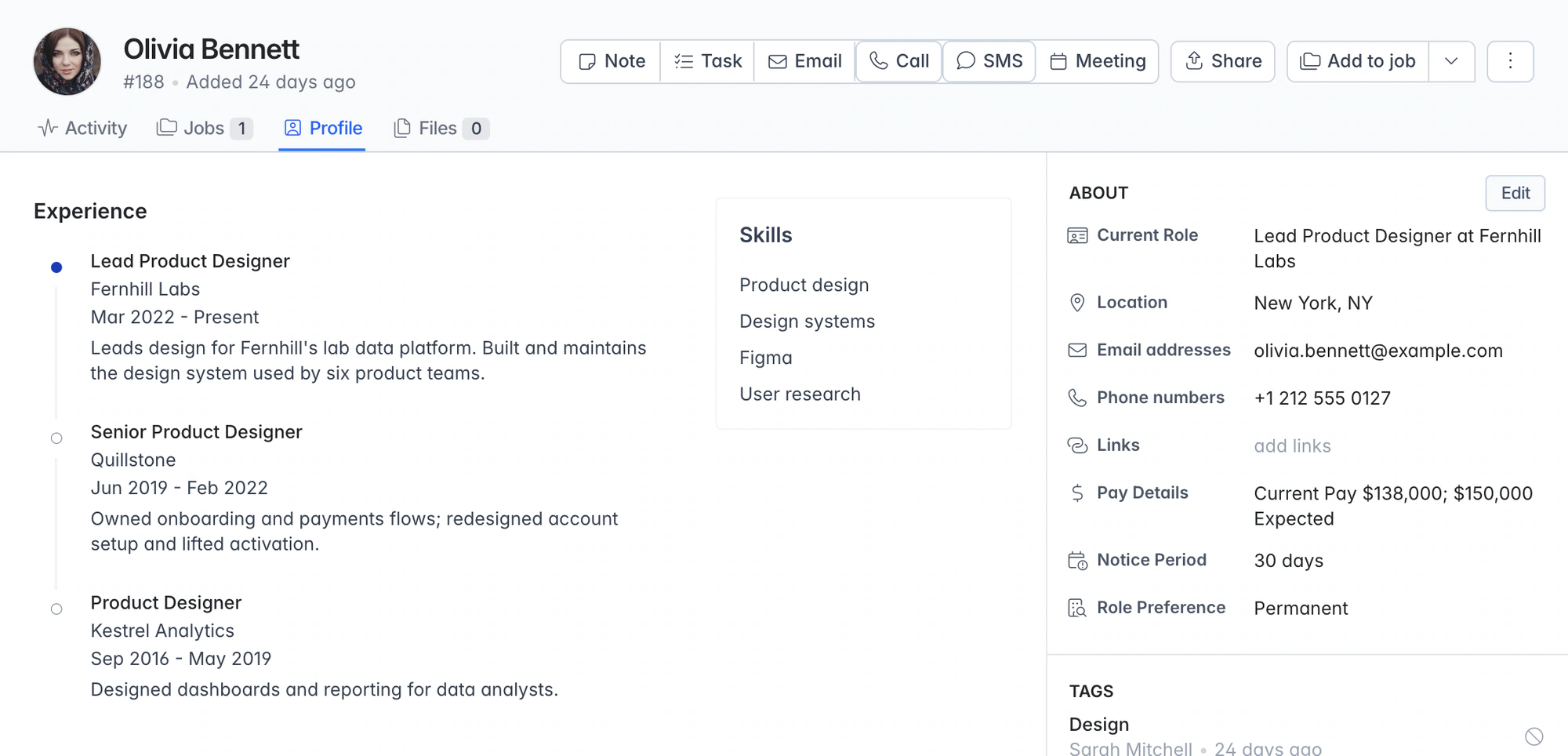
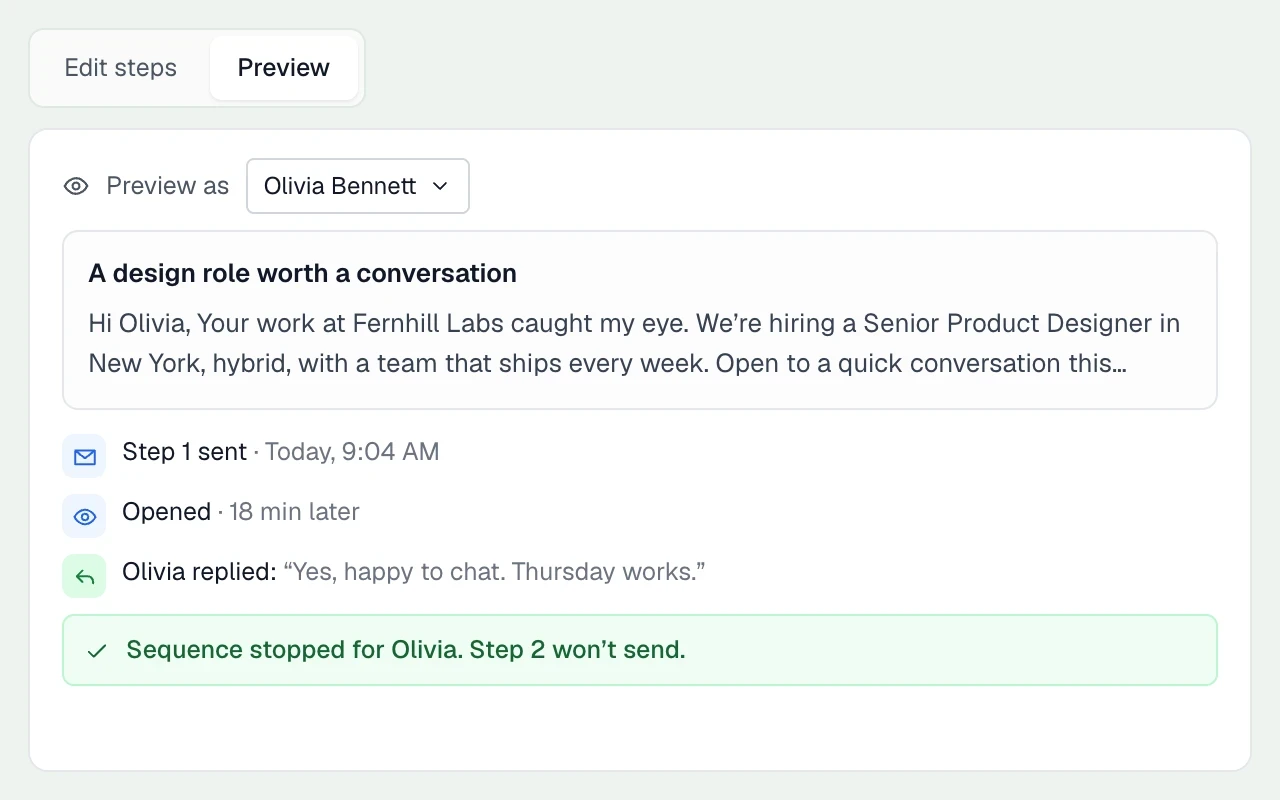
Check whether a person is already a candidate or client contact before adding them. Open their existing record to see previous conversations, notes and jobs, so your team can pick up where it left off.
From browser research to the next conversation
| Action | What to check | Where it leads |
|---|---|---|
Install and sign in | Use Chrome or Edge with your Longlist account | Chrome or Microsoft Edge. |
Open a profile | Review the actions available on that site and profile | Check whether the person is already in your CRM. |
Find available details | Inspect the returned email or phone information | Verify the right contact before outreach. |
Capture the relationship | Choose candidate or hiring contact | Add the person to the relevant job or campaign. |
Follow through | Read history and personalize the next action | Keep research and conversation together. |
Email and phone lookup
Find available email addresses and phone numbers on supported profiles, then save them to the candidate or contact record. Coverage varies by profile and data provider.
Make your sourcing workflow the test
Bring the profile pages your team uses most to a demo. Check capture, contact lookup and existing-record behavior on those pages, then follow the person into the candidate or client workflow. Use the sourcing guide.
Where does the extension work?
Features vary by supported site and profile type. Some pages support contact finding and capture; others support an existing-record check. Ask our team about your sourcing workflow.
Where do the emails and phone numbers come from?
Contact details come from third-party data providers. Results vary by profile and market, and some lookups return partial details or no match.
Is the Chrome extension free?
The extension is included with every Longlist plan at no extra charge. See pricing.
Can I save profiles in bulk?
The extension works one profile at a time when you click it. For larger imports, our team can help with exported records and CV files.
Which browsers does it support?
Chrome and Microsoft Edge. Install from your browser’s extension store and sign in with your Longlist account.
Can I use it for client contacts as well as candidates?
Yes. Save a hiring contact, add them to a BD campaign and keep outreach and replies with the relationship.
From the blog
Sourcing from the browser
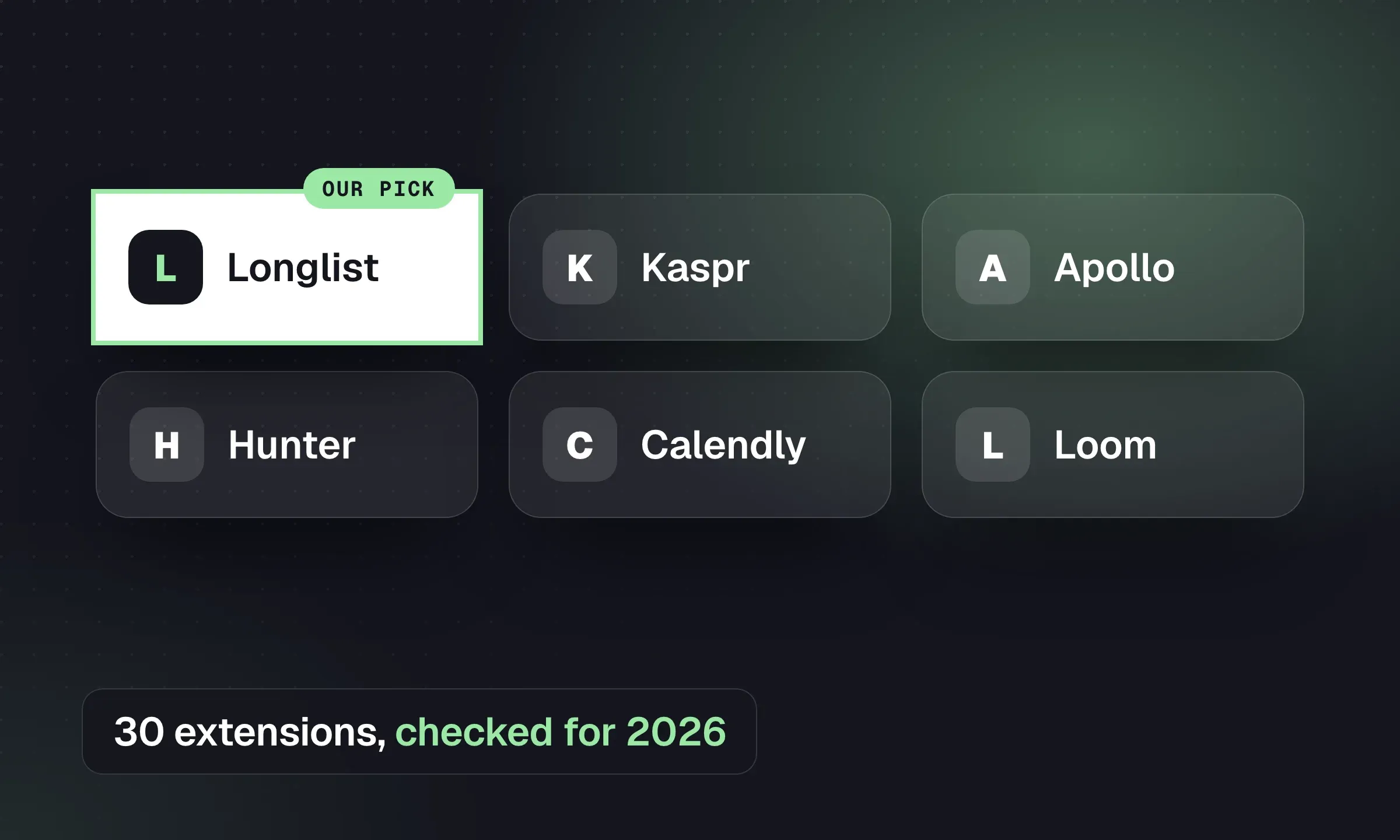
Chrome Extensions for Recruiters: 30 Tools Compared
Pick browser tools for contact finding, CRM capture, email and productivity, with permissions and platform-policy checks.
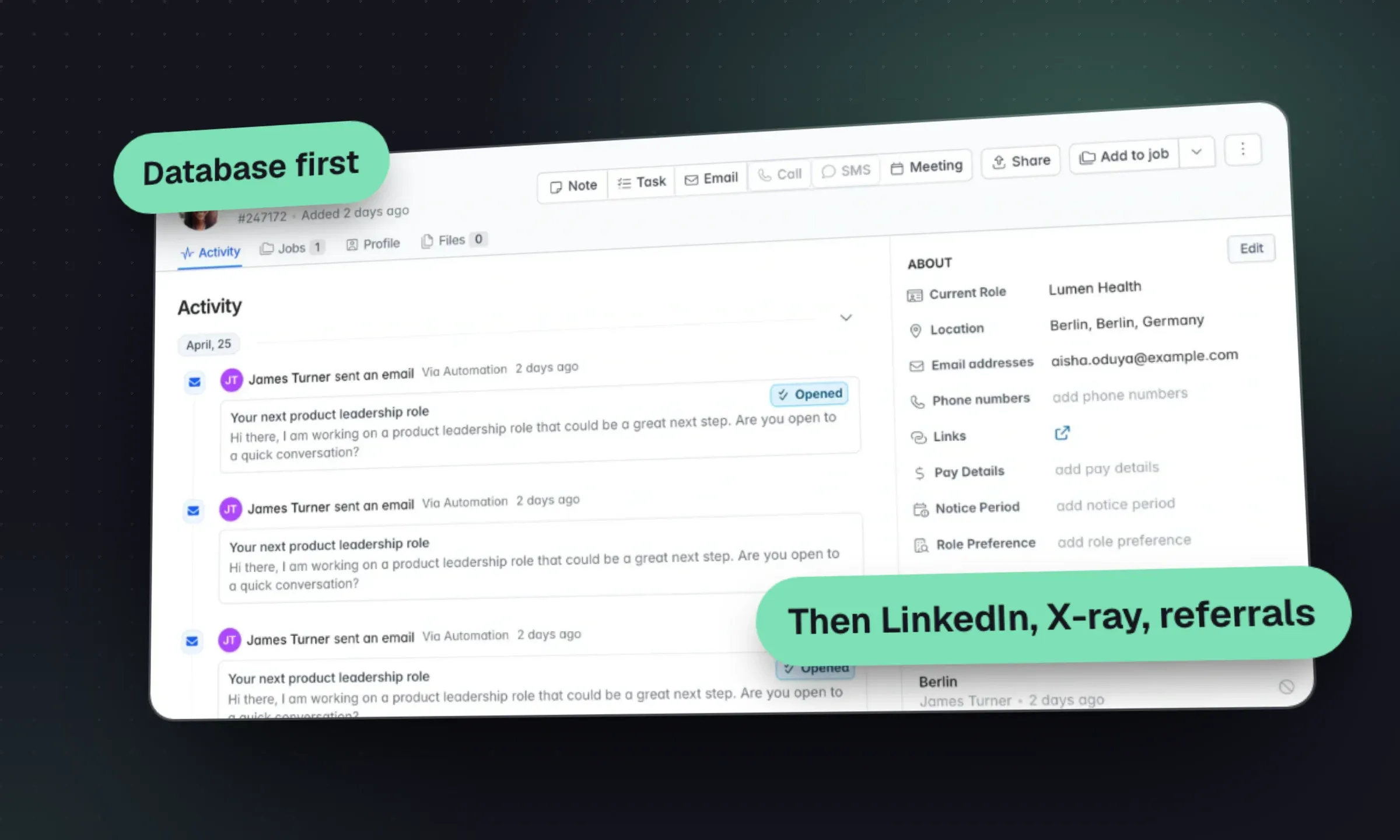
Candidate Sourcing: A Recruitment Agency Playbook
Turn a brief into a search plan, choose candidate channels and qualify a shortlist with a clear reason for each person.
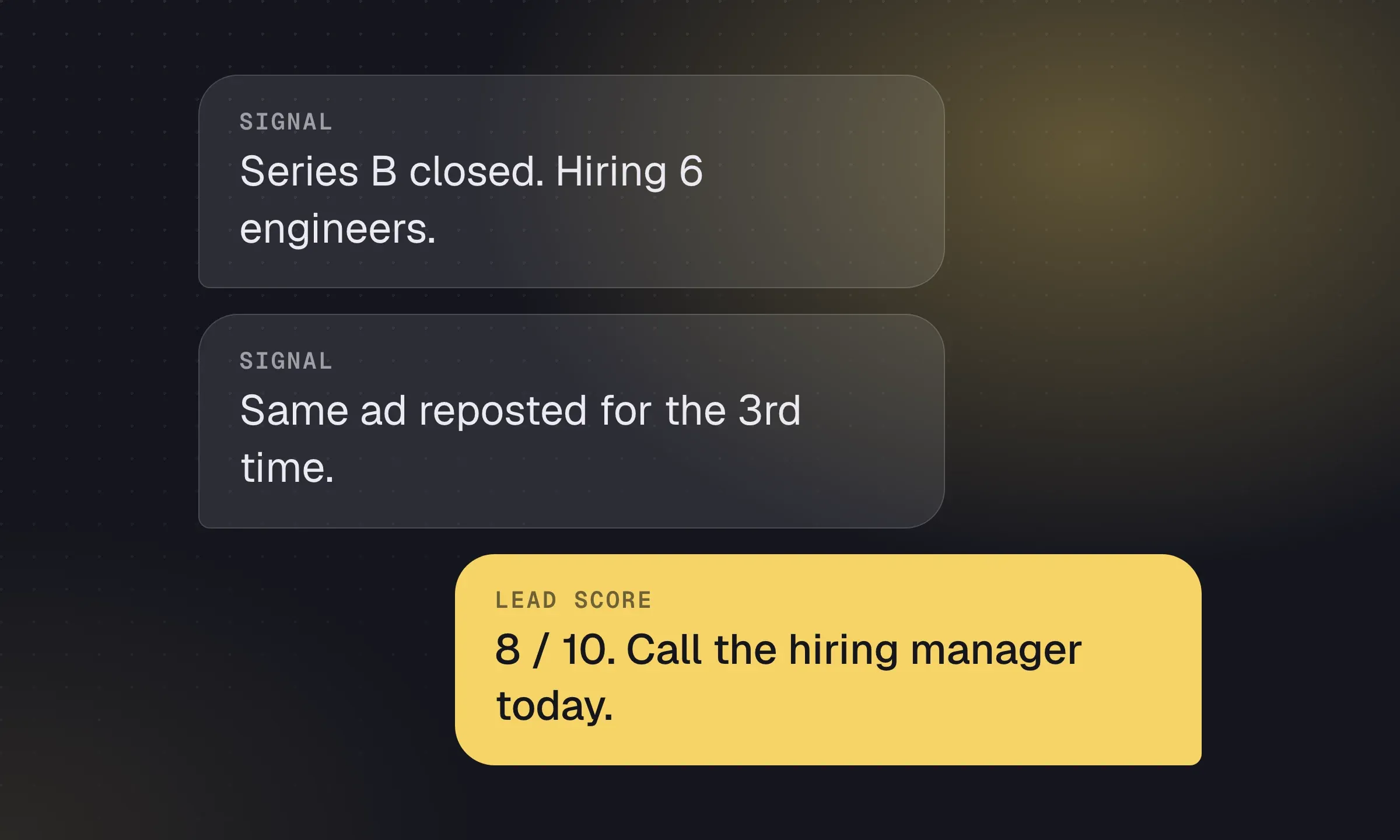
Recruitment Lead Generation: Signals and Qualification
Find companies with a reason to hire, identify the buyer and score which leads deserve a call.
YOUR NEXT CHAPTER STARTS HERE
Less admin.
More “you got the job.”
Let’s walk through a better working day for your agency.