
Recruiting email sequences. Follow-ups that stop when they reply.
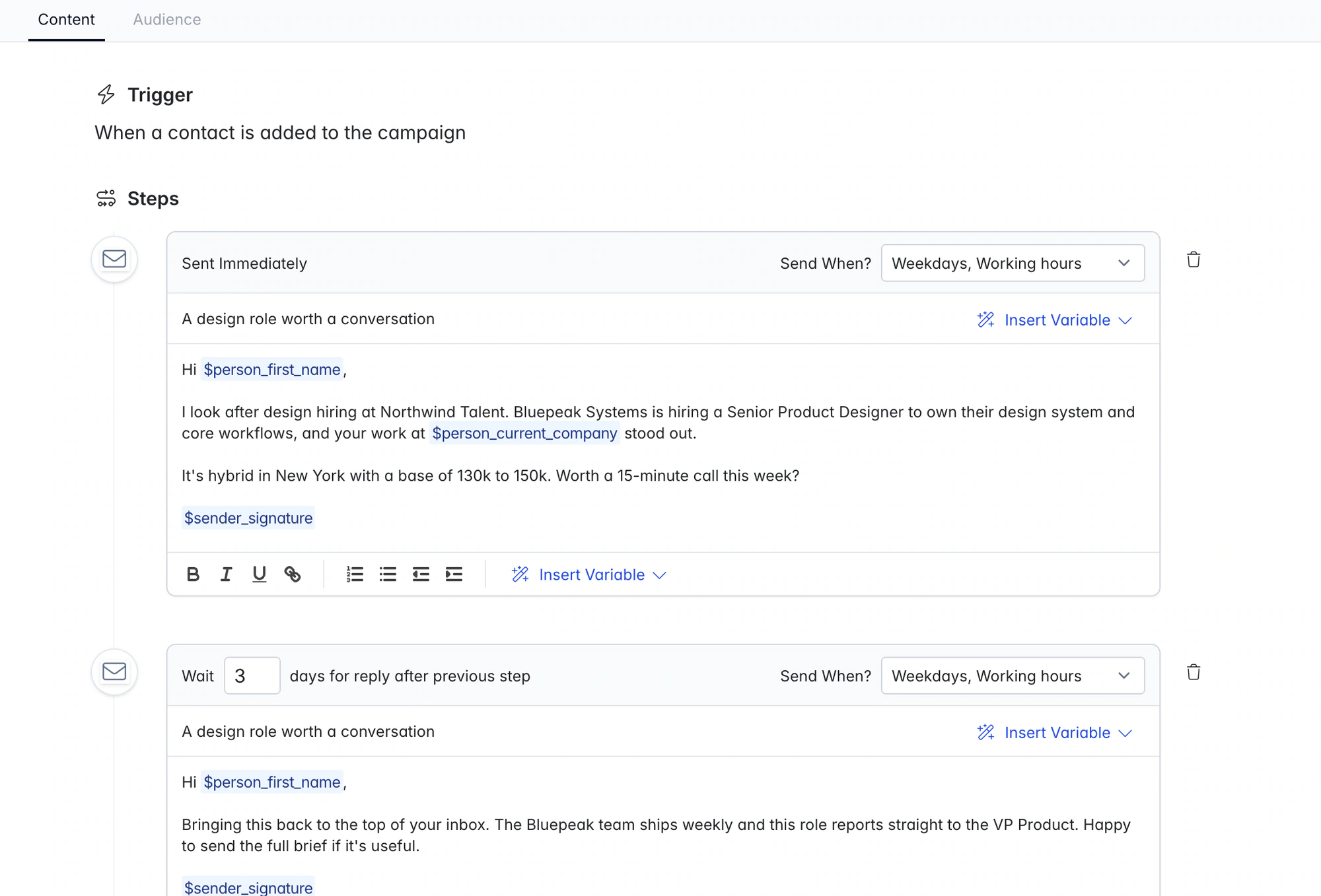
Send a personal first email and timed follow-ups from your own Gmail or Outlook mailbox. Follow-ups stay in one thread, and replies sync to the candidate or client record.
Free data migration 14-day free trial
Good company. Great recruiting teams.





Follow-up dates you don’t have to track
Write a personal opener and set the follow-ups once. Longlist sends them from your mailbox, logs the conversation on the candidate record and stops when they reply.
A candidate sequence you can put to work
Example structure, not a promised response rate or universal sending cadence. Copy the candidate and client templates.
| Step | Example purpose | Next action |
|---|---|---|
First approach | Explain why the specific role fits the person’s experience | Check the brief, recipient and personalization. |
First follow-up | Add one useful detail about the opportunity | Choose an appropriate interval and sending window. |
Call or message task | Pick up the conversation in the right channel | Open the record and complete the personal outreach. |
Reply | Move from scheduled follow-up to a real discussion | Qualify interest and update the next step. |
PUT IT INTO PRACTICE
How a recruiting sequence runs in Longlist
From shortlist to reply, without a spreadsheet of follow-up dates.
- 01
Connect Gmail or Outlook
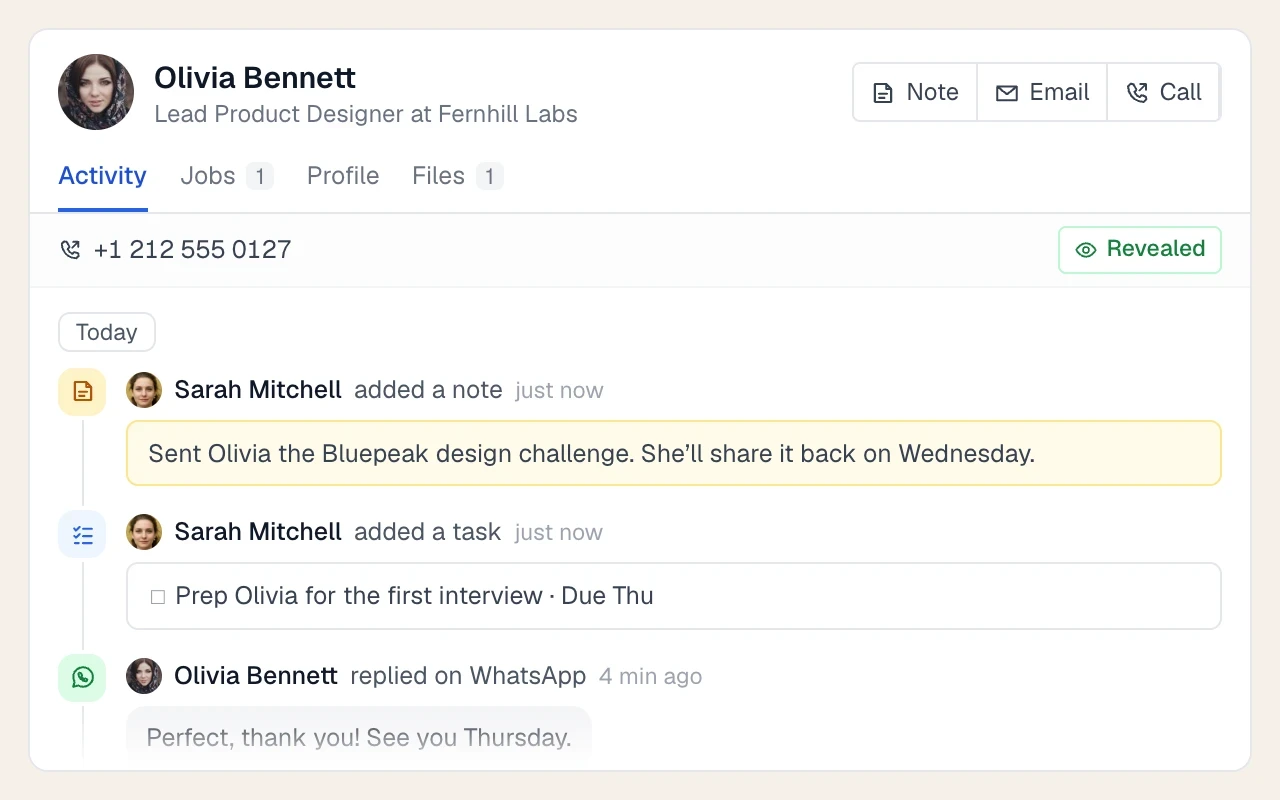
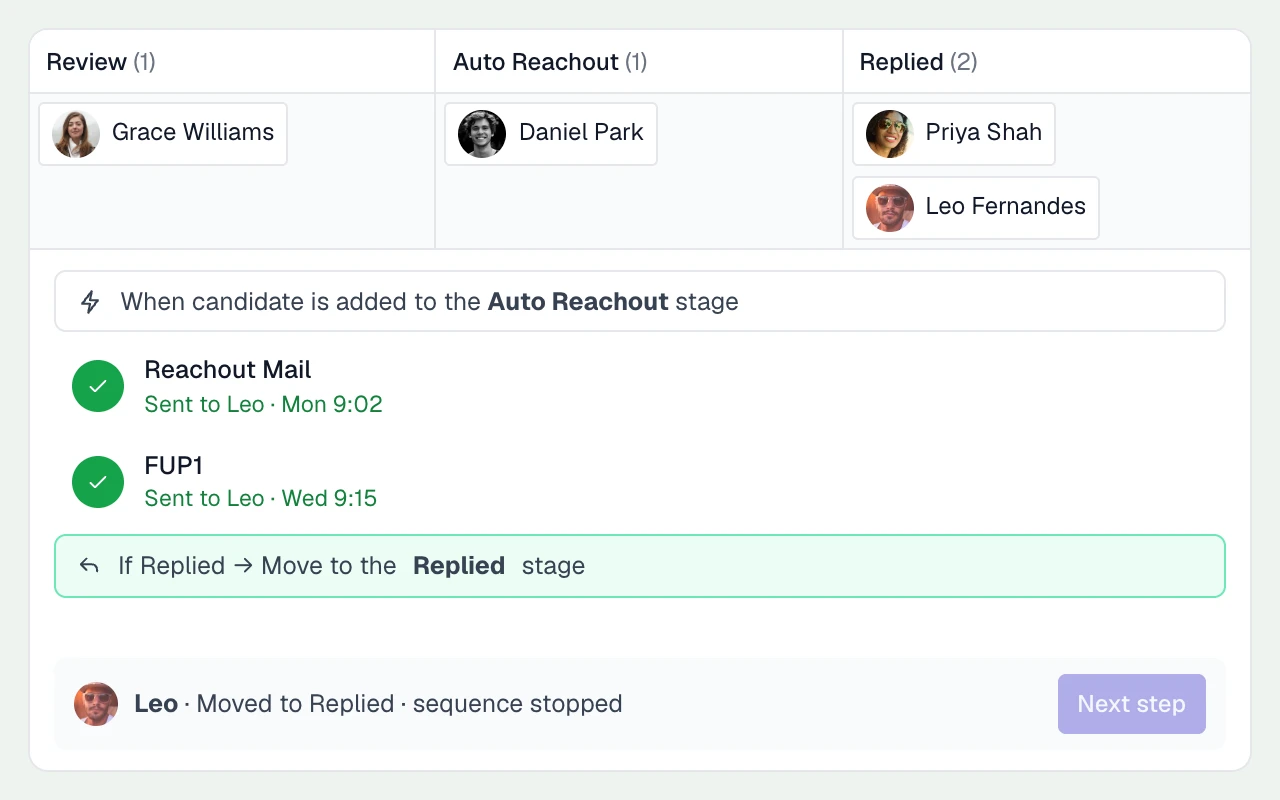
Connect Gmail or Outlook. Sent emails and replies sync with the candidate or contact timeline.
- 02
Build the steps once
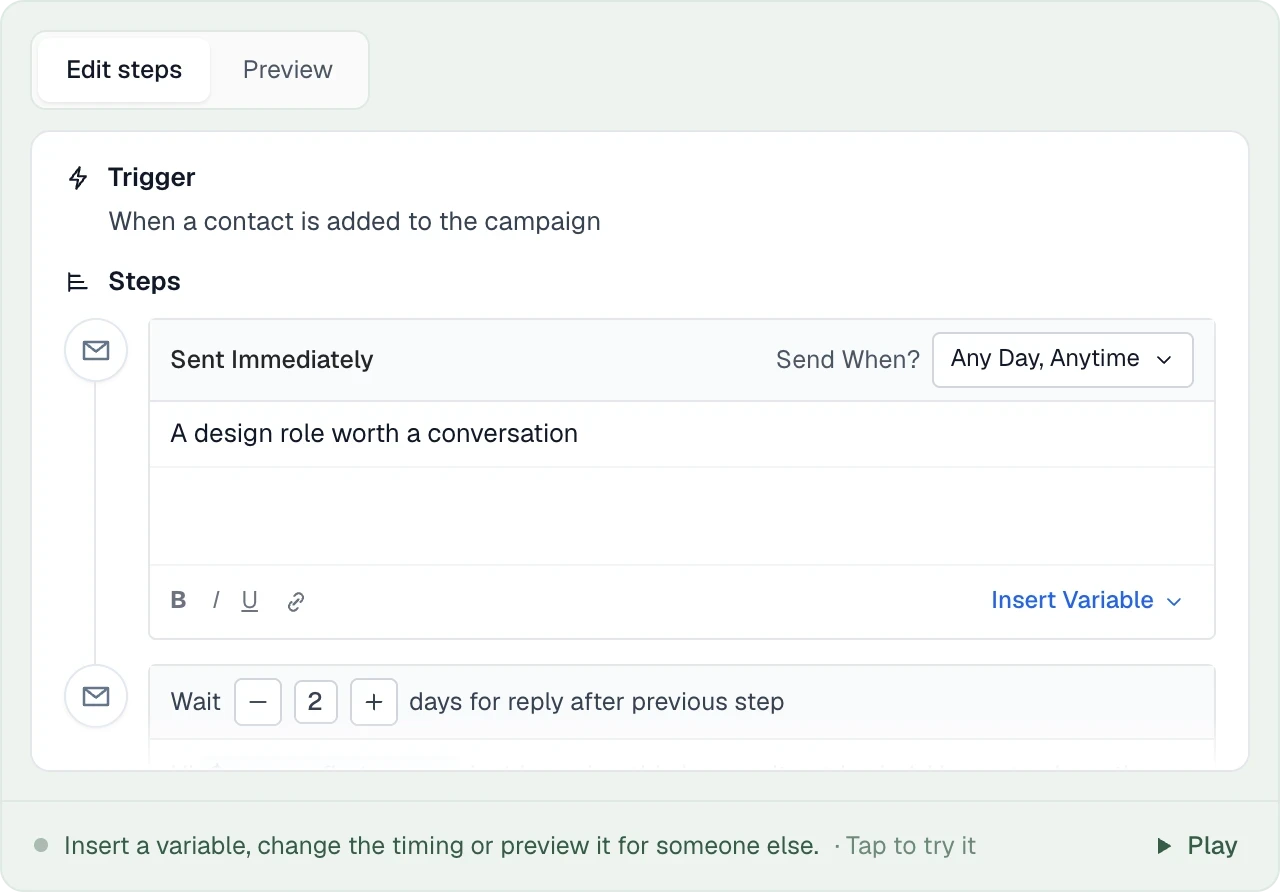
Write the opener and follow-ups, add personalisation fields, and choose delays and sending windows.
- 03
Enroll candidates from a job or campaign
Add people from a job or campaign, then review and personalise their first email before sending.
- 04
Emails send from your mailbox, in one thread
Follow-ups stay in the original thread, sent from your own email address.
- 05
Replies and bounces handle themselves
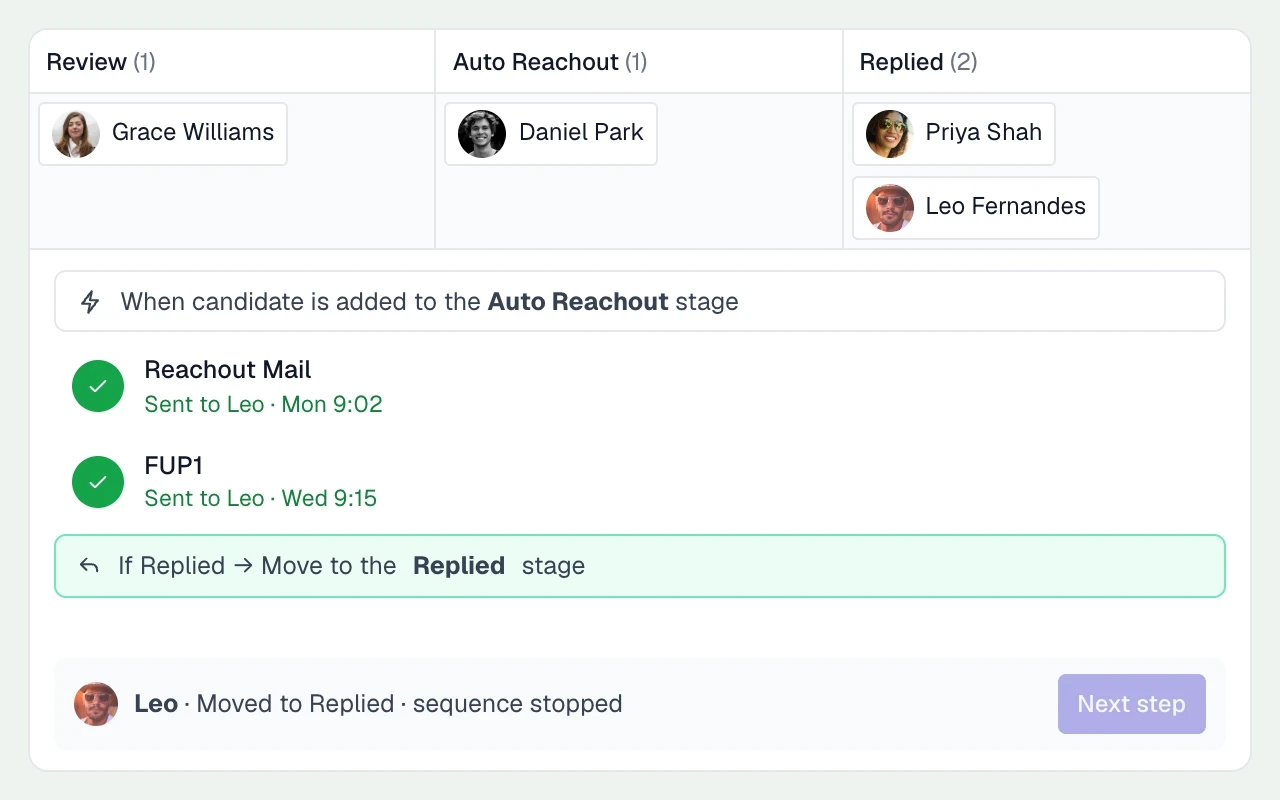
Replies stop the sequence. Bounced addresses are flagged so you can update them before trying again.
THE DETAILS MAKE THE DIFFERENCE
What you control in every sequence
Enough control to sound like yourself, without turning outreach into a project.
Per-step delays
Wait 2, 3 or 7 days for a reply before the next step. Each step has its own delay.
Weekdays only
Hold weekend sends until Monday so your follow-up isn't buried under Saturday's newsletters.
Working-hours window
Send between 9am and 5pm in the candidate's time zone, worked out from their location. If we don't know it, your own time zone is used.
Merge variables
First name, full name and current company for the recipient; first name, full name and signature for the sender; the job’s title, location and client on job emails.
Custom fields and fallbacks
{{custom.hiring_manager}}reads any custom field on the card: a recent promotion, a shared contact, the hiring manager’s name.{{first_name | there}}sets a fallback; without one, a missing value holds the email instead of sending “Hi ,”.Job emails, inherited or edited
Every job starts with your agency’s reach-out and follow-ups. Edit them on a job and it keeps its own copy, so everyone working the job sends the same pitch.
Campaign templates
Campaigns (Candidates, Nurture, Business Development, Sales and more) get their own sequences, triggered when someone is added to the list.
Open and click tracking, optional
Track opens and link clicks, or turn tracking off for your agency if you'd rather keep emails as clean as possible.
Automatic stage changes
An Action step can move someone to a new stage as the sequence runs, on top of the automatic moves to Replied and Invalid email.
Call, SMS and WhatsApp steps become tasks
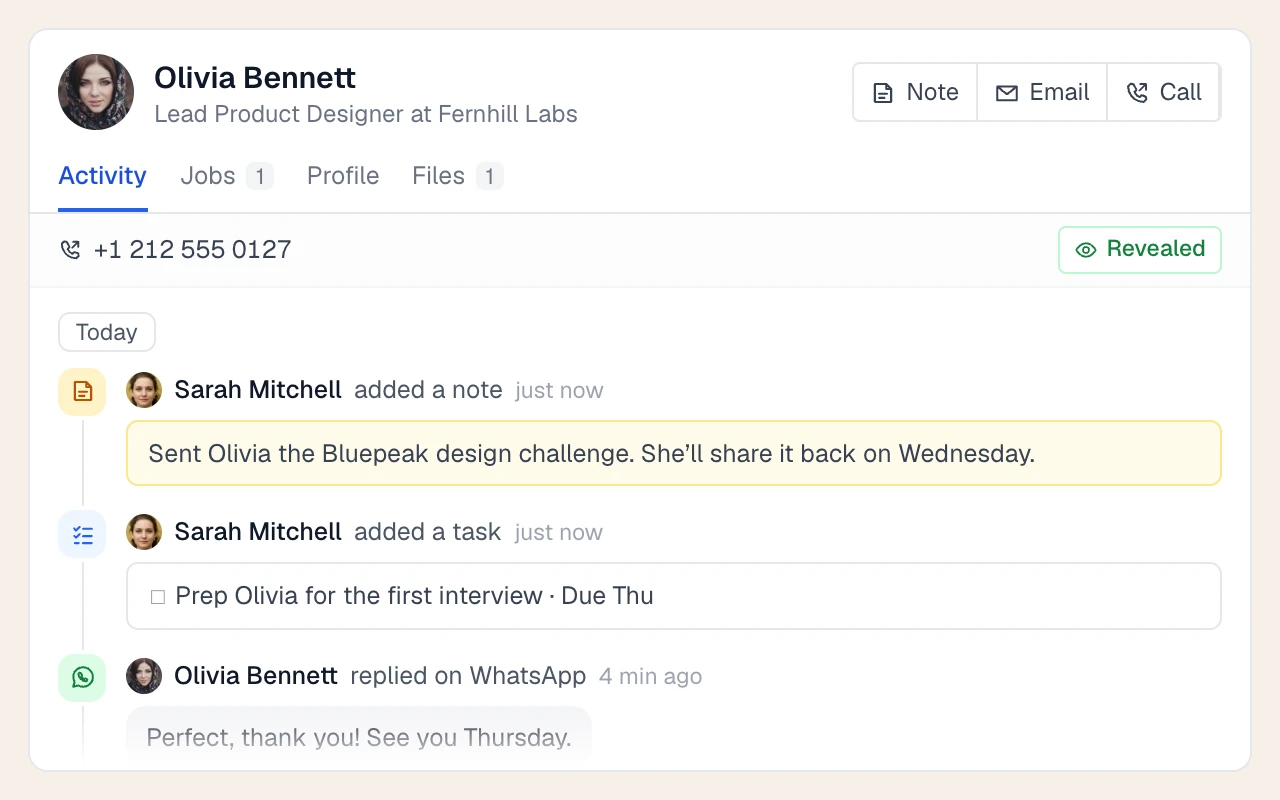
Email steps send automatically. Calls, social outreach, SMS and WhatsApp steps create tasks for the recruiter. On Plus, calls and messages can be handled directly from the candidate record.
LESS FRICTION. MORE MOMENTUM.
Four sequences most agencies run
Use the same tools for candidate outreach, client development and staying in touch.
01
New job, cold candidates
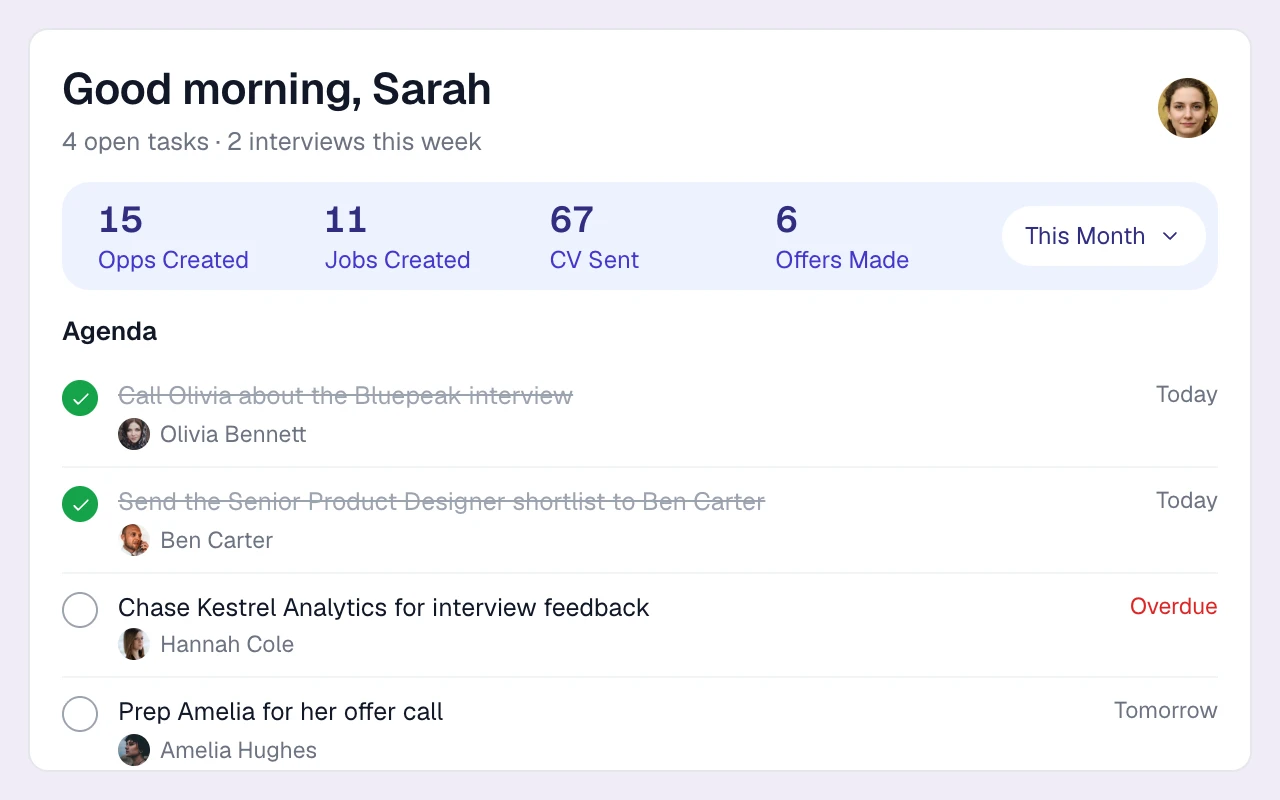
Introduce a role to your shortlist, then follow up with emails and a call task.
02
Business development to hiring managers
Send relevant introductions to hiring contacts through a business development campaign.
03
Silver medalists and nurture
Keep in touch with strong candidates who missed out on the last role.
04
Re-engaging your database
Check in with past candidates when their experience fits a new brief.
What recruiting email sequences cost
Compare the subscription, billing basis and workflow your agency needs. Longlist figures are USD per user per month; vendor currencies and billing terms are stated separately. Confirm current terms with each provider.
| Software | Starting price | What to know |
|---|---|---|
| Longlist (Growth) | From $47 annual / $59 monthly | USD per user/month. CRM, ATS, parsing, sequences, CV packs and migration support. See pricing. |
| Recruiterflow Platform | $149 | USD per user/month, the same on monthly and annual billing. |
| Recruit CRM Pro | $95 annual / $109 monthly | USD per user/month. Includes one outreach sequence. |
| Loxo Core | $149 | USD per user/month, billed annually and paid up front. |
Sources, verified October 2026: Recruiterflow [1]; Recruit CRM [2]; Loxo [3].
Currencies, billing terms and plan scope are shown separately; confirm the current terms with each provider.
Personalise before you enrol a list
Use the candidate’s experience, the client brief and your previous conversation to personalize the approach. Agree the sending window, follow-up spacing and contact preferences before enrolling a list. Keep the scheduling consistent with the way your agency works.
Do sequence emails come from my own email address?
Yes. Emails send from your connected Gmail or Outlook account. Follow-ups stay in the same thread, and replies sync back to Longlist.
Do follow-ups stop automatically when a candidate replies?
Yes. A reply stops the remaining sequence steps. Bounced emails are flagged as invalid.
How do sequences bring different channels together?
Schedule email steps from your connected mailbox and use calls, social outreach, SMS and WhatsApp tasks to organize the personal follow-up around them.
Which Longlist plan includes email sequences?
Sequences are included on every plan. Plus adds calling, SMS and WhatsApp. Compare plans.
Can I personalise sequence emails without writing each one?
Yes. Use personalisation fields and edit the first email for each person. The AI personalisation beta can draft an opener for you to review.
Can I use sequences for business development as well as candidates?
Yes. Add hiring contacts to a business development campaign and attach a sequence. Replies and activity stay on the contact record.
From the blog
Templates and timing for sequences
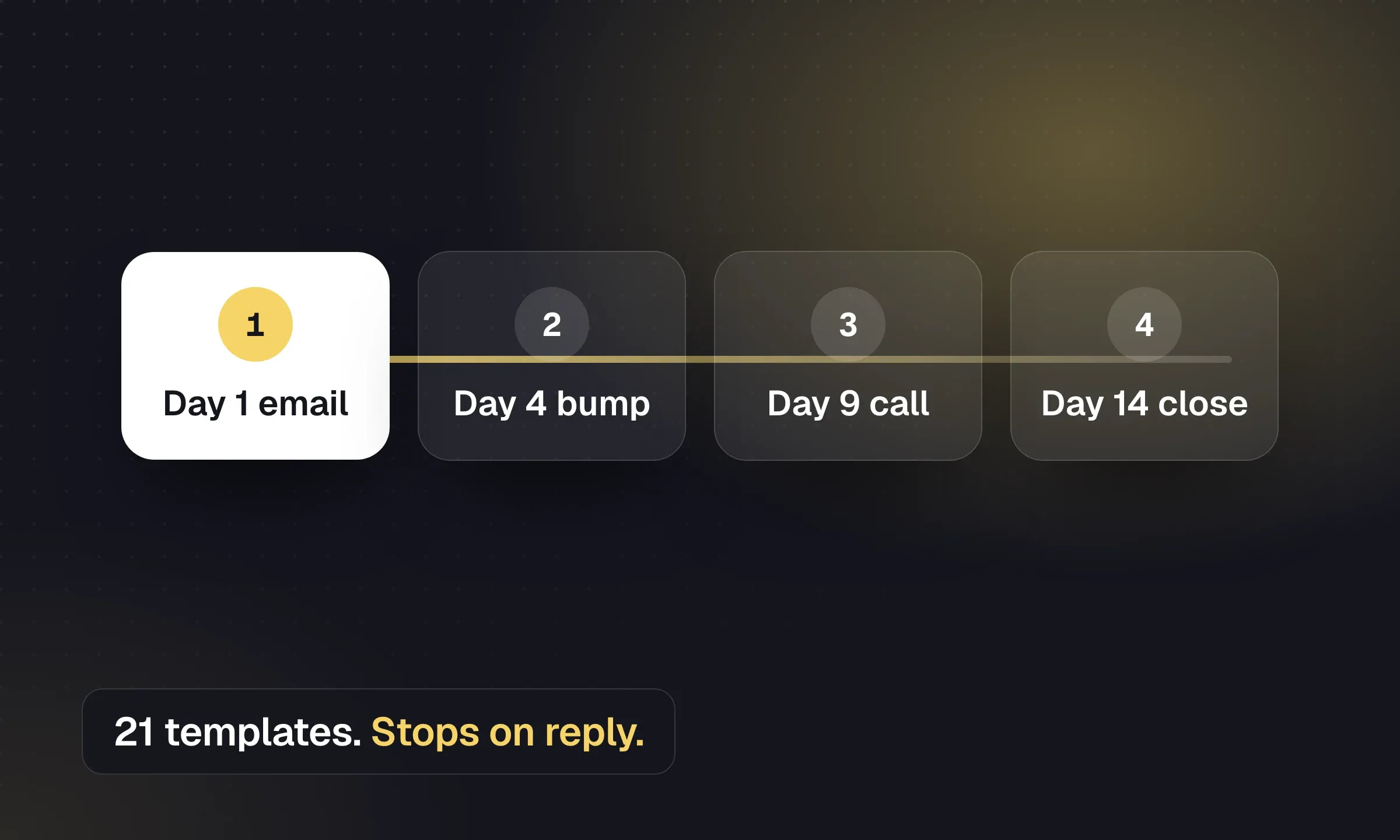
Recruitment Email Sequences: Candidate and Client Templates
Copy outreach, reactivation and post-placement emails, then set timing, reply handling and opt-out rules.
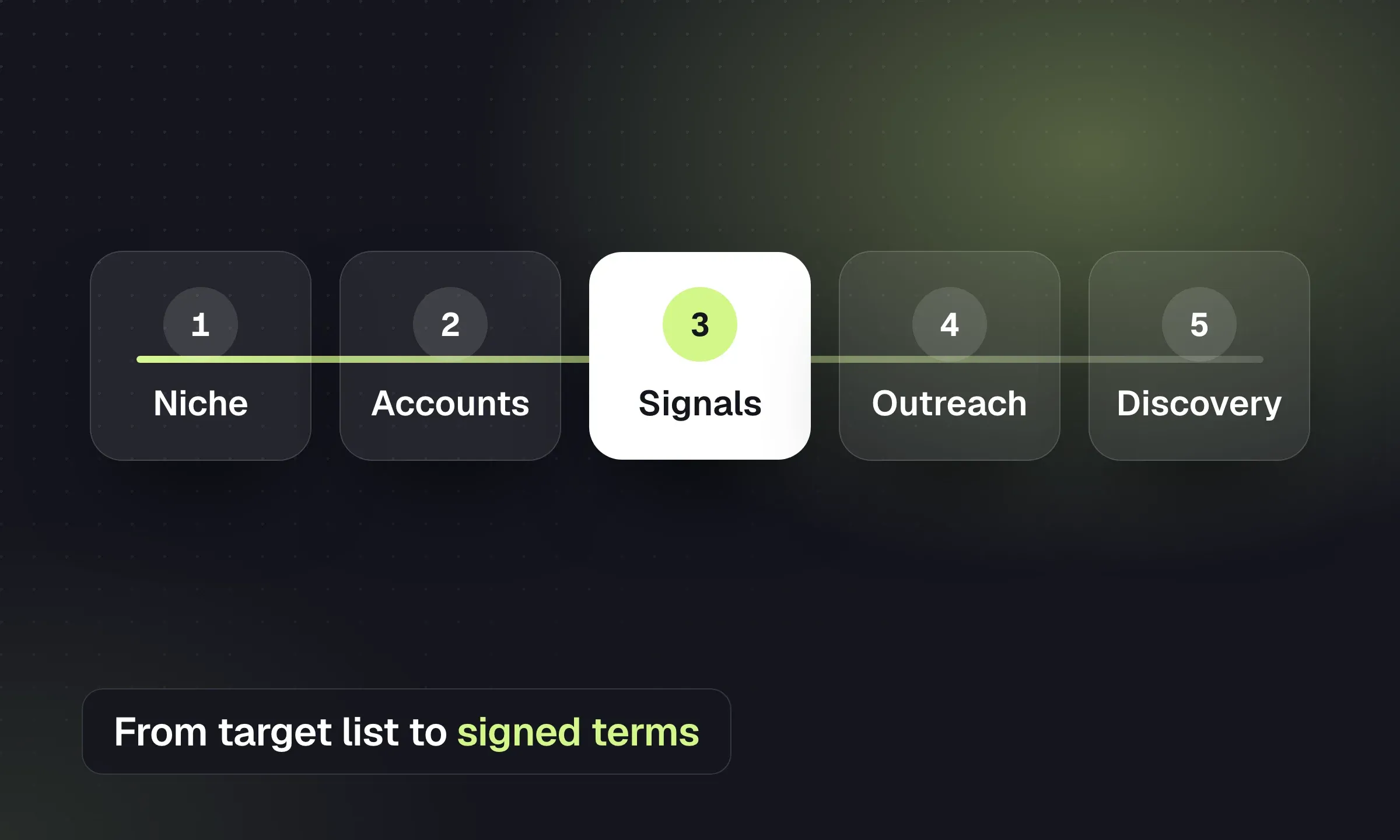
How to Find Clients for a Recruitment Agency
Build a target list, act on hiring signals, qualify the brief and turn a first placement into repeat work.
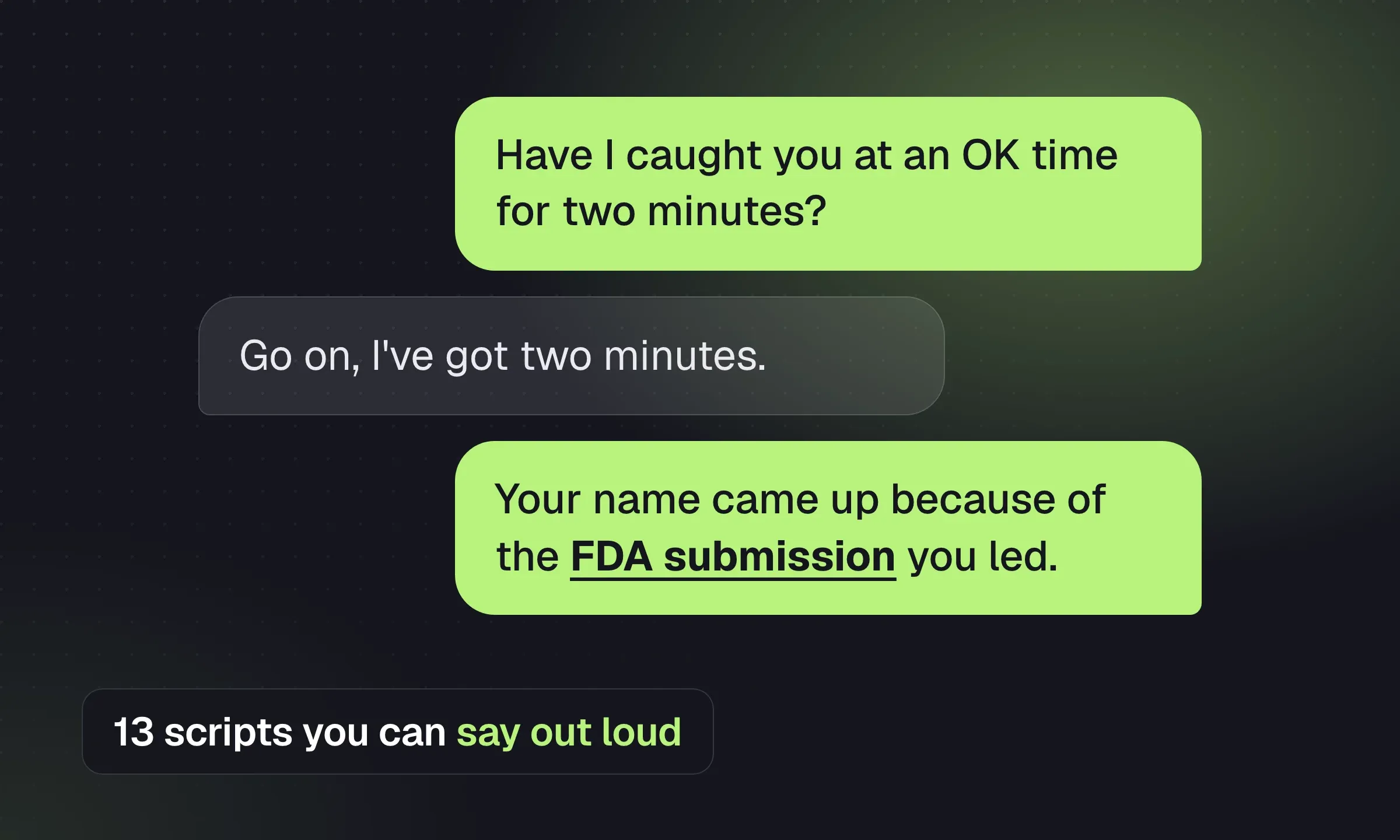
Recruitment Cold Call Scripts: 9 Useful Situations
Choose a candidate or client script, prepare for objections and finish the call with a specific next step.
YOUR NEXT CHAPTER STARTS HERE
Less admin.
More “you got the job.”
Let’s walk through a better working day for your agency.