
01
New job outreach
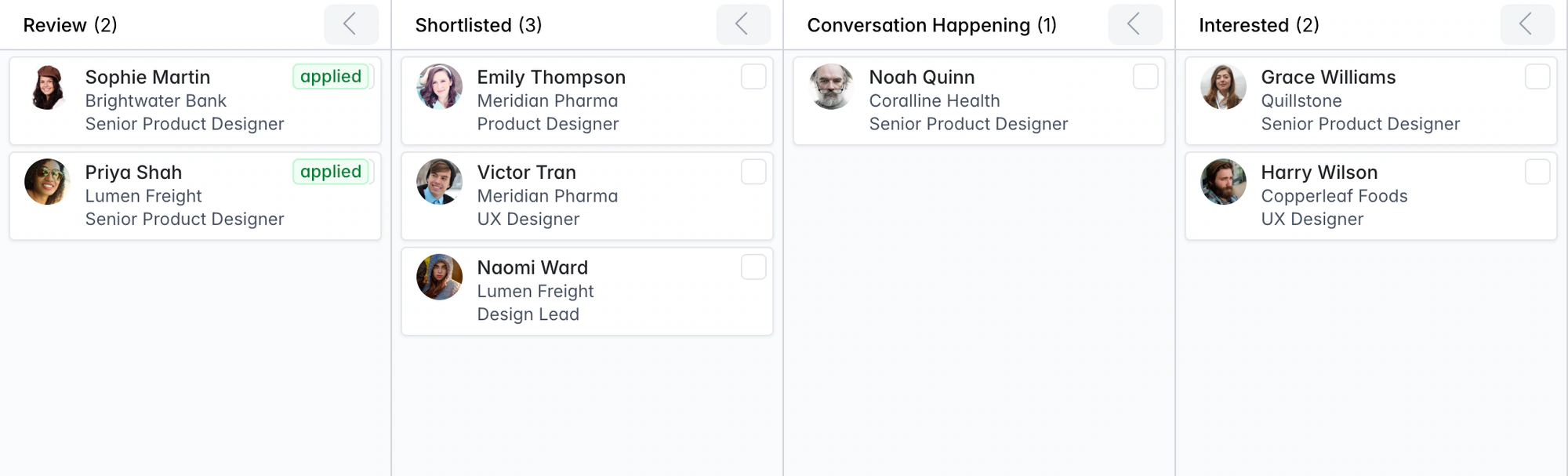
Shortlist candidates and let the reach-out and follow-ups run while you take the brief.
Move a candidate to Shortlisted and Longlist sends the job’s reach-out from your own mailbox, then two follow-ups if they don’t reply. Build your own automations for the rest, and pause them all with one switch.
Free data migration 14-day free trial
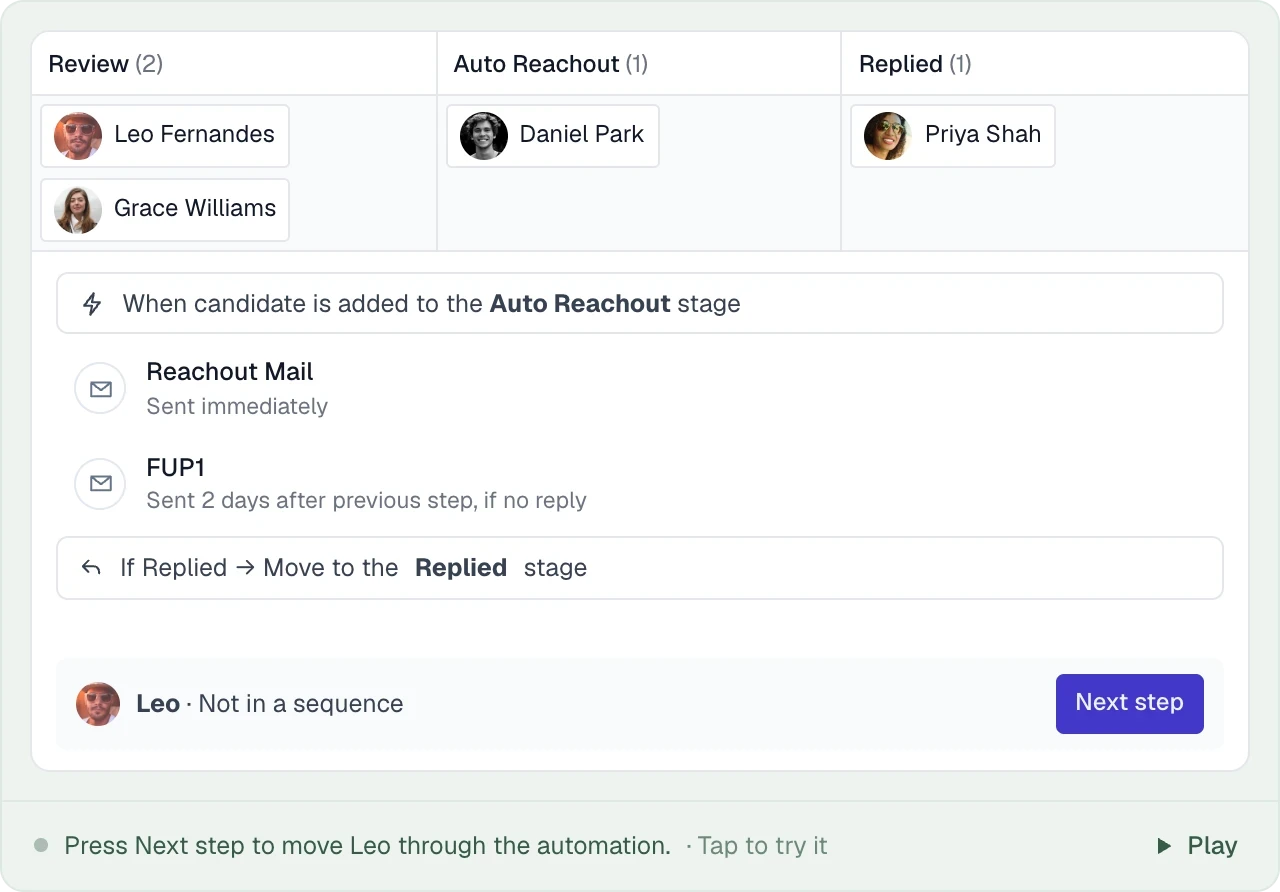





Every job starts with your agency’s Reachout, Follow-up 1 and Follow-up 2 on the Shortlisted stage, and the replies move candidates on to Reached out and Replied. Anything else is built in the automation builder.
TAKE IT FOR A SPIN
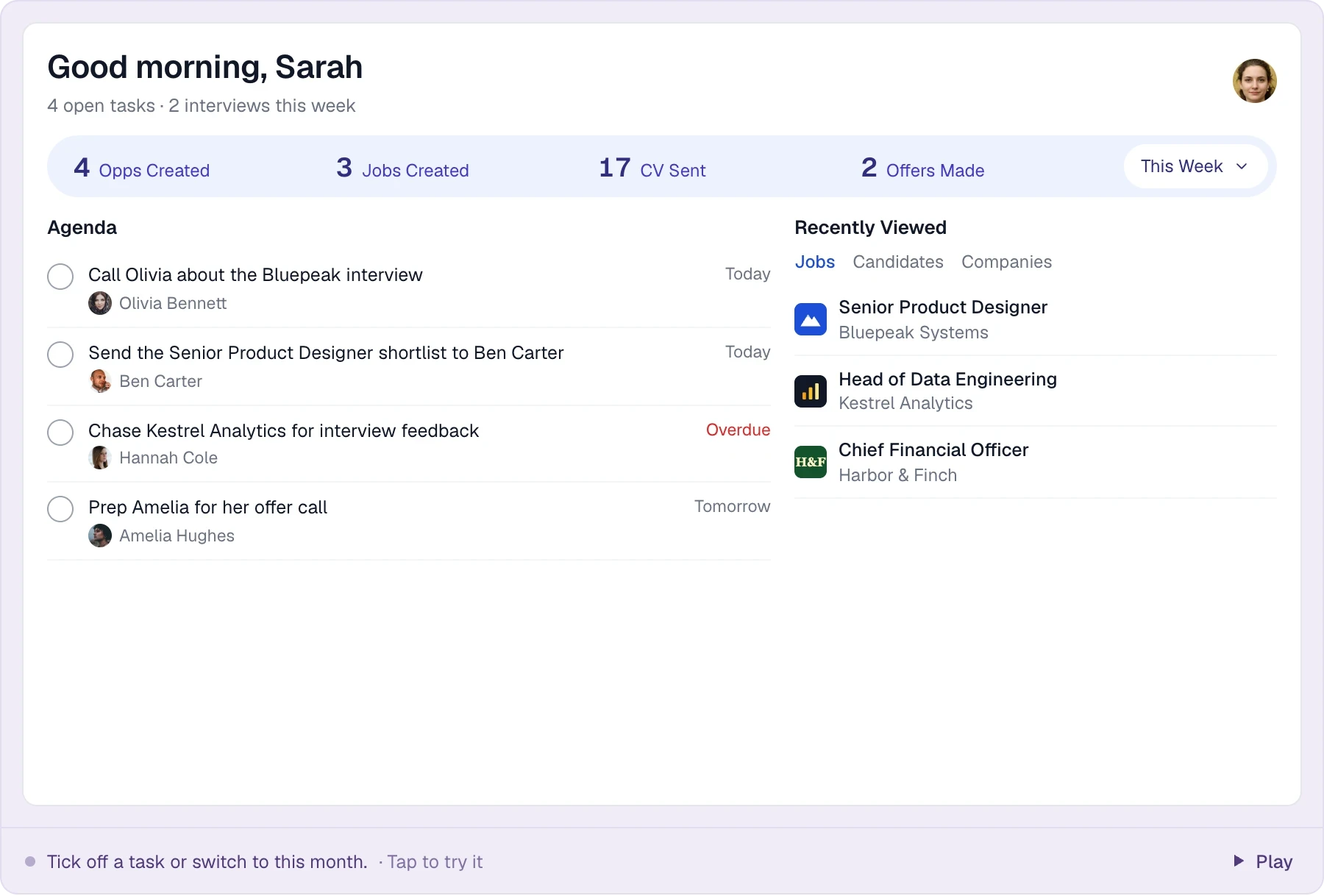
Choose a step to see what Longlist takes care of.
Moving someone to Shortlisted sends the job’s reach-out email from your own mailbox.
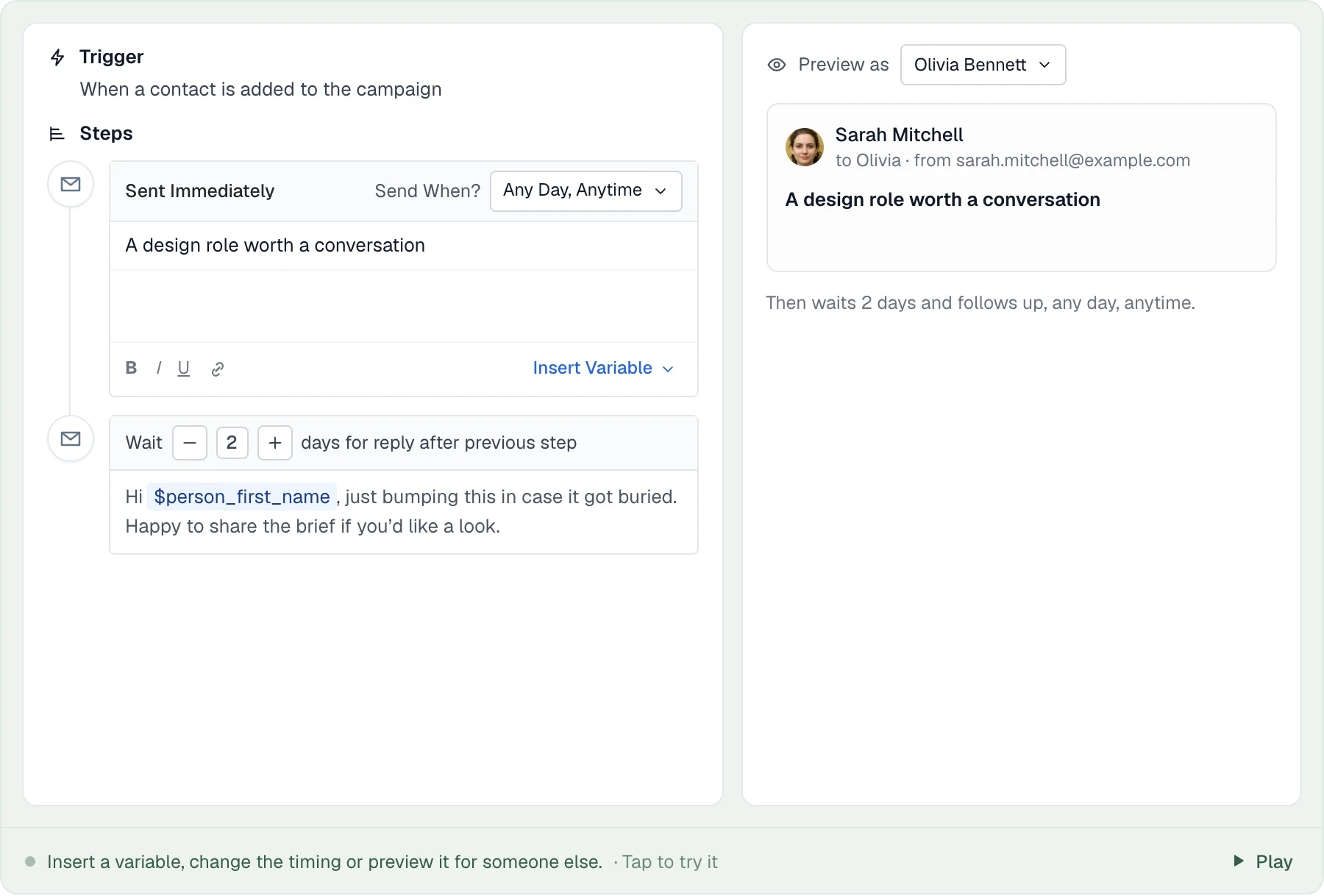
Each follow-up waits the days you set, two by default, and sends in the same thread only if there’s still no reply.
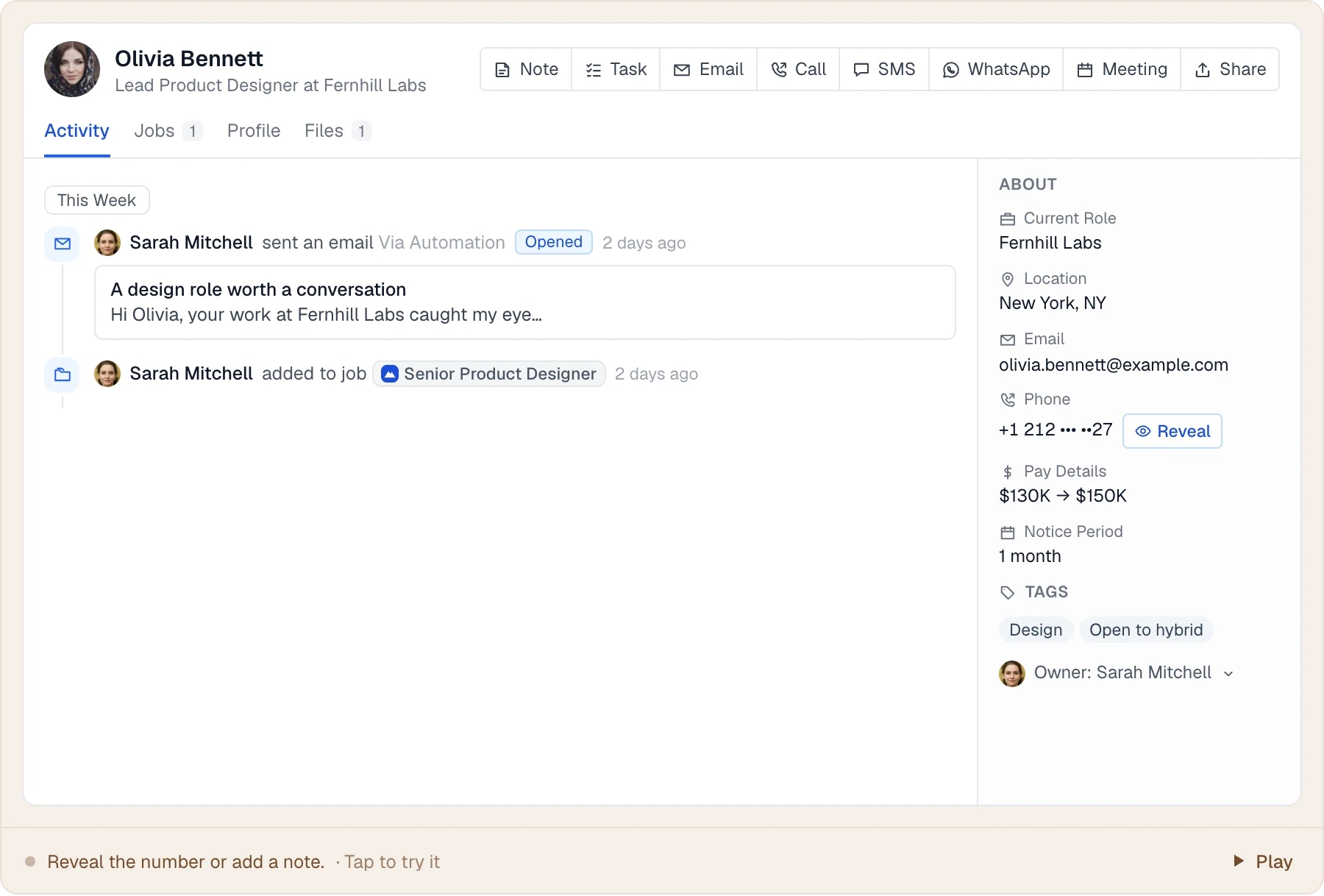
A reply stops the follow-ups and moves the candidate to Replied. Bounces are marked invalid.
Call, LinkedIn and SMS steps land on your task list with a due date, and the run waits for you.
THE DETAILS MAKE THE DIFFERENCE
Built into the CRM + ATS on every plan.
Every job inherits your agency’s reach-out and two follow-ups. Edit them on a job and it keeps its own copy; switch them off for a job that doesn’t need them.
Follow-ups send after the wait you set when there is no reply, and stop when someone answers.
Candidates move to Reached out when the email goes and to Replied when they answer, so the pipeline stays current. People tagged Do Not Disturb are skipped.
Pick a trigger (a card entering a stage, a reply, a date on the record, a schedule), add conditions, then email, task, move-to-stage and consent steps, each after a wait of your choosing.
Run on every candidate or contact, not just one job, from a date on their record or on a schedule, with conditions on who qualifies.
Two weeks before a candidate’s consent runs out, ask them to keep it. Off until you switch it on; the candidate stays Requested until someone records the answer.
Call, LinkedIn connection, InMail, SMS and WhatsApp steps become tasks with a due date, and the run waits until the task is done.
Text an admin keeps once, a calendar link or a paragraph about the agency, dropped into any email as {{snippet.calendar}}.
Pause every automation from Admin > Automations while you tidy a pipeline. Scheduled steps wait, nothing new starts, and it all carries on when you switch it back on.
Weekdays only, working hours in the candidate’s time zone, or mornings and evenings.
An email when a task is due, a daily summary of the follow-ups going out, and a notification when candidates move stage.
New records are checked against existing ones by email and LinkedIn URL.
Only emails send automatically. Call, LinkedIn and SMS steps land on your task list with a due date, and the automation waits until the task is done before its next step. On Plus, calls and texts happen from the candidate record and log automatically.
LESS FRICTION. MORE MOMENTUM.
The same tools work for candidates, clients and your existing database.
Shortlist candidates and let the reach-out and follow-ups run while you take the brief.
Add hiring managers to a business development campaign and follow up on schedule.
CVs from your careers page are parsed on arrival and land on the job.
Bounced emails are flagged, duplicates are caught, and expiring consent is asked for again.
Every account starts with the job emails on and the consent request ready to switch on. Edit the wording, waits and sending windows, then open the builder for anything else. Bring a real job and campaign and our team will set up the first ones with you.
Compare per-user monthly rates and the selected billing term. Longlist is priced in USD; vendor currencies, usage and subscription terms are stated separately.
| Software | Starting price | What to know |
|---|---|---|
| Longlist (Growth) | $47 annual / $59 monthly | USD per user/month; annual rate billed for the year. Job-stage emails, follow-ups that stop on reply, the automation builder and consent requests on every plan. Calling and SMS on Plus ($65 annual / $79 monthly). See pricing. |
| Recruiterflow Platform | $149 | USD per user/month, the same on monthly and annual billing. |
| Recruit CRM Pro | $95 annual / $109 monthly | Pro includes one email sequence; multichannel sequences start on Business ($135 annual / $159 monthly). |
| Tracker Core | $99 | Placement automation from Core; Launch is $79. Advanced automation and multichannel sequences on quote-based Professional. |
| Bullhorn Pro | Quote-based | Automation on Pro, or as a separate add-on to Starter and Core. |
Sources, verified October 2026: Recruiterflow [1]; Recruit CRM [2]; Tracker [3]; Bullhorn [4].
Currencies, billing terms and plan scope are shown separately; confirm the current terms with each provider.
Job-stage emails, the automation builder, reminders and consent requests are included on every plan. Plus adds calling and SMS. Compare plans.
Yes. Admins open the builder from Admin > Automations for the whole agency or its job template; anyone on a job can edit that job’s own from its Automation tab. Choose a trigger, add conditions, then email, task, move-to-stage and consent steps with a wait before each. Jobs inherit automations from their template and keep their own copy once edited.
Only emails send automatically. Call, LinkedIn, InMail, SMS and WhatsApp steps create tasks for the recruiter, and the run waits until the task is done.
Yes. Admin > Automations has one switch that pauses every automation for your agency. Scheduled steps wait and nothing new starts until you turn it back on.
Yes. They send from your connected Gmail or Outlook mailbox, and follow-ups stay in the same thread.
Not today. See the integrations Longlist supports.
From the blog
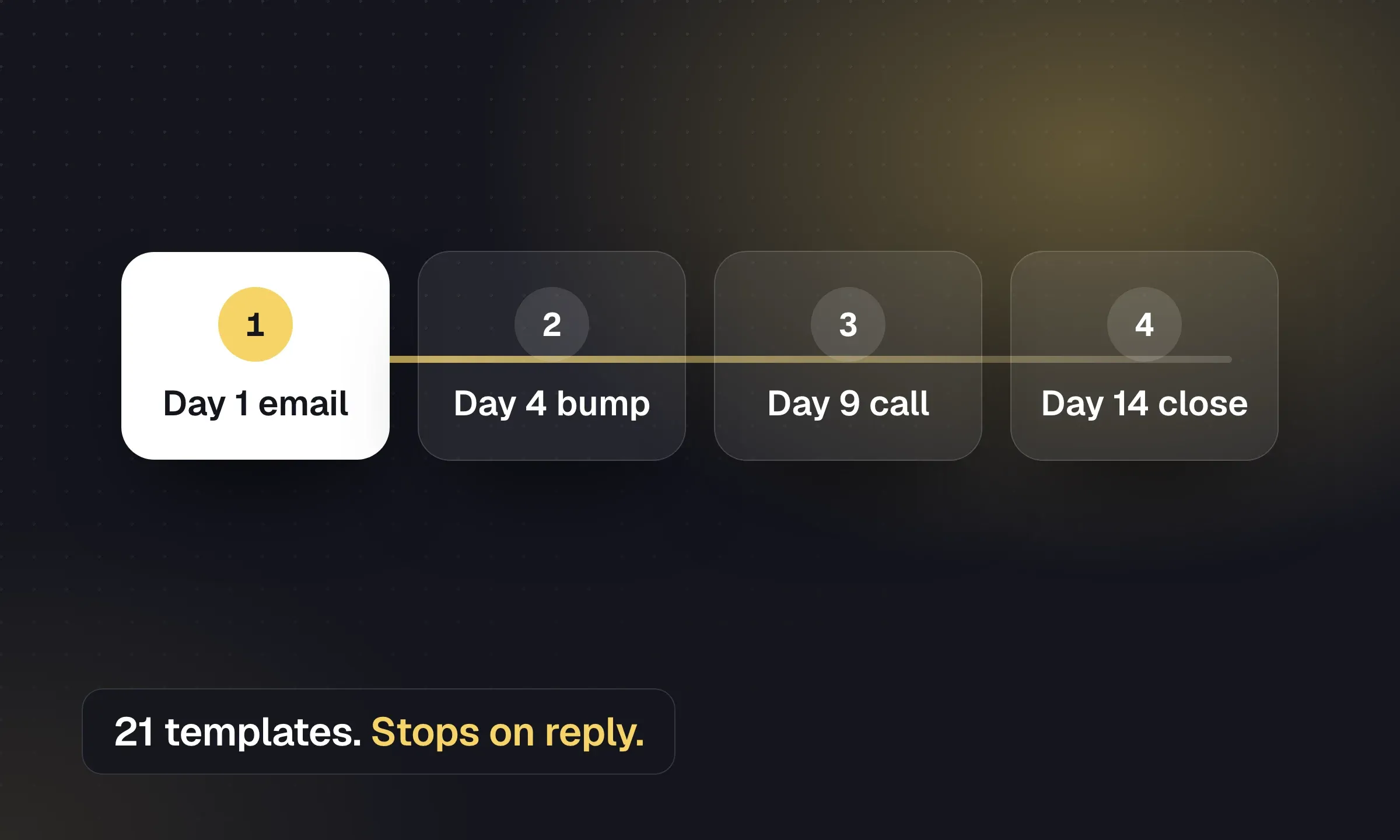
Copy outreach, reactivation and post-placement emails, then set timing, reply handling and opt-out rules.
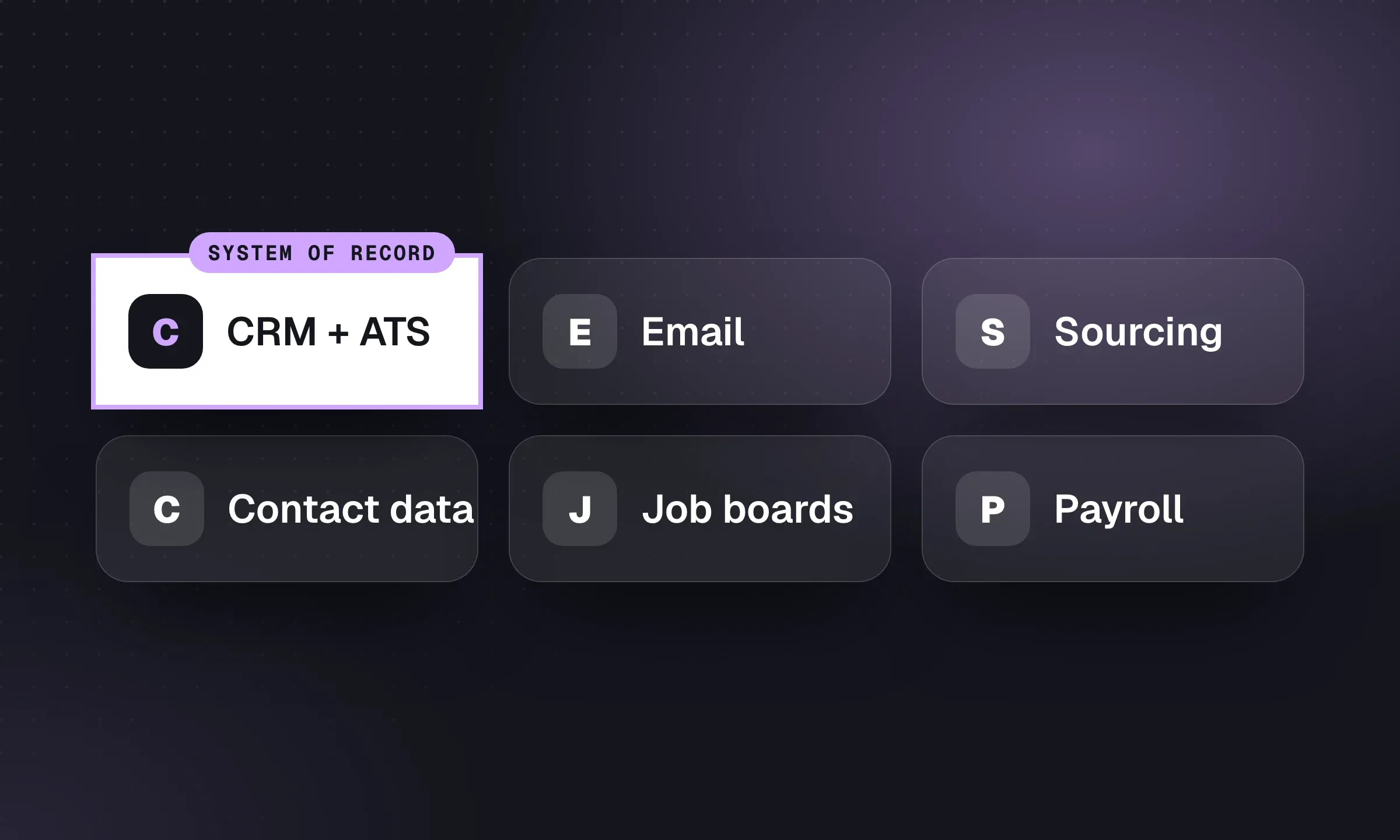
Build around one system of record, then add sourcing, communication and back-office tools where the workflow needs them.
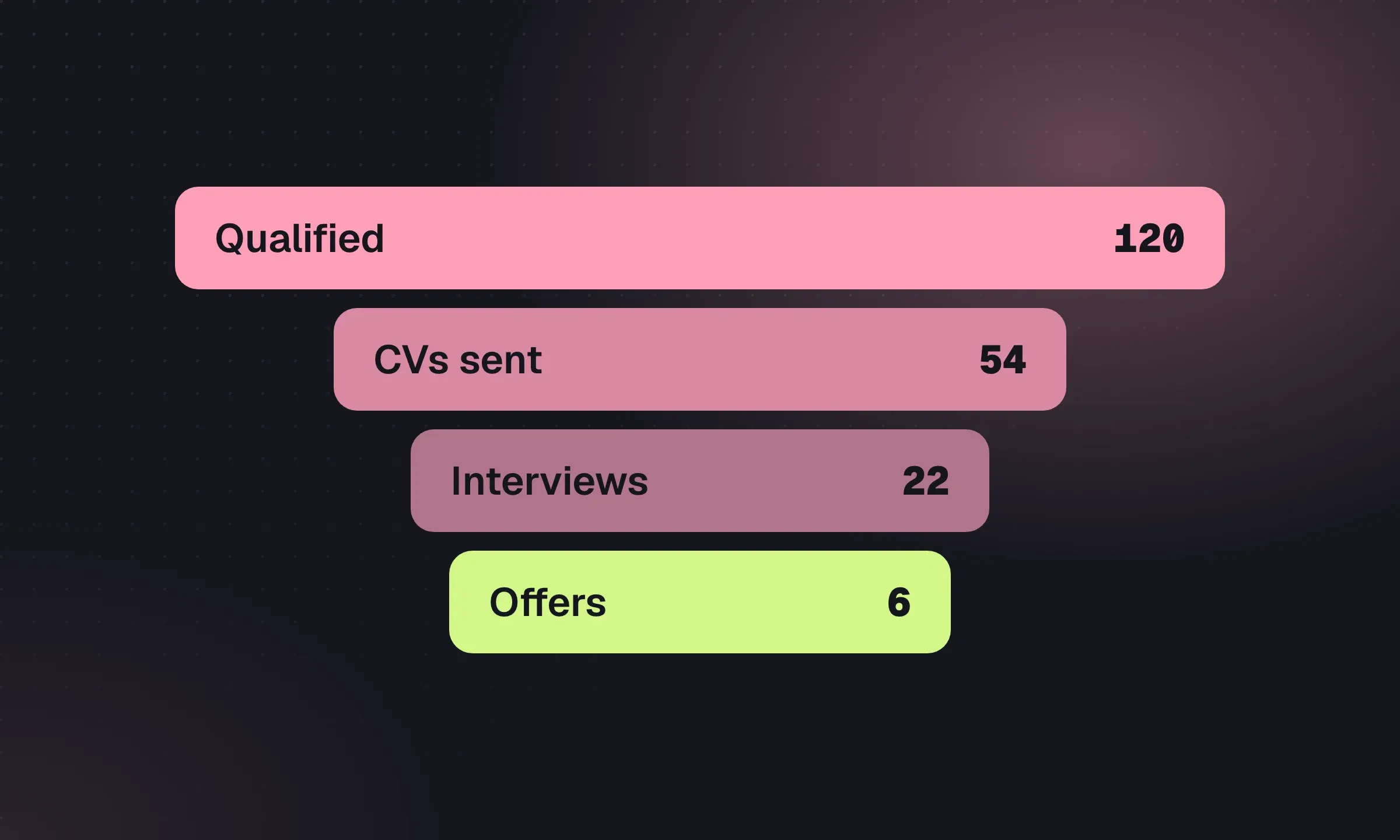
Agree counting rules, interpret conversion ratios and run a weekly meeting that ends with named actions.
YOUR NEXT CHAPTER STARTS HERE
Let’s walk through a better working day for your agency.