
01
Branded job pages and listing
Share a branded listing of all your open roles, or link directly to an individual job.
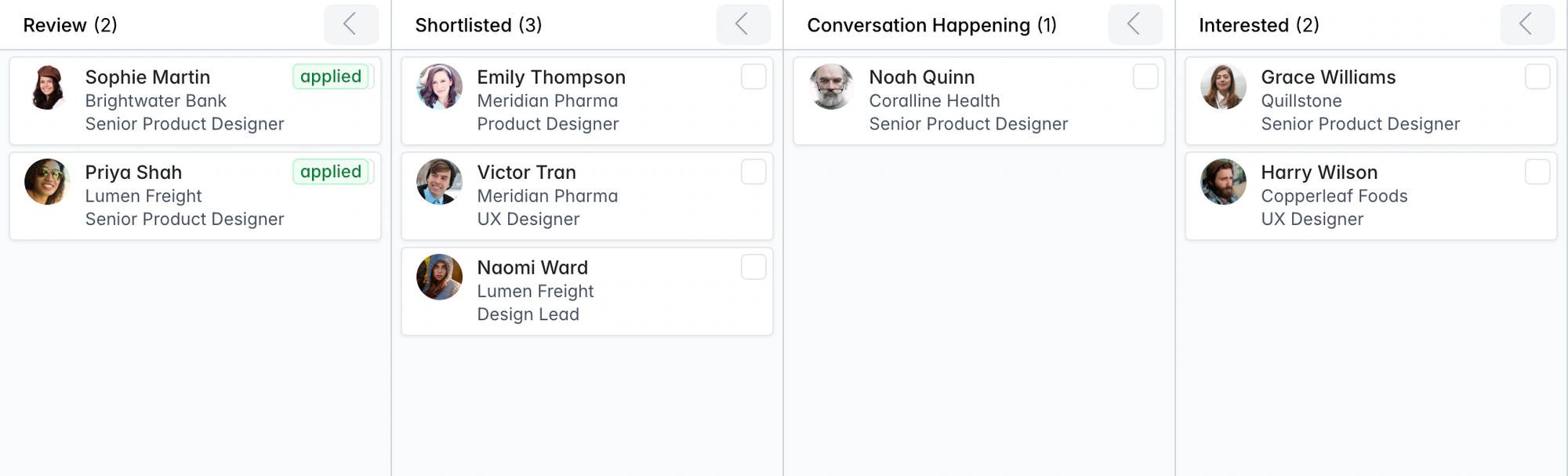
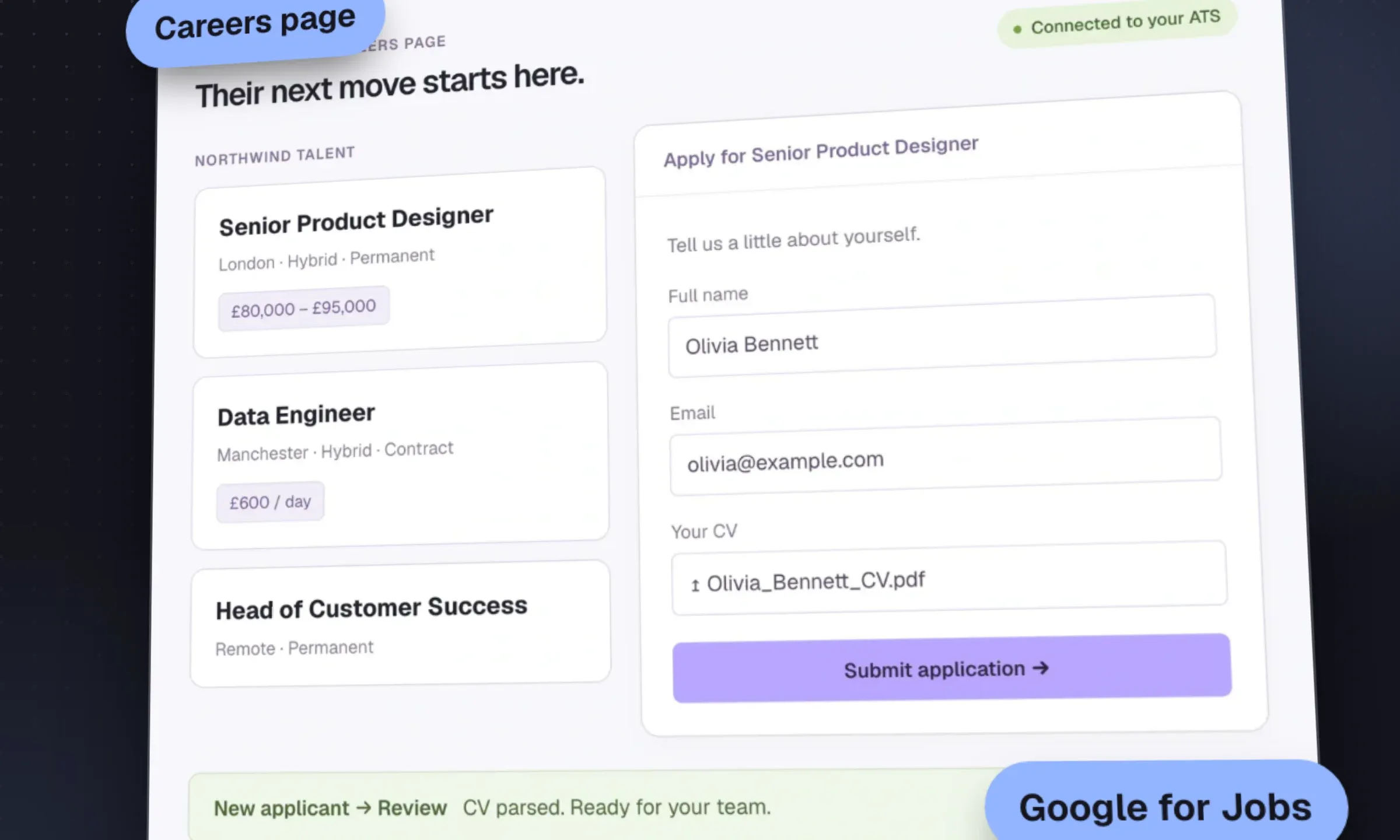
Publish branded job pages with your own screening questions. Each application lands in the job’s Review stage with a parsed CV and a candidate record.
Free data migration 14-day free trial
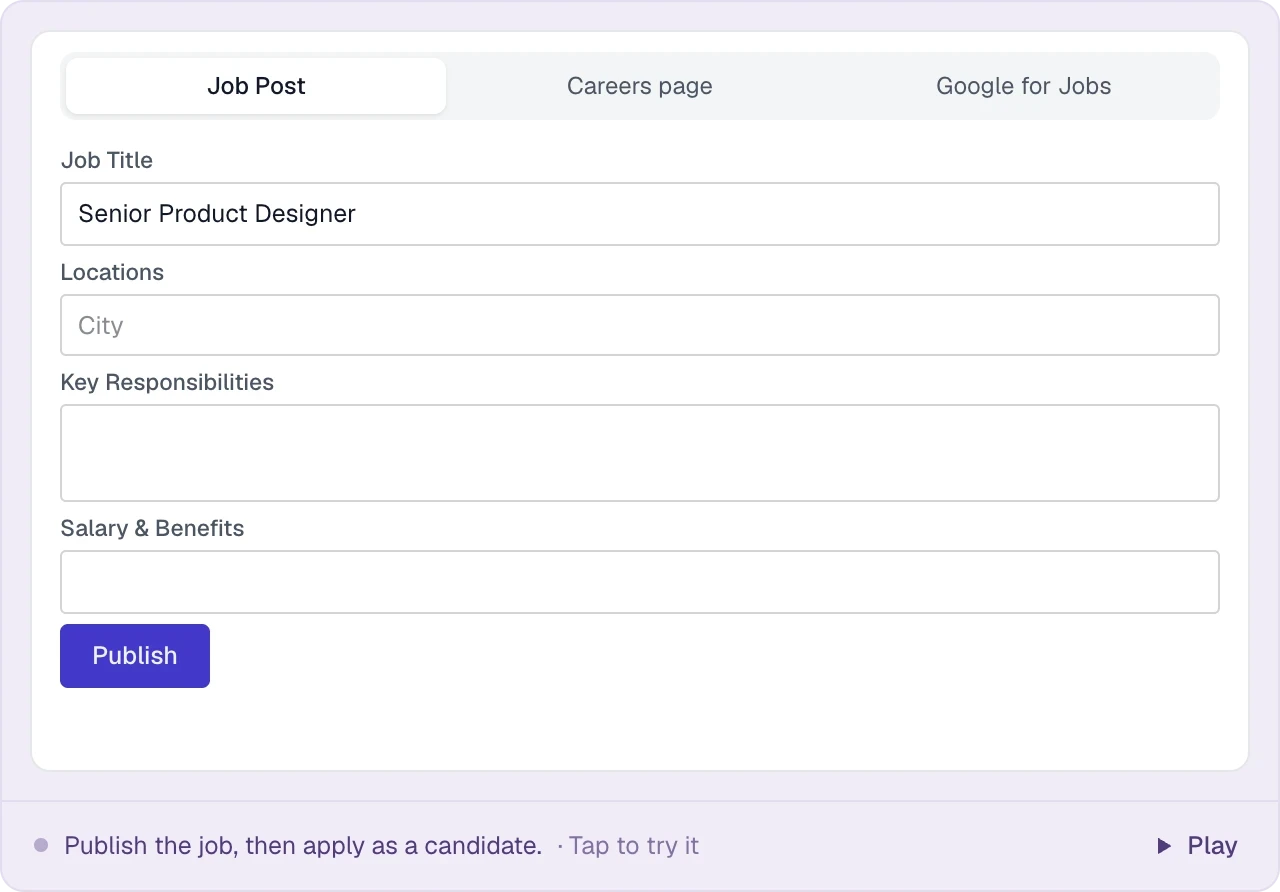





Candidates apply on a page with your agency’s name and logo. Their CVs become searchable records you can use for this job and the next.
| Channel | How it works | Recruiter’s next step |
|---|---|---|
Hosted careers page | Publish agency-branded job pages and a jobs listing | Add the Jobs link to your agency website. |
Google for Jobs | Job pages include structured job information for search eligibility | Keep the role current and close it when appropriate. |
Careerjet | Published roles enter the job feed | Review applicant flow alongside the assignment. |
Indeed apply-by-email | Collect applications through the job’s email address | Review the applicant and parsed CV in the pipeline. |
Other job boards | Use your board accounts and link to the application page | Choose the distribution that fits your market. |
PUT IT INTO PRACTICE
Five steps between publishing a job and reviewing the applicant.
Add the title, responsibilities and requirements. Publish a branded job page with an application form.
Structured data and a job sitemap make published roles eligible for Google for Jobs. Google decides which listings appear.
Open jobs enter the Careerjet feed, linking candidates back to your application page.
Use the job’s unique apply-by-email address in your Indeed listing. Incoming applications are parsed into Longlist.
The CV is parsed, the applicant joins the job’s Review stage, and the recruiter receives an email alert.
LESS FRICTION. MORE MOMENTUM.
Candidates see your brand. Recruiters get a parsed record in the ATS.
Share a branded listing of all your open roles, or link directly to an individual job.
Add free-text, single-select or multi-select screening questions alongside contact details and CV upload.
JobPosting markup and a sitemap are created automatically. No developer needed.
Applications sent to the job’s unique email address join the same pipeline as other applicants.
THE DETAILS MAKE THE DIFFERENCE
Part of Longlist's job board integrations on every plan, including Growth.
A page per published job with the description, your logo and an apply form.
One listing page with every open role across all your clients.
JobPosting structured data on every job page, with your agency as the hiring organization.
Published job pages are listed in a sitemap so search engines can find them.
Open jobs are sent to Careerjet automatically, linking back to your job page.
A unique address per job that turns Indeed application emails into applicants.
Add free-text, single-select and multi-select questions to the apply form.
PDF, DOC and DOCX CVs are parsed into work history, education, skills and contact details.
New applicants land in the job's Review stage and the recruiter gets an email alert.
Applicants whose email is already in your database attach to their existing record, not a duplicate.
Page views and applications are counted per job, so you can see which ads convert.
Fulfilled and archived jobs drop off your listing and the Careerjet feed.
Published jobs appear on your careers page, enter the Careerjet feed and become eligible for Google for Jobs. Post to paid boards separately and link to your job page. Indeed applications can arrive through the job’s apply-by-email address.
Longlist parses the CV, checks for an existing record and puts the applicant in Review. Your team gets an email alert and can shortlist them in the ATS. Their profile stays searchable for future roles.
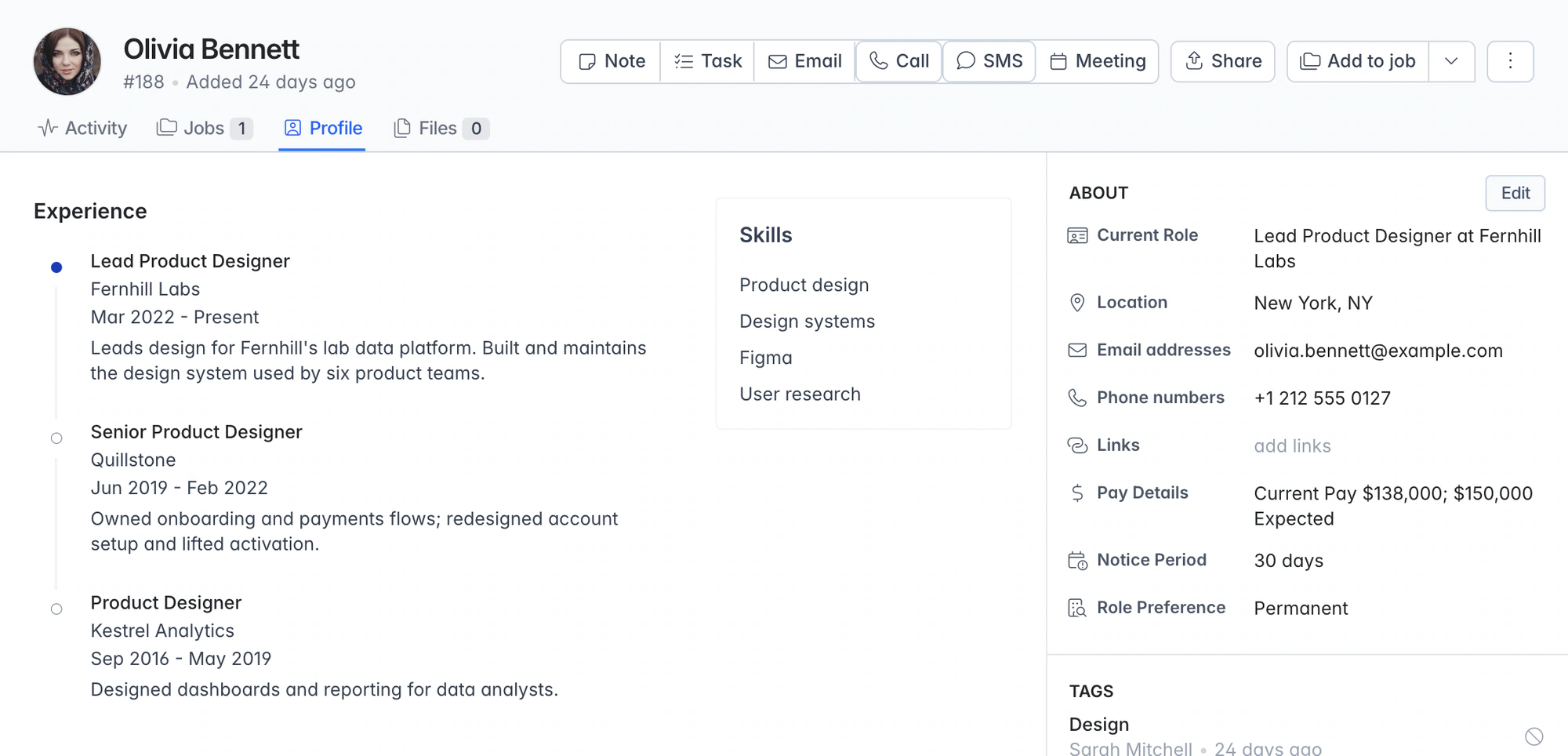
Publish a clear brief, choose the screening questions and let the application bring the person into Review. Read the parsed profile, inspect the CV and move the candidate into the next conversation. See the ATS and resume parsing workflow.
Longlist publishes your careers page and Careerjet feed, with Google for Jobs eligibility. Paid job boards are posted separately; Indeed applications can be collected by email.
Yes. Add a Jobs link to your website pointing to your Longlist-hosted listing. Roles update as you publish, fill or archive them.
Yes. Add free-text, single-select and multi-select questions. Answers stay with the application for your team to review.
Only if you include them in the title or description. Job pages use your agency’s name and logo.
No. Careers pages and applicant CV parsing are included on every plan. See pricing.
From the blog

Check which channels are free for agencies, which exclude third-party recruiters and how to qualify for Google for Jobs.
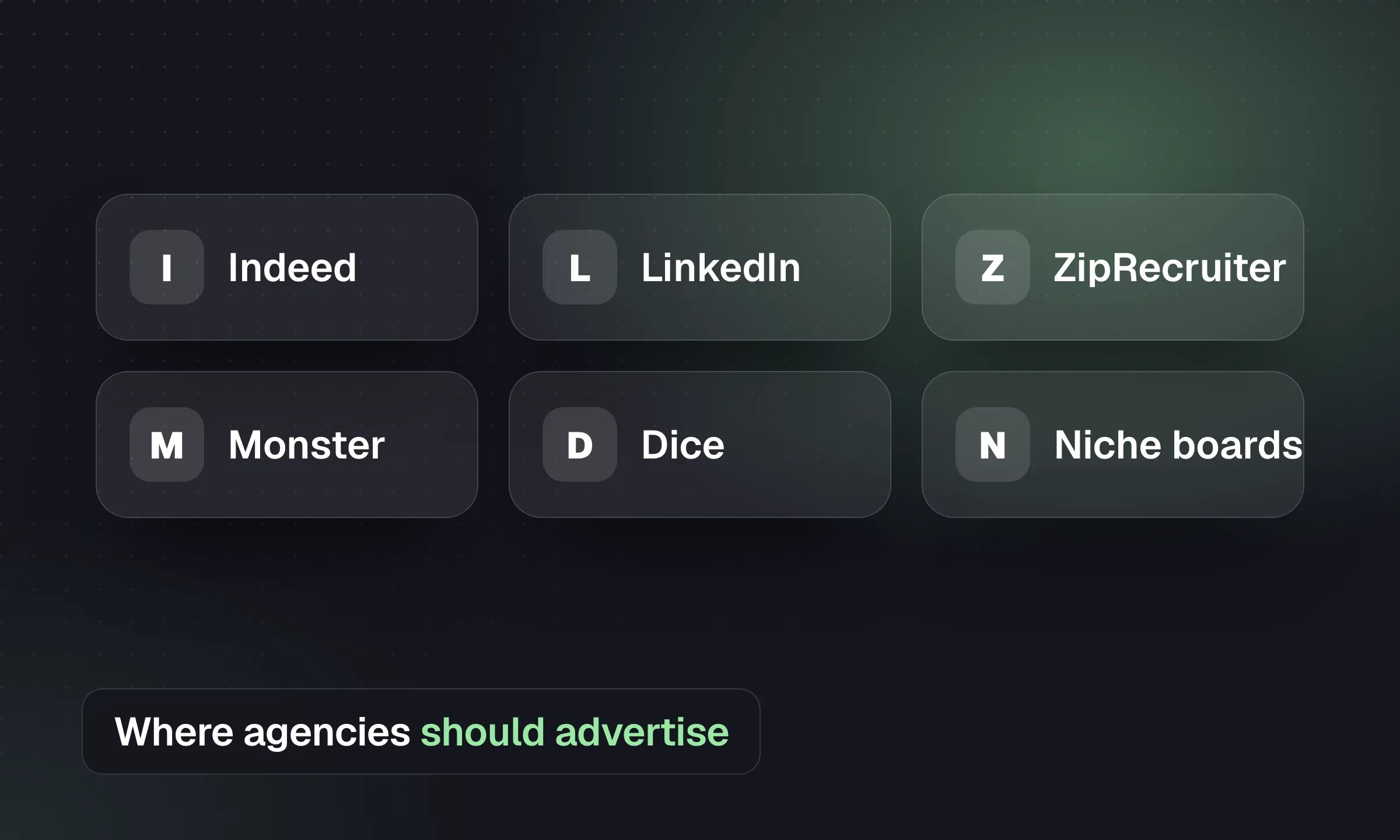
Choose boards by role and geography, check agency eligibility and measure cost per qualified applicant and placement.
Match careers sites, job distribution, candidate nurture and messaging tools to the work your agency needs done.
YOUR NEXT CHAPTER STARTS HERE
Let’s walk through a better working day for your agency.