
01
Two-way email sync
Emails you send and receive sync to Longlist, and emails you send from Longlist appear in your mailbox. No plugin or add-in to install.
Sync Gmail or Outlook, call from the browser on Plus, publish jobs to Google for Jobs and look up contact details with the Chrome extension. Emails and calls log to the candidate or client record.
Free data migration 14-day free trial
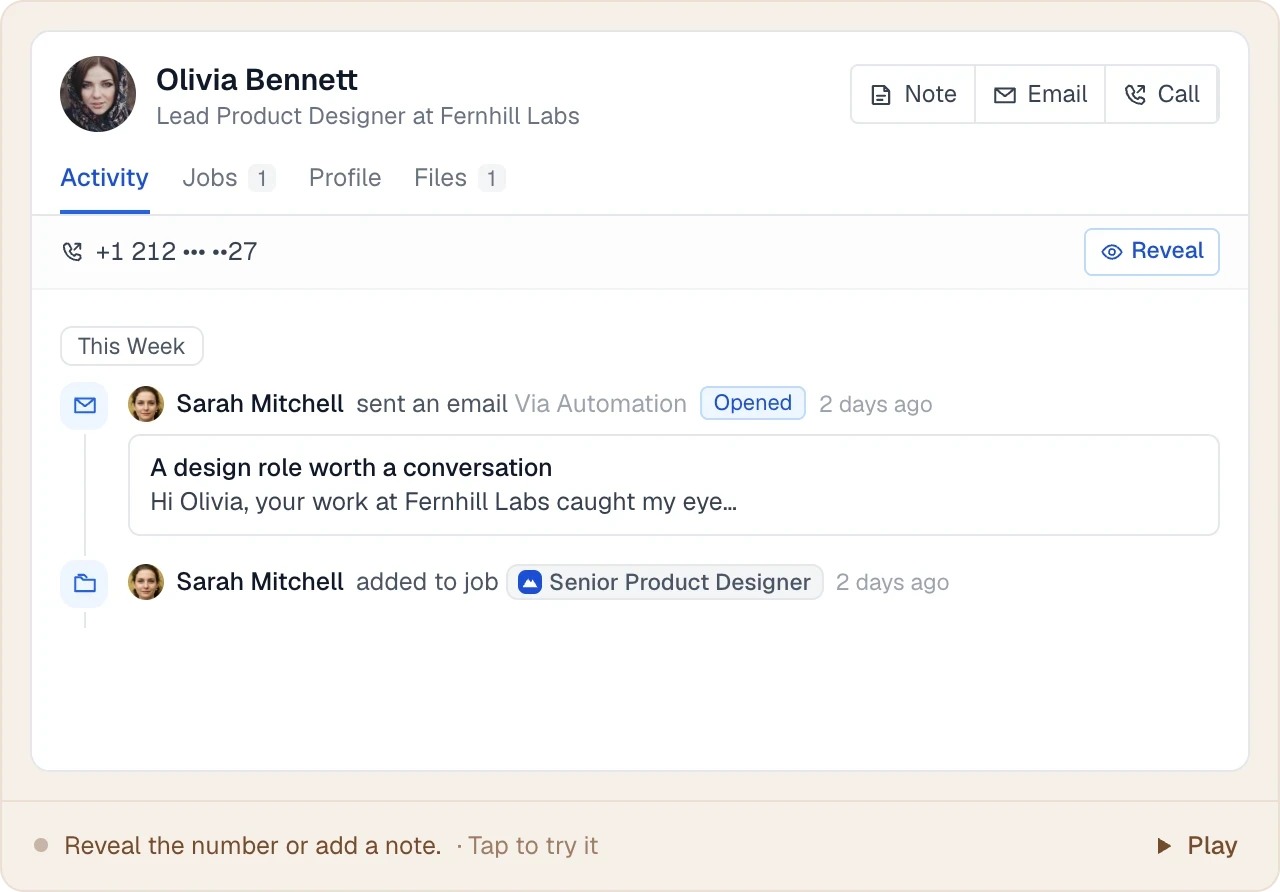





Gmail and Outlook sync once you connect your mailbox. Calling on Plus needs no phone account, and your careers page feeds Google for Jobs and Careerjet.
LESS FRICTION. MORE MOMENTUM.
Keep working from the email address candidates and clients already know, with every conversation logged to the right record. Works with Gmail, Google Workspace, Outlook and Microsoft 365.
Emails you send and receive sync to Longlist, and emails you send from Longlist appear in your mailbox. No plugin or add-in to install.
Emails are linked to the candidates and contacts they involve, on the same timeline as calls, notes and stage changes.
Emails from Longlist go through your own mailbox, so replies come back to you and deliverability stays yours.
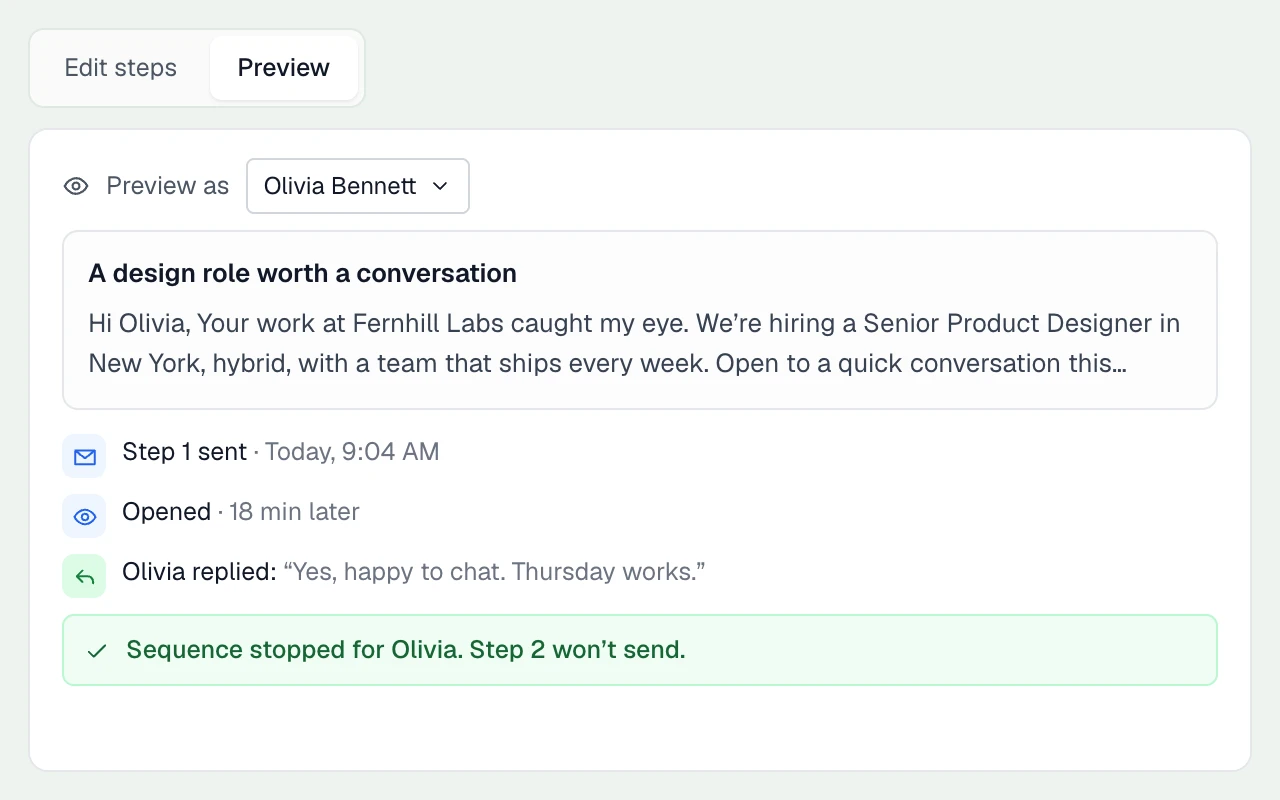
Email sequences send follow-ups in the original thread, stop when someone replies and flag bounced addresses.
THE DETAILS MAKE THE DIFFERENCE
Built for agency desks that live in their inbox.
Connects through Google’s Gmail API.
Connects through Microsoft Graph.
Track opens and link clicks, or switch tracking off for your agency.
Undeliverable emails are flagged so you can fix the address before trying again.
On Plus, incoming SMS arrive in your inbox and your email reply goes back as a text.
Invites work with Google and Outlook calendars, with RSVPs tracked on the candidate. Calendar sync is not two-way.
THE DETAILS MAKE THE DIFFERENCE
Built into Longlist Plus, with no phone account to set up.
Click a number to call from your browser, with direction, status and duration logged automatically.
Send and receive texts on the record. Get an email when a text arrives and reply from your inbox.
Calls to your number forward to your phone. Powered by Twilio, with no Twilio account needed. See calling and SMS.
THE DETAILS MAKE THE DIFFERENCE
Publish from your careers page. Applications land on the job in Longlist.
A hosted, branded jobs page for your agency. See career page software.
Published jobs include the structured data Google needs and are submitted for indexing automatically.
Your live jobs are available in a Careerjet XML feed.
THE DETAILS MAKE THE DIFFERENCE
Contact lookup, Google or Microsoft sign-in and a limited API.
Find emails and phone numbers from the Chrome extension, using Apollo and Prospeo.
Your team signs in with the Google or Microsoft account they already use.
Create candidates and opportunities from other systems through a limited API, available on request.
PUT IT INTO PRACTICE
Start with your mailbox, data and live jobs. Agree the setup and migration plan with our team.
Sign in with Google or Microsoft and connect Gmail or Outlook. Emails from the last few days sync first, then new emails every few minutes.
Our team migrates your records and CVs for free, from Bullhorn, CSV exports or bulk CV folders.
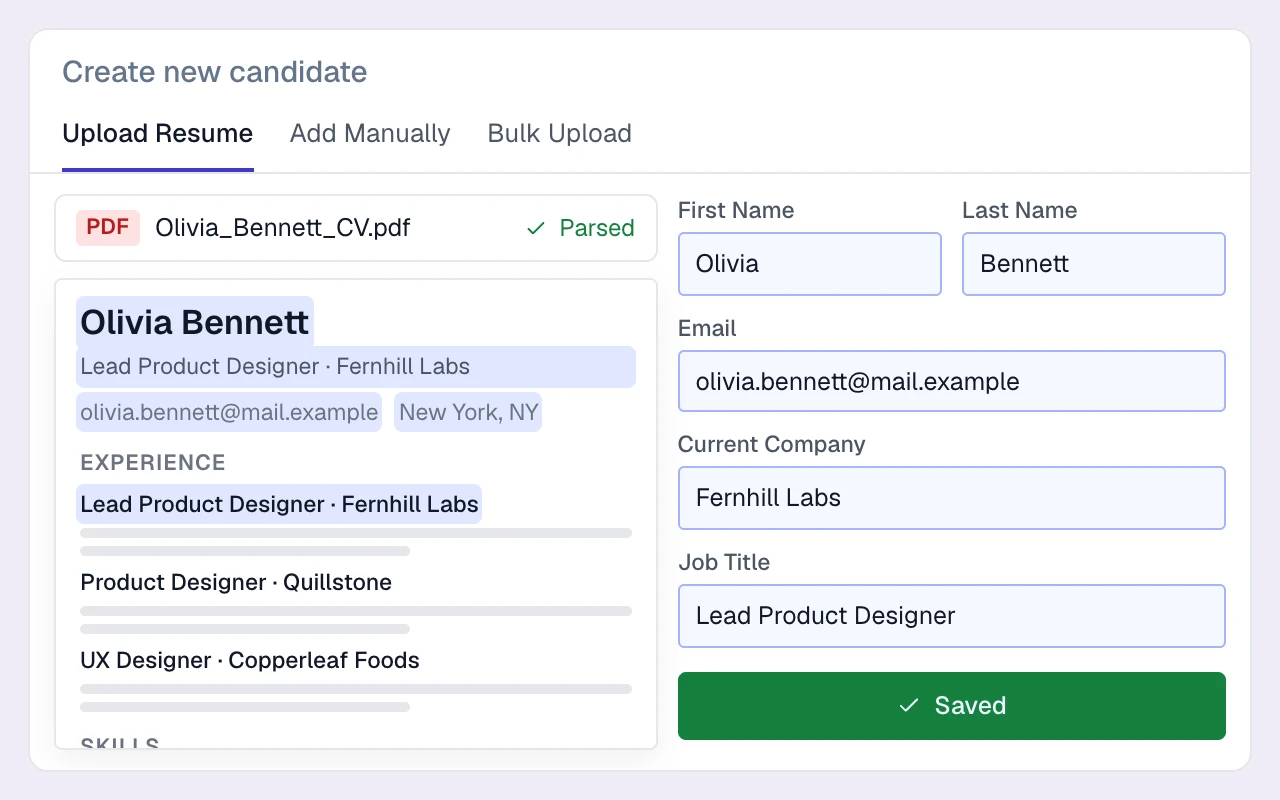
Turn on your careers page and your jobs become eligible for Google for Jobs.
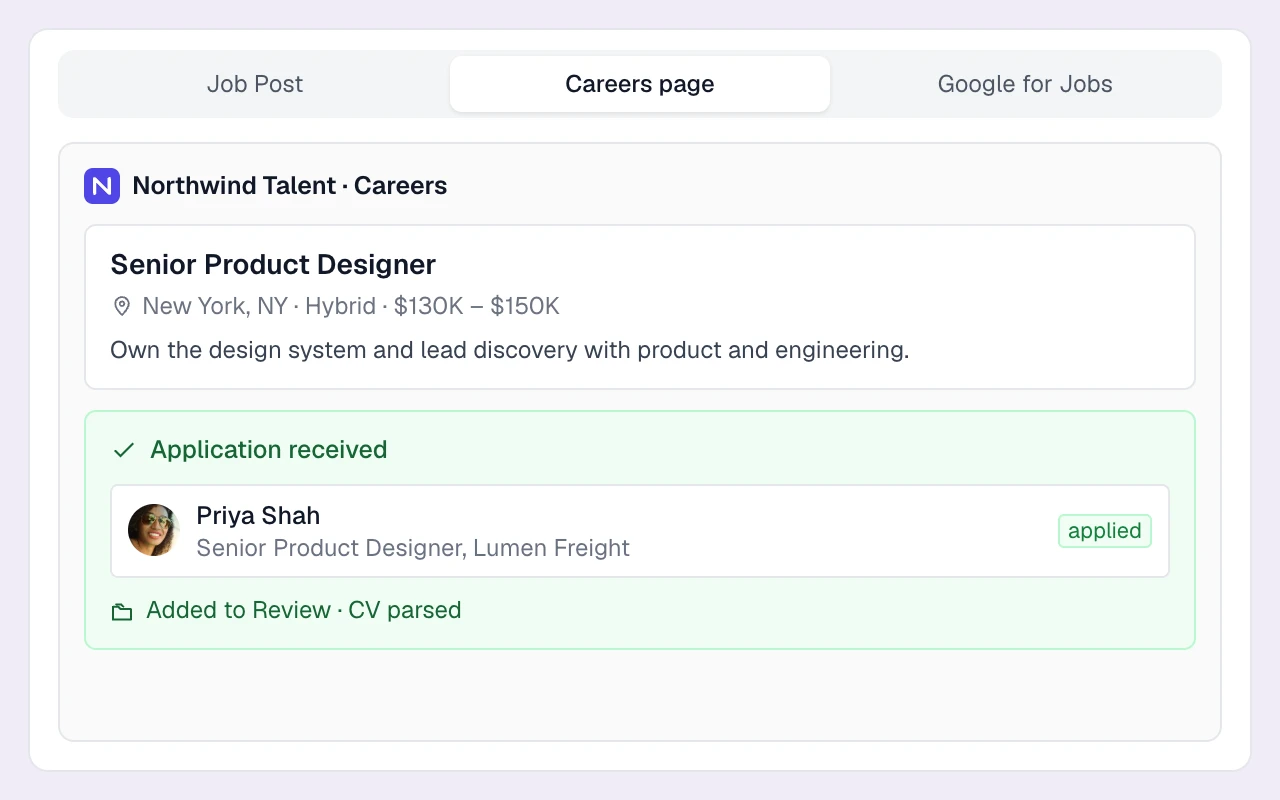
Add the Chrome extension to save profiles and look up contact details as you browse.
Bring the systems your agency relies on to a demo. Review mailbox sync, interview invitations, contact lookup, job publishing and any API requirements against your actual recruiting process.
No. Gmail and Outlook sync, the careers page and Google for Jobs are included on every plan. Calling and SMS are included on Plus. Compare plans.
No. Calling and SMS are built into Longlist Plus, and each recruiter gets a cloud number.
Yes. Longlist connects to Gmail and Google Workspace mailboxes, and to Outlook and Microsoft 365 mailboxes. There’s nothing to install in Gmail or Outlook.
When you connect, emails from the last few days sync first. After that, new emails sync every few minutes.
Interview invites work with standard calendars and RSVPs are tracked. Calendar sync is not two-way; Gmail and Outlook email sync is.
Not today. A limited API can create candidates and opportunities, available on request.
Longlist publishes to your careers page, Google for Jobs and a Careerjet feed. It isn’t a multiposter for paid boards, so those are posted separately.
From the blog
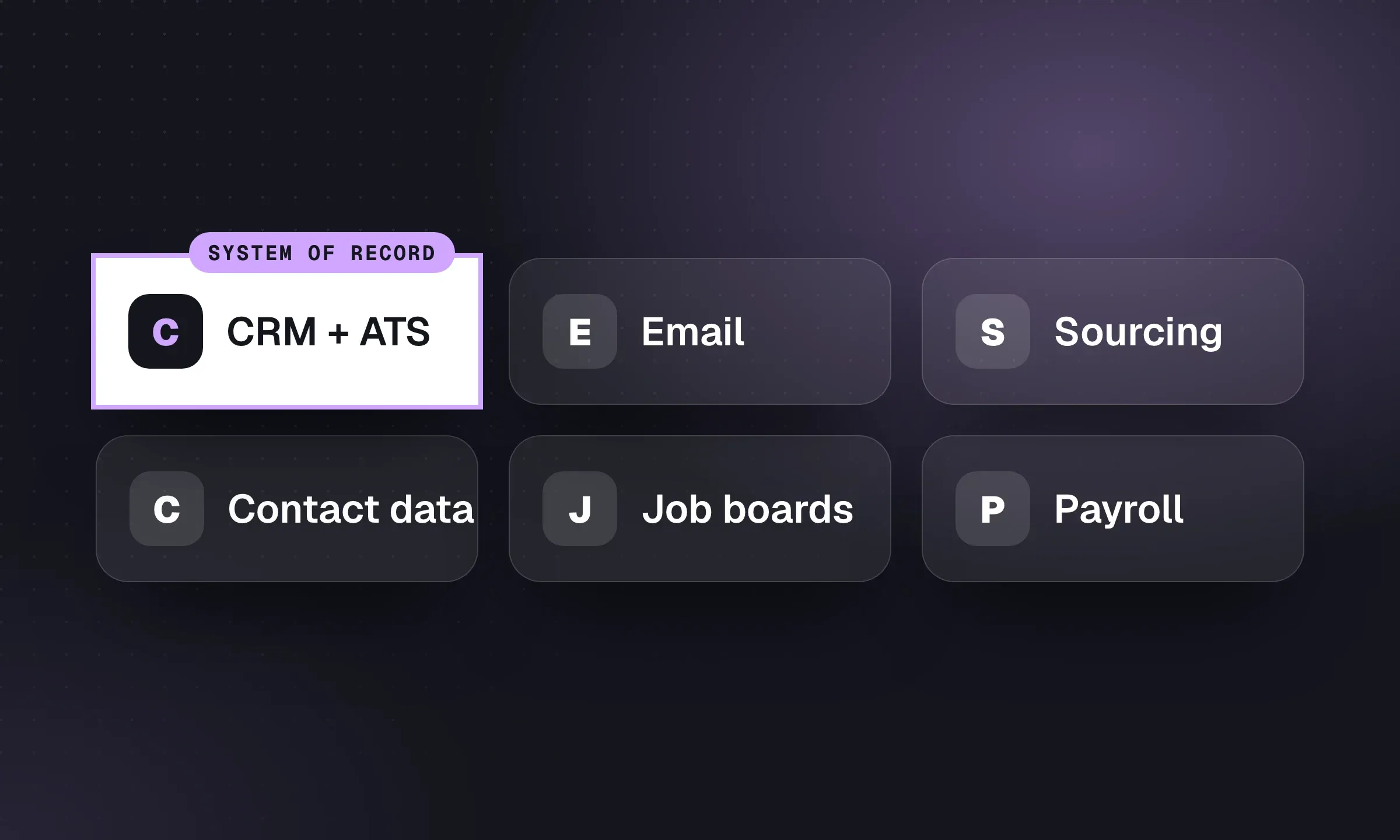
Build around one system of record, then add sourcing, communication and back-office tools where the workflow needs them.
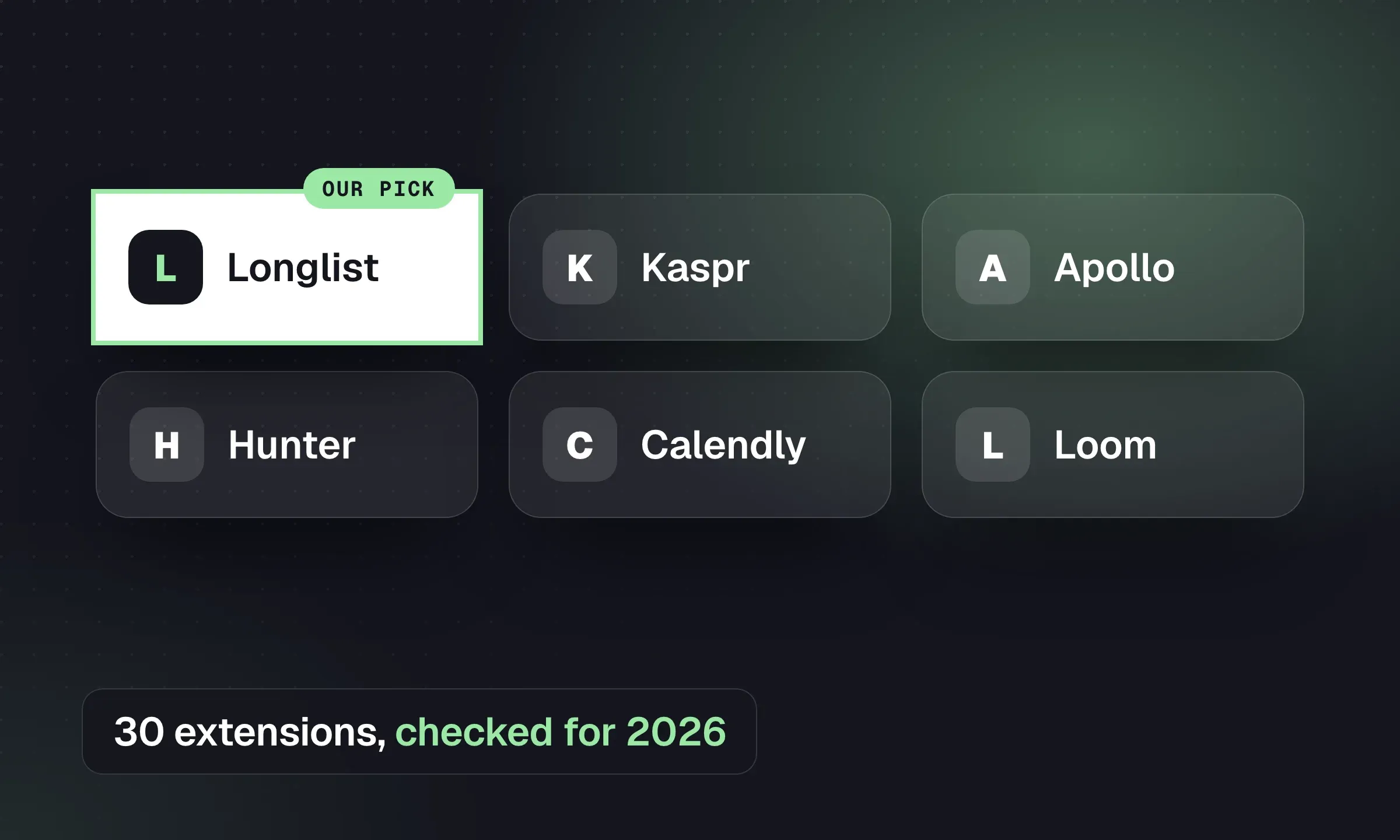
Pick browser tools for contact finding, CRM capture, email and productivity, with permissions and platform-policy checks.
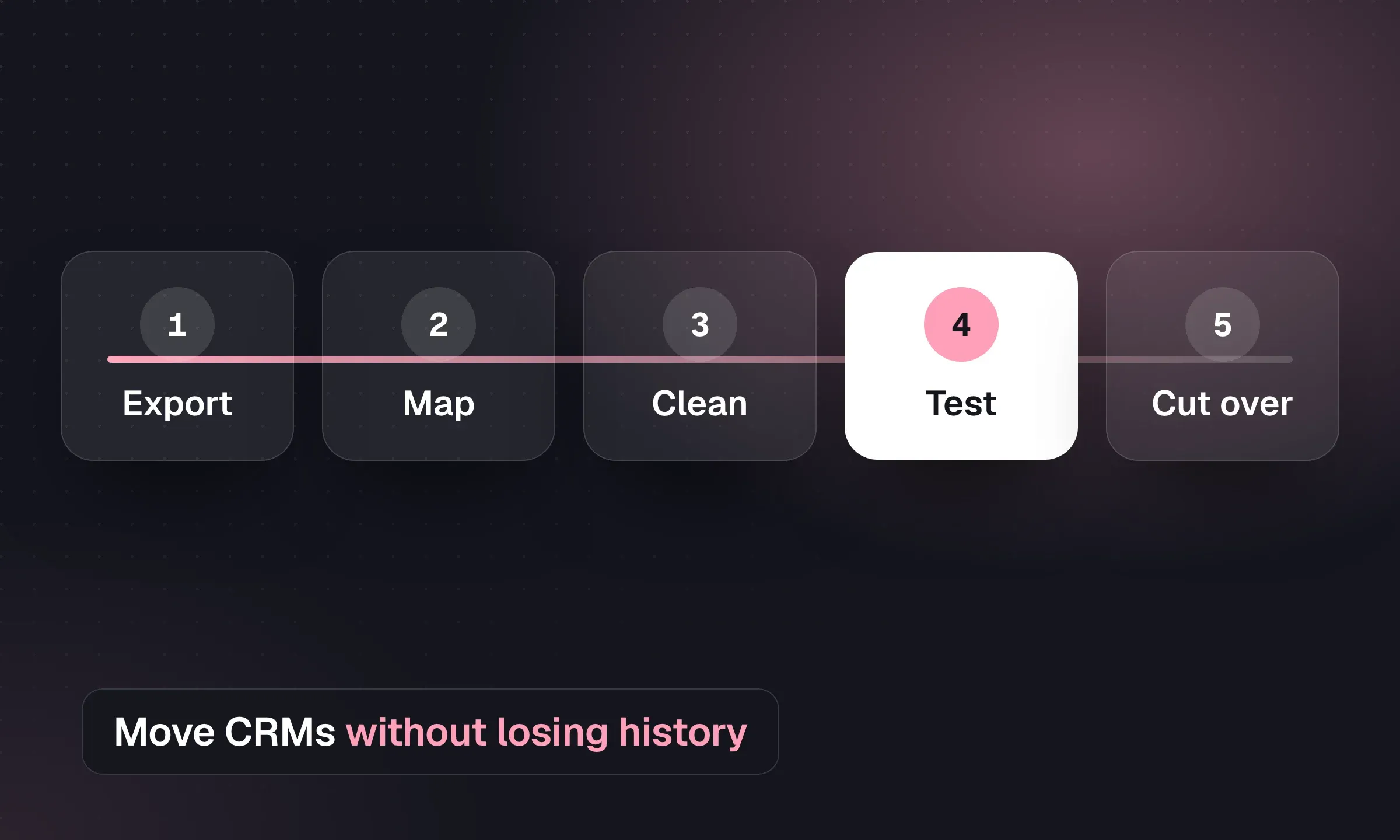
Map records, reconcile CVs and test a pilot before switching systems, with a downloadable migration checklist.
YOUR NEXT CHAPTER STARTS HERE
Let’s walk through a better working day for your agency.