
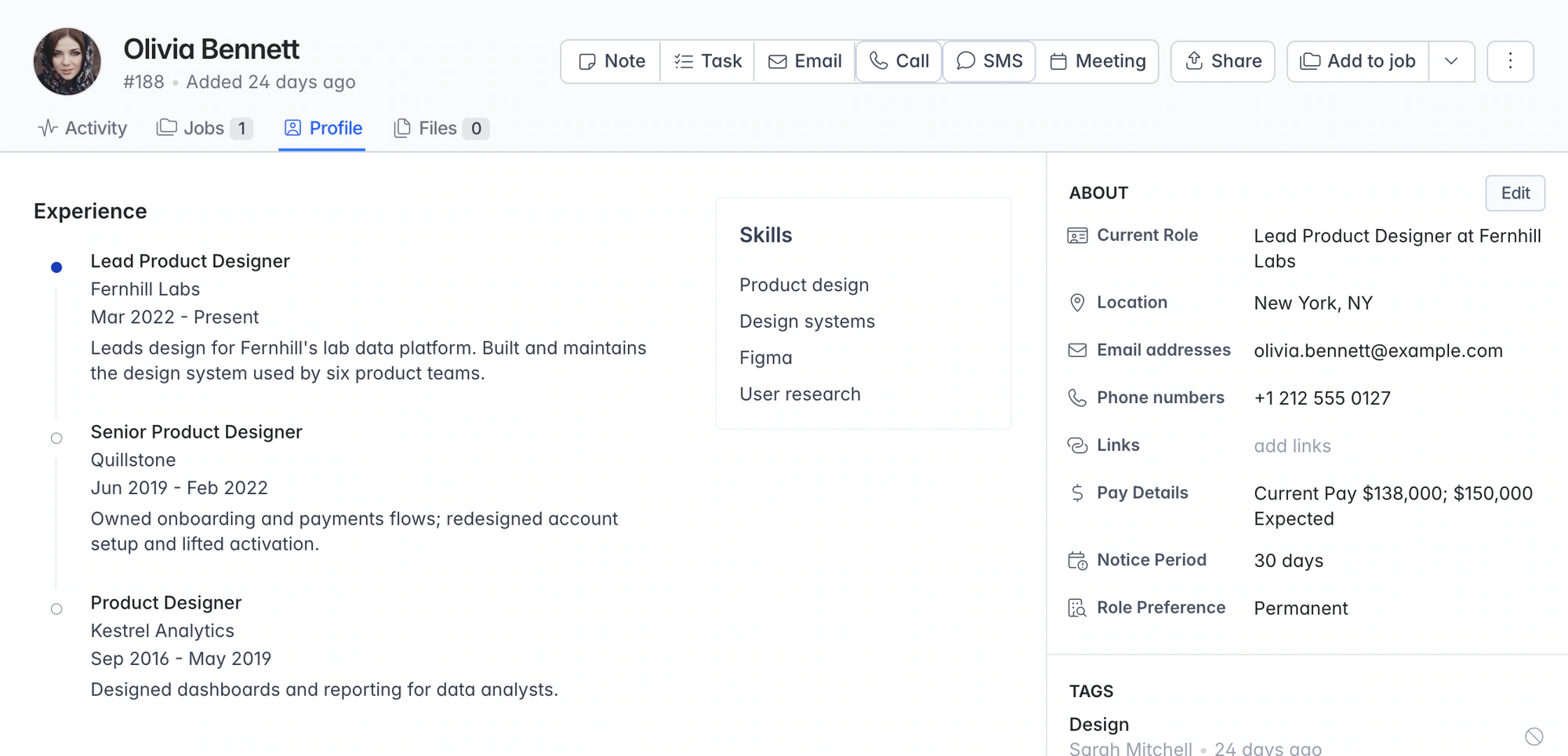
AI resume parser. No per-CV fees, on every plan.
Upload one CV or 50 at a time. Longlist extracts contact details, work history, education and skills into a searchable candidate record inside your CRM and ATS.
Free data migration 14-day free trial
Good company. Great recruiting teams.





The parser lives inside your CRM
An uploaded CV becomes a searchable candidate record inside your recruitment CRM. Contact details, experience and skills are ready to review, tag and shortlist. No separate integration or parsing credits.
From a document to a useful next action
| Example | What Longlist brings together | What the recruiter checks |
|---|---|---|
New CV | Contact details, experience, education, skills and the original file | The extracted fields against the CV. |
Updated CV | The incoming document and existing-record match | That the CV is matched to the right person and the details are current. |
Scanned PDF | Text extraction and profile creation | Readability and any fields that need attention. |
Batch upload | Up to 50 CVs with import progress | Created, updated or failed results before using the list. |
PUT IT INTO PRACTICE
How Longlist parses a CV
The same pipeline runs whether a recruiter uploads a CV or a candidate applies for a job.
- 01
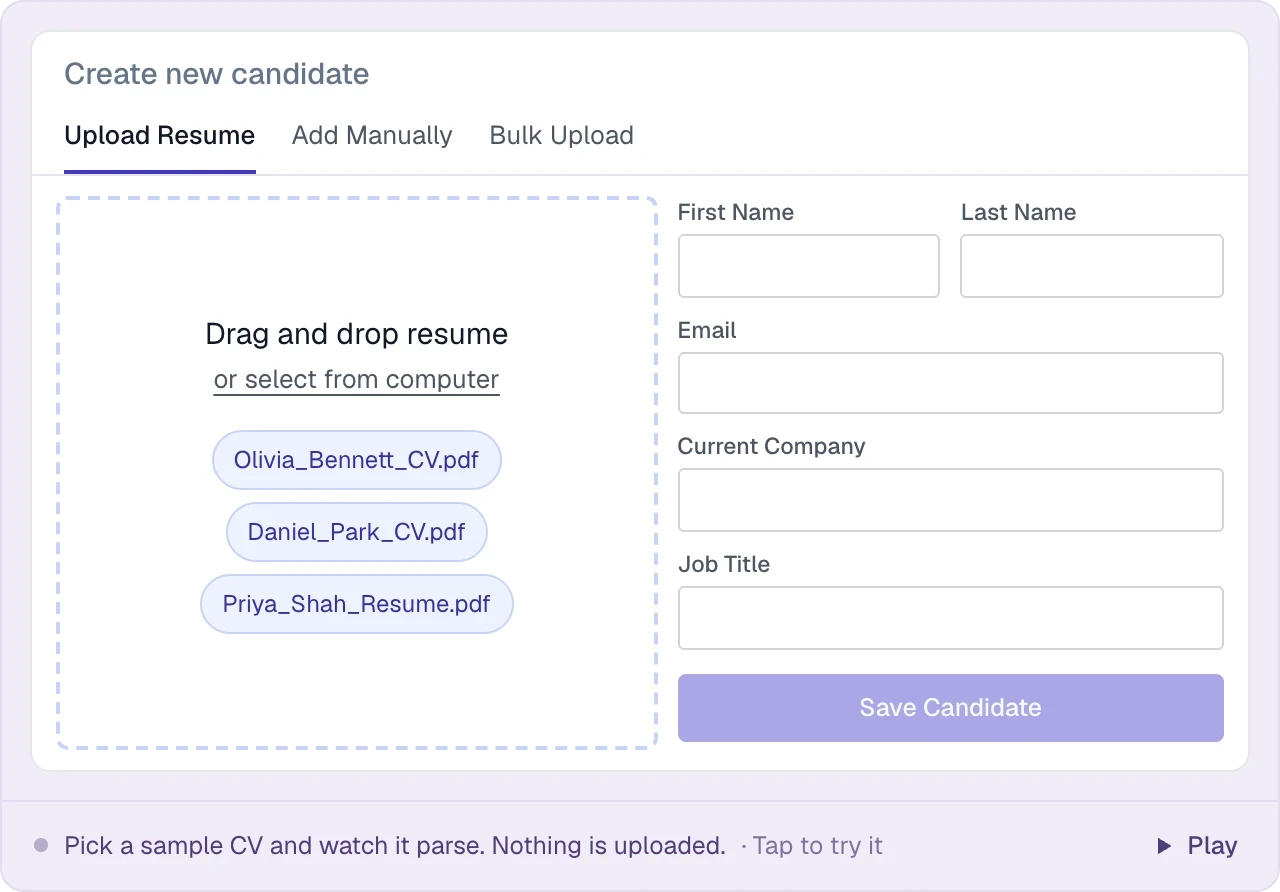
Upload PDF, DOC or DOCX
Drag in a PDF or Word CV, or select up to 50 files for a bulk upload.
- 02
Text is extracted, even from scans
Text is extracted from the document, with an OCR fallback for scanned PDFs.
- 03
An AI model reads it like a recruiter would
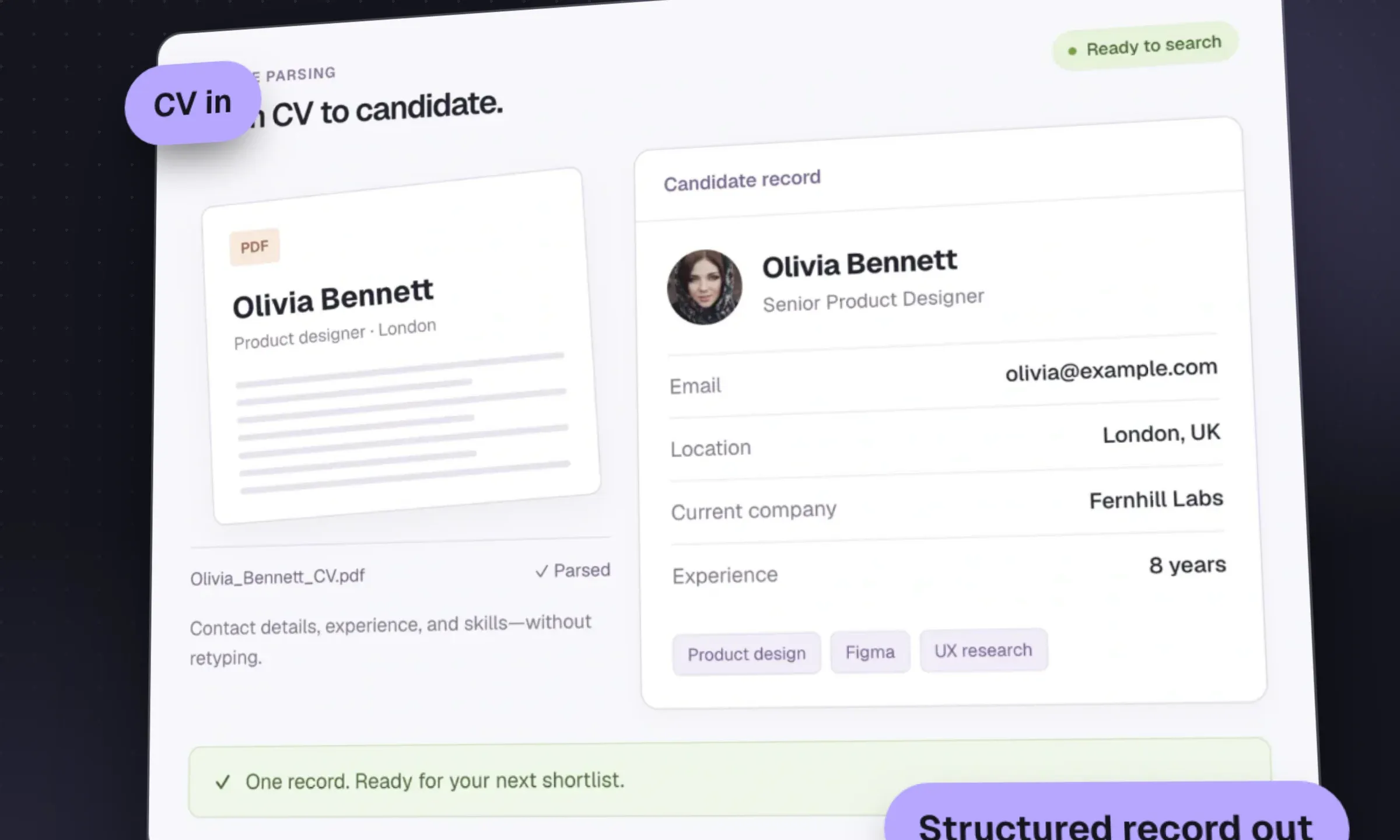
AI turns the CV’s content into contact details, experience, education and skills.
- 04
Duplicates are matched before a record is created
Email addresses and profile URLs are checked against existing candidates to avoid creating duplicates.
- 05
Review, tag and shortlist
Check the result, edit any field and add the candidate to a job. The original CV stays attached.
THE DETAILS MAKE THE DIFFERENCE
What the CV parser extracts
Every parsed CV fills the same fields, which is what makes your database searchable.
Name
First and last name, used for the candidate record and duplicate checks.
Email addresses
All emails on the CV, so dedupe and outreach both work.
Phone numbers
All phone numbers listed, ready for click-to-call on the Plus plan.
LinkedIn URL
Captured as a link on the profile and used to match against existing candidates.
Location
Where the candidate is based, which feeds the location and radius filters in search.
Work history
Each role with company, title, start and end dates and the description the candidate wrote.
Education
Institutions, degrees and dates.
Skills
A skills list you can search and filter on straight away.
The original file
The CV itself, stored on the profile for reference or to send to a client.
Bulk resume upload for backlogs and job fairs
Upload up to 50 CVs per batch. Longlist parses them in the background and emails you when they’re ready. Import results show which records were created, updated or failed. Our migration team handles larger archives for free.
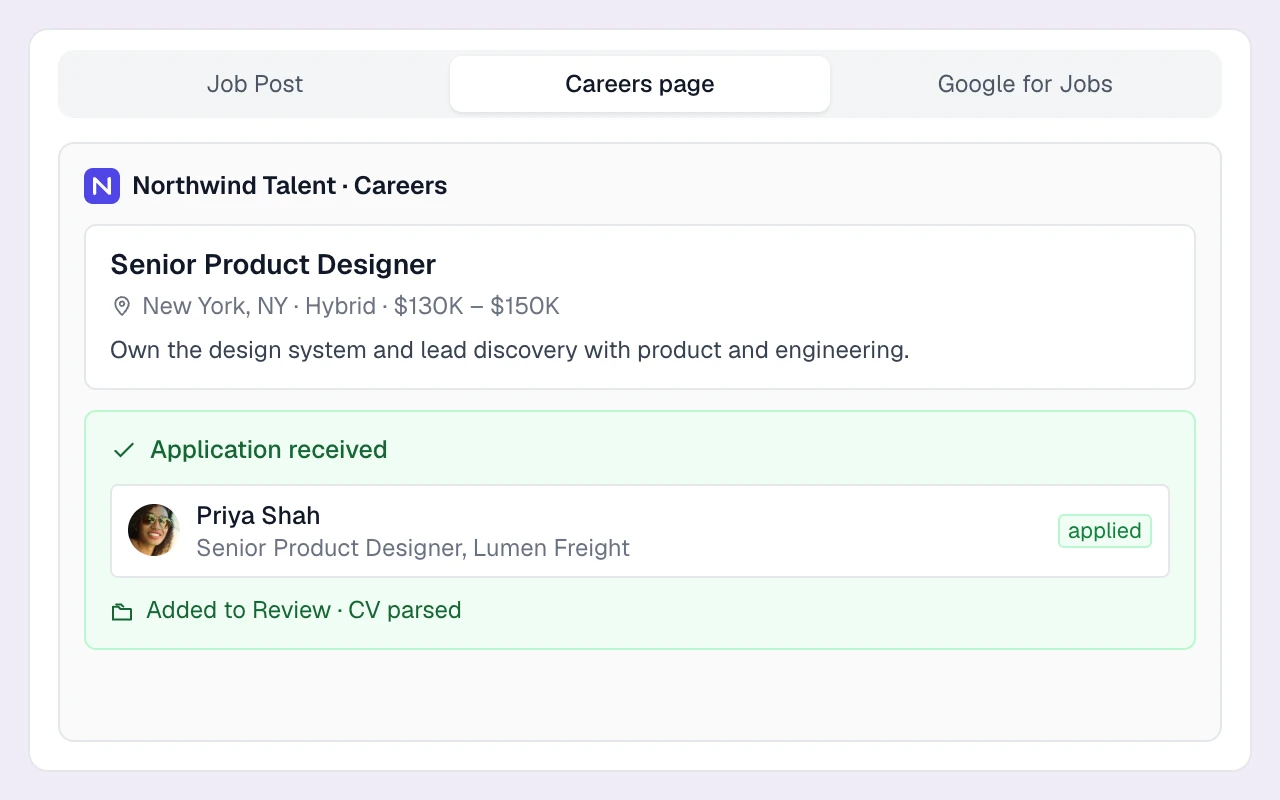
Applicants are parsed automatically too
Applications from your careers page and the job’s apply-by-email address use the same parser. The CV becomes a candidate record in Review, ready for screening and outreach.
Resume parser pricing compared
Compare the subscription, billing basis and workflow your agency needs. Longlist figures are USD per user per month; vendor currencies and billing terms are stated separately. Confirm current terms with each provider.
| Software | Starting price | What to know |
|---|---|---|
| Longlist | From $47 annual / $59 monthly | USD per user/month. CRM, ATS, parsing, sequences, CV packs and migration support. See pricing. |
| Zoho Recruit Standard | $25 annual / $30 monthly | Resume parser capped at 250 a day on Standard; unlimited on Enterprise. |
Source, verified October 2026: Zoho Recruit [1].
Currencies, billing terms and plan scope are shown separately; confirm the current terms with each provider.
When a parsing API is the better choice
Longlist’s parser is built for recruiters working in the CRM. If you need a standalone parsing API for your own software, see our resume parser comparison.
Is Longlist's resume parser free?
Yes. Parsing is included on every Longlist plan, with no per-document fees or credit allowance.
Which file types can it parse?
PDF, DOC and DOCX, including scanned PDFs. Save image-only CVs as PDFs before uploading them.
How many CVs can I upload at once?
Up to 50 CVs per batch. For large archives, our team can handle the import as part of free data migration.
What happens if the candidate is already in my database?
Longlist matches email addresses and profile URLs, then updates the existing record instead of creating another one.
How accurate is AI resume parsing?
Every parsed profile is editable, and the original CV stays attached so you can check the result before using it.
From the blog
Parsing, imports and clean data
Resume Parsers: Built-In Tools, APIs and Accuracy Tests
Choose a built-in parser or an API, then test extraction errors, duplicate handling and cleanup time on your own CVs.
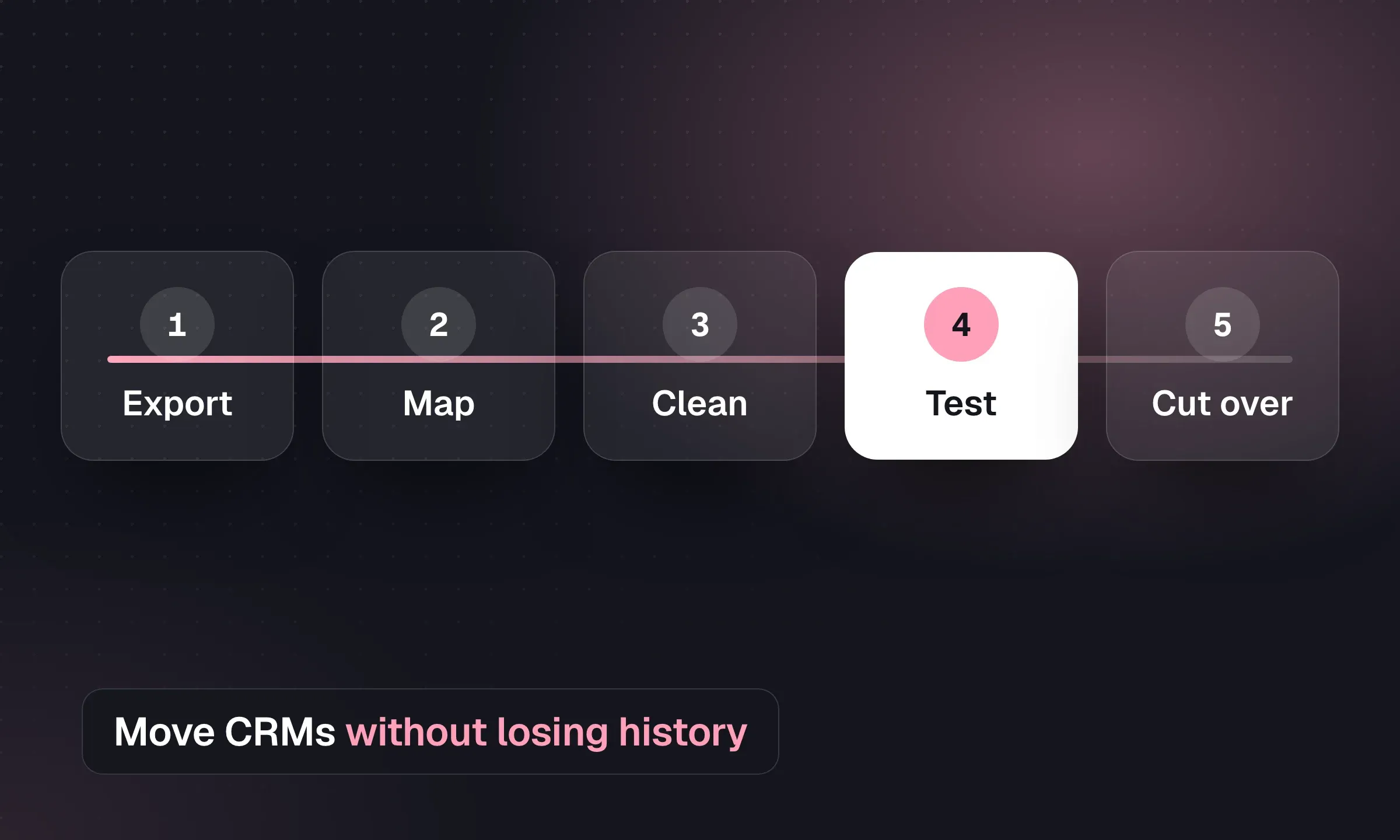
Recruitment CRM Migration: An Agency Checklist
Map records, reconcile CVs and test a pilot before switching systems, with a downloadable migration checklist.
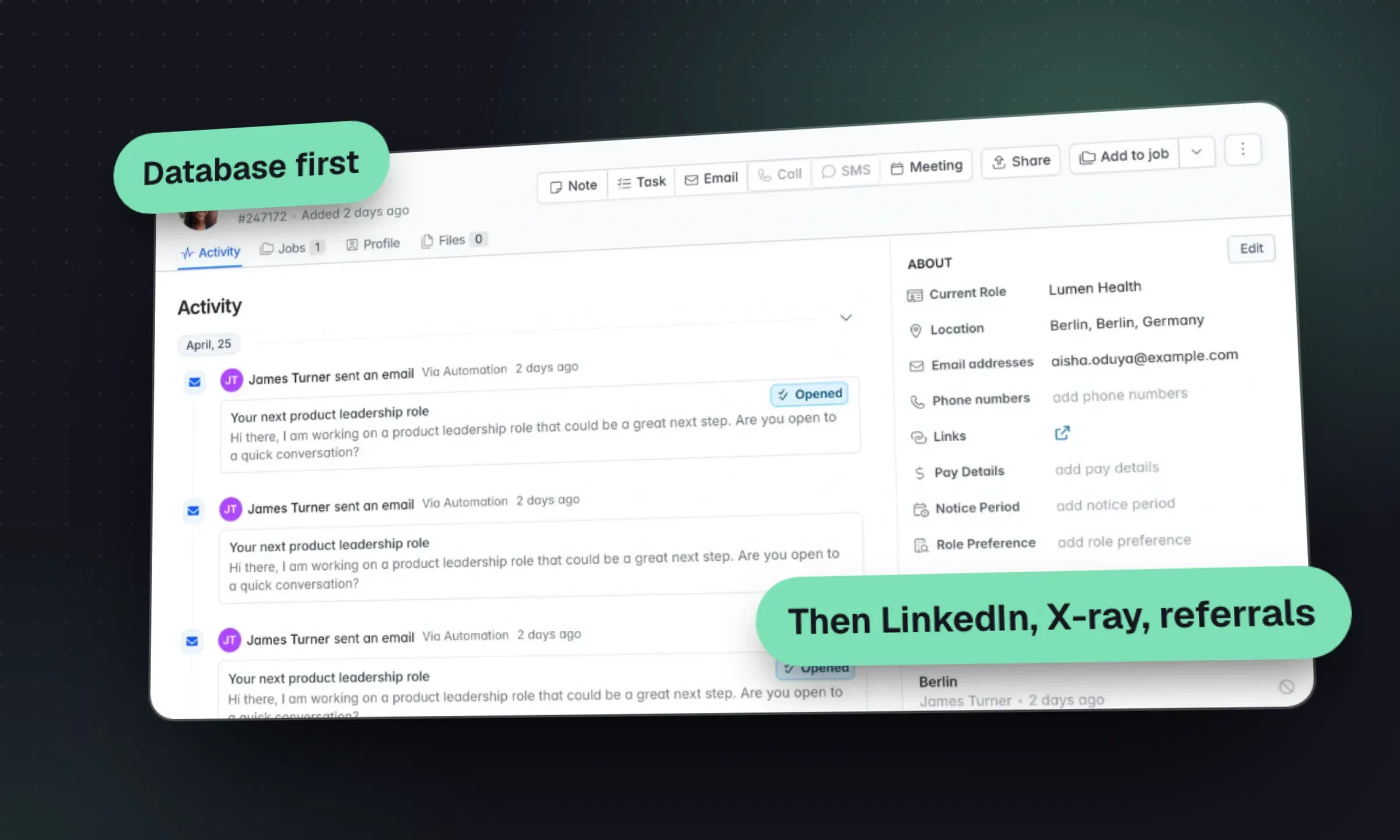
Candidate Sourcing: A Recruitment Agency Playbook
Turn a brief into a search plan, choose candidate channels and qualify a shortlist with a clear reason for each person.
YOUR NEXT CHAPTER STARTS HERE
Less admin.
More “you got the job.”
Let’s walk through a better working day for your agency.