
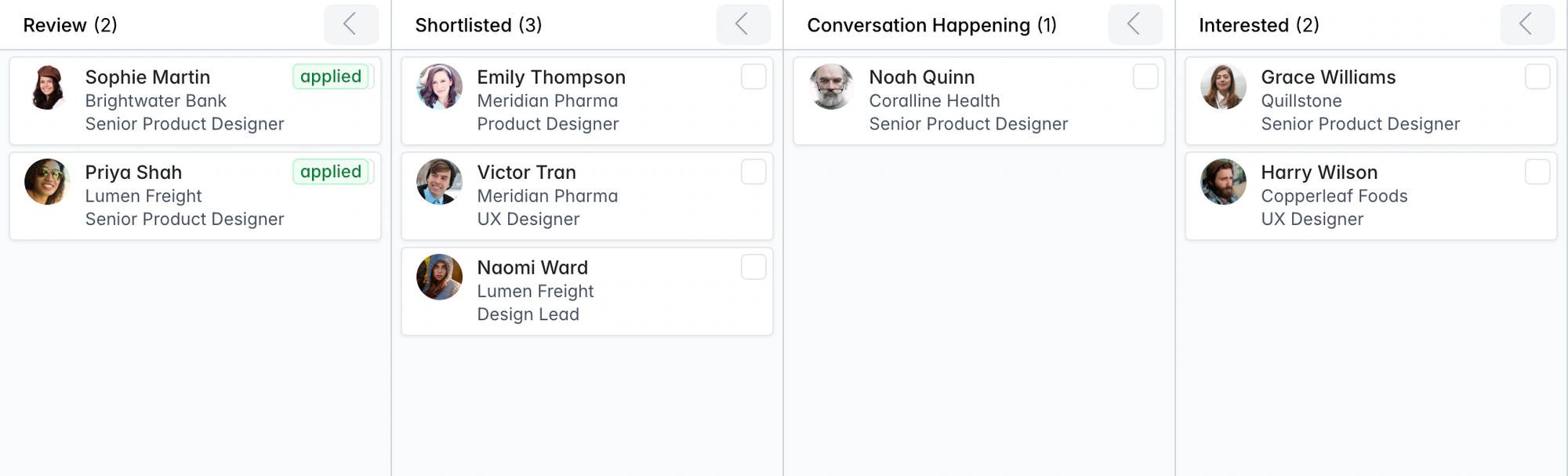
Applicant tracking system. With the client CRM built in.
Longlist’s applicant tracking system runs your clients’ jobs, shortlists and hiring conversations side by side. Take each job from brief to CV submission, interview, offer and placement.
Free data migration 14-day free trial
Good company. Great recruiting teams.





Why an in-house ATS doesn't fit agency recruiting
An in-house ATS tracks one employer’s jobs. An agency runs jobs for many clients, sends CVs to hiring contacts and places the same candidates more than once. Longlist links candidates, hiring contacts, shortlists and placements, with the recruitment CRM built in.
Follow one assignment from brief to placement
| Moment | What your team needs | Where it lives in Longlist |
|---|---|---|
Take the brief | Client, hiring contact and job requirements | The company, contact and job records. |
Build the shortlist | Relevant people and previous conversations | Candidate records linked to the job pipeline. |
Send to the client | A clear recommendation and the right CV | A branded candidate pack and recorded submission. |
Review the outcome | Interview feedback, offers and next actions | The job pipeline, timeline and activity reporting. |
TAKE IT FOR A SPIN
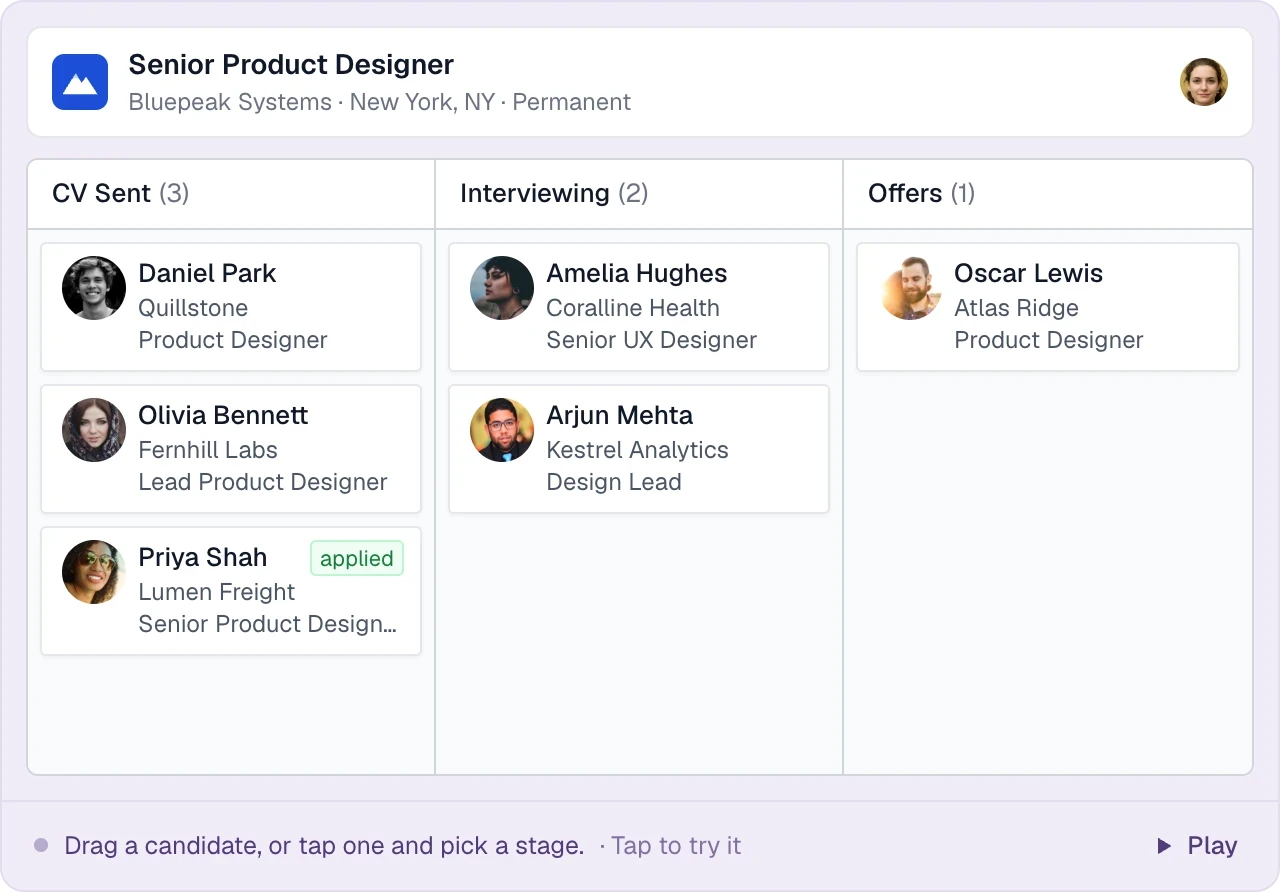
Working a live job
From opening the role to recording the placement.
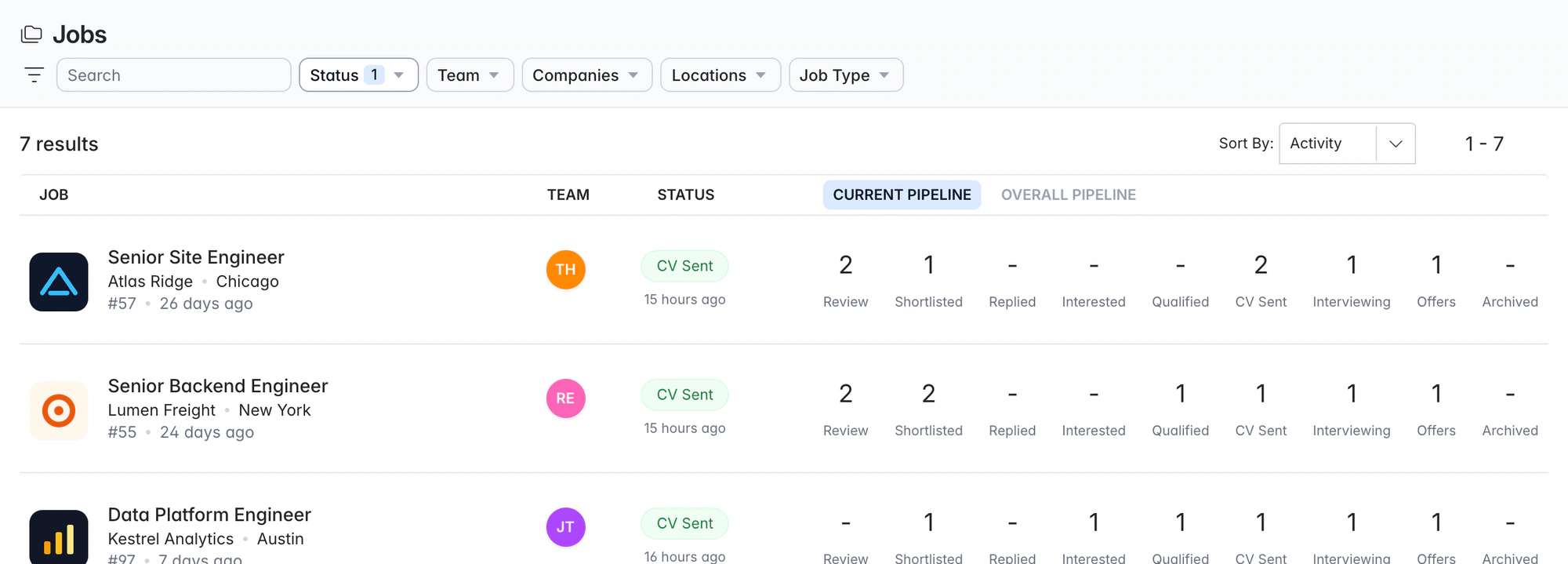
Open the job
Keep open roles, owners and hiring progress in one view, so the team knows what needs attention.
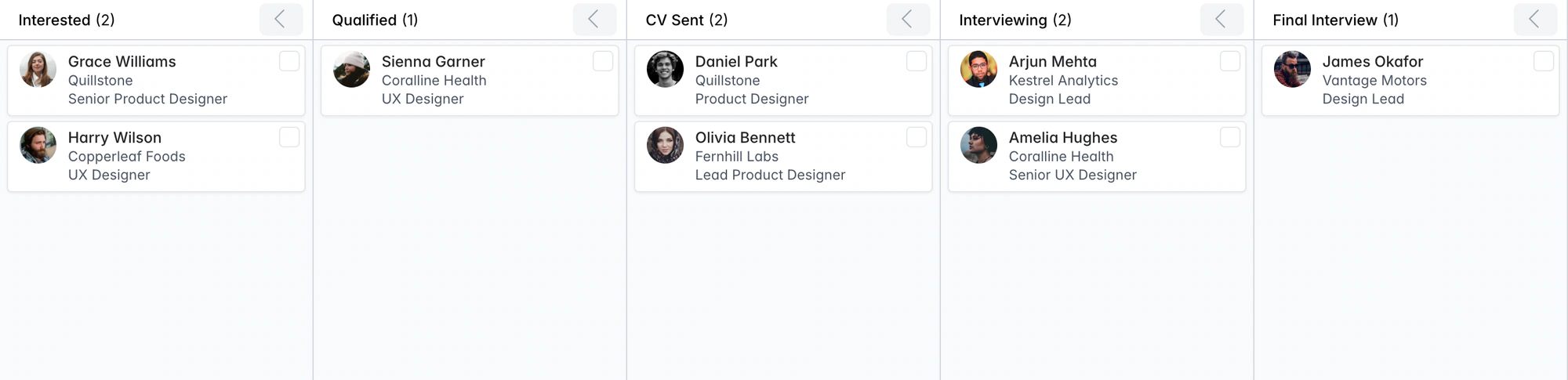
Work the shortlist
Move candidates through the job pipeline, with replies and qualification details on the candidate record.
Send a branded CV pack
Build a client-ready submission from the candidate profile, with your agency branding and recommendation.
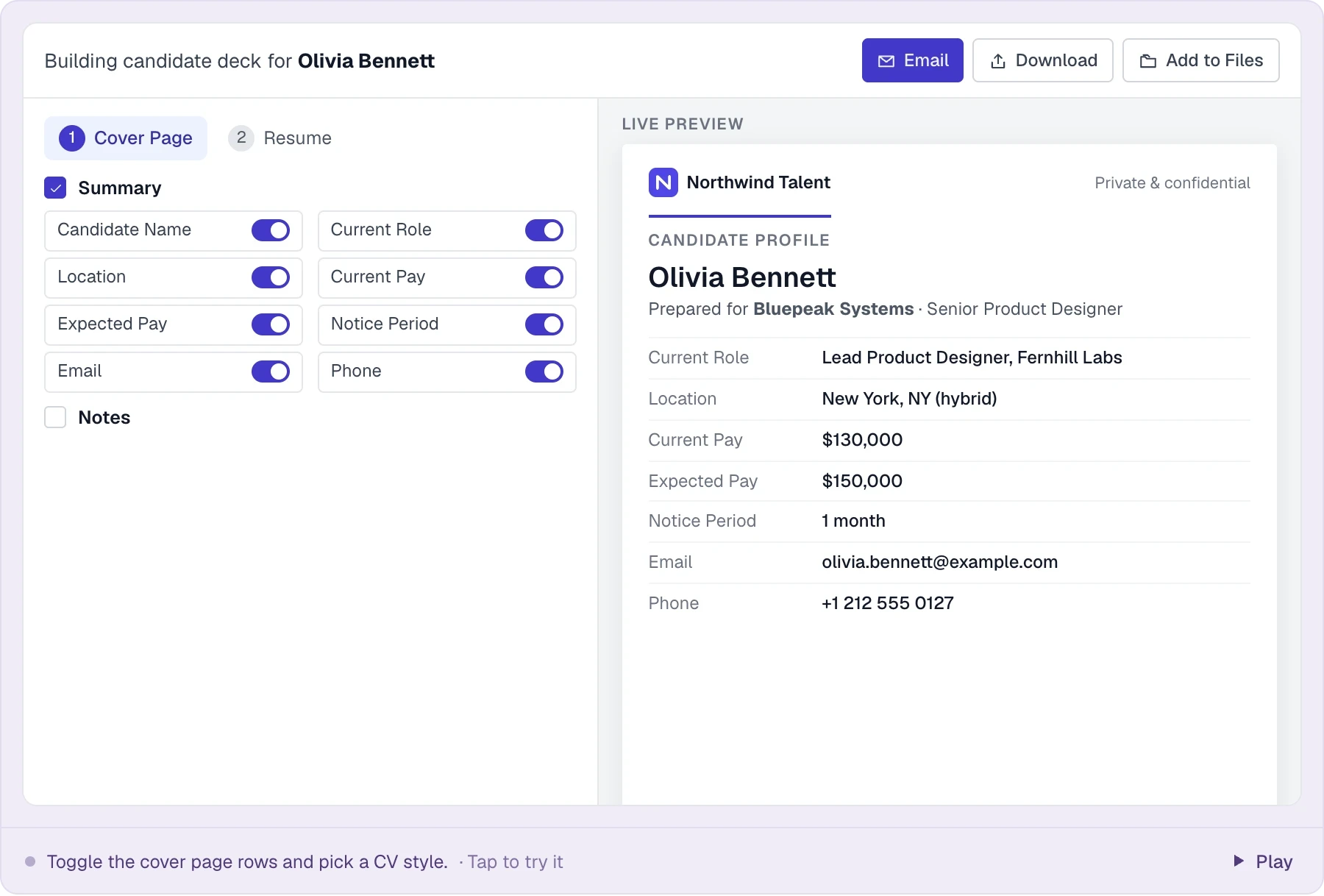
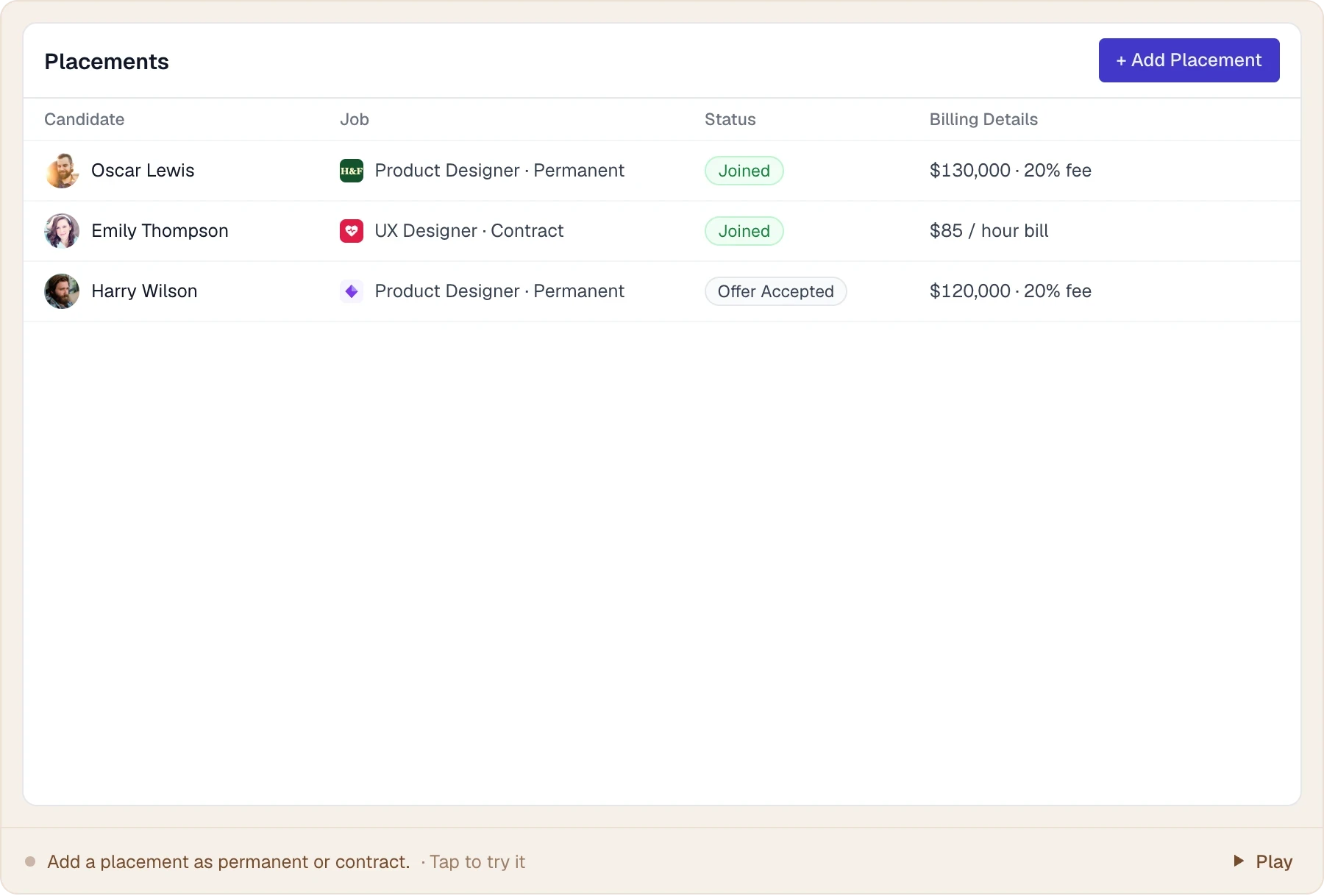
Record the placement
Log the placement, start date and billing details when the candidate accepts.
Fixed agency stages, from Review to Joined
Move candidates from Review through outreach, CV submission, interviews and offers to Joined. Drag individual cards or move a shortlist in bulk.
Every job uses the same fixed stages, so activity reports stay consistent across recruiters and clients. Archive reasons help explain where candidates drop out.
THE DETAILS MAKE THE DIFFERENCE
What the Longlist ATS covers
The features recruiters use on a live job, included on every plan.
Seven job types
Permanent, Contract, Temp, Contract-on-Hire, Internship, Remote and Campus, with status Active, On Hold, Fulfilled or Archived.
Job members and roles
Add recruiters and account managers to each job as members with a role, so every job has a clear owner and activity reports know who did the work.
Kanban with bulk moves
Drag and drop one candidate or move a whole selection to the next stage in one action.
Archive reasons
Rejected, Not Interested, Not Available, Not A Match or Ignored, so nobody disappears from a shortlist without a reason.
Applicants in Review
Careers page and Indeed applicants arrive in the Review stage with a parsed CV, and the recruiter gets an email alert.
Interview invites with RSVP
Calendar invites to the candidate and client contacts, with accept/decline tracking, updates and cancellations.
Placement records
Keep salary, fee, bill/pay-rate and start information with the placement and the team responsible for it.
Full timeline
Stage moves, emails, calls, SMS, notes and files on the candidate and job, with @mentions and reminders.
Search by pipeline stage
Find everyone at Interviewing or CV Sent across all jobs, alongside keyword, skills, location and tag filters.
Stage-change notifications
Email notifications on stage changes and new applicants, so account managers know when a CV goes out.
Pipeline reports
CVs sent, interviews, offers, time-in-stage, open pipeline by client and archive reasons by client, with drill-down.
Duplicate protection
Candidates are deduplicated by email and LinkedIn URL, so the same person isn't on three jobs as three records.
ATS for live jobs, CRM between them
The ATS tracks candidates through a live job. The CRM holds client contacts, opportunities and candidate history between jobs, so your business development and delivery teams work from the same records. Read the agency guide to CRM vs ATS.
Built for perm, contract and temp desks
Run permanent, contract and temp jobs together. Record salary and fee details for permanent placements, or bill and pay rates for contract placements. Keep timesheets, payroll and invoicing in your back-office system.
Read the pipeline with the same definitions
Agree what counts as a qualified candidate, a CV sent and an interview before comparing activity across the team. Open a report count to see the candidates and jobs in it. Build a practical agency scorecard.
How does the team keep job pipelines consistent?
Shared recruiting stages give consultants a consistent way to review shortlists, submissions, interviews and offers. Use job ownership and member roles to organize the work.
How do I present candidates and collect client feedback?
Build a branded CV pack, email it to the hiring contact and log feedback and the next action on the assignment.
How much does Longlist's ATS cost?
The ATS is included on every plan, with unlimited open jobs. Growth starts at $47/user/month billed annually. Compare plans.
Can you migrate our data from our current ATS?
Yes. Our team migrates your candidates, contacts and CVs for free, using exports from your current system.
How do we coordinate candidate interviews?
Send calendar invitations to candidates and client contacts and track RSVPs, updates and cancellations. Gmail and Outlook sync log the emails on the candidate record.
From the blog
How agencies run the ATS side of the desk
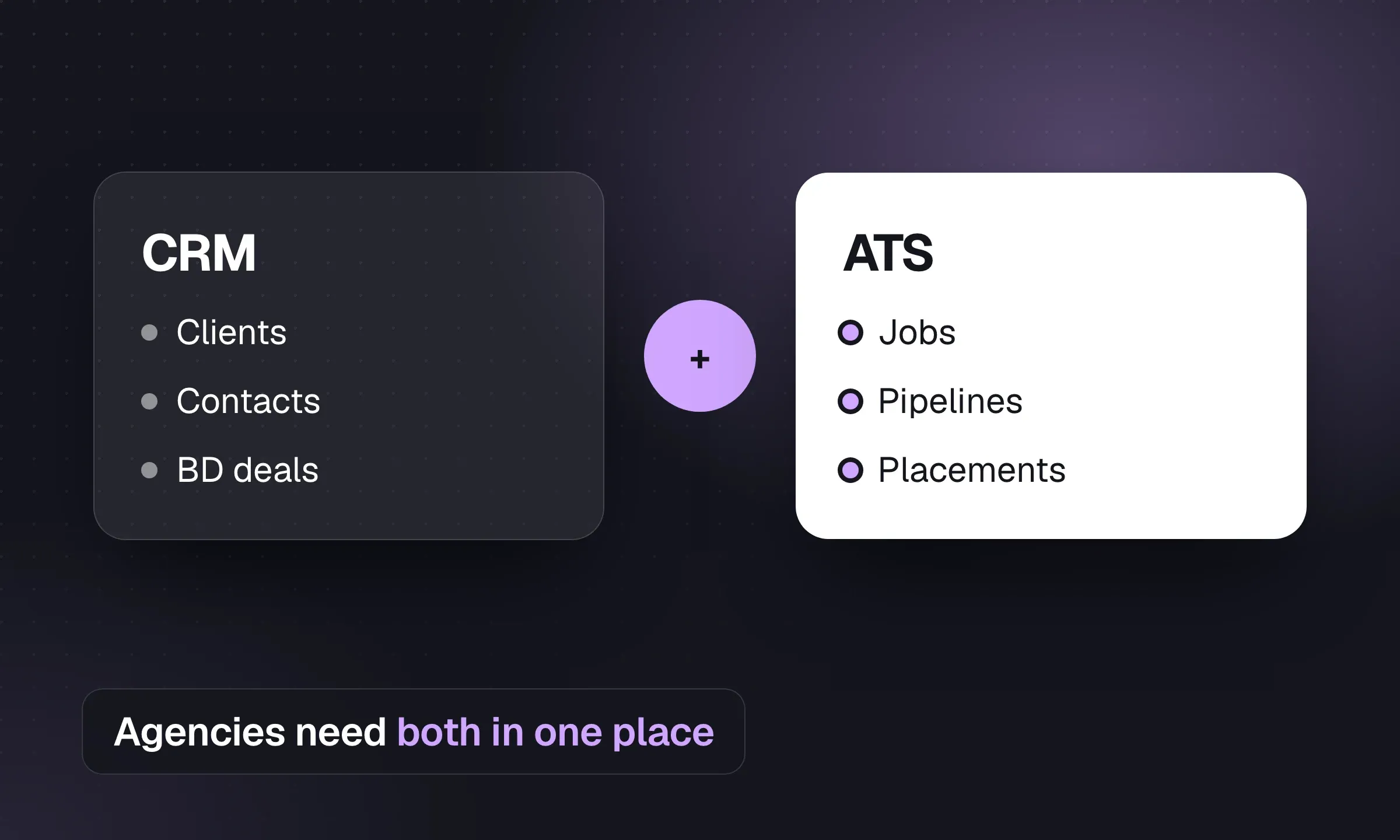
CRM vs ATS for Recruitment Agencies
An ATS manages live jobs. A CRM manages client and candidate relationships between jobs. See how agencies use both.
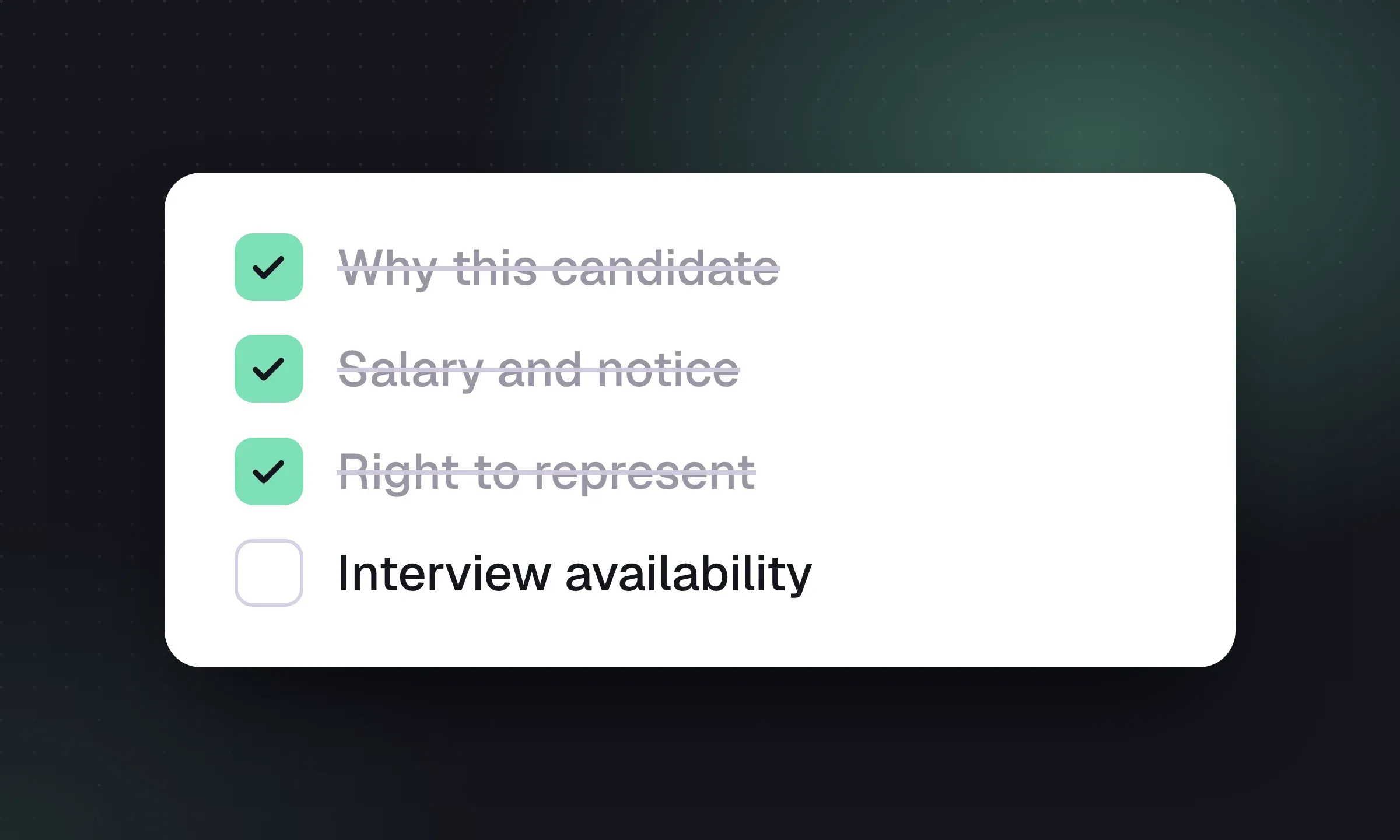
Candidate Submission Templates for Recruiters
Use a one-page cover summary, worked examples and short client emails to make each submission easy to assess.
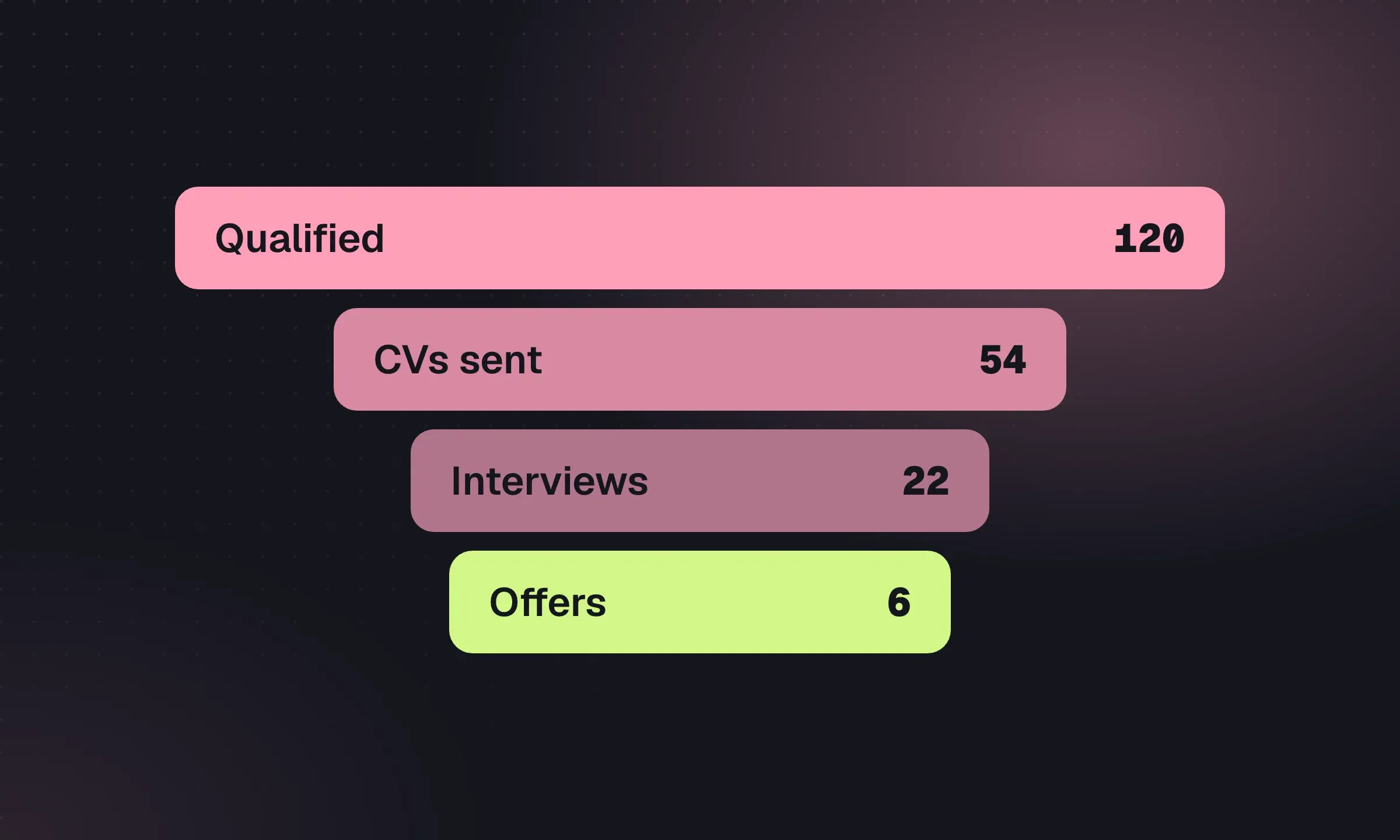
Recruitment Agency KPIs and Weekly Scorecard
Agree counting rules, interpret conversion ratios and run a weekly meeting that ends with named actions.
YOUR NEXT CHAPTER STARTS HERE
Less admin.
More “you got the job.”
Let’s walk through a better working day for your agency.