
Candidate Submission Templates for Recruiters
Use a one-page cover summary, worked examples and short client emails to make each submission easy to assess.
Pick the cover-page fields, add your recommendation and choose a formatted, original or watermarked CV. Preview the PDF, then email it to the client from Longlist.
Free data migration 14-day free trial
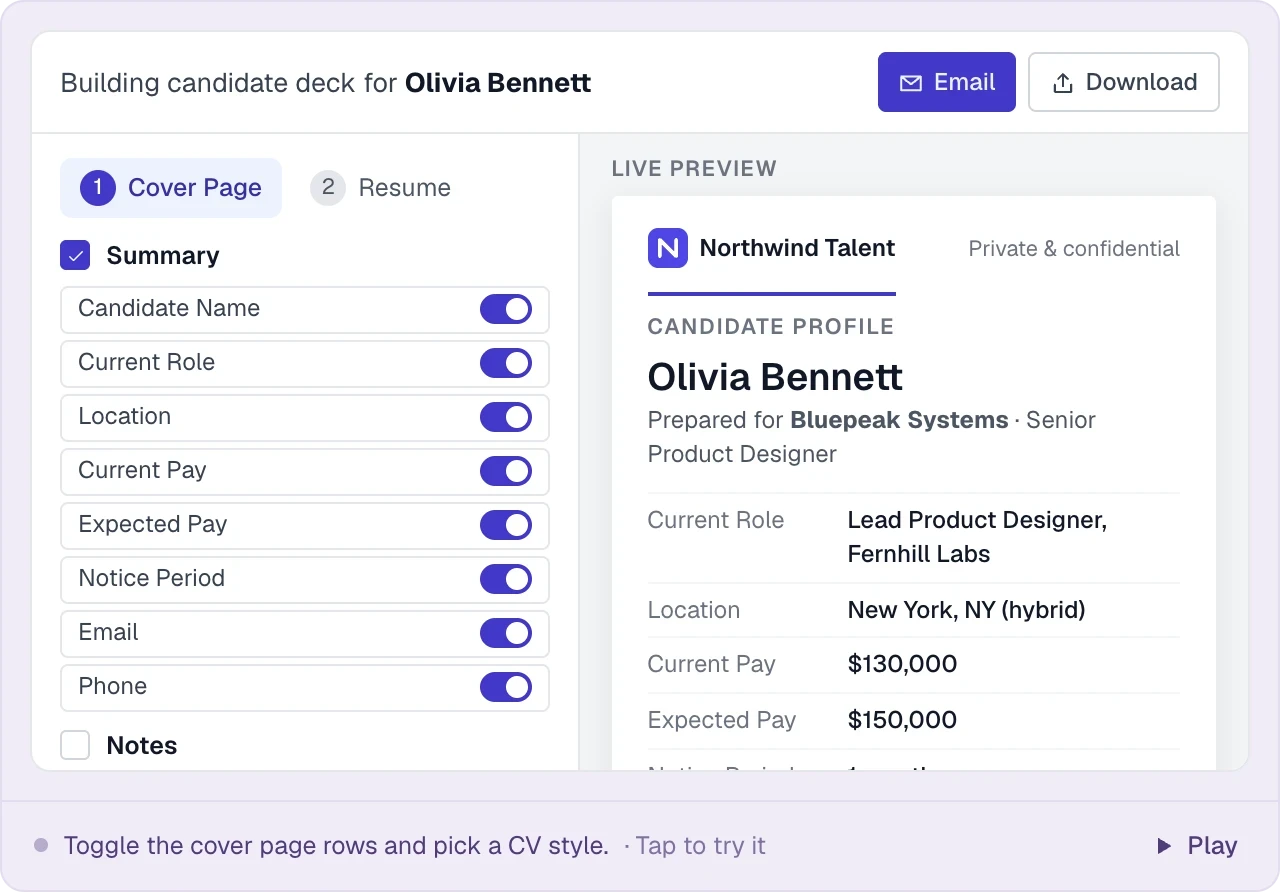





Longlist builds the cover page and CV pack from details already in your database. There is no separate formatting tool and no per-CV fee.
| Cover-page detail | What to include | Why it helps |
|---|---|---|
Role fit | Two or three specific reasons the candidate fits the brief | Makes the recruiter’s judgment visible. |
Relevant experience | Evidence from the CV and screening conversation | Gives the client useful interview questions. |
Practical details | Confirmed location, availability and expectations | Keeps the next conversation focused. |
Recommendation | Your view and any points to explore | Explains why a meeting is worthwhile. |
PUT IT INTO PRACTICE
From candidate profile to client inbox in five steps.
Open Share on the candidate’s profile to build the pack and preview the PDF.
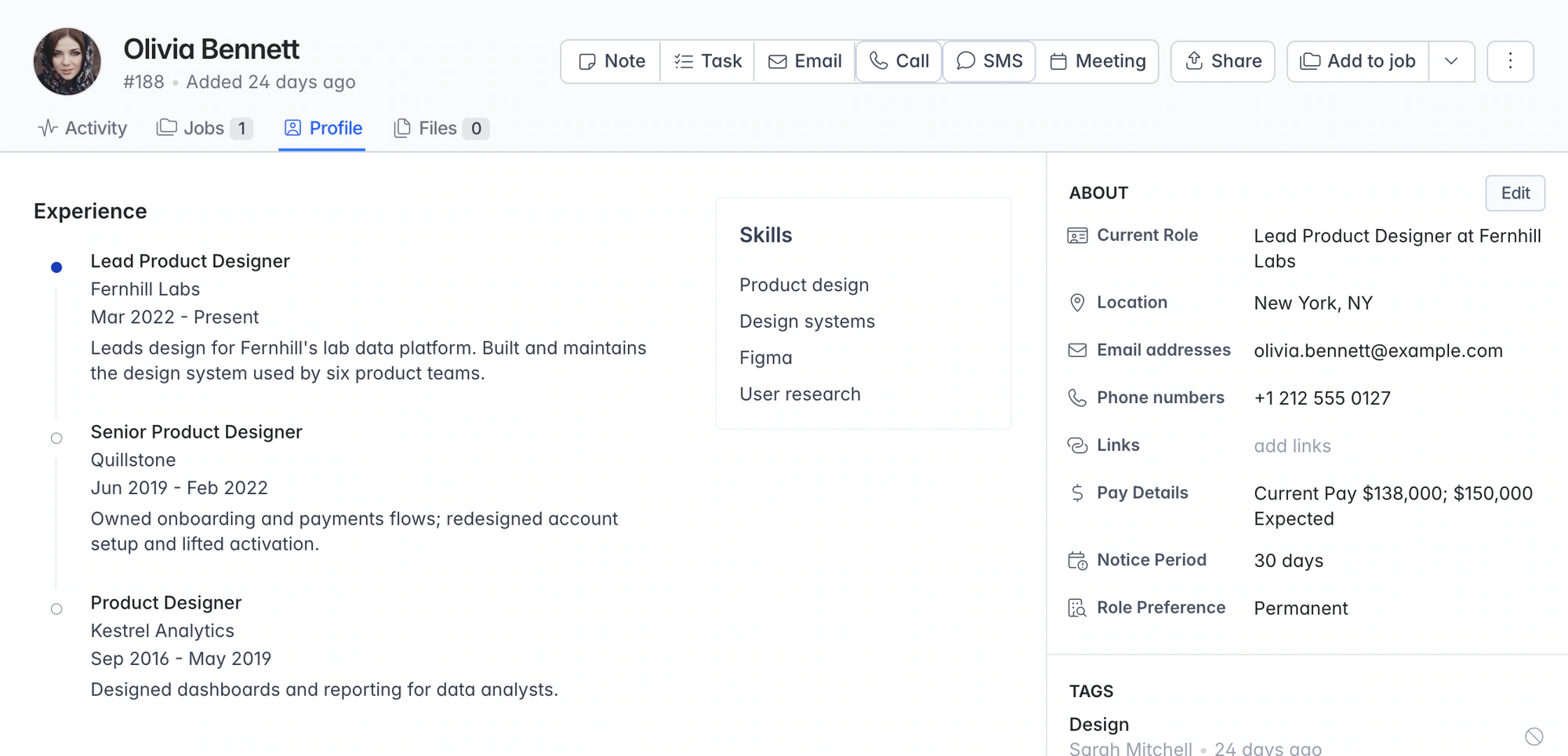
Choose the summary fields, edit their labels or values, and add your recommendation.
Choose a formatted CV, the original, a watermarked original or the cover page alone.
Review the pages as you make changes, before anything reaches the client.
Email the PDF to client contacts from your connected inbox, or save it to the candidate’s files.
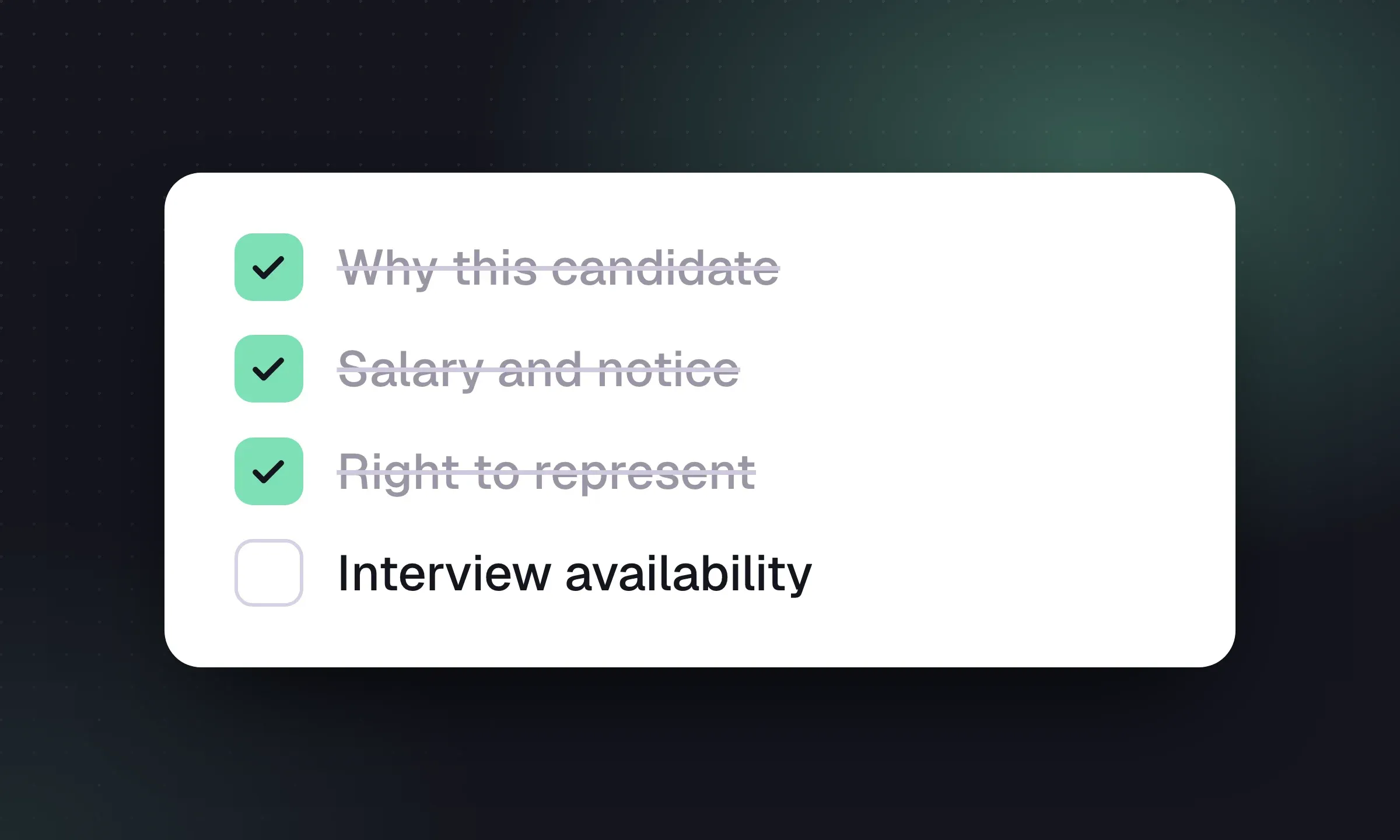
Lead with the details the client needs: current role, location, pay expectations, notice period and your recommendation. Choose the fields and add a short note explaining why the candidate fits.
There's no per-CV or add-on charge for branded CV packs. Compare plans for the rest of what your team needs.
| Software | Starting price | What to know |
|---|---|---|
| Longlist | From $47 annual / $59 monthly | USD per user/month. CRM, ATS, parsing, sequences, CV packs and migration support. See pricing. |
A strong cover page makes the fit easier to assess. Use the candidate submission template for a reusable structure, example recommendation and client email, then bring the relevant fields into your Longlist pack.
Choose the cover-page fields, review the CV version and check the final pack against the information you have agreed to share with the candidate and client.
Use your agency logo and brand colour, choose the cover-page fields and add a recruiter recommendation before reviewing the PDF preview.
It adds your agency logo, or agency name, to each page while keeping the candidate’s original layout.
Yes. Email the PDF to client contacts from your connected inbox, with the conversation logged in Longlist. You can also save the pack to the candidate’s files.
No. Branded CV packs are included on every Longlist plan. See pricing.
From the blog
Use a one-page cover summary, worked examples and short client emails to make each submission easy to assess.
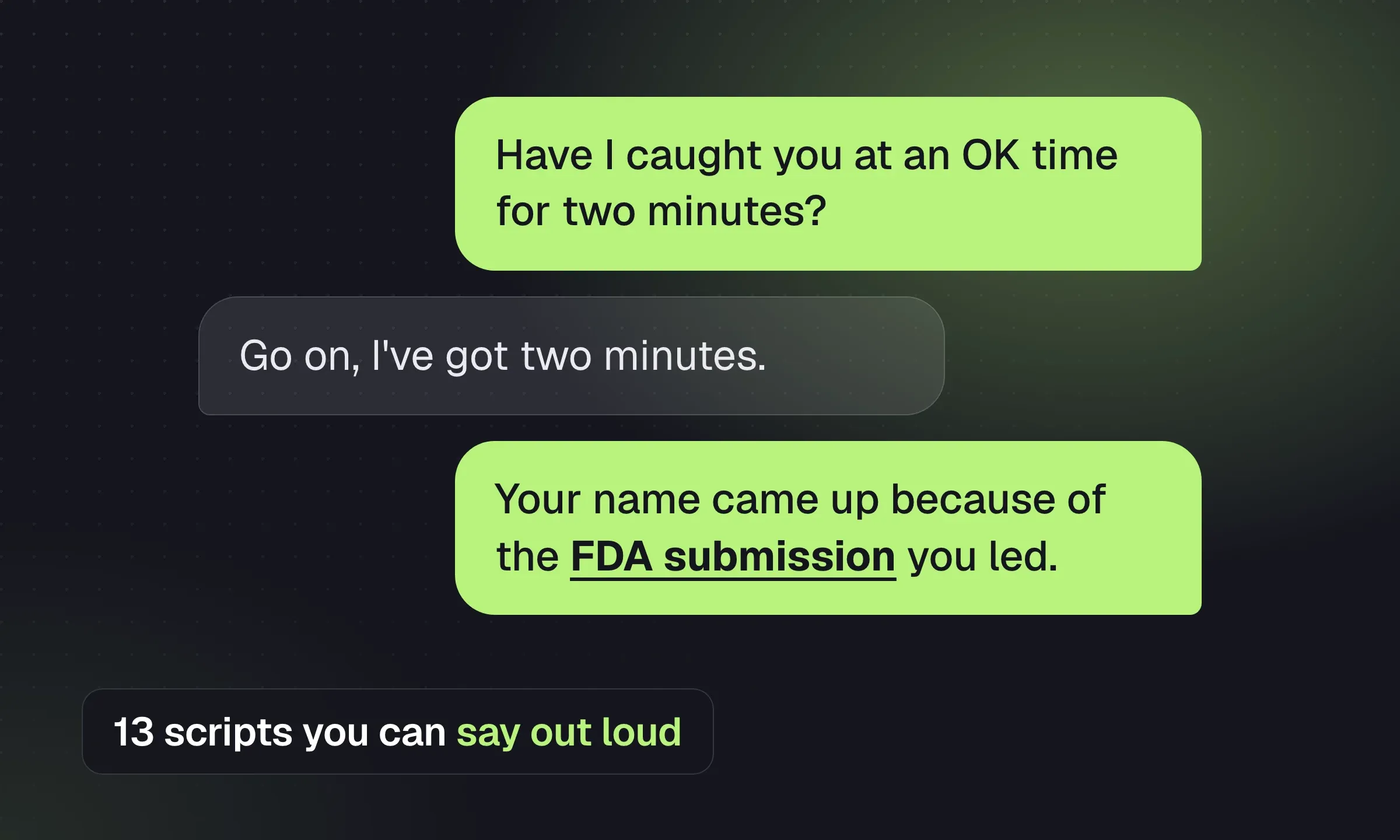
Choose a candidate or client script, prepare for objections and finish the call with a specific next step.
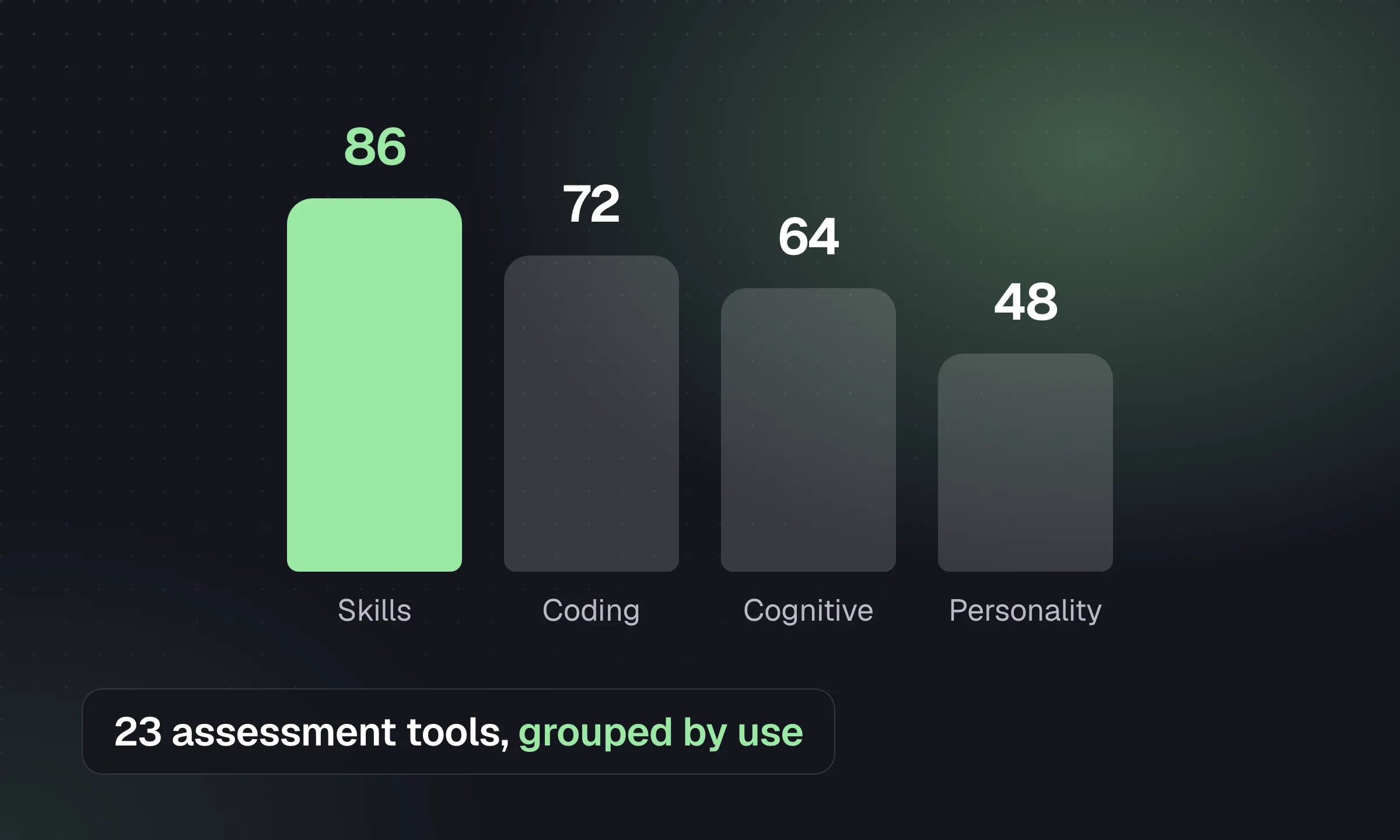
Choose tests by the evidence clients need, with starting options for skills, coding, personality and video assessments.
YOUR NEXT CHAPTER STARTS HERE
Let’s walk through a better working day for your agency.